Check the acquisition promise
Read the store headline, screenshots and description. What problem is the app promising to solve?
Study the storefront ↗
Teleprompter Apps Ltd · iOS
Explore the ad evidence, study the storefront, and build your next acquisition hypothesis.
01 / Creative research
Read the store headline, screenshots and description. What problem is the app promising to solve?
Study the storefront ↗Explore apps with direct store-link matches. Compare their hooks and formats without assuming the same approach works here.
Browse observed advertisers ↗Store rankings and revenue estimates describe market context. They do not establish ad spend, conversions or ROAS.
Review the market context ↗02 / Storefront & product
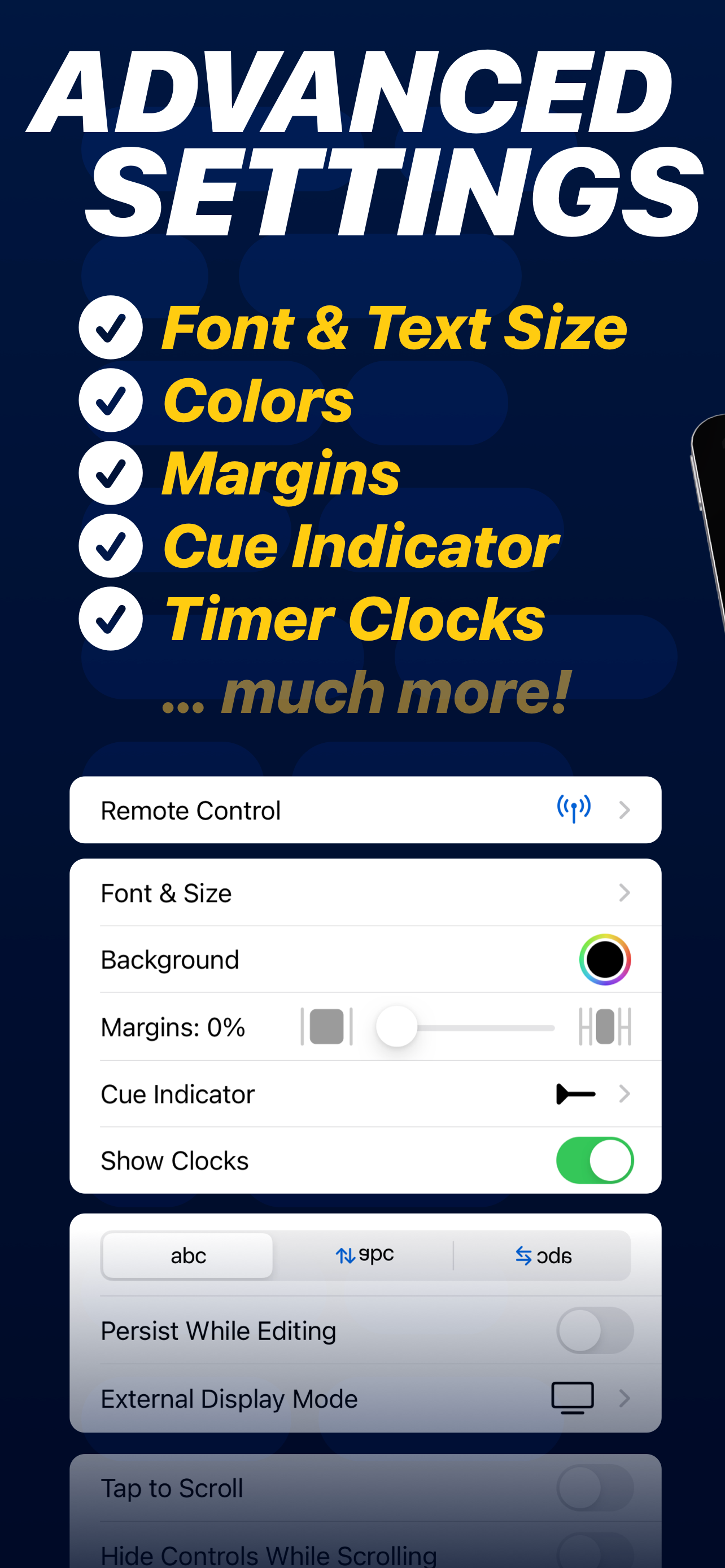
Study the product story and store experience behind the acquisition funnel.




03 / Market context
Keep revenue, downloads and store rankings separate from advertising performance.
I recently downloaded and tried out the "Teleprompter" app, having never used a Teleprompter or an app like this before. To my delight, the entire experience was incredibly smooth and user-friendly. Setting up the Teleprompter and the app took just a few minutes, making it a breeze to get started. The app’s intuitive design and easy navigation contributed to a seamless setup process, even for a newbie like me. It transformed what could have been a daunting task into an enjoyable and exciting process. I was up and running in no time, ready to produce my video content. I highly recommend the Teleprompter app to anyone looking for a simple yet effective tool for video presentation. Whether you're a beginner or a seasoned pro, this app provides everything you need in a streamlined package. It’s an incredibly simple, easy-to-use app that truly delivers outstanding results.
A loyal follower of my Who Knew It Was Jewish series recommended this app and immediately I downloaded it. I have not looked back since. I record all of my episodes now using this app!! I like how you can adjust everything from the font style, the background and text color. But mainly I love how you can adjust the size of the font and the speed on each video (but also as a default setting). I also really like how (though it doesn’t show during recording) the video itself is inverted-that’s one of the things that was a priority for me. My only feedback which I have already contacted the creator of the app about, is that it makes it appear as I am looking downward while reading my script not right at the camera. But I do have a background in broadcasting, so I make sure to look up as often as I can.
I used this for a class presentation, and got a 100! This is the way the pros do it (news people), so why not college students, too. I was very pleased with the app. I could set the speed to the amount of time I was supposed to speak, to ensure I didn't go over or under and lose points. Also, it helped with slowing down the nervous talking in front of an audience. It was a great experience and I only wish I'd known about it in my freshman year - could've saved a lot of stress and anxiety over trying to memorize speeches! I'm recommending it to everyone in college. It's free, so there's no risk; just practice at home first! I'm going to upgrade though, because I had to have a friend hit play for me from the audience. Next time, I'd like to control it remotely, so with the premium version I can do that with my iPhone.
Turn your device into a Teleprompter for free... Teleprompter is the best free teleprompter app used by creators and studios including Netflix, ABC, C...
| Name | Price | Type |
|---|---|---|
| Teleprompter Pro (Annual) | $59.99 | Yearly |
| Teleprompter | $159.99 | One-time |