Check the acquisition promise
Read the store headline, screenshots and description. What problem is the app promising to solve?
Study the storefront ↗
BananaGlue GmbH · iOS
Explore the ad evidence, study the storefront, and build your next acquisition hypothesis.
01 / Creative research
Read the store headline, screenshots and description. What problem is the app promising to solve?
Study the storefront ↗Explore apps with direct store-link matches. Compare their hooks and formats without assuming the same approach works here.
Browse observed advertisers ↗Store rankings and revenue estimates describe market context. They do not establish ad spend, conversions or ROAS.
Review the market context ↗02 / Storefront & product
Study the product story and store experience behind the acquisition funnel.

03 / Market context
Keep revenue, downloads and store rankings separate from advertising performance.
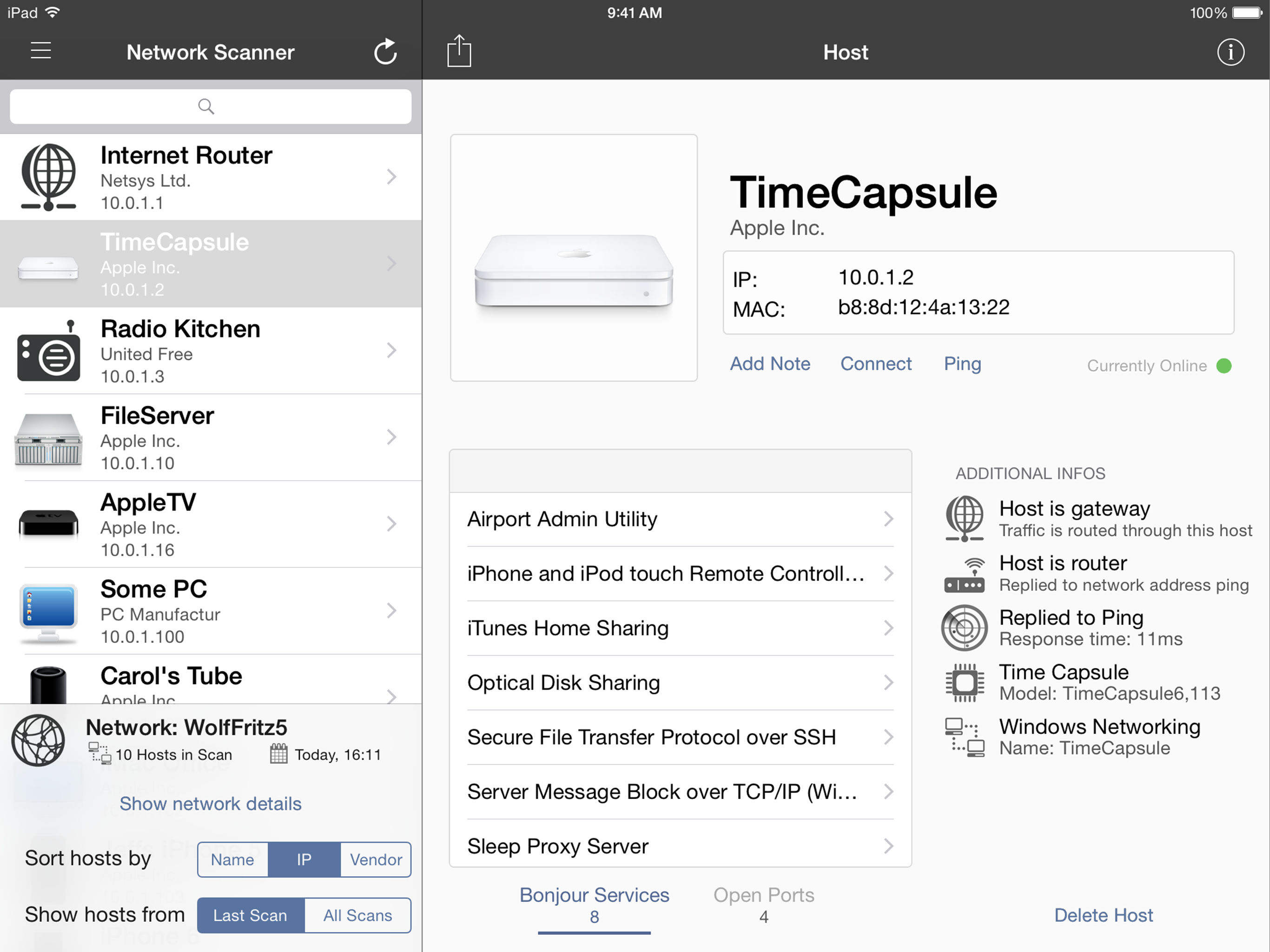
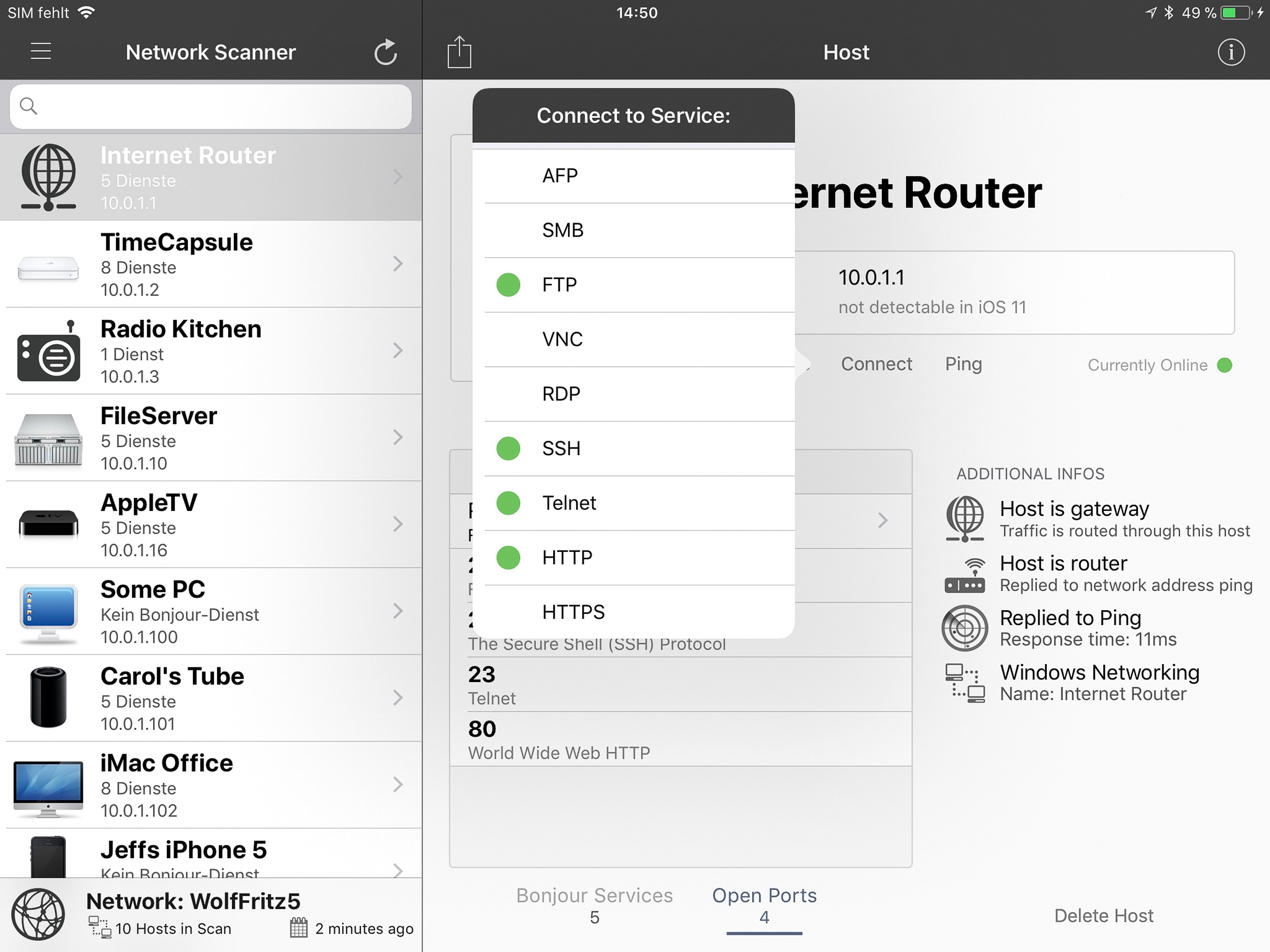
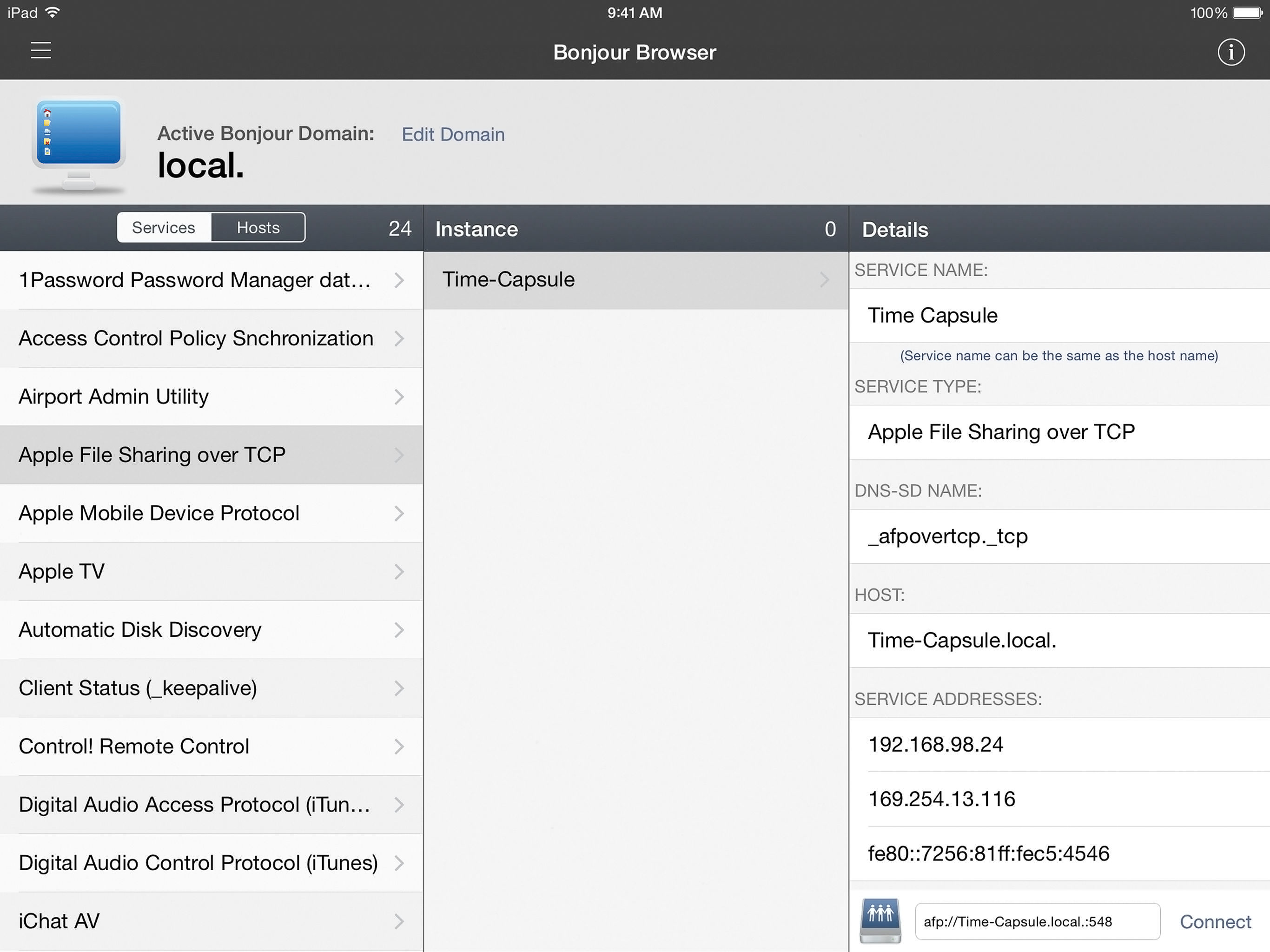
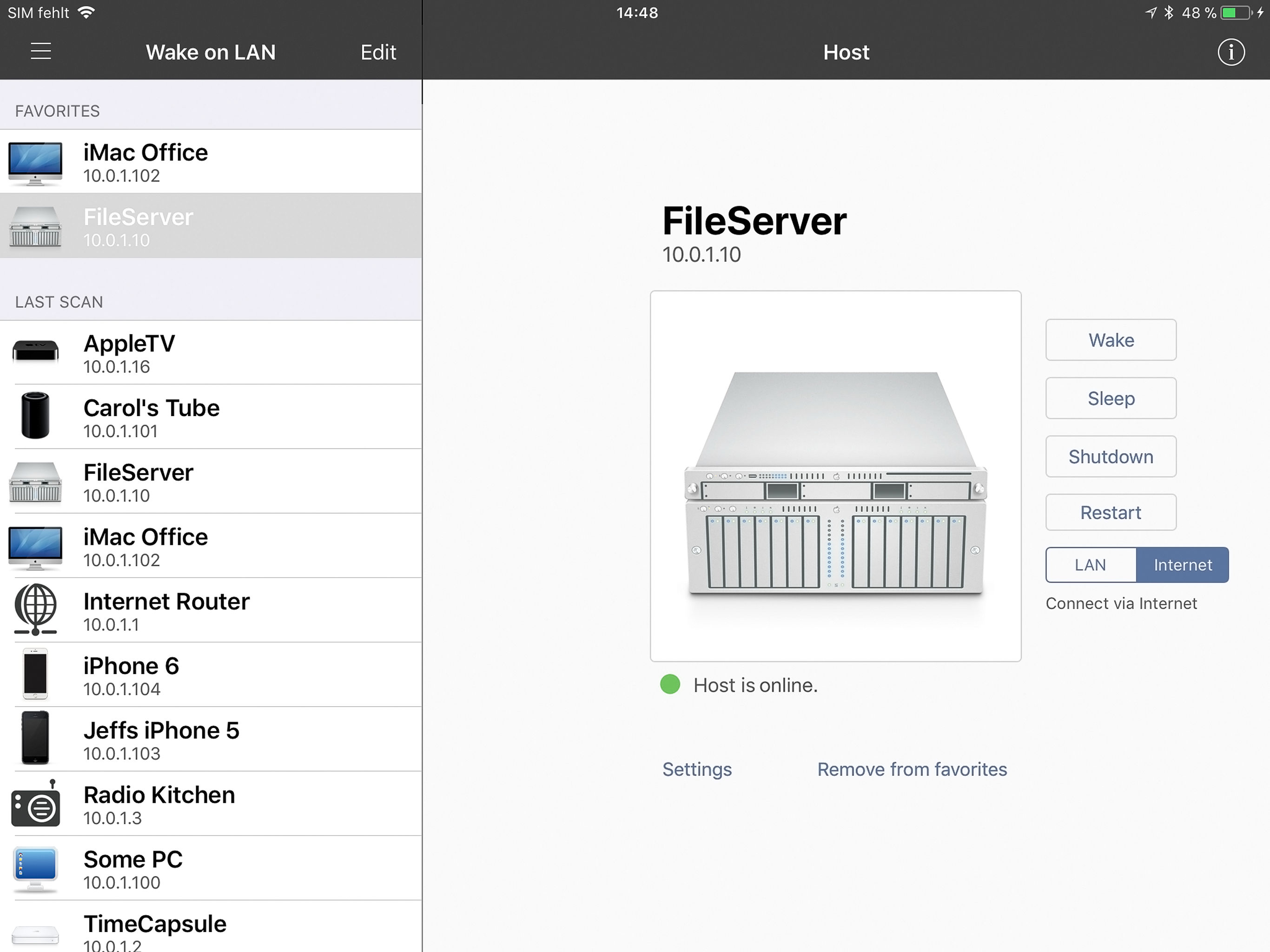
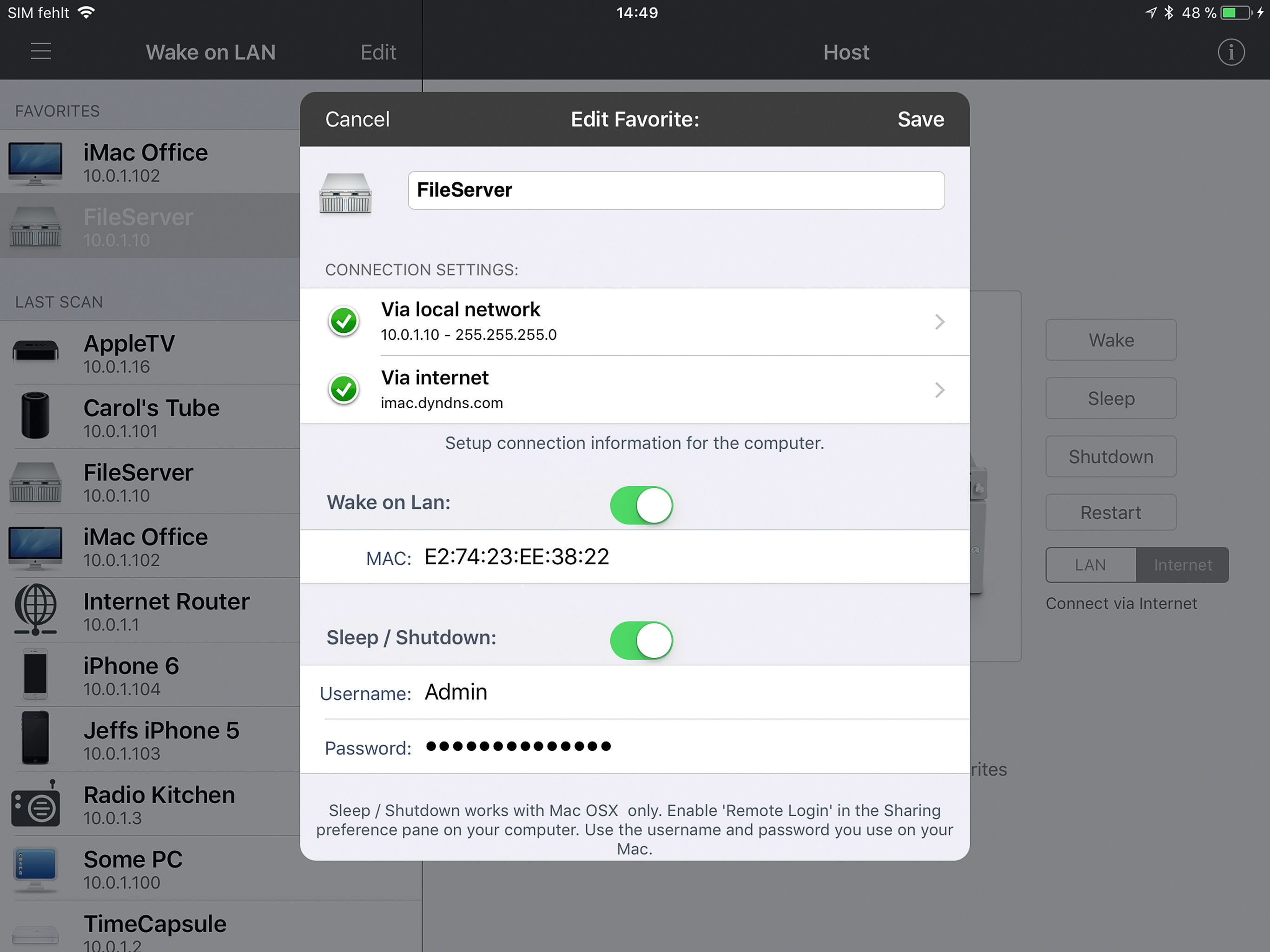
Take a look at the screenshots. Notice anything? None of them are in portrait mode. That’s right, if you want to use this app you have to disable the orientation lock, because it’s barely usable otherwise. When in portrait mode there are huge portions of the interface that simply cannot be accessed on the right side of the screen. New bug? Hardly. It’s been this way for at least two years, I believe after they did a major UI facelift. I emailed them twice but no one could be bothered to respond.
WOL will not accept a MAC address input based on what Windows shows the MAC address to be. INet calls it an invalid MAC address but I am clearly looking at the MAC address on the PC in question. INet did not “see” the device based on its IP address. I had to input manually the IP address shown by Windows to register the device in the list maintained by INet. INet accepted that IP address and properly showed the device status online or offline. What is preventing me from entering the MAC address manually and having INet recognize it as valid?
INet's scanner is both fast and detailed. Performs well and provides a good deal of configuration, and options for saving past scans and understanding what is connected to your network. Great customer service as well. Only things I would add, are ability to use your own images/graphics for network device types, and the ability to do basic network operations such as trace, Netstat, nslookup, ifconfig, etc.... Also nice would be wifi strength and Speedtest tools. After all, what's a network tool without the ability to test the strength and speed from different spots on your LAN.
iNet – Know Your Network. Take Control. Ever wondered who’s on your Wi-Fi or what services are running on your local network? iNet reveals it all — c...