Check the acquisition promise
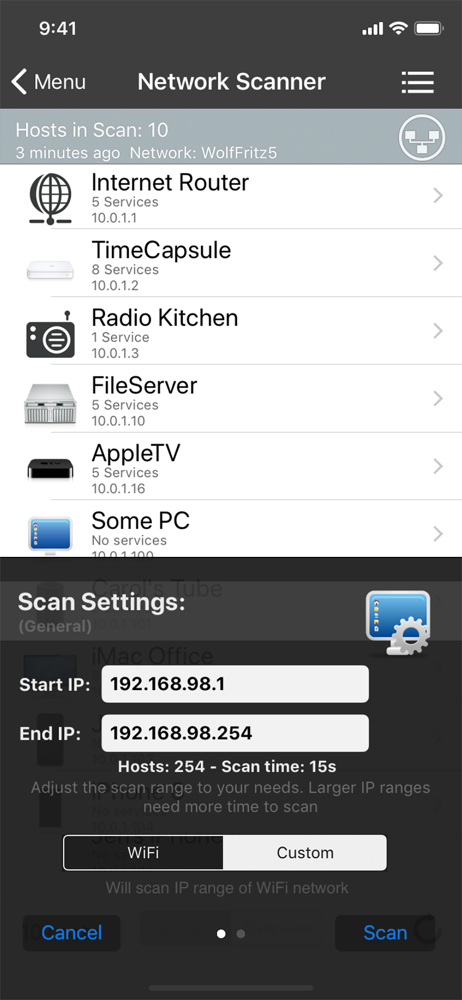
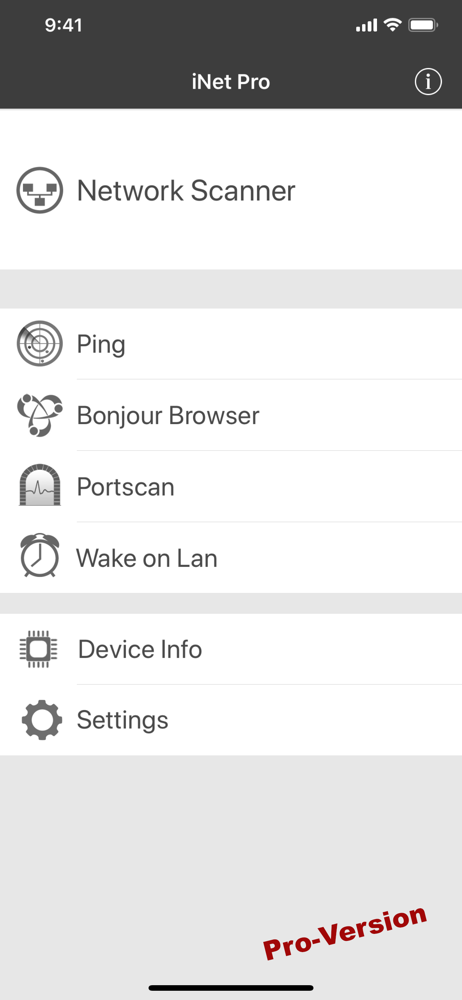
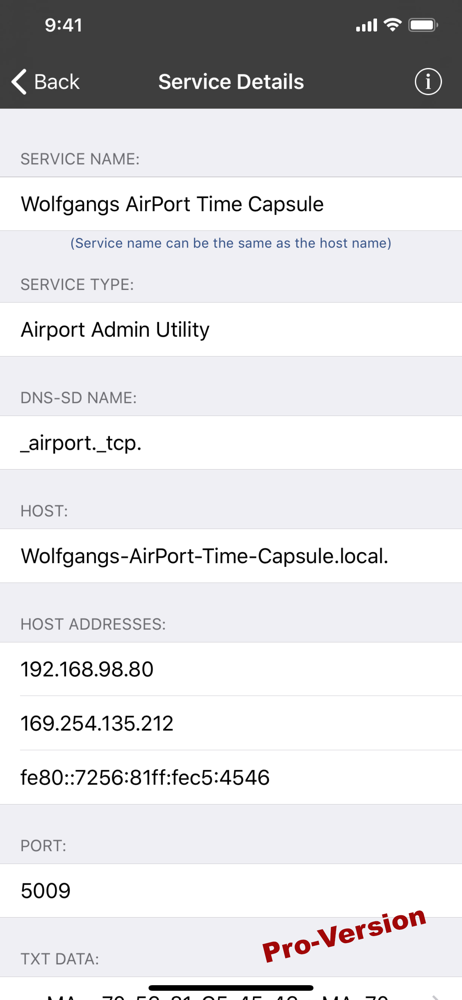
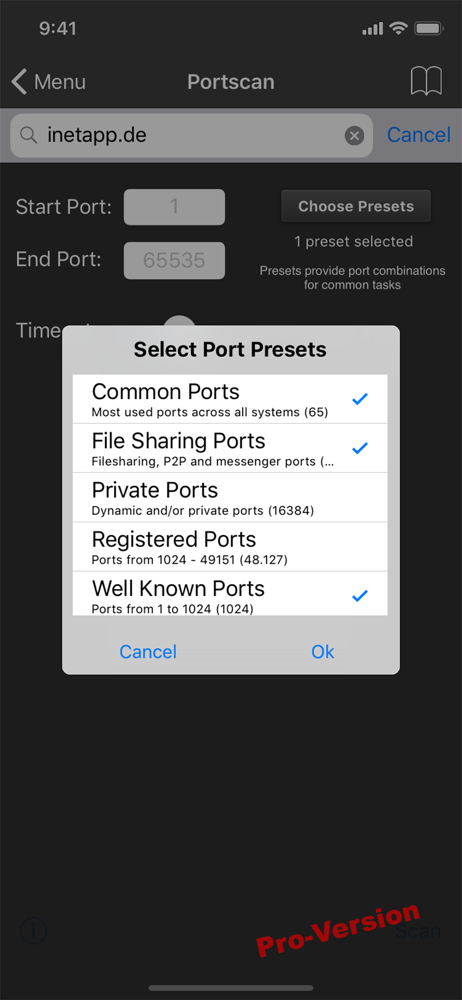
Read the store headline, screenshots and description. What problem is the app promising to solve?
Study the storefront ↗
BananaGlue GmbH · iOS
Explore the ad evidence, study the storefront, and build your next acquisition hypothesis.
01 / Creative research
Read the store headline, screenshots and description. What problem is the app promising to solve?
Study the storefront ↗Explore apps with direct store-link matches. Compare their hooks and formats without assuming the same approach works here.
Browse observed advertisers ↗Store rankings and revenue estimates describe market context. They do not establish ad spend, conversions or ROAS.
Review the market context ↗02 / Storefront & product
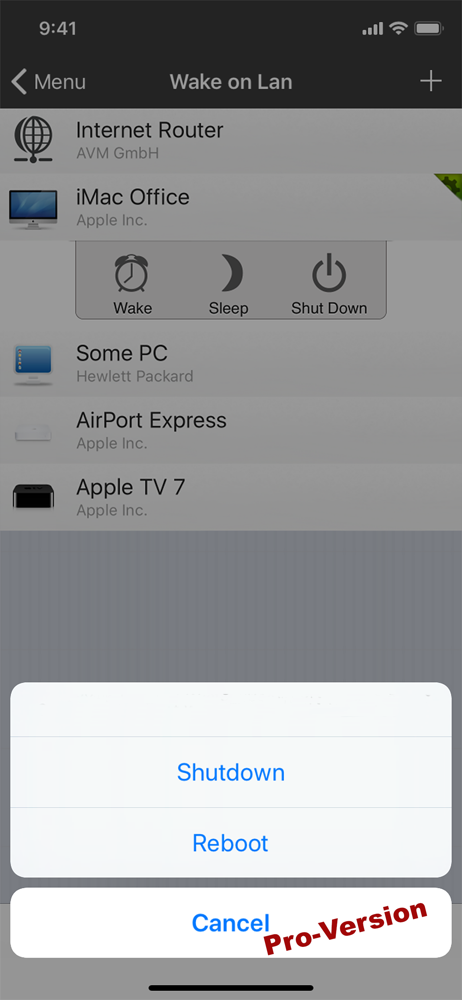
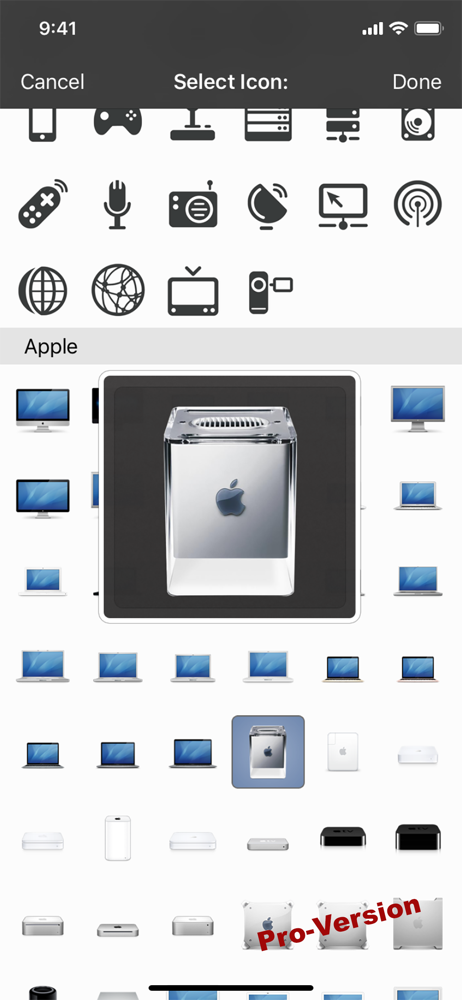
Study the product story and store experience behind the acquisition funnel.


03 / Market context
Keep revenue, downloads and store rankings separate from advertising performance.
It's finally time to review. I have had this app on my I phone, consistently since about 2011. I have always found it a necessity, even after iOS stop reporting mac addresses and try to hamstring apps like this. It is still one of my most used and helpful apps not only for this phone but for other devices on my network. Now thanks to Files, shortcuts, and another app that I will not name, everything that I want and had since 2011 is on the iPhone, and iNet is essential to that set up. Of course it also tracks that it is always in the last place that you look a.k.a. once I found it I was done but it does meet all my needs.
I have had suspicions that someone had been using my internet network unauthorized for months. I downloaded multiple paid and free network scanning apps in order to find and eliminate rogue devices. I finally purchased the INET app for my iPhone and it is by far the most useful and impressive network scanning application available. It allows you to see all of the devices connected to your network that may be invisible to even your Internet providers app. I was scanning my network using my internet provider app and it could not see some hidden devices that The INET app found. Finally after much frustration, INET has allowed me to find the rogue devices and gives you enough details to eliminate them from your network. It also gives you a large amount of details for each device connected to your network. I highly recommend purchasing the paid for version of this app. Even if you think no one unauthorized is using your internet, you may be wrong. This is by far the best network scanning application available on the App Store. It is probably the best designed application I have purchased for my iPhone.
Hello, I have two mobile phones yesterday, I bought the paid app for my iPhone 6 Plus, I use all of them and collect them linked to my account with Apple, one for the Internet and the other for calls, now I downloaded the application with my other device but I did not receive the copy of the paid application, thank you for your distinguished efforts and please tell me about the correct way and thank you
iNet – Know Your Network. Take Control. Who’s on your Wi-Fi? What services are running on your local network? iNet reveals it all. Designed for both...
| Name | Price | Type |
|---|---|---|
| iNet Pro upgrade | $8.99 | One-time |