Check the acquisition promise
Read the store headline, screenshots and description. What problem is the app promising to solve?
Study the storefront ↗
Mrigaen Kapadia · iOS
Explore the ad evidence, study the storefront, and build your next acquisition hypothesis.
01 / Creative research
Read the store headline, screenshots and description. What problem is the app promising to solve?
Study the storefront ↗Explore apps with direct store-link matches. Compare their hooks and formats without assuming the same approach works here.
Browse observed advertisers ↗Store rankings and revenue estimates describe market context. They do not establish ad spend, conversions or ROAS.
Review the market context ↗02 / Storefront & product
Study the product story and store experience behind the acquisition funnel.

03 / Market context
Keep revenue, downloads and store rankings separate from advertising performance.
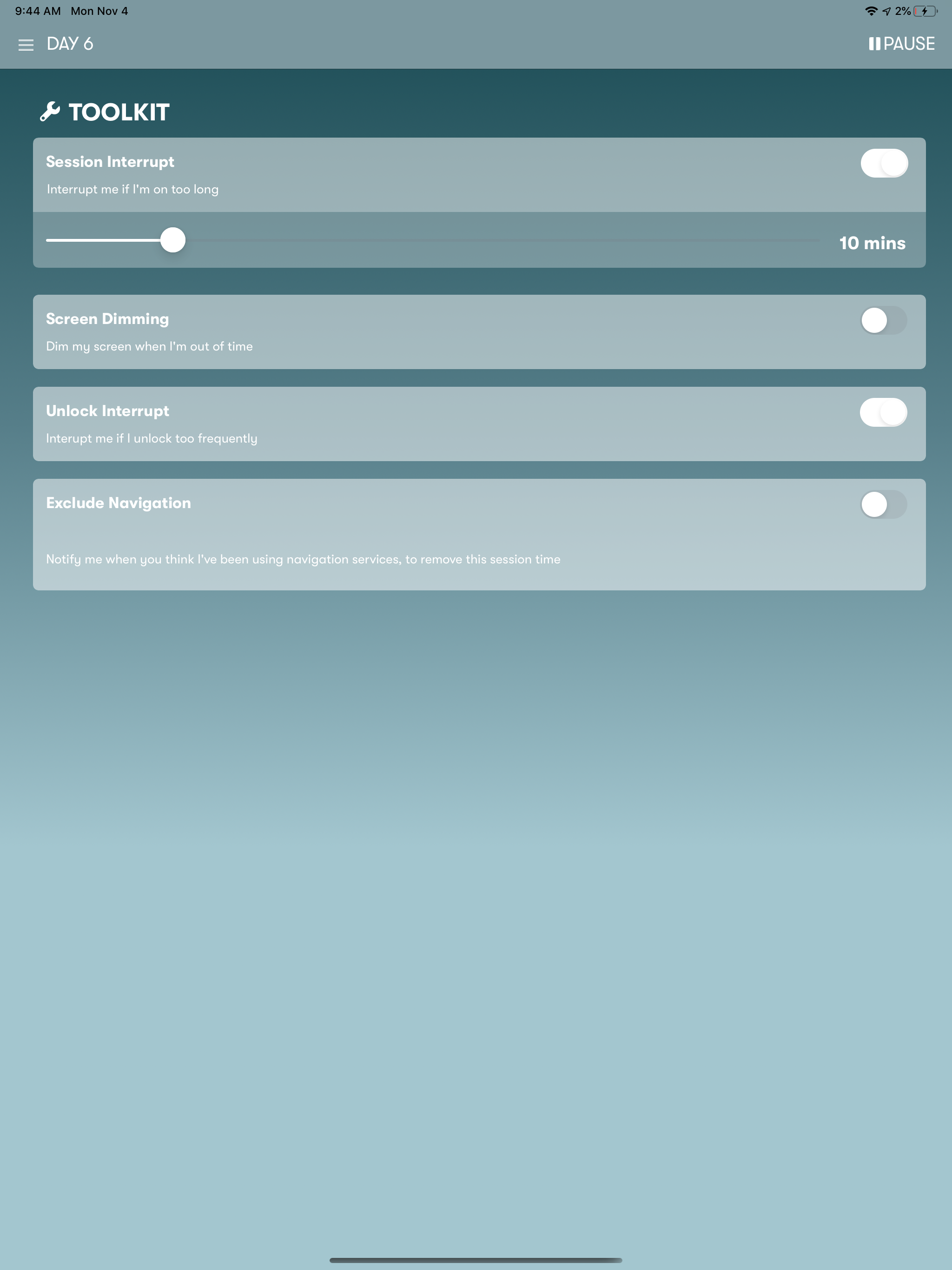
This is a great app and I love (and hate) seeing how much I’m on my phone. One thing I’d love to see is a notification every thirty minutes I’m on my phone. I get the notifications every ten minutes but I can ignore them easily. I can easily ignore “Hey we just saw you!” but it’d be harder to ignore something like “You’ve been on your phone for 4 hours today.” The latter would shame me to get off my phone and be more effective. Overall, though, great app!
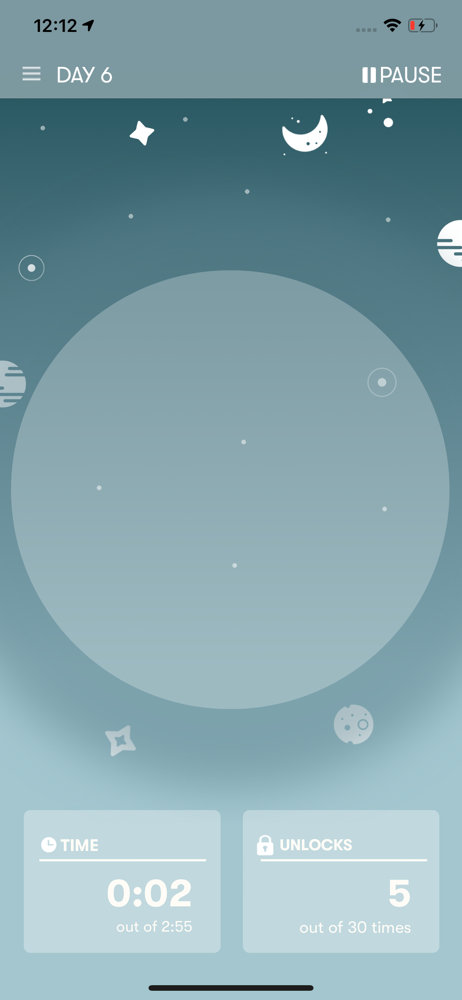
I'm a teenager who downloaded this app because I have to admit that I do have a bit of a problem with my screentime. It tracks your time on your phone and how many times you unlock your phone (which is good for you to know) the only things I have for suggestions are the following. 1. I wish it gave me the little messages more often. (Sometimes it likes to point out, "Hey, ____, studies show that you are happier if you go outside more." Or my personal favorite, "How about you spend sometime in the real world?" They're a funny reminder to stop using my phone for a bit. But sometimes I give myself 5 minutes after the reminder to continue watching which leads to an hour. 2. I also suggest that the app could maybe have a more in depth survey to figure out what kind of phone user I am. Because sometimes I use my phone for 2 different purposes all the time, and I might use my phone for drastically different amounts between days. I did have another suggestion but I forgot what it was. Overall, this is a great app if you're working on breaking a screen habit.
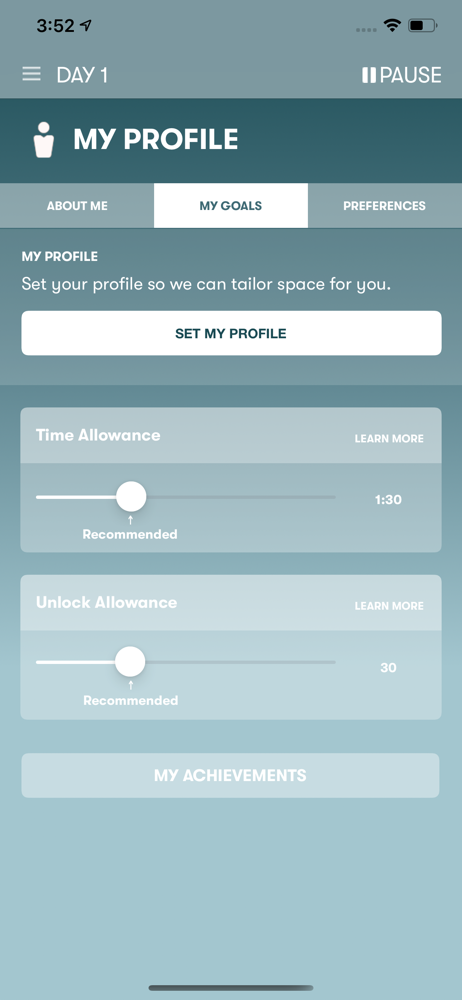
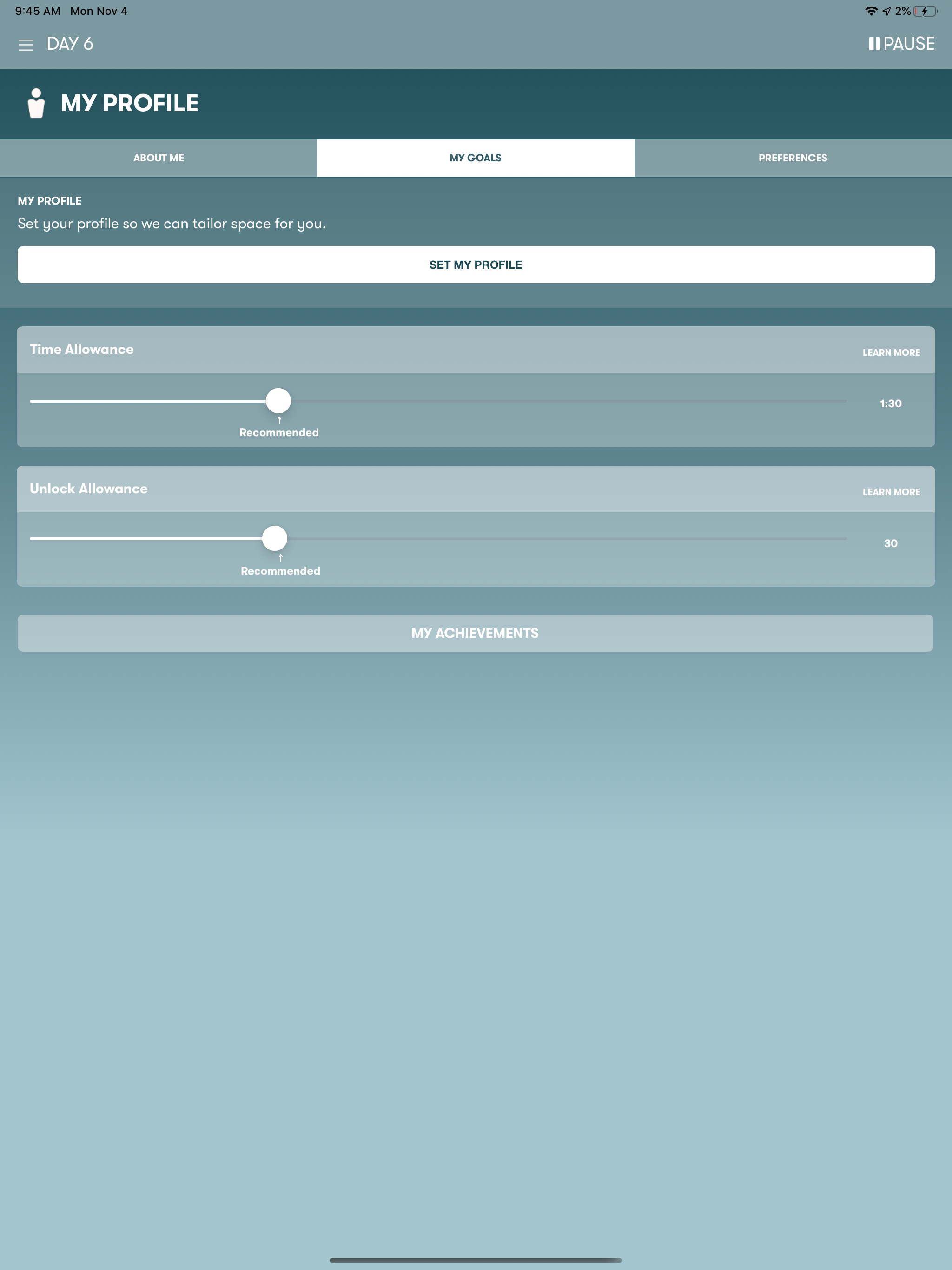
I’ve found the app helpful for helping me keep myself from being too distracted by my phone. It may not do anything to keep particular apps from distracting me, but it still tracks my progress and lets me know how much I’ve used my phone over the course of the week and over the course of however long I’ve used the app. When I first set it up, I answered a few questions about how often I use my phone and the app automatically provided a set of default options for the app, which I have the option to change later on if I decide to. I’m even able to set notifications for myself to remind me to get off my phone now and then. However, as useful as the app is, I’ve had some trouble checking my live daily progress on app’s home page. More specifically, I often have to close the app and quickly reopen it due to the counter not updating right away without doing so. I’ve also noticed a flaw with the unlock counter. Sometimes, when I close the app and click on the notification stating the app is closed while on the home screen and not the lock screen, the unlock counter thinks I’m unlocking my phone when I open the app again.
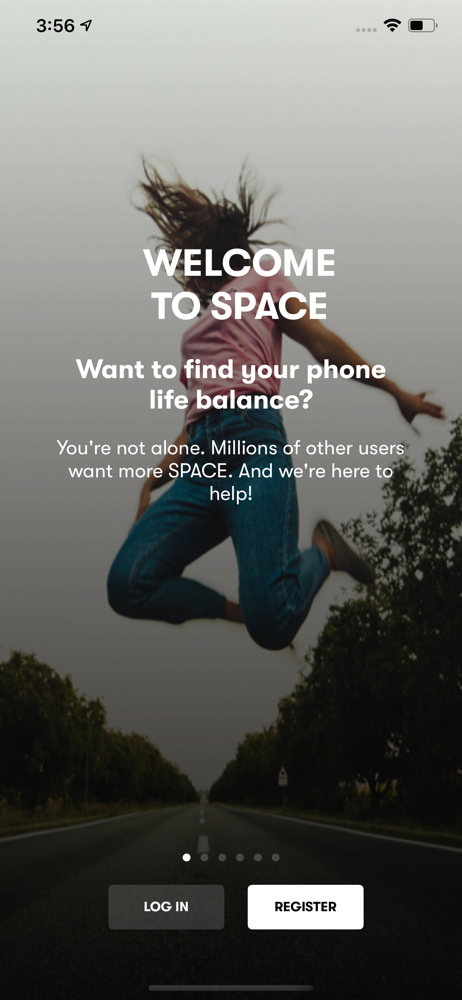
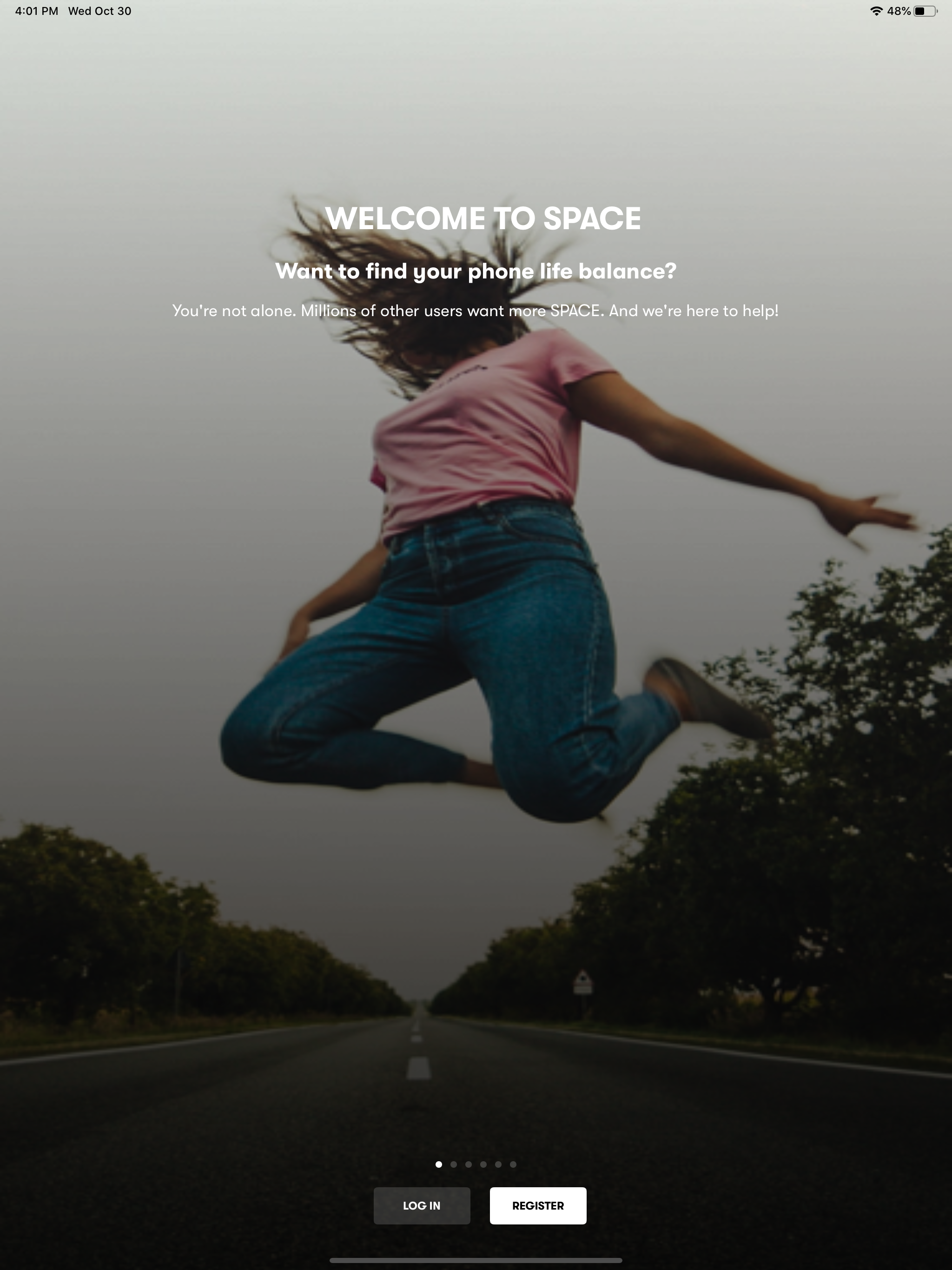
SPACE will help you Find Your Phone/Life Balance. #1 App to break phone addiction# #Stay focused, break phone addiction and manage your screen time#...
| Name | Price | Type |
|---|---|---|
| Remove Ads & Tools | $1.99 | One-time |
| Space Pro Friends & Family | $3.99 | One-time |