
Check the acquisition promise
Read the store headline, screenshots and description. What problem is the app promising to solve?
Study the storefront ↗
EVERAPPZ SL · iOS
Explore the ad evidence, study the storefront, and build your next acquisition hypothesis.
01 / Creative research
Read the store headline, screenshots and description. What problem is the app promising to solve?
Study the storefront ↗Explore apps with direct store-link matches. Compare their hooks and formats without assuming the same approach works here.
Browse observed advertisers ↗Store rankings and revenue estimates describe market context. They do not establish ad spend, conversions or ROAS.
Review the market context ↗02 / Storefront & product
Study the product story and store experience behind the acquisition funnel.


03 / Market context
Keep revenue, downloads and store rankings separate from advertising performance.
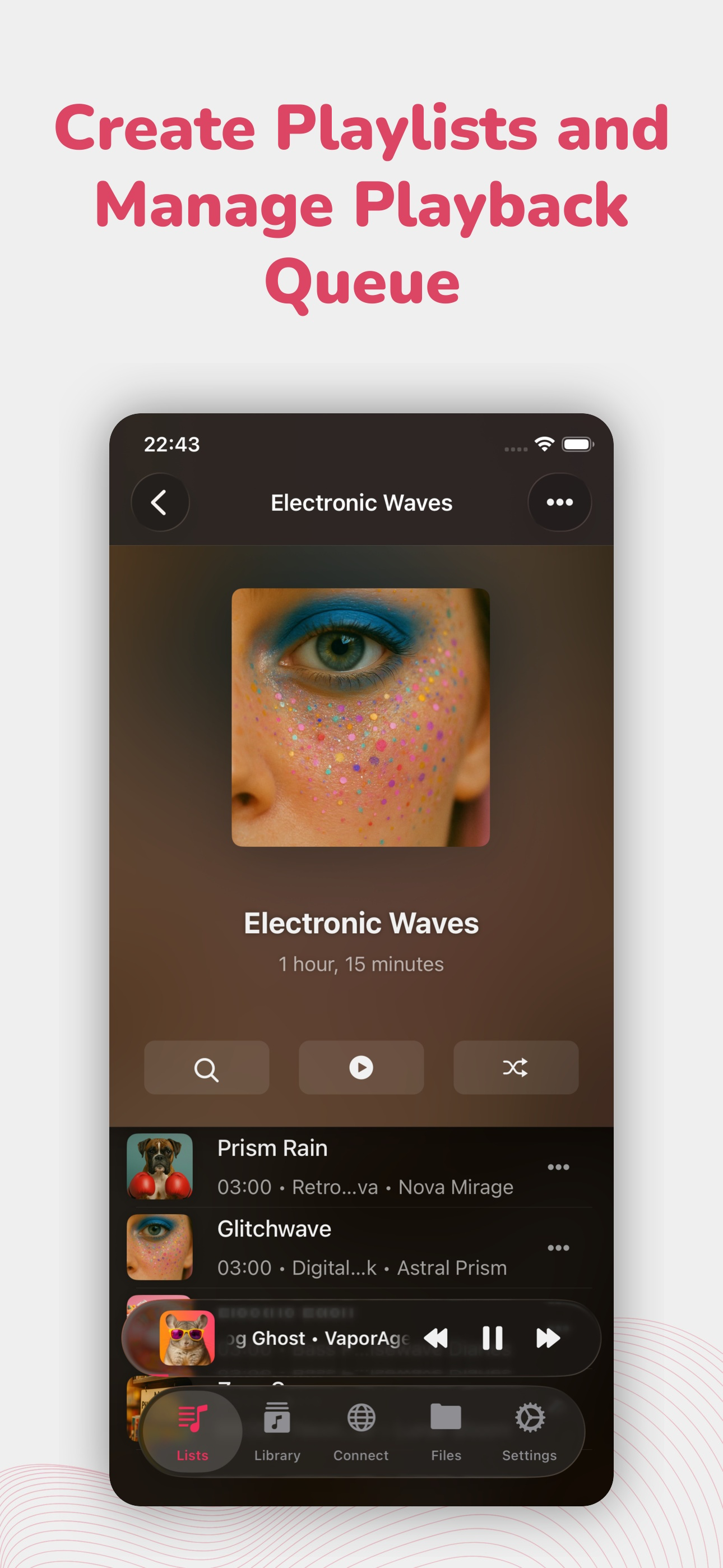
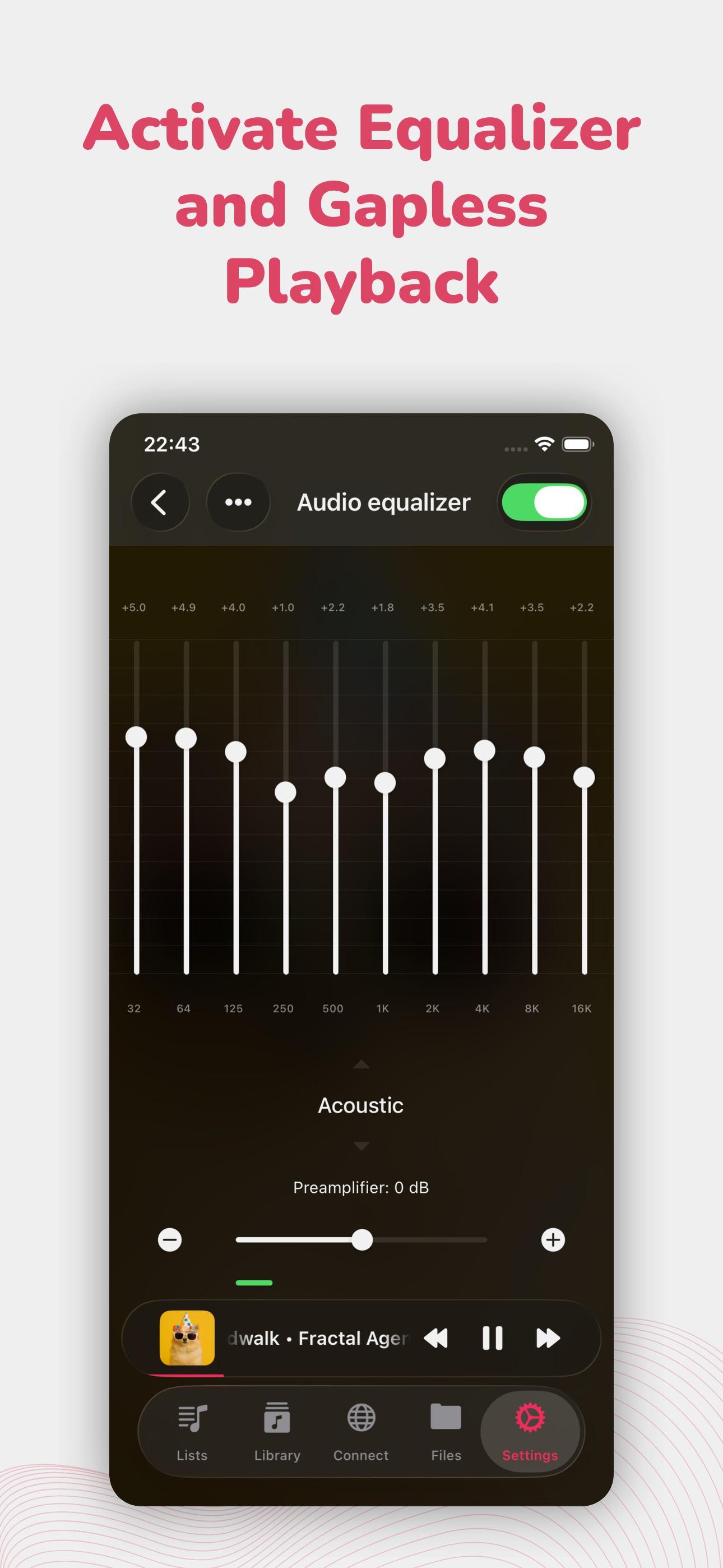
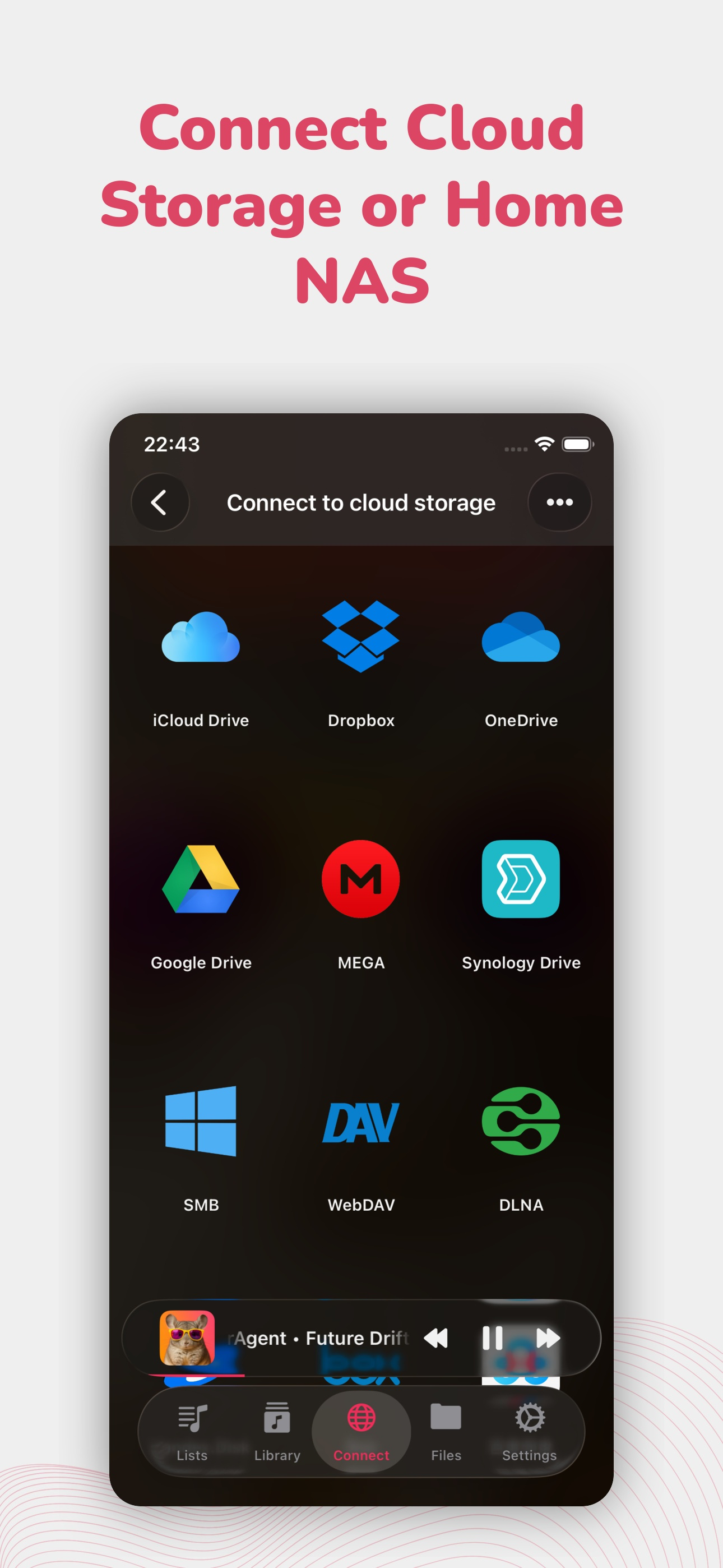
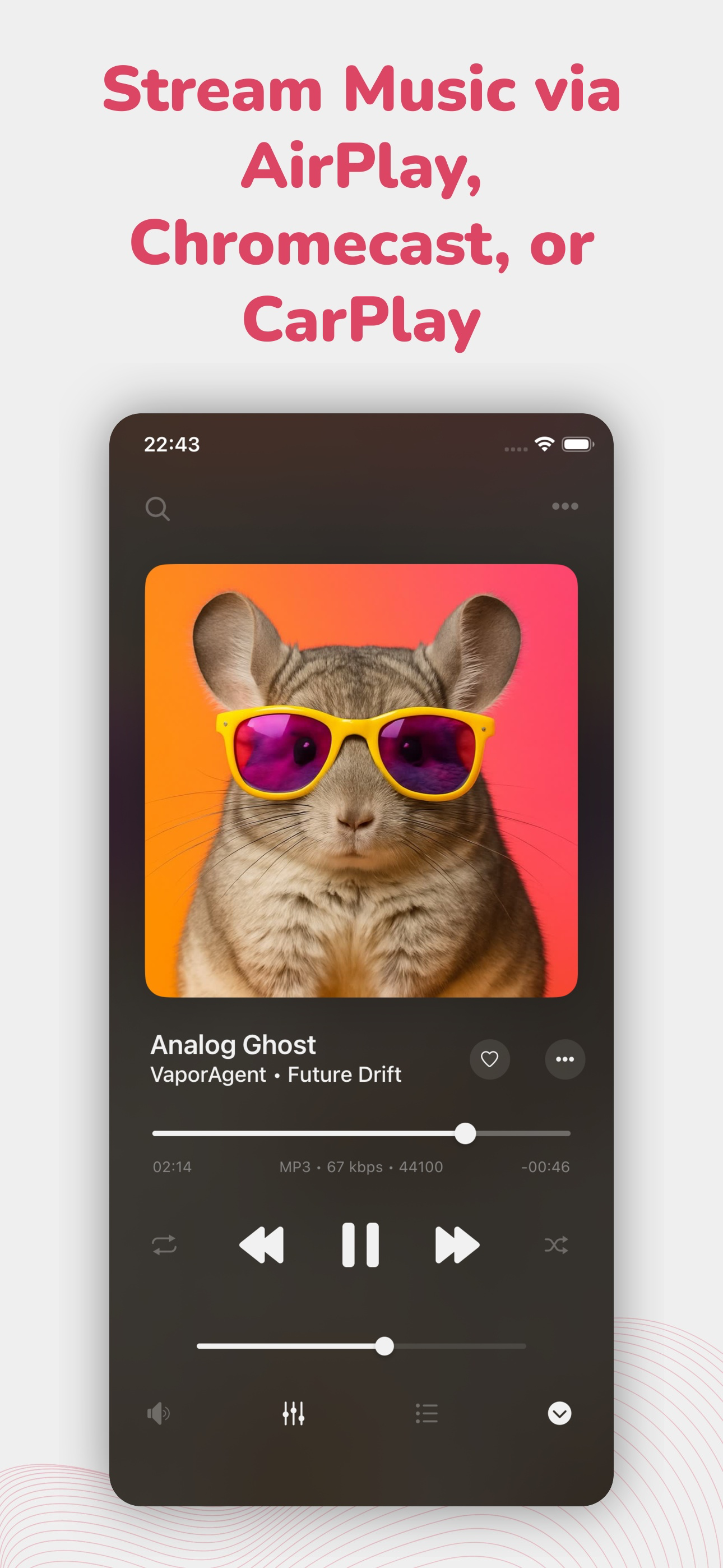
I finally gave up after years of frustration caused by trying to use iTunes to add music files I already owned to my iPhone and then play them using Apple Music. It seems the main purpose of those two Apple apps are to generate monthly income for Apple cloud storage. All I wanted was an old fashioned MP3 player, like the first iPod Nano, that didn’t push me to use the cloud or bombard me with targeted ads. After a lot of reading, I thankfully settled on EverMusic Pro. I held of writing a review for a month to make sure my opinion hadn’t changed. EverMusic Pro IS the best way to listen to complete albums and concerts. And it offers several methods of downloading and/or connecting to that music. There are so many choices & options that you are certain to find a combination that suits you. It also includes an MP3 Tag editor and it allows you to add your own Cover Art. Both of those are necessary for putting a collection together. And, unlike Apple Music, it appears to be stable because the album covers I chose to add on July 31st are still being displayed on September 1st.
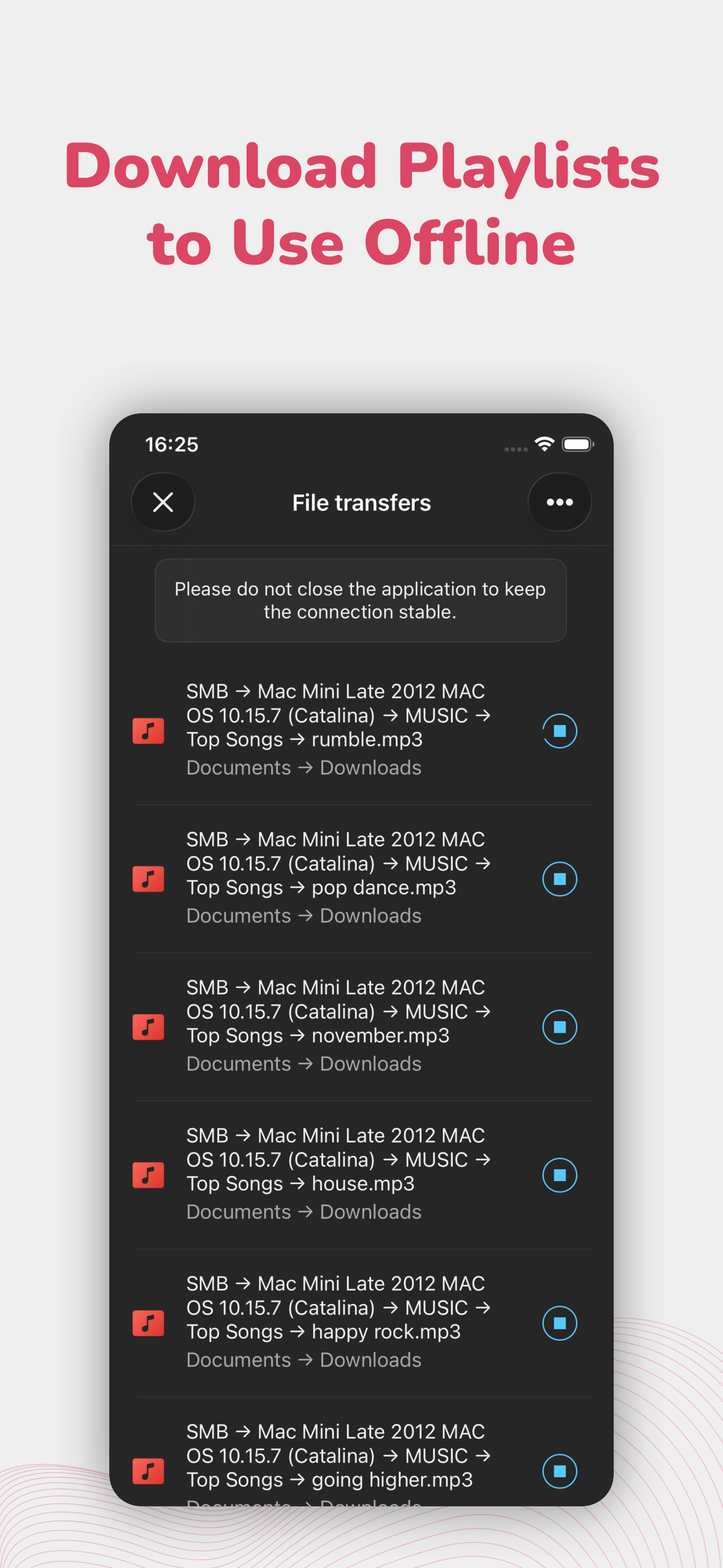
so recently i have had a lot of albums and they all play and work perfectly fine until today. when i played the first track on the album it didnt play so it went to the next track and none of the tracks end up playing. i dont know if theres something wrong with files because when i play them in google drive it plays perfectly so im assuming something is wrong with the app. other than that amazing app edit: i fixed the problem, i have to download the songs then play them. but now i have a new problem where i change the album cover then after a couple hours it changes back to how it was before. fix it please 🖤 EDIT 2: the problems fixed. but now in the new update they removed the “resume playback”. so for ex if i played music paused it then didnt play it for around 10 mim then its not on my lockscreen anymore and i forgot what timestamp i was on and there is so “resume playback” button anymore.
This app would be a easy 5 out of 5 if it wasn’t for weird issues that I for one can not stand or fix . If you want something just to throw music on it and have it there and don’t care about details then by all means you should download it . I want organization and listed how I want it. definitely should have it when I’m willing to do all that manually . Clearly should also have organization when this app is advertised for editing numerous things with song files. I want to be able to edit song details , album art cover , and titles and artist names . Those are all suppose to be doable but never work besides weird random occasions . I’ve tried emailing evermusic twice and never received a response which honestly is just not cool in my opinion , especially when it comes to your supporting paid-app customers . I want to know why when I try to upload a picture as a album cover it won’t pop up . Only 2 songs ever I’ve been able to do it to . Next question is to why I have around 30-40 songs out of 1350 songs pop up in my downloaded songs library that are not downloaded or playable. They are listed with all other downloaded songs but have no time frame on the bottom of cover art like the rest of the songs , only has letters “DL” written under it with no time length showing . When you click on those songs they just automatically disappear . If I delete them or click on them to make them disappear they always just reappear .
Evermusic Pro - Cloud & Offline Music Player for iPhone and iPad. Stream your music library from the cloud, listen offline, and take full control of...


