
Check the acquisition promise
Read the store headline, screenshots and description. What problem is the app promising to solve?
Study the storefront ↗
Audioforge Labs Inc. · iOS
Explore the ad evidence, study the storefront, and build your next acquisition hypothesis.
01 / Creative research
Read the store headline, screenshots and description. What problem is the app promising to solve?
Study the storefront ↗Explore apps with direct store-link matches. Compare their hooks and formats without assuming the same approach works here.
Browse observed advertisers ↗Store rankings and revenue estimates describe market context. They do not establish ad spend, conversions or ROAS.
Review the market context ↗02 / Storefront & product
Study the product story and store experience behind the acquisition funnel.



03 / Market context
Keep revenue, downloads and store rankings separate from advertising performance.
I have tried many music programs to get my music to sound the way I like it with my superbeat pros. This program is by far the best. Hands down! I don’t know what the problem is with the people on here talking about bugs and problems. I’ve had no probs whatsoever. Been using for well over a year and I love it. Worth way more than what it cost me. I’ve found that the crossfeed is best at -13. It makes instruments sound like they are on the stage and that the singer is in your head. I love it. On the “stereo” setting, you can slide back and forth for 2 EQ’s. One for left ear and one for right ear. For people with more hearing loss in one ear more than the other this is a miracle. You can actually set it identical but all up just a bit and it sounds like your ears are perfect. Anyway, if your thinking about buying this app, don’t hesitate, just buy it. No regrets here. I can access all of my music from my library. iTunes and ones I’ve downloaded myself. As long as it’s in MP4, it will work and in iTunes, you can convert all MP3’s or wav’s and lots of other sound ext’s to MP4. Its really easy to figure out.
I confess I run the equalizer at flat. But what I love is the Cross-Feed provision. If you use headphones you are probably aware that the music usually sounds like its spatially inside your head - Which is nothing like you get from external stereo speakers. The crossfeed control (under the gear “settings” introduces a little left into right and right into left to compensate for the unnatural stereo separation you get from headphones or earbuds. In my case I find that setting the cross-feed to -12% sounds great in my headphones. The lead singer is inside my head spatially and the rest of the band is usually around me - I much prefer this to having all the sound sources spatially inside my head with headphones. The other thing I really like is that it has an effective auto-level function that helps to compensate for the different volume levels between my music tracks. I use this on my iPhone and iPad and it seamlessly imported all my music and playlists from Apple’s Music Player. Now if I am using headphones or earbuds I play my music with this App instead of the Apple Music Player.
(Used on an iPhone 7) Let me start off by saying if you're looking for a great customization to get just the right sound for your headphones or any kind of tweaks you like in your music, this app is great!! The issue I do however have is the user interface which isn't exactly the most eye appealing (outdated can I say? Compared to many others), user friendly, or seamlessly functional. For example, let's say I just open the app and want to listen to a specific artist with all of their albums on shuffle, I can't do that by going to the artist in the directory and click a shuffle button at the top because it's none existent. I have to search for the artist in the search bar to find the artist and the songs then click on one song and then a shuffle button will appear. By the way the albums won't be noted/separate if you do it this way, you'll have a list of hundreds of songs if an artist has a lot of albums, that's why this method is only for shuffling. Okay now let's say I want to listen to an artists album then go back a page and pick another album. Can't to do that. I have to click on the music note, find the artist again, and then find the album I want to listen to. Another issue that can get bothersome over time that actually made my friend stop using the app is the next/previous song delay as you switch songs. If I am in the middle of a song and decided I want to change it and press the forward button, it's a good 2-3 second delay before it actually changes to the next track. This sometimes causes me to double skip tracks because I don't think it registered the first time. Frustrating needless to say. Other than that this is a great app and if they fixed these issues and updated the interface (maybe even added a visualizer like 'Electric Sheep') to be more eye appealing and user friendly it would be the best app on the market hands down!!
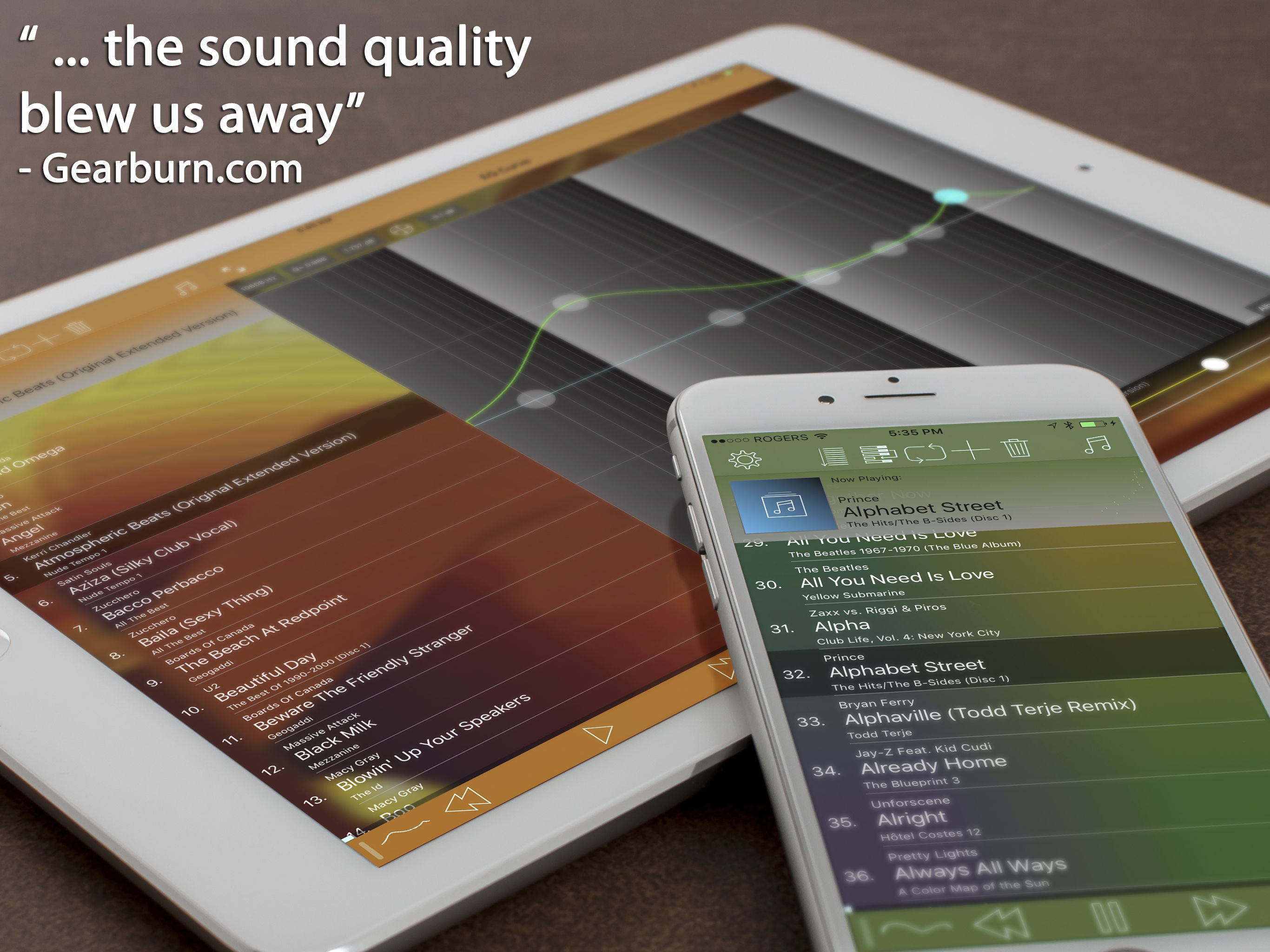
"... the sound quality blew us away."- Gearburn.com Music player with the most powerful and acurate equalizer in the app store as well as the most adv...


