Check the acquisition promise
Read the store headline, screenshots and description. What problem is the app promising to solve?
Study the storefront ↗
Alberto Gonzalez · iOS
Explore the ad evidence, study the storefront, and build your next acquisition hypothesis.
01 / Creative research
Read the store headline, screenshots and description. What problem is the app promising to solve?
Study the storefront ↗Explore apps with direct store-link matches. Compare their hooks and formats without assuming the same approach works here.
Browse observed advertisers ↗Store rankings and revenue estimates describe market context. They do not establish ad spend, conversions or ROAS.
Review the market context ↗02 / Storefront & product
Study the product story and store experience behind the acquisition funnel.


03 / Market context
Keep revenue, downloads and store rankings separate from advertising performance.
I dont mind a few ads but when theres so many that you cant do anything thats when you will loose customers on a well put together app dont loose customers because of these ads because you loose they dont take care of urself an customers
This does just what it says it will do. And simply, and easily. I so far have only converted epub to mobi; have done several of them. The only criticism I have is that sometimes it tells you this conversion cannot be done because it is the wrong file extension. And I know it is epub, like all the others I did. Then I remembered reading one of the comments in a review that said he had encountered the same problem. He tried shortening the file name, and everything was fine!! I do understand glitches with long file names (FAT32!), but it would be nice if the developer alerted us to this idiosyncrasy at the start. Despite this, I highly recommend this app! 2 days later: I still really like this app. It works beautifully. By now, however it has begun showing me video ads for each file I convert. Please, this is a great app; I would much rather pay for it than watch these idiot ads. If I can, I am taking away a couple of stars for this. Two months later and it has totally stopped working. Keeps the circle going, “conversion in progress” but never gets there. Down to one star now. I will have to look for a better app!
I just downloaded this app to convert some epubs I had on my phone to azw3 files so I could upload them to my kindle. The only issue I had was when the app said my extension wasn’t allowed, even though it was an ePub. I figured out that my file name was just too long - I shortened it and the converter worked beautifully! I’m a programmer as well, and it seemed like a problem I would have if I was coding something, haha. Thanks for such a useful, user-friendly app :)
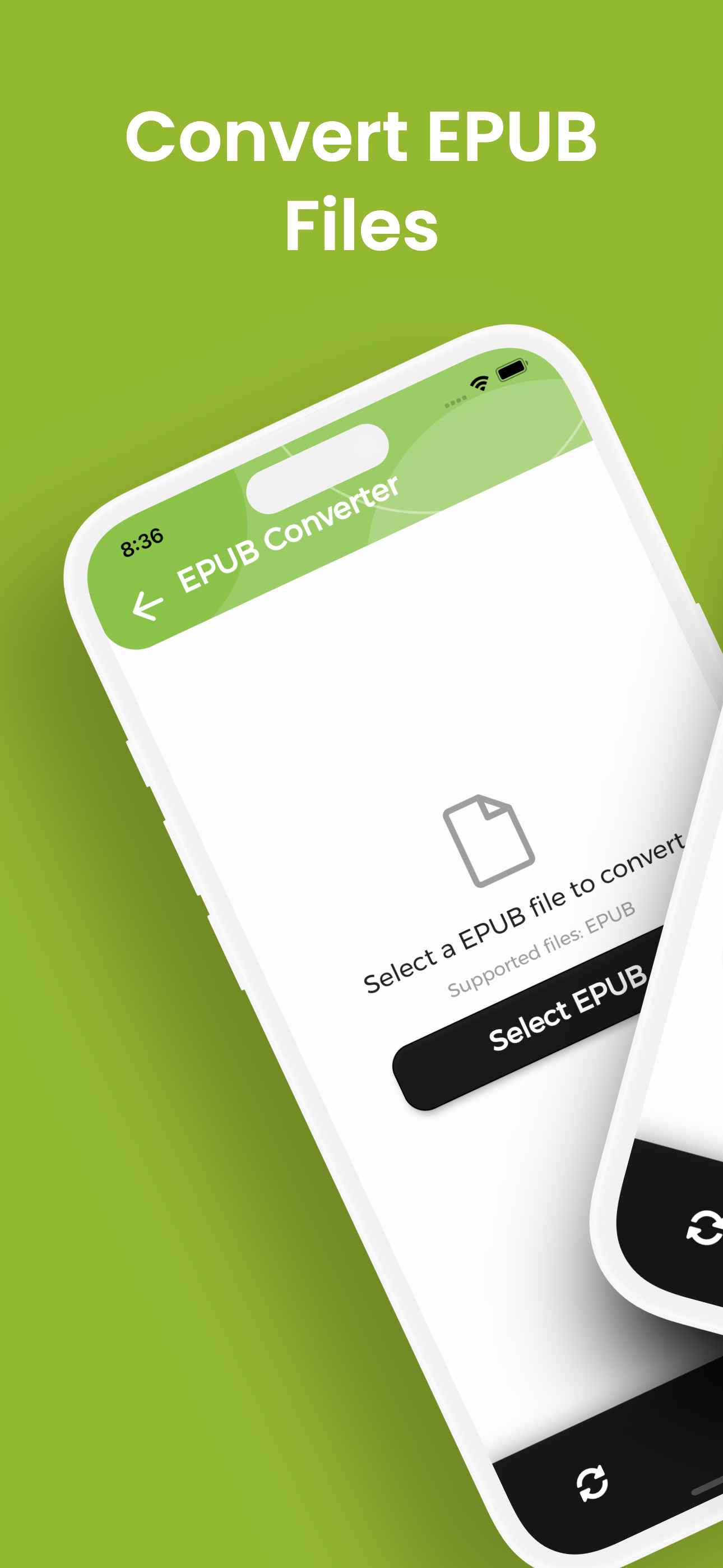
Need to convert EPUB to PDF, MOBI or TXT? With EPUB Converter you get unlimited, lightning fast conversions on your iPhone or iPad with no fees, no si...