Check the acquisition promise
Read the store headline, screenshots and description. What problem is the app promising to solve?
Study the storefront ↗
Keolis Commuter Services · iOS
Explore the ad evidence, study the storefront, and build your next acquisition hypothesis.
01 / Creative research
Read the store headline, screenshots and description. What problem is the app promising to solve?
Study the storefront ↗Explore apps with direct store-link matches. Compare their hooks and formats without assuming the same approach works here.
Browse observed advertisers ↗Store rankings and revenue estimates describe market context. They do not establish ad spend, conversions or ROAS.
Review the market context ↗02 / Storefront & product
Study the product story and store experience behind the acquisition funnel.

03 / Market context
Keep revenue, downloads and store rankings separate from advertising performance.
I use to think this app had a purpose. That is until a recent change / schedule update. Then I realized just how non intuitive this app really is. For example if I'm travelog to and from Abington all I should need tíos choose Abington and that's it right? Nope not only do I have to choose Abington along with south station but I then have to choose every train schedule with in those parameters. As we all know that train runs I. Two different lines. How about making it a little more intuitive by allowing the user to choose there destination and have the app populate the rest. Not only that when you set up your trip you can only set up one at a time. This coold also be changed by just letting us select say Framingham and then the app intuitively populates all the needed info as well as let's yuu choose inbound or outbound.
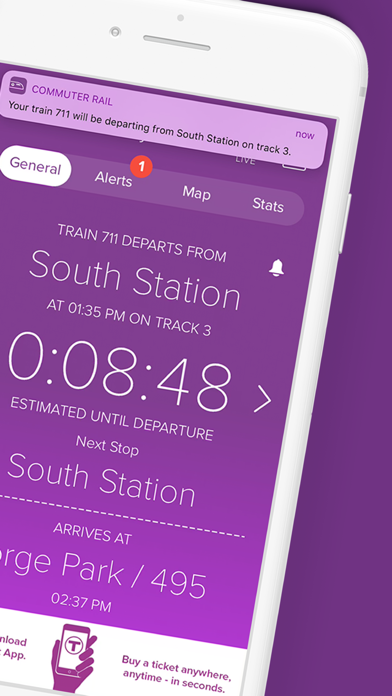
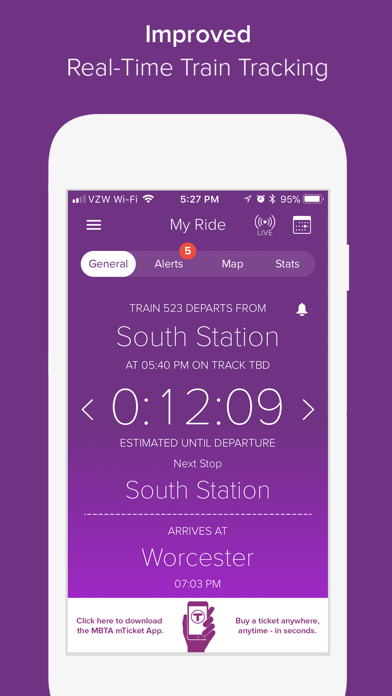
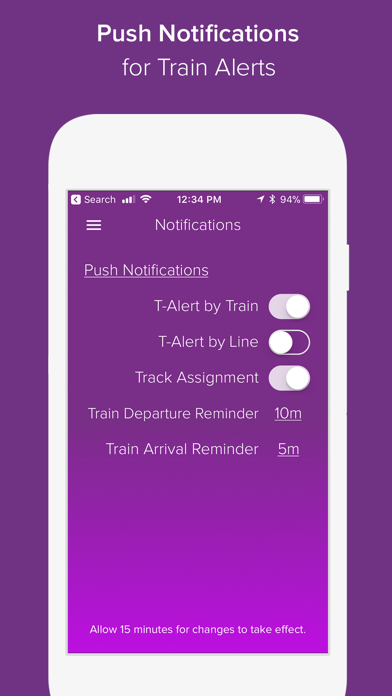
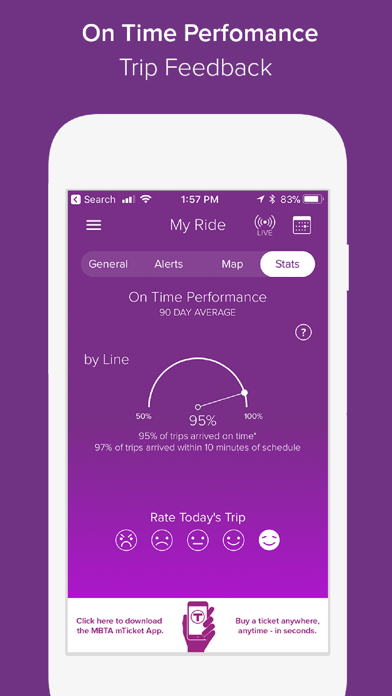
While the app is not completely useless, it adds little value compared to keeping a photo of a recent schedule on my phone. The photo is quicker to access, provides more relevant information with less effort, doesn’t bother me with irrelevant information, and is less likely to crash. This app could be great, but it isn’t. The alerts are all generic. The app doesn’t provide real-time tracking of when the next train arrives. It doesn’t learn which schedule I usually want to see or which trains I usually board. It doesn’t warn about trains with no air conditioning. There’s no system map or fare schedule. Why does the Keolis app always say “No data”? Why does it randomly quit nearly every day? Why does it ask about updating schedules when I’m rushing to catch a train, rather than in the middle of the night while I’m sleeping and the phone is connected to WiFi? Why does it keep displaying an ad for the mTicket app that I installed ages ago? How can I easily specify the two stations between which I travel, without committing to a specific trip each way, and without having to laboriously enter both stations and “weekday” every single time I want to see the schedule? Very disappointing.
I (and I’m sure many others) have different trains that I need to take during the week - leaving later on Mondays than Tuesdays, etc. Beneath Trips the app should allow me to specify what train I’m trying to hit each day of the week (or ideally have even richer scheduling, like every other Monday being a later train, or the third Thursday of a month being later, etc). I want to be able to enjoy what the app authors clearly intended: to wake up every day and see one page telling me I have an hour and three minutes to get to my train.. but as of now I have to double check each morning that the night before I planned out that morning’s train (and didn’t just fall asleep etc). The app is very good, but this is the one thing I miss. I hope to see this in a future update at which point my rating of this app will go up.
The MBTA Commuter Rail App, powered by Keolis, is a simple one-screen interface which gives the Boston area Commuter Rail passenger everything they ne...