Check the acquisition promise
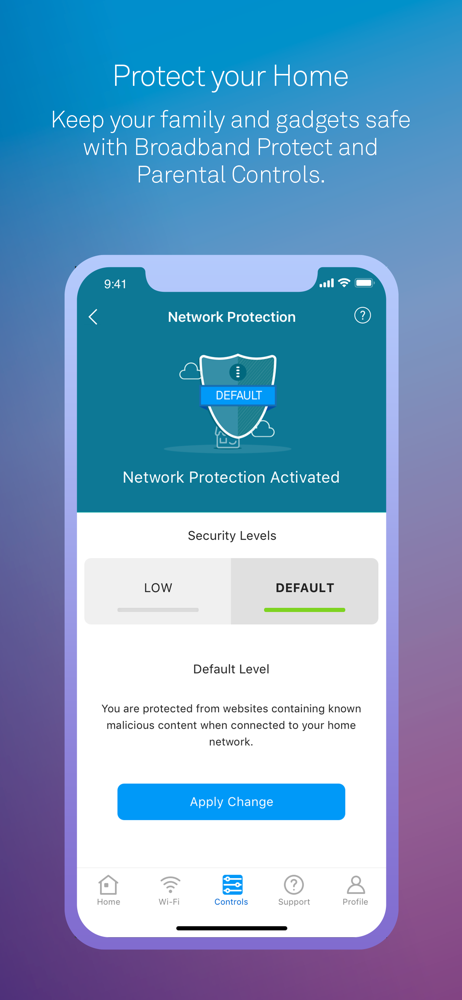
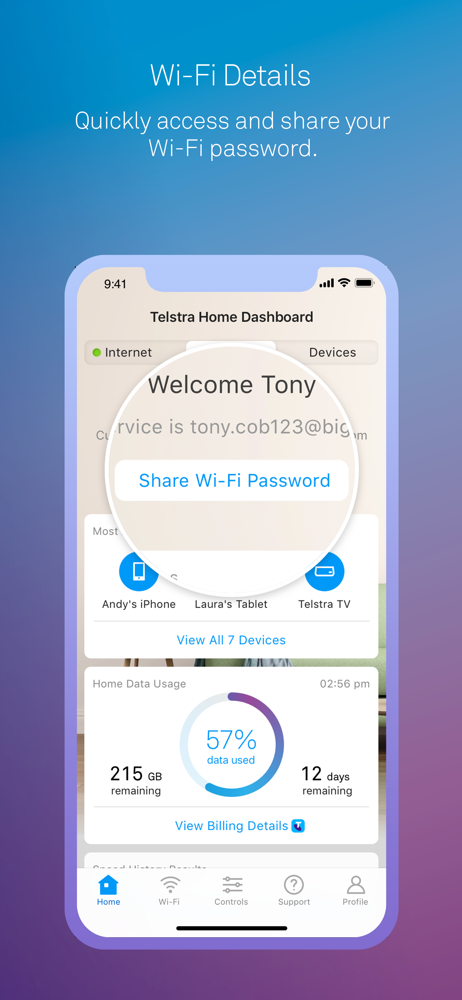
Read the store headline, screenshots and description. What problem is the app promising to solve?
Study the storefront ↗
Telstra Corporation Ltd · iOS
Explore the ad evidence, study the storefront, and build your next acquisition hypothesis.
01 / Creative research
Read the store headline, screenshots and description. What problem is the app promising to solve?
Study the storefront ↗Explore apps with direct store-link matches. Compare their hooks and formats without assuming the same approach works here.
Browse observed advertisers ↗Store rankings and revenue estimates describe market context. They do not establish ad spend, conversions or ROAS.
Review the market context ↗02 / Storefront & product
Study the product story and store experience behind the acquisition funnel.


03 / Market context
Keep revenue, downloads and store rankings separate from advertising performance.
The inbuilt wifi mapping tool is useful for testing parts of the house where wifi is poor. I did find that it didn’t like working with larger maps as the wifi test step zooms in to a section and you cannot reposition to other parts of the map (on iphone X) Also, to rerun the test (eg. After moving wifi modules around), it seems you need to choose “add new floor” to duplicate the map and retest which is not very intuitive. I really only use the app for the wifi weak spot mapping capability, so can’t comment on other features other than they seem to function as expected within Apple’s limitations.
This is a great app from Telstra, however it does have a couple of bugs, that if they could fix consistently then I would rate a five. Some of the links it gives you to check things do not work as expected and just take you to the same original screen. This is in the profile/manage account section. Being able to check out the different things and offers attached to the account is useful and would be great if it actually worked. Things like this example are frustrating as a user, but overall the app is ok.
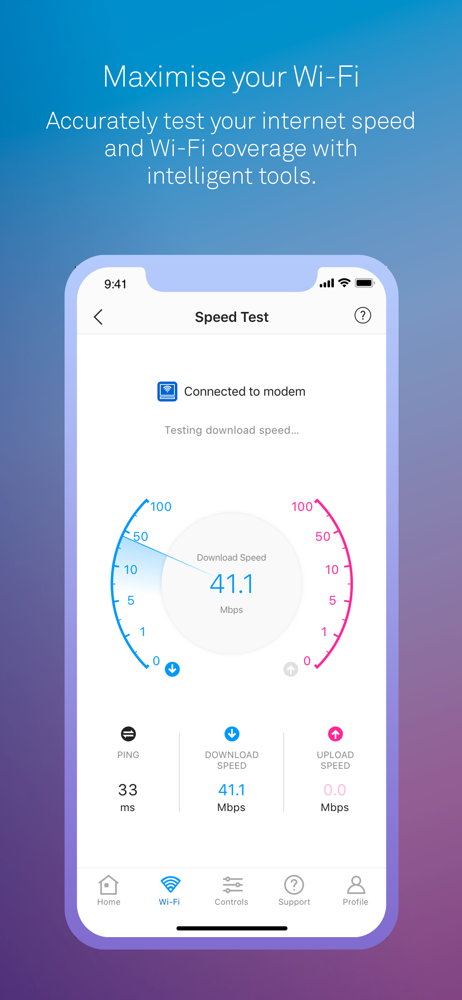
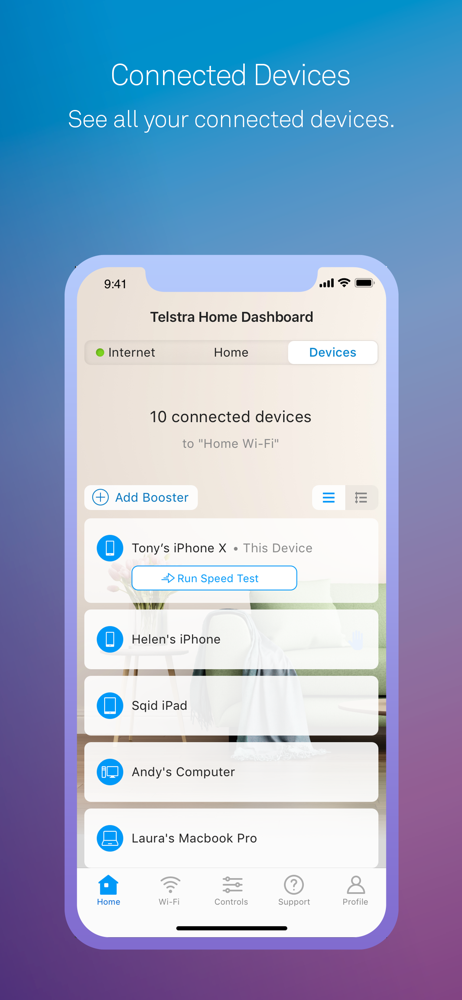
When I first installed the app and found that it truly did measure my very poor service I was very pleased. So much so that I proceeded to establish which of my devices related to each reported IP address. Using the edit function and the pencil provided in the right hand top corner of the edit function I beavered away until all of my many wifi devices were duly named so as to be easily recognisable. Imagine my horror when I next tried to use the dashboard and all of my nicknames had disappeared, oh and not only the nicknames but the pencil in the edit function which has disappeared never to return despite deleting the app and reinstalling it on two further occasions, so I still can’t nickname my devices and certainly won’t be trying to memorise each IP address. I hope Telstra does try to get this working properly as I have already taken screenshots of my speed tests on the dashboard and sent to Telstra to confirm my ongoing problems with internet speeds.
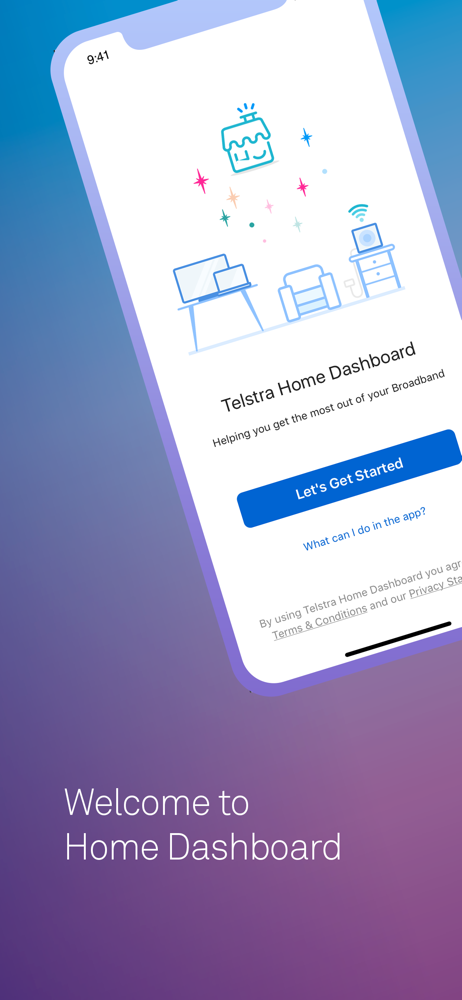
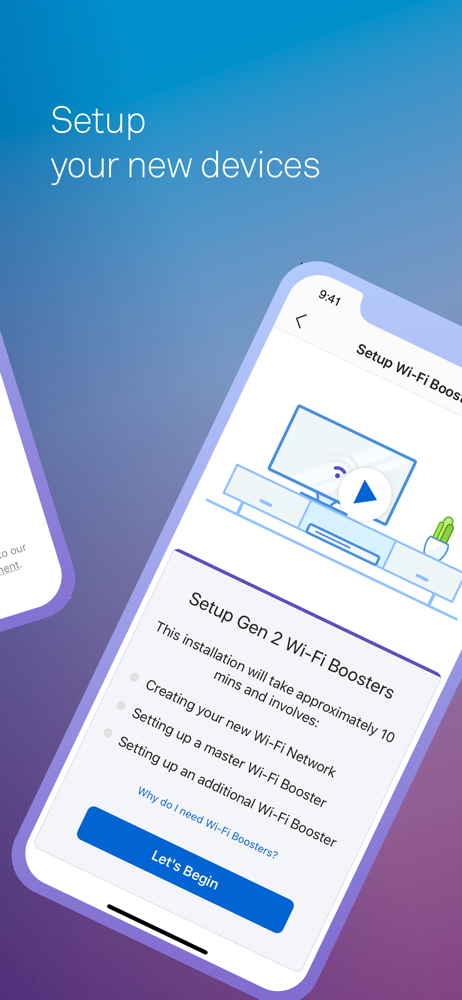
Telstra Home Dashboard has been designed to help you and your family have more controls of your Home Broadband experience. You will be able to see all...