
Check the acquisition promise
Read the store headline, screenshots and description. What problem is the app promising to solve?
Study the storefront ↗
晖 姚 · iOS
Explore the ad evidence, study the storefront, and build your next acquisition hypothesis.
01 / Creative research
Read the store headline, screenshots and description. What problem is the app promising to solve?
Study the storefront ↗Explore apps with direct store-link matches. Compare their hooks and formats without assuming the same approach works here.
Browse observed advertisers ↗Store rankings and revenue estimates describe market context. They do not establish ad spend, conversions or ROAS.
Review the market context ↗02 / Storefront & product
Study the product story and store experience behind the acquisition funnel.

03 / Market context
Keep revenue, downloads and store rankings separate from advertising performance.
I just download this app and very interesting. I never see this kind of app before downloading all images at once from any web site. Thank you app developer you made a lovely app. Recommended five stars app.⭐️⭐️⭐️⭐️⭐️
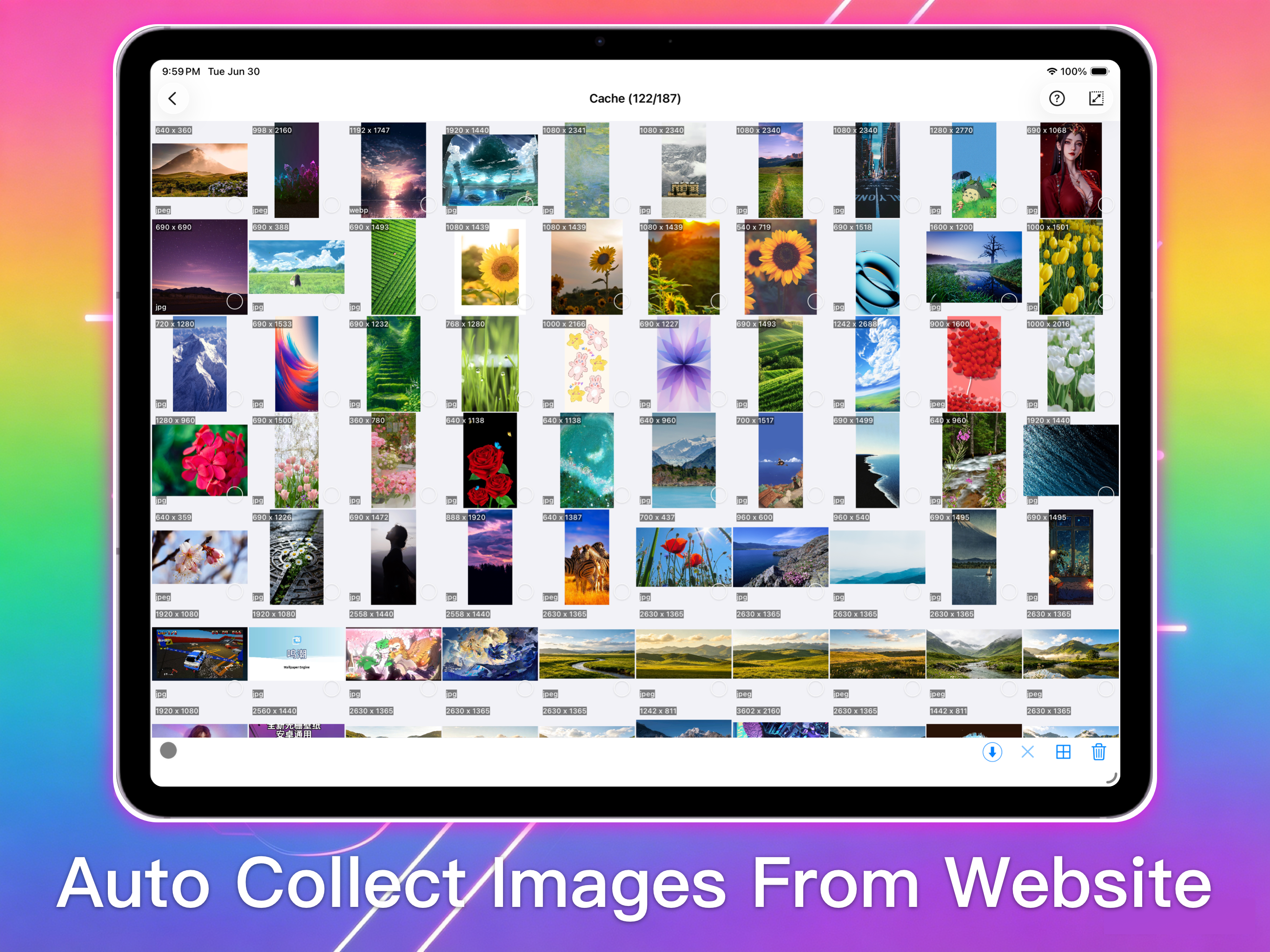
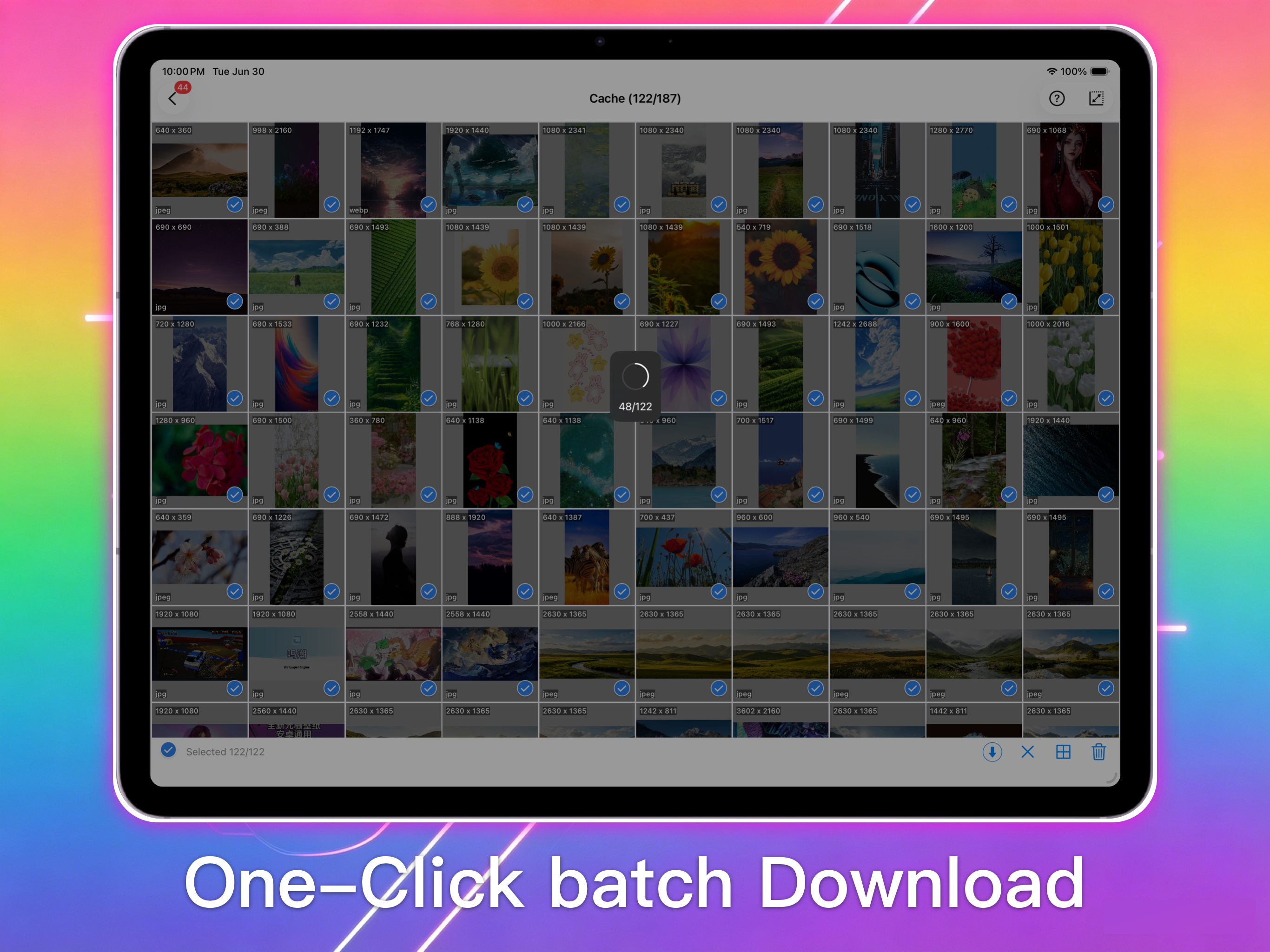
Got this because it went free, but, after using it, I’d be willing to pay for it. The app is well designed and fairly intuitive to figure out. Simply paste a url into the built into browser and it pulls down all the images on a site. It has good filters to separate jpeg, png, tiff, and gif images and makes it easy to delete the ones you don’t want. It also allows you to filter for image size, although I found that a bit awkward. overall, I feel this is an excellent app and well worth downloading. It’s the lack of good niche apps like this that limit the ability to use the ipad as a substitute for a computer. This is a good step in the right direction.
In iPad how do you download images? Nothing seems to work
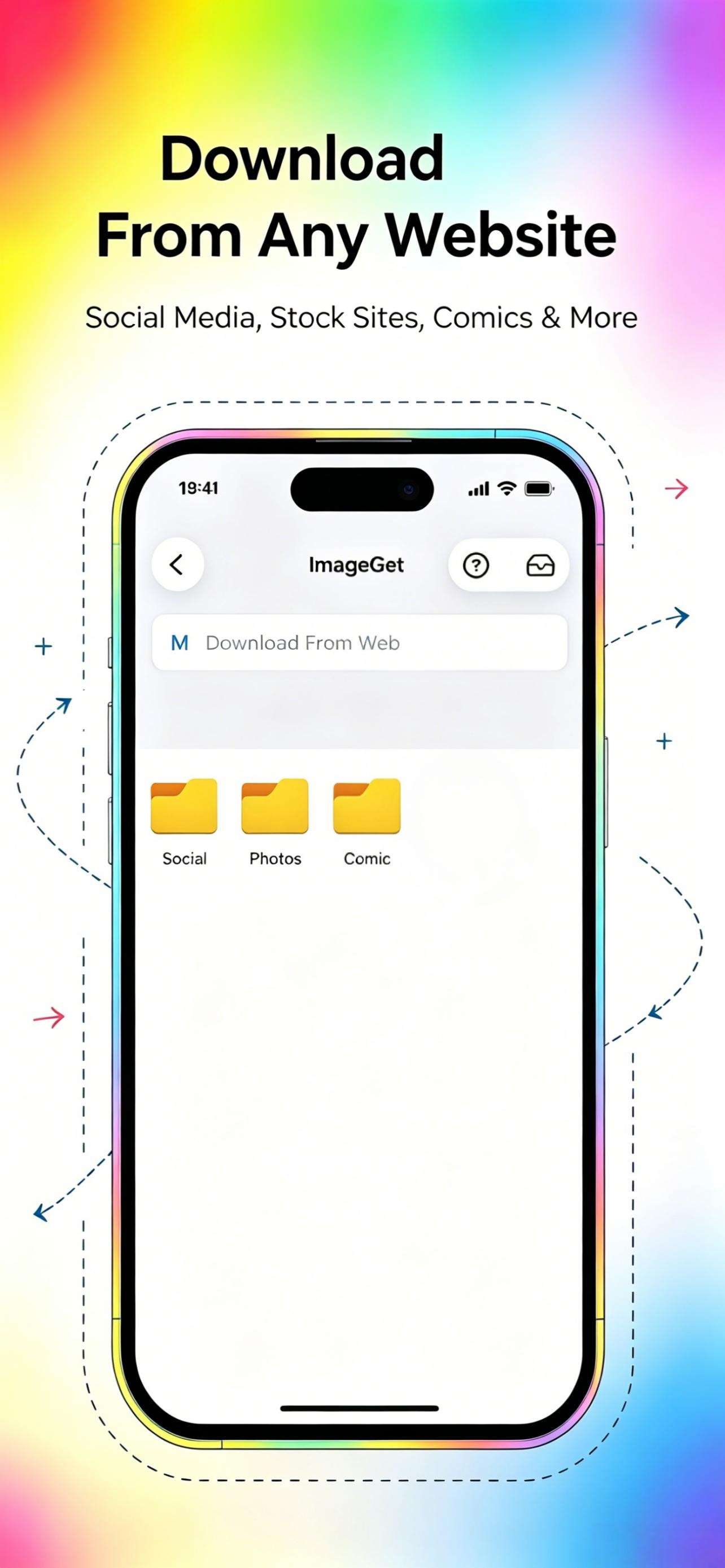
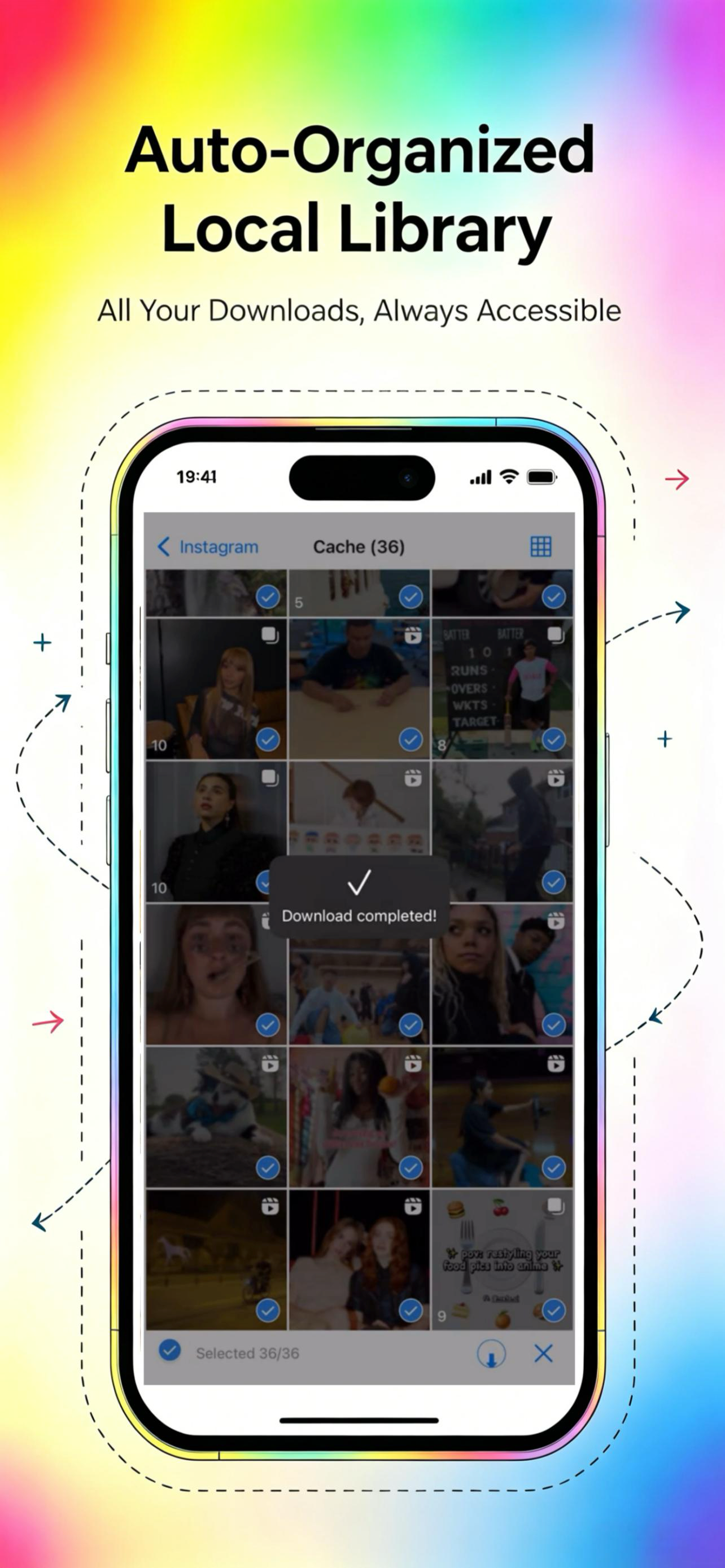
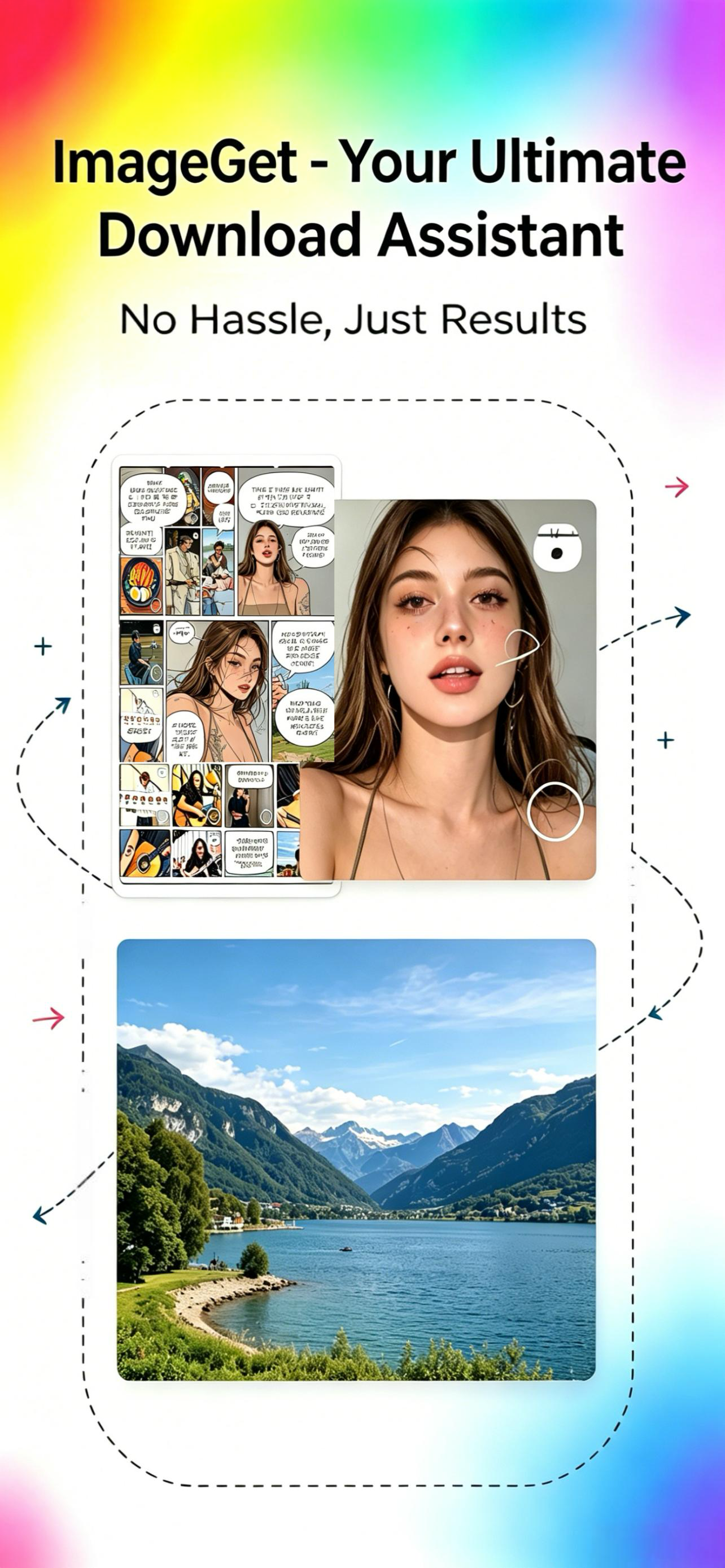
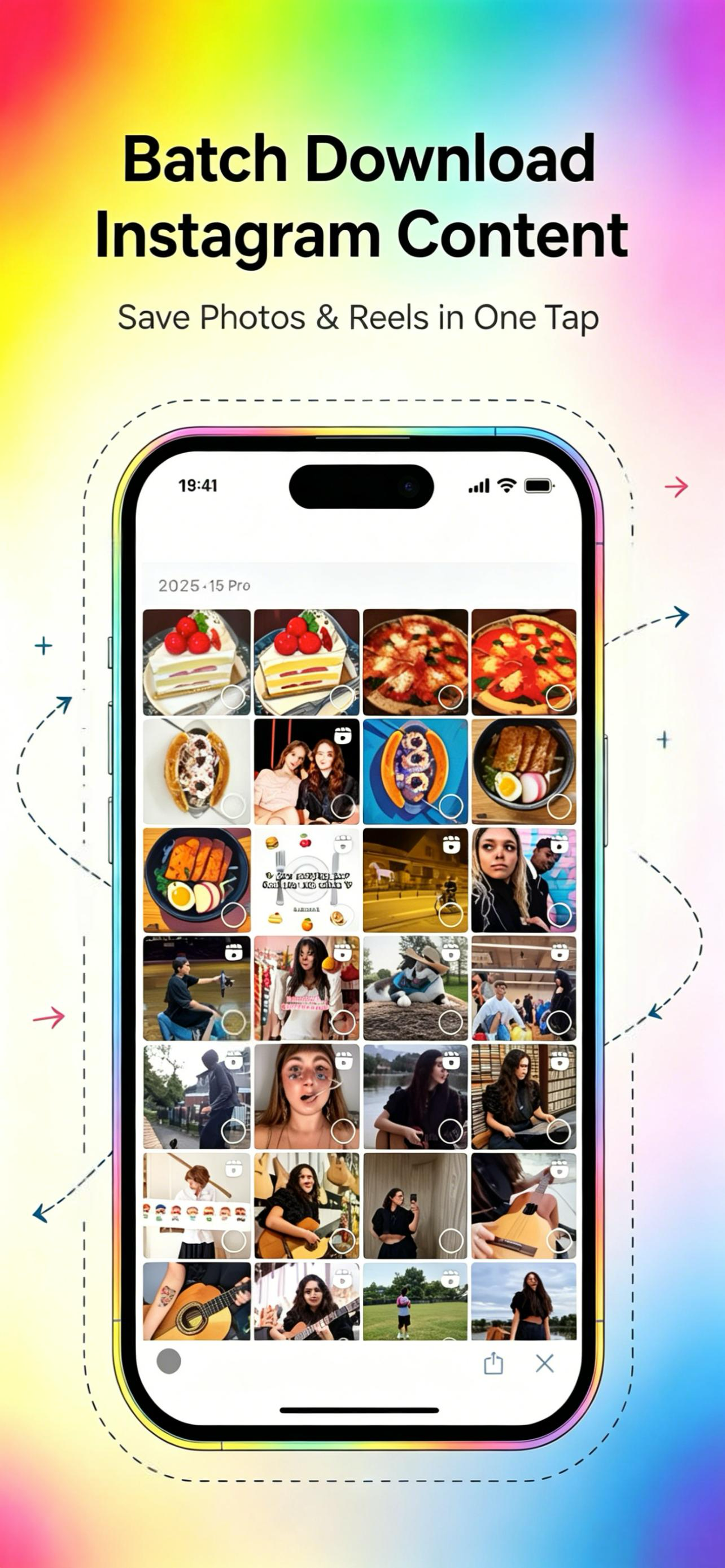
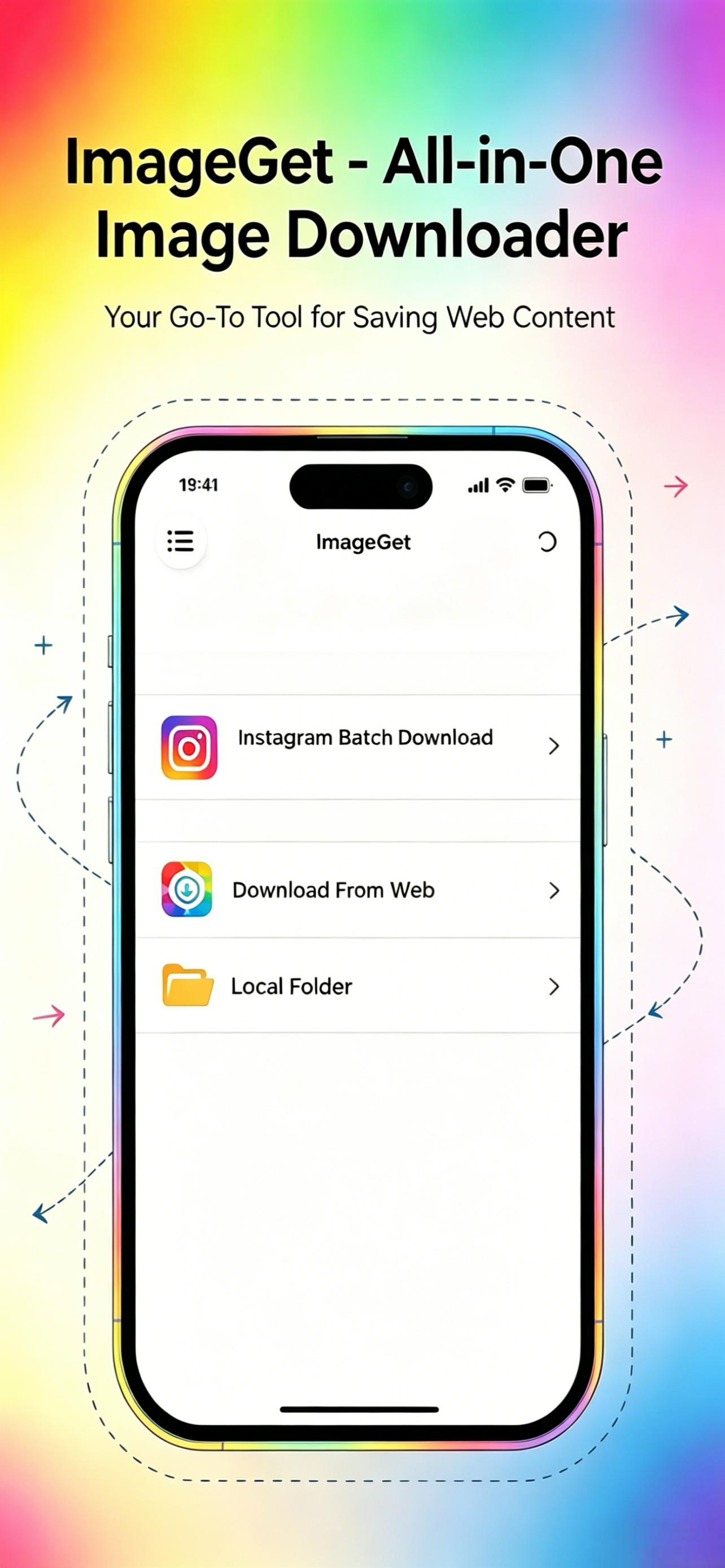
ImageGet — Your All-in-One Photo Saver Discover the fastest way to collect and save photos from the web. Just enter a URL, and ImageGet gathers every...
| Name | Price | Type |
|---|---|---|
| 1-Month Plan | $4.99 | Monthly |
| 1-Quarter Plan | $12.99 | Quarterly |
| 1-Year Plan | $39.99 | Yearly |


