
Check the acquisition promise
Read the store headline, screenshots and description. What problem is the app promising to solve?
Study the storefront ↗
FUJIFILM Corporation · iOS
Explore the ad evidence, study the storefront, and build your next acquisition hypothesis.
01 / Creative research
Read the store headline, screenshots and description. What problem is the app promising to solve?
Study the storefront ↗Explore apps with direct store-link matches. Compare their hooks and formats without assuming the same approach works here.
Browse observed advertisers ↗Store rankings and revenue estimates describe market context. They do not establish ad spend, conversions or ROAS.
Review the market context ↗02 / Storefront & product
Study the product story and store experience behind the acquisition funnel.


03 / Market context
Keep revenue, downloads and store rankings separate from advertising performance.
Another month gone by, and another hour long attempt to delete the app, reset pairing settings, and try again to connect. But no such luck. I suppose I’ll try again in a month, but I’m not getting my hopes up. For now, this app is totally worthless except for the remote shutter release. Despite “connecting” via Bluetooth and Wi-Fi (confirmed in my iphone settings) the app continues to tell me “failed to connect.” This is so exhausting. If I didn’t have $5000 invested in my Fujifilm equipment I’d probably be a Sony shooter by now. This is my February 2023 update and it’s more frustrating than ever. This app often makes me want to smash my X100V amongst the pavement, but then I breathe deeply and remind myself how much I love the images on the card in the camera. When it works, I’d give the app a solid 4 stars. However, I just don’t know when it will work. Is it magic? Is it operator error? IDK, but it’s 2022, so I feel that it shouldn’t be too hard to make it work. Just last night, I drove 30 minutes and walked 20 to take photos of starts. But I couldn’t get the app to connect! I was still able to use the remote shooting feature. Please Fujifilm, you can fix this app. Your cameras and glass made me fall in love with photography again. Sharing my love will be much easier if you can get this app where it needs to be!
I used it because my new computer doesn’t have a card reader. I got very frustrated after using this horribly designed app … it just doesn’t work as it supposed to be, very difficult to connect for no reason , like it wouldn’t connect if I turn on the camera at the wrong timing… it resets all my camera settings include time, image size, and shutter release, extremely frustrated that I had to go through the super complicated Fuji menu to check all my previous settings. I’m using a non-Fuji manual lens and the shutter release got reset so the shutter stopped working at no lens mode while I was trying to take some pictures…I went through the menu and can not find where to set it back and had to search in the camera manual… This app has a default setting that it will only transfer a compressed image <3M instead of the originals, I really don’t get the point why this default even exits… and had to research why my pictures are all compressed and then go into the settings too turn off this default… Absolutely horrible experience… took way too much energy just to transfer some pictures… I placed order of a card reader right away hope my life can be much easier!
iOS 14 + this app worked. After iOS 15, no luck. Don’t know if it’s iOS 15 or the Fuji app but try this.. I noticed that after my IOS update, the Fuji app no longer recognized my camera (fully). Live view and transferring pics would not work, but remote shutter would. I happened to notice that even after re-registering the relationship that when I initiated either live view shooting or image transfer that it was attempting to connect to the previous registration/relationship. While it was trying to connect, I then pressed Okay on my X-T3 to switch to the “other” iPhone (which was the same phone, but under a new registration name) and BAM. So my guess is that in my situation, after updating to iOS 15, that something in the iPhones wireless radio registration changed causing the X-T3 to no longer see it. I have restarted both devices to try and bonk it, but they are still working solid. This leads me to think that Bluetooth was still working fine, which is why the Remote Shutter in the app was working, but WiFi, which is required for image transfer and Live View, was not. I have since removed that old iPhone relationship/registration. I have not updated to the Latest Fuji 4.12 firmware yet.
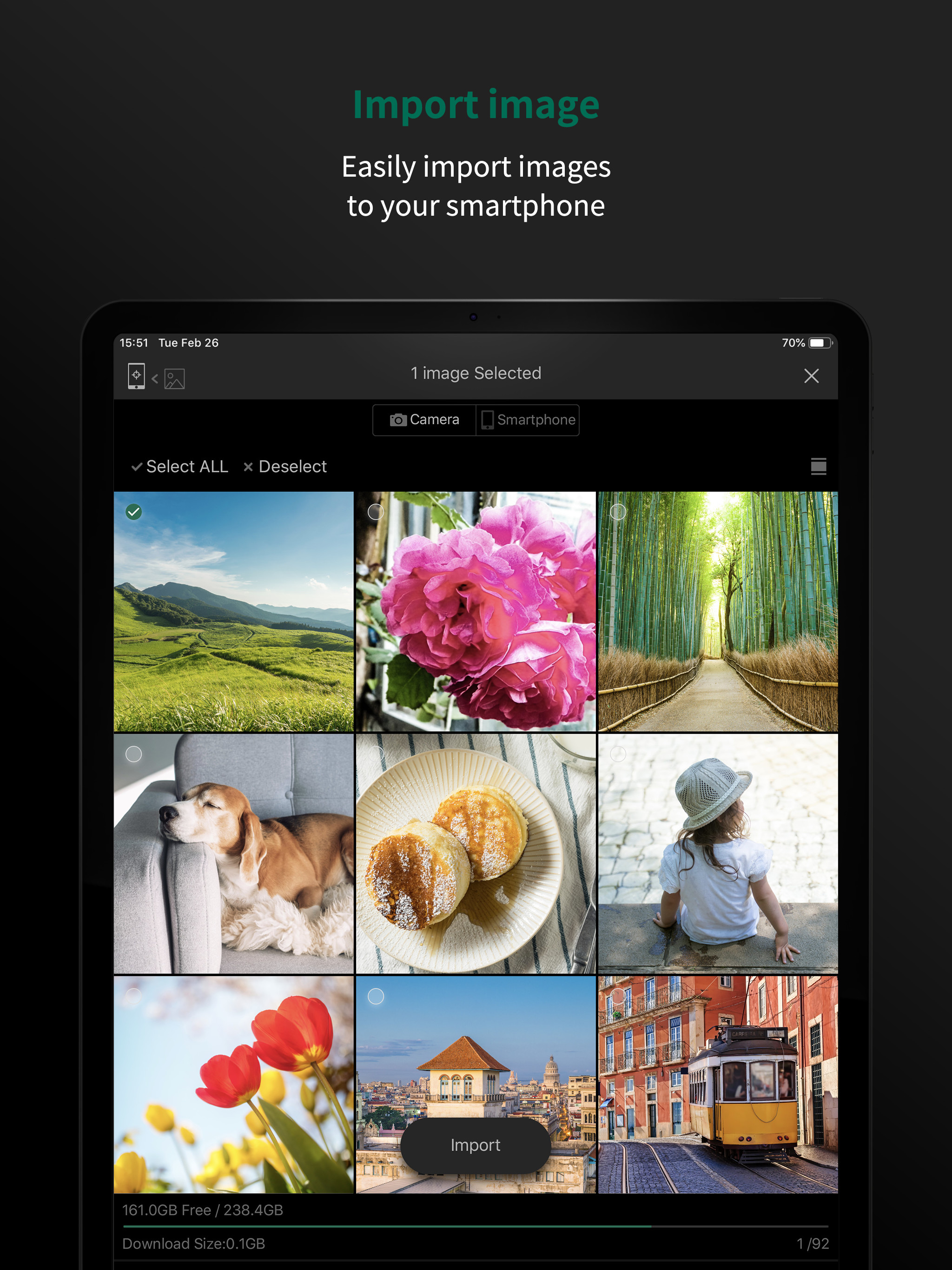
The FUJIFILM Camera Remote is an application provided by FUJIFILM that can operate wireless-equipped digital cameras by remote control to shoot images...


