Check the acquisition promise
Read the store headline, screenshots and description. What problem is the app promising to solve?
Study the storefront ↗
Ahold U.S.A, Inc. · iOS
Explore the ad evidence, study the storefront, and build your next acquisition hypothesis.
01 / Creative research
Read the store headline, screenshots and description. What problem is the app promising to solve?
Study the storefront ↗Explore apps with direct store-link matches. Compare their hooks and formats without assuming the same approach works here.
Browse observed advertisers ↗Store rankings and revenue estimates describe market context. They do not establish ad spend, conversions or ROAS.
Review the market context ↗02 / Storefront & product
Study the product story and store experience behind the acquisition funnel.


03 / Market context
Keep revenue, downloads and store rankings separate from advertising performance.
I used this app when it first came out for my store, it worked great no issues at all. Then all of a sudden while using it a screen popped up saying “can not use app please see customer service.” I uninstalled and installed several times but it still didn’t work. Left it alone for a few weeks thinking it was just a bug in the app. Installed it again and tried but noting. I Went to CS and they tried for over 10 minutes and couldn’t figure out what was wrong, even though it was in giant wifi. So I figured just uninstall it and leave it until it’s fixed. That was almost a year ago, i just tried today, made sure I was on giant wifi and I’m still getting the error message went to CS and they “have no clue what’s wrong” and told me “my daughter uses it and has no problems, she loves it.” So now I’m leaving a review. I love the concept I just wish it worked.
I love the idea of scanning my groceries & bagging them in my own bags as I do my shopping. But this app is horrible. I have to log-in at home to load coupons. I have to log-in again at the store. If I get a text message while shopping, I have to log-in again. And there is no face recognition so it’s all manual. I haven’t loaded my credit card in this app because I don’t trust it. Seems too vulnerable. Your IT department needs to do a better job updating the app & doing better about frequent log-ins. Also the coupons you see before logging in are different from the ones you actually get when you log-in. The other downside is that I’ve been unable to do a quick scan & pay & go check out. An associate needs me to pull out about 7 random items to confirm that I’m not stealing anything. The app should say “you’ve selected for cart verification. Please see an associate to assist you with check out. We are sorry for the inconvenience & are giving you a gift card for $10 off your next visit.” Today I was unable to log-in. So annoying!
I was excited to see that my store offered the ability to pay directly in the Scan It app. I took the time to setup the app and create yet another login — separate from my existing Giant login — specifically for the “Scan It Wallet” service. But why?? I want to use Apple Pay to checkout, so I need to create a “wallet” login to say that Apple Wallet is my preferred method? After getting through this bizarre process, I go to checkout at the store today only to get a “session expired” message and a prompt to enter my “wallet” login in the middle of the store. Just so I can use Apple Pay? Any time I would have saved was seriously negated by this ridiculous “wallet” login. Some suggestions: combine the “wallet” login with your regular Giant account login (because who wants to remember another password?), and offer the ability to skip the “wallet” account process for Apple/Android Pay since there is nothing to store in the Giant “wallet” with these payment methods.
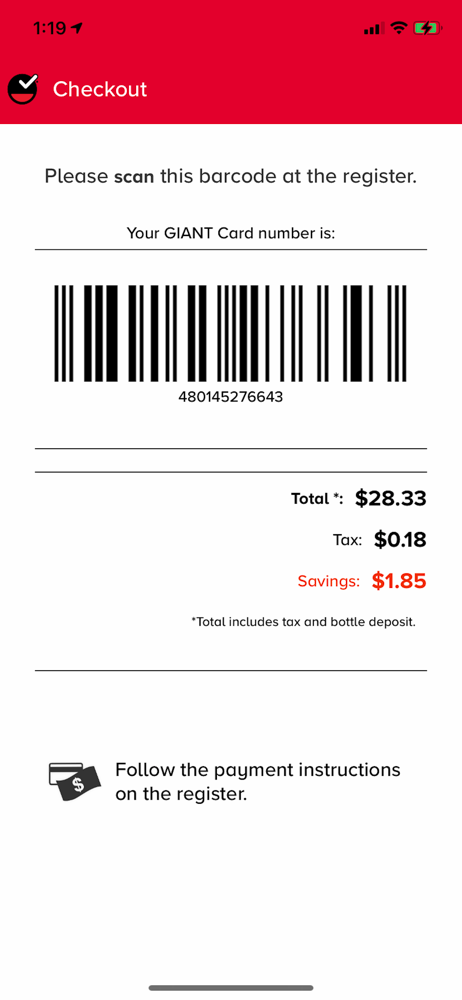
Quickly turn your mobile device into a scanner with our easy-to-use mobile app. Use your smartphone to Scan and bag your groceries while you shop....