
Check the acquisition promise
Read the store headline, screenshots and description. What problem is the app promising to solve?
Study the storefront ↗
H-E-B · iOS
Explore the ad evidence, study the storefront, and build your next acquisition hypothesis.
01 / Creative research
Read the store headline, screenshots and description. What problem is the app promising to solve?
Study the storefront ↗Explore apps with direct store-link matches. Compare their hooks and formats without assuming the same approach works here.
Browse observed advertisers ↗Store rankings and revenue estimates describe market context. They do not establish ad spend, conversions or ROAS.
Review the market context ↗02 / Storefront & product
Study the product story and store experience behind the acquisition funnel.
03 / Market context
Keep revenue, downloads and store rankings separate from advertising performance.
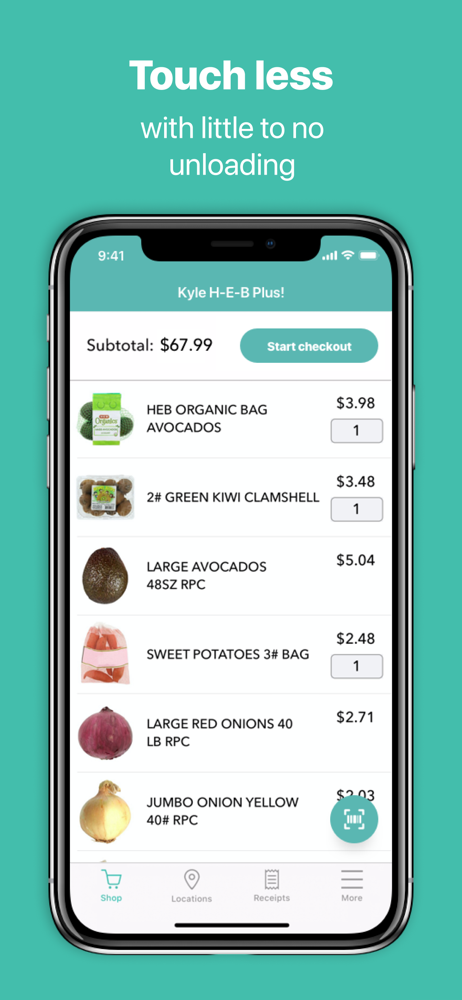
I’ve been using this at my local H.E.B. Plus, since it was first introduced (perhaps 5 years ago?) I was forgiving of bugs at first, since this was a new software/ hardware platform, but I expect the software to be a bit more stable, by now. I do not believe that I have EVER had a shopping experience where the app hasn’t either crashed on me, hung (forcing me to perform a hard exit & relaunch) or some other issue. Lately, when the app crashes, I will loose several of my most recently scanned items, so I must carefully look through the item that I have bagged (as I shop) to see if they are among the items still listed in my digital cart. I then need to rescan all of those items lost, when the application crashed. I also don’t quite understand why I need to input Digital Coupons in the MY H-E-B app, so that they will be applied at checkout in this app? Why have two separate apps in the first place? How about fixing the scan / pay & go functionality and simply integrating it into the MY H-E-B app?
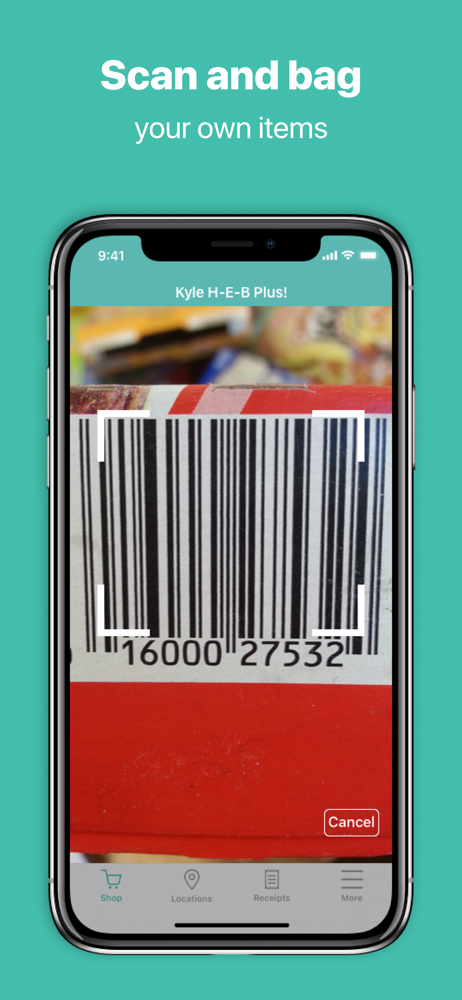
At first I wasn’t sure if all products would be available to be scanned and or registered to the system, but sure enough, they all were. Aside from the produceBarcode printer not working, it was all very seamless and quick. An employee did have to assist me at the end. And what she did was questionable. She said she had to rescan three items. I asked, “As in, re-scan items?“ she didn’t answer me, and to my best guess, it was some sort of theft prevention tactic. Assuming people put things in their bag without scanning it. If that’s the case, I understand. I just hope that doesn’t have to be done each and every single time. Because that would completely defeat the purpose.
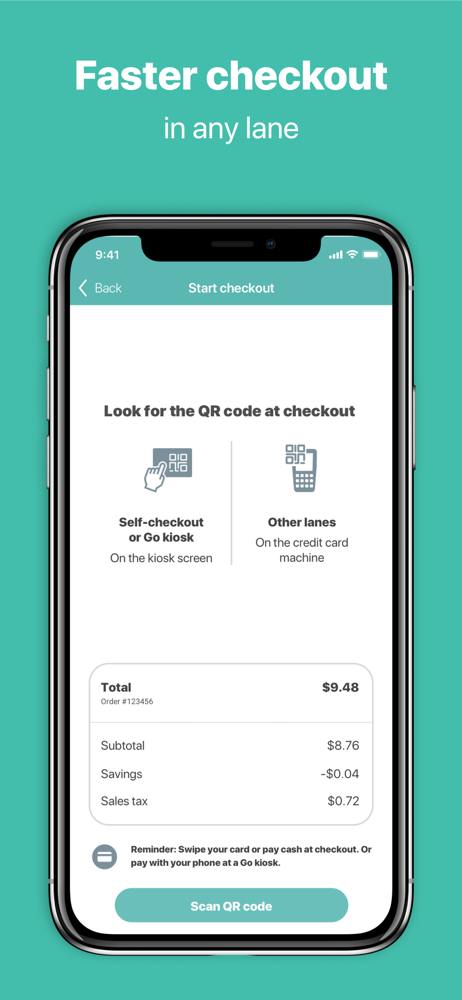
I really like this app and have recommended it to many friends. I do compare it to the Target app, and this app have some things better than the Target app but things could be improved to be better. One thing is while looking up an item, can you show us if there’s a current coupon for it? Also when I started my shopping today, I had to update my app right there on the spot. Not a problem but what was updated? When I checked out, did my digital coupons from your other H-E-B app already apply? It seems like they did but not too sure. That would be a nice feature. Sometimes I checkout and the coupons just won’t apply and that makes me nervous. For any shopper reading this, I created a list named “used Qs” and save all of the coupons that I know I used there so I don’t get shorted. Thanks for listening.
With the app, you can scan and bag your own items as you shop, make less contact with others, and save time at checkout in any lane. Get started by la...


