Check the acquisition promise
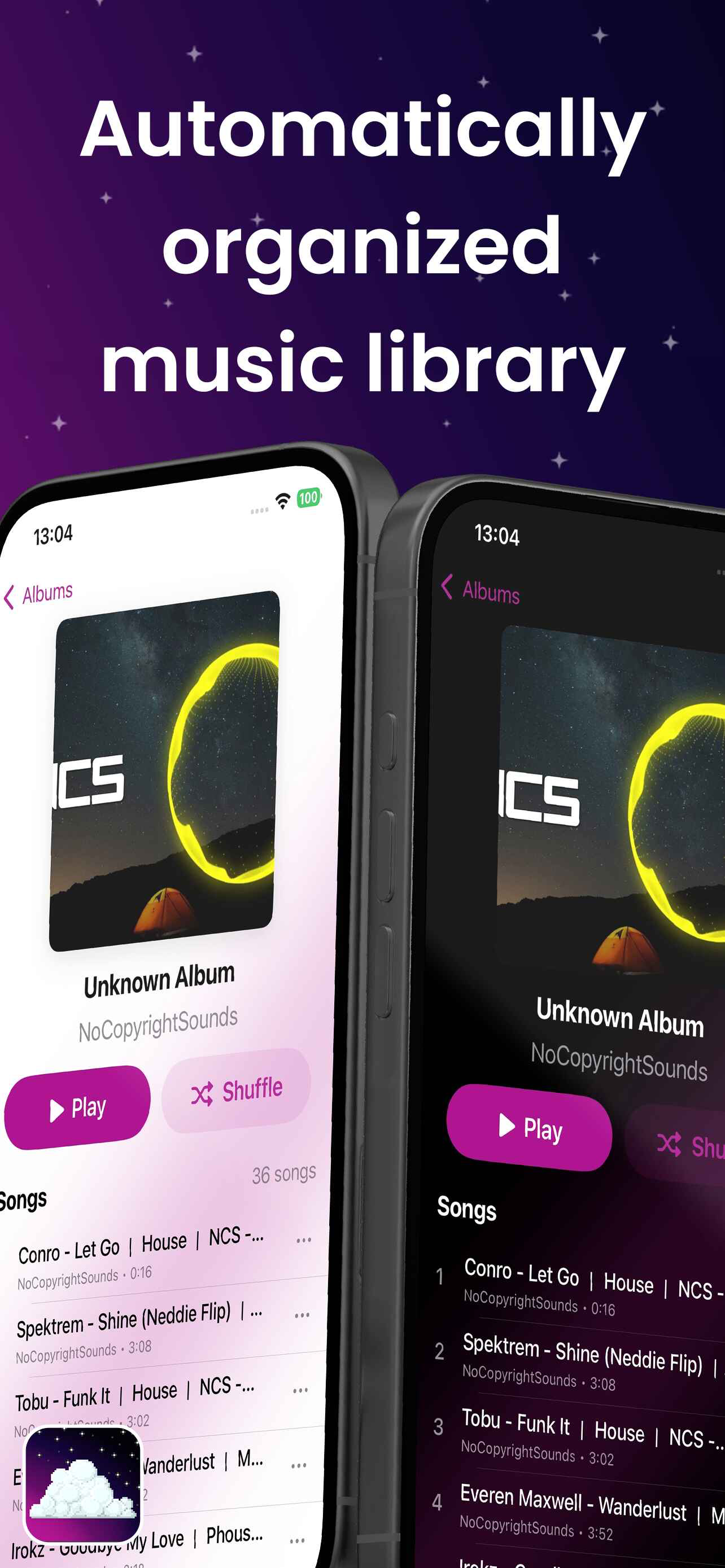
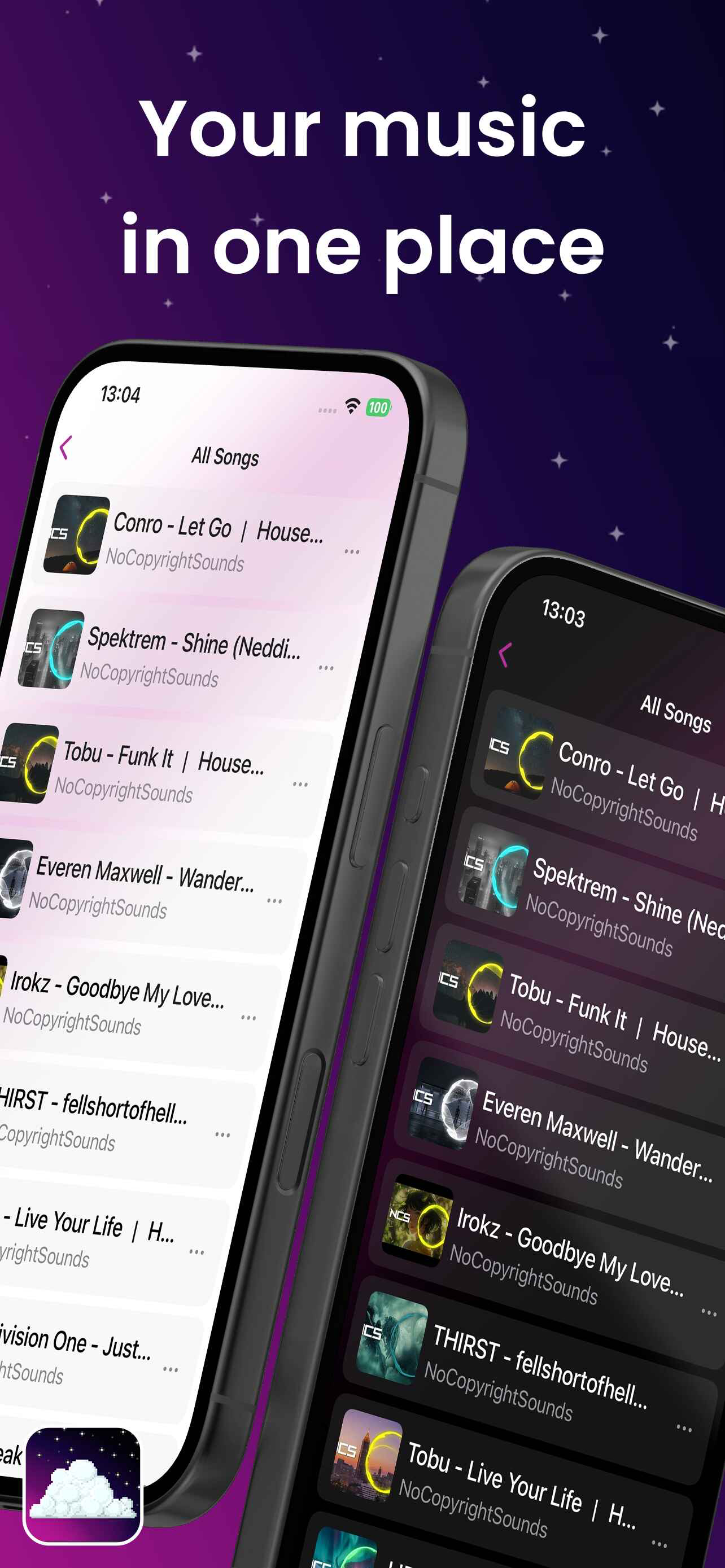
Read the store headline, screenshots and description. What problem is the app promising to solve?
Study the storefront ↗
Raphael Boullay Le Fur · iOS
Explore the ad evidence, study the storefront, and build your next acquisition hypothesis.
01 / Creative research
Read the store headline, screenshots and description. What problem is the app promising to solve?
Study the storefront ↗Explore apps with direct store-link matches. Compare their hooks and formats without assuming the same approach works here.
Browse observed advertisers ↗Store rankings and revenue estimates describe market context. They do not establish ad spend, conversions or ROAS.
Review the market context ↗02 / Storefront & product
Study the product story and store experience behind the acquisition funnel.




03 / Market context
Keep revenue, downloads and store rankings separate from advertising performance.
• When adding songs (putting songs in the dedicated “Music” folder in the app directory), the app seems to stop loading new songs—even after refreshing—past ~150 songs added into that folder. It is either this, or that at the ~150 mark, if you delete a song and then attempt to re-add it through the Music Folder, it will not appear automatically, forcing you to use the “Open Files” button strangely. You should add a way to edit the file’s tags or lyrics inside of the app.
This app is what I've been waiting for, for years... I have been using VLC and other music apps that don't collect data and are preferably open source. This is it. This has THE potential to be the #1 local music player in the App Store with one of the cleanest looking user interfaces I've seen. However, there are a few glaring issues keep me from fully switching over. Keeping in mind the app's early development, here are a few positives and negatives. Positives: - Open-source 🙏 - Supports MP3, FLAC, OPUS (buggy) & WAV. - Does not collect data or use telemetry. - Very nice UI (not so good UX). - Allows users to import a custom GraphicEQ. - Importing local music is easy and allows users to import songs from different folder locations. - iCloud integration (not useful personally but a pro nonetheless). Negatives: - Adding/Appending to Queue is barely barely implemented and quite rudimentary. - OPUS files display blank metadata. - The option "Remove from library only" off by default. An unsuspecting user may unintentionally delete all of their local music files. - When importing large numbers of music files (~2,000+) the app crashes. Although this may be due to the files app itself. - Does not allow M3U/M3U8 playlist importing or exporting. - Created playlists are only available in JSON format. Note to the Lead Developer (clquwu): Overall this is a wonderful app and I have been following its development closely. I'd like to make a kind suggestion that the queue, playlists and importing be prioritized as those are the only issues preventing my full switch over. In time of course. Thank you for taking initiative and creating something like this for little to nothing in your valuable time on this earth. 🙂
I’ll skip the backstory and get to the point. I would really love to be able to use this application on my pc that uses windows, so that my music is somehow synced. Maybe have an option to hook up a google drive to the app, so you can have music available from it on both devices at once. I’m sure this next request would be way too much work or illegal, but I would love to see a way for music to be able to be played in the app as a streamed option like the discord boys have free streaming, but to be honest the way the app is right now is great simple open source and no trackers. I’m in love with it after moving from melodista bc they have ads and tracking and all types of things.
Cosmos Music Player Completely free no in‑app purchases, no ads, no tracking and totally open source. Cosmos Music Player is a high-quality music pl...