
Check the acquisition promise
Read the store headline, screenshots and description. What problem is the app promising to solve?
Study the storefront ↗
Cardune · iOS
Explore the ad evidence, study the storefront, and build your next acquisition hypothesis.
01 / Creative research
Read the store headline, screenshots and description. What problem is the app promising to solve?
Study the storefront ↗Explore apps with direct store-link matches. Compare their hooks and formats without assuming the same approach works here.
Browse observed advertisers ↗Store rankings and revenue estimates describe market context. They do not establish ad spend, conversions or ROAS.
Review the market context ↗02 / Storefront & product
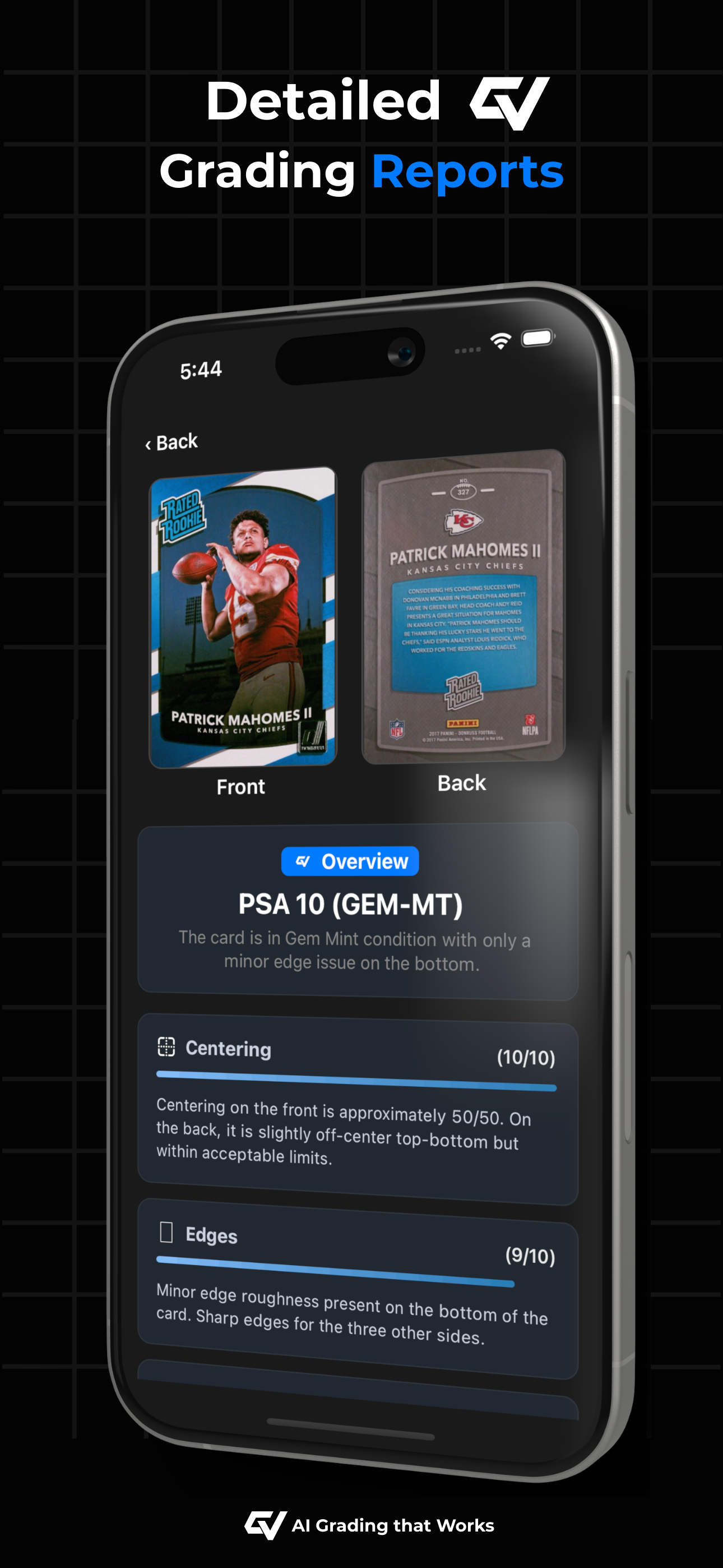
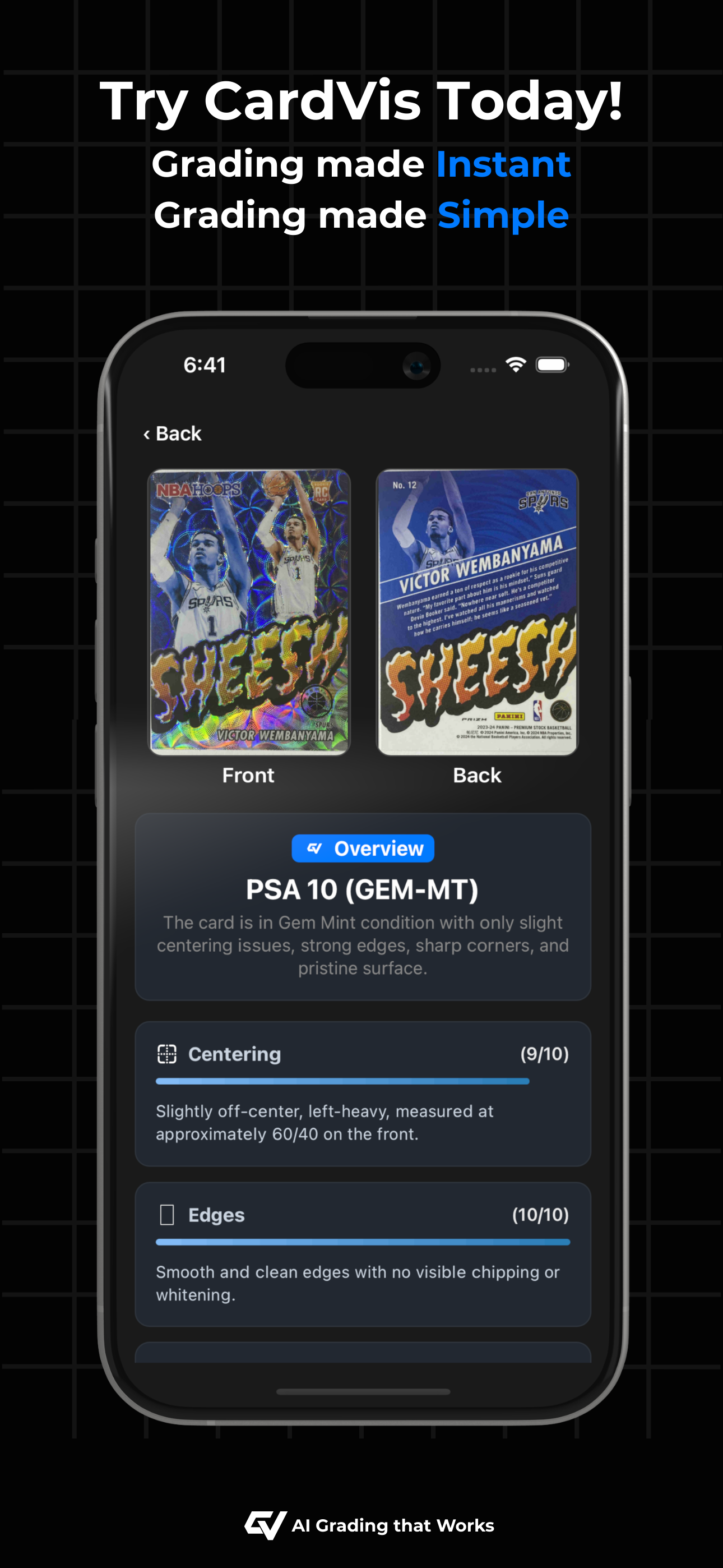
Study the product story and store experience behind the acquisition funnel.




03 / Market context
Keep revenue, downloads and store rankings separate from advertising performance.
What a great app for verifying card grades! A great tool to confirm whether a card is worthy of being graded or not. I’ll be sending a few in for grading to see how close the app got. The upgraded version is probably the way to go, but awesome free version for those who don’t want to pay.
The scrolling feature is bugged. As you scroll through your collection it resets to the top. My friend has this app as well and he also has the same issue. It’s frustrating when you want to show the collection. I get that there is a filter option and search option, but I’d rather the scroll work properly. Another issue is if you accidentally analyze with both pictures being of the front of the card or vis versa. The first card I uploaded was done three times as I didn’t realize that taking the picture taking doesn’t provide an audible or visual indicator. That addition would be nice. All in all, this app is wonderful and I recommend any collector to use it as it gives an excellent idea whether your card is worth grading. I see other reviews that comment of some of the other issues of capturing things that aren’t there or the app being overly critical of the card. I have experienced that as well, but at the end of the day, it’s not the human eye and I’m getting the value out of this app. Thanks and please, please, please, fix the scrolling and delete option.
Ive run about 30 cards thru so far and like the instant feedback the card reader gives. I find it most accurate on surface condition where it is pretty spot on. I find it less accurate on edge and corners, often overly critical, seeing things that i dont believe are there. What would level up this tool for me is with Centering. I have received a 9 grade on all 30 cards ive run thru (suspect). Whats confusing is that there are a few different explanations for the 9 grade. Tweaking this feature would be a game changer for me and the best application for an app like this as Centering is the least subjective part of grading. -CHEERS
CardVis – AI Grading That Works From sports cards to TCG, CardVis delivers quick, accurate, and transparent results directly from your device. No mor...
| Name | Price | Type |
|---|---|---|
| CardVis Pro Weekly | $4.95 | Weekly |
| CardVis Elite Weekly | $7.95 | Weekly |
| CardVis Pro Monthly | $19.49 | Monthly |
| CardVis Elite Monthly | $31.49 | Monthly |


