Check the acquisition promise
Read the store headline, screenshots and description. What problem is the app promising to solve?
Study the storefront ↗
Mohamed Makled · iOS
Explore the ad evidence, study the storefront, and build your next acquisition hypothesis.
01 / Creative research
Read the store headline, screenshots and description. What problem is the app promising to solve?
Study the storefront ↗Explore apps with direct store-link matches. Compare their hooks and formats without assuming the same approach works here.
Browse observed advertisers ↗Store rankings and revenue estimates describe market context. They do not establish ad spend, conversions or ROAS.
Review the market context ↗02 / Storefront & product
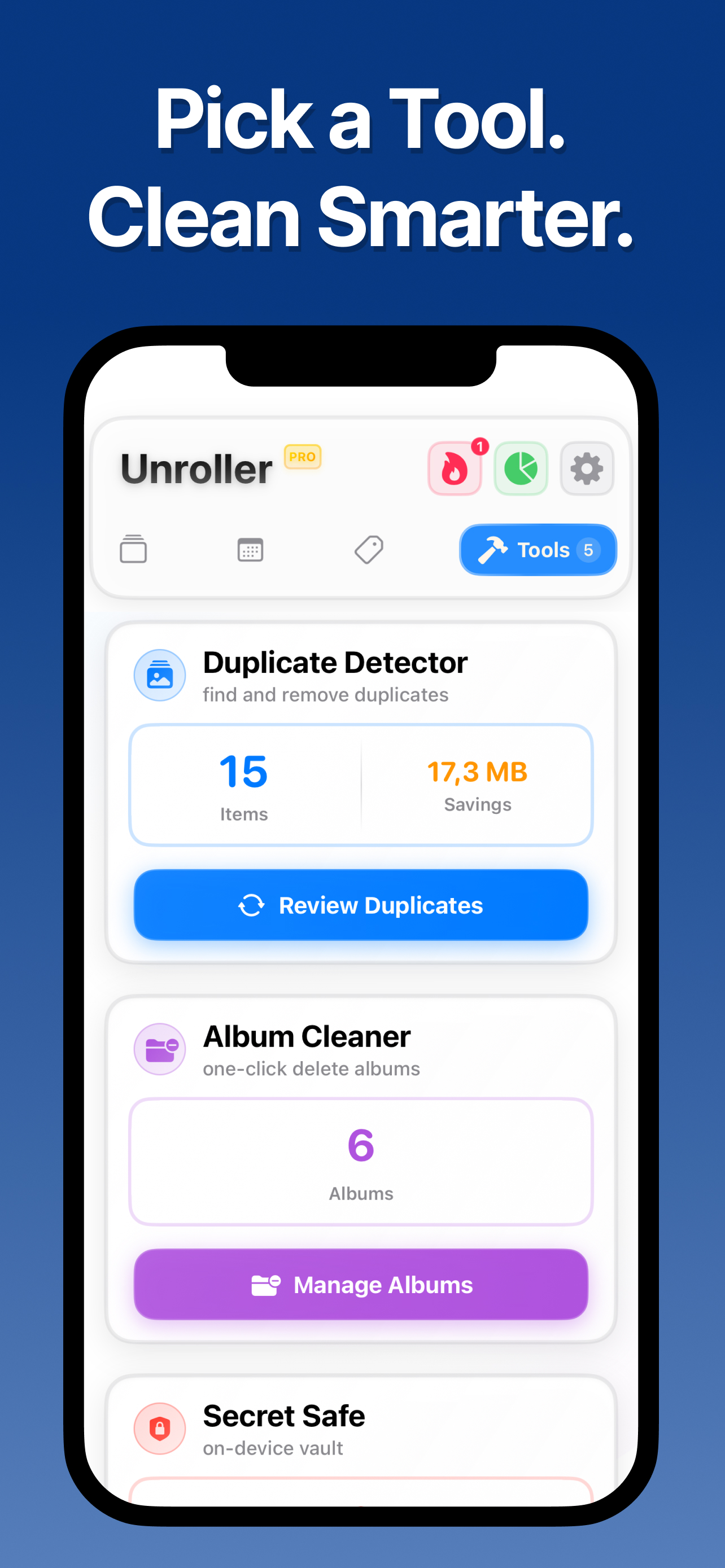
Study the product story and store experience behind the acquisition funnel.



03 / Market context
Keep revenue, downloads and store rankings separate from advertising performance.
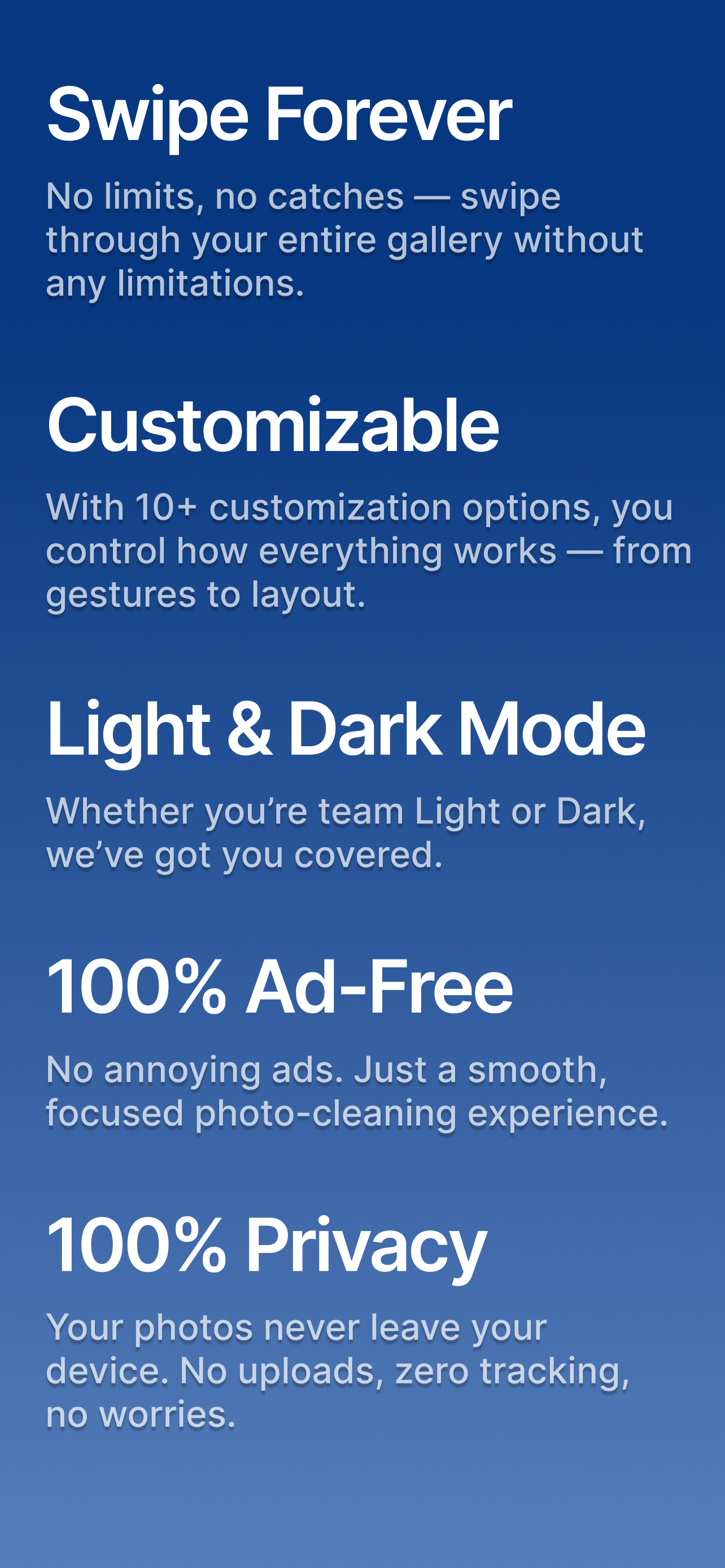
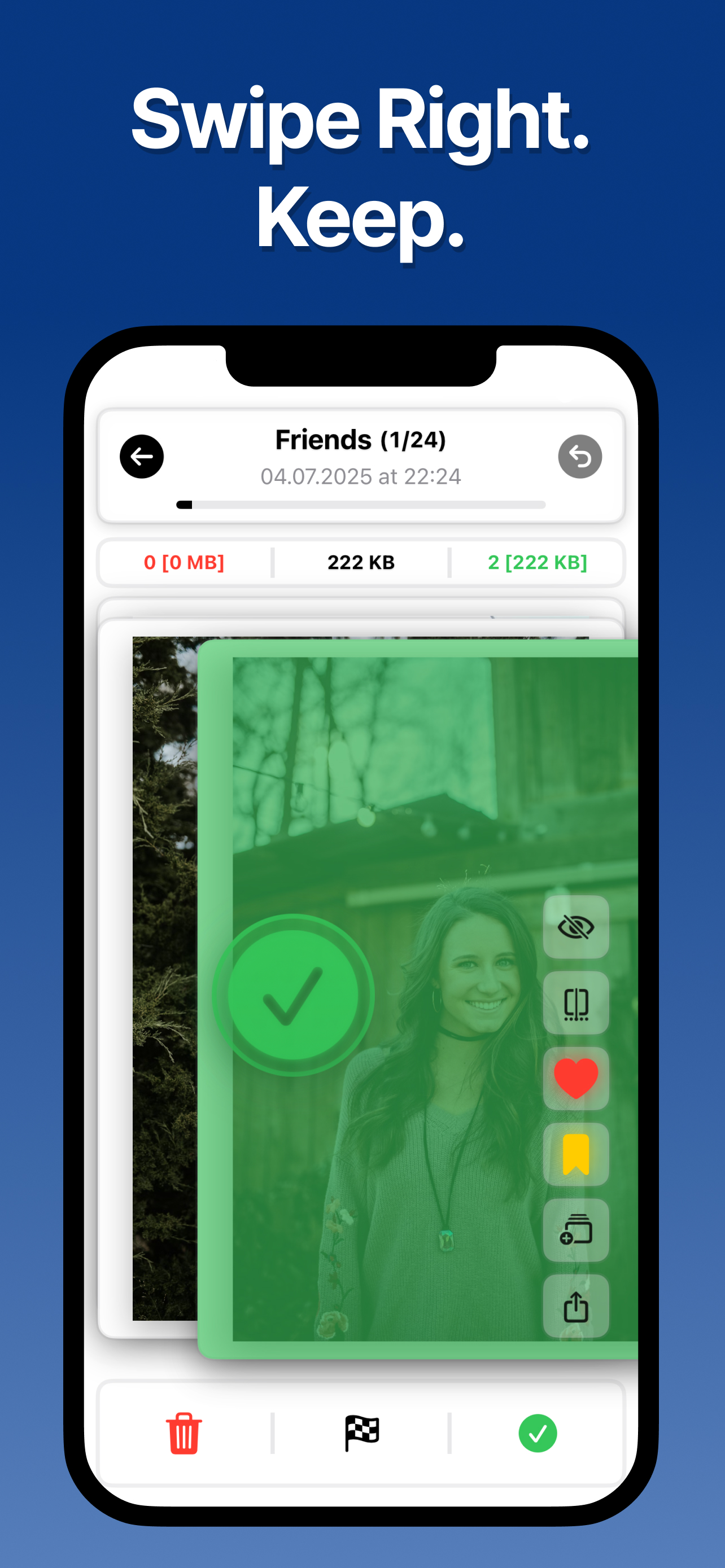
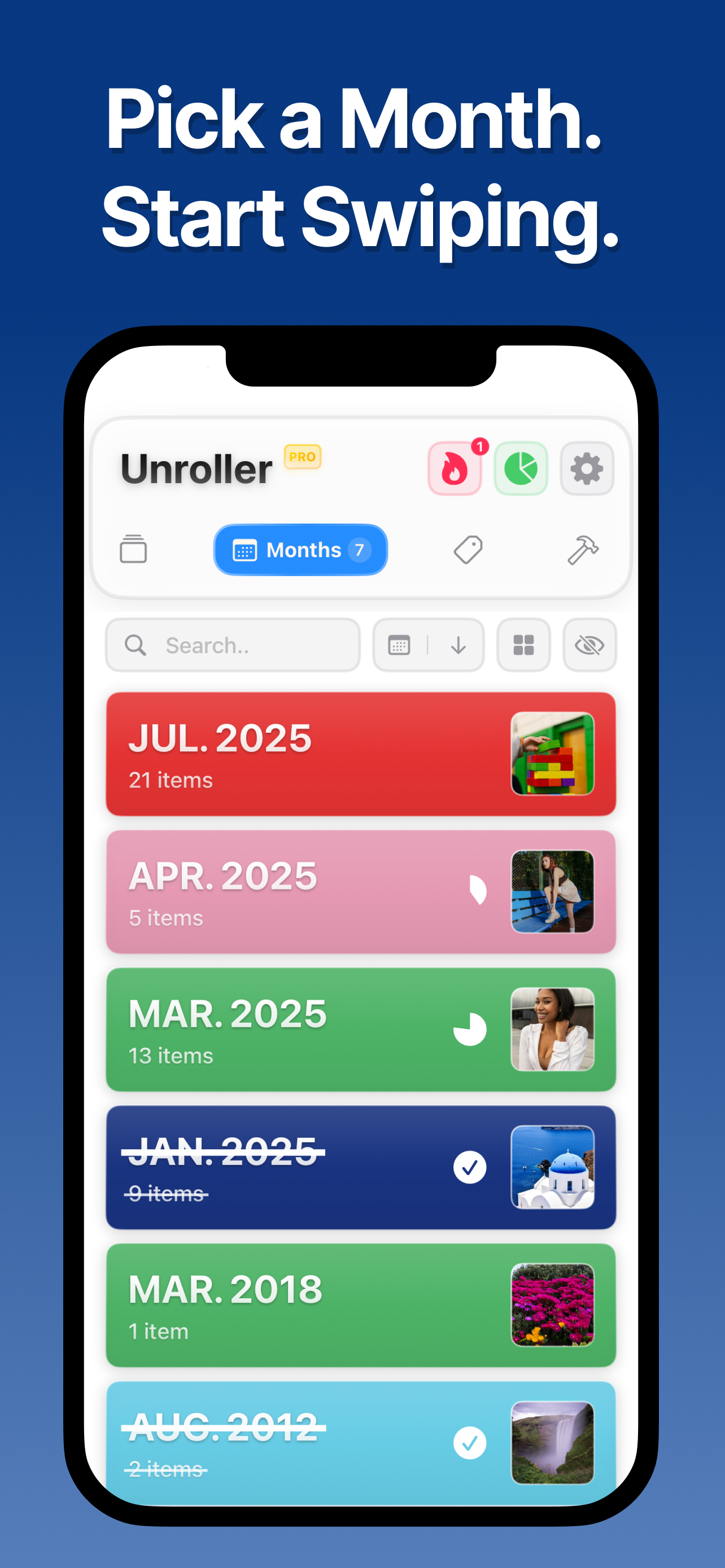
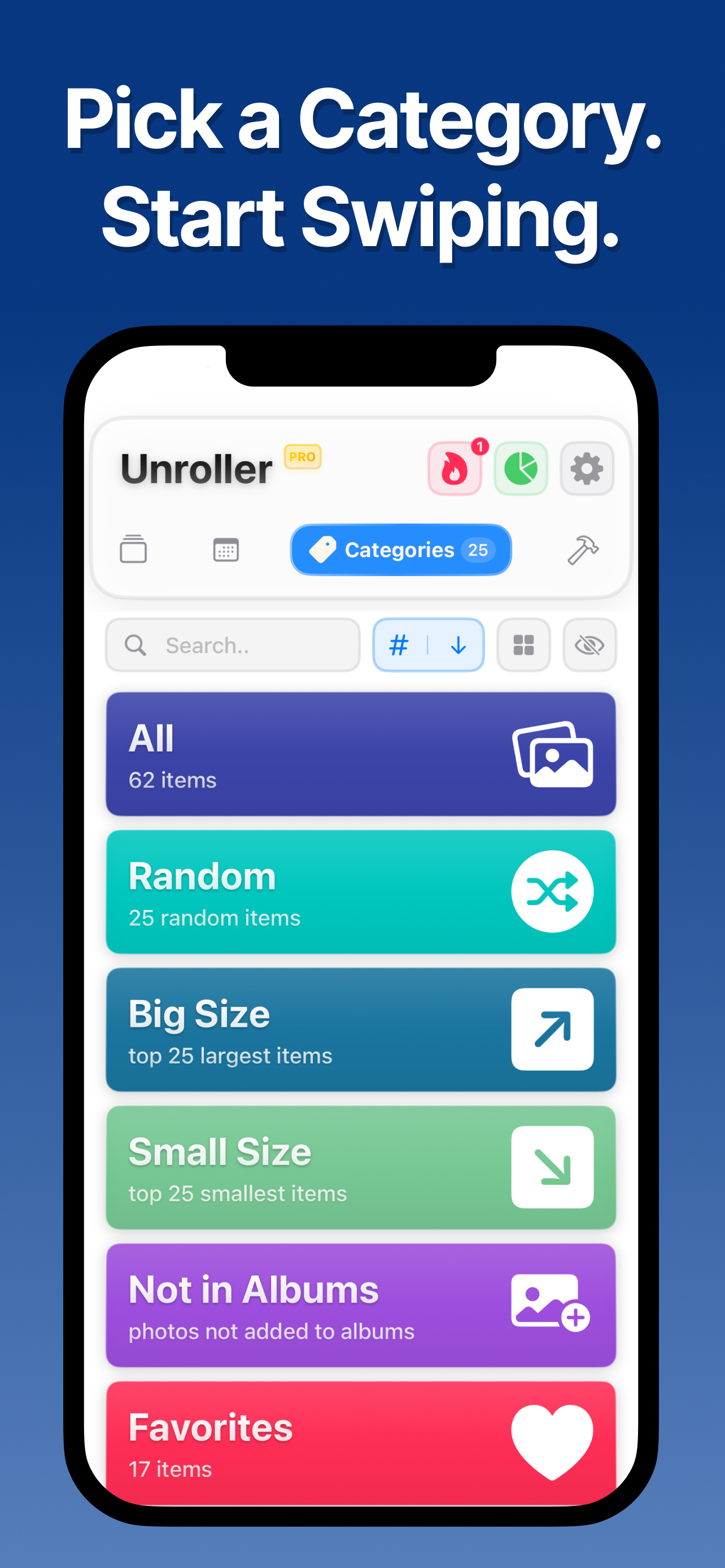
A really clever implementation of swiping left/right to delete or keep photos. It makes the process of deciding which photos are worth keeping in storage a breeze. Not sure if there’s an option buried in the settings, but it’d be a nice addition if users could just pick a default preference for how all the albums are sorted so there’s one less prompt to deal with when jumping into an album and right into swiping. Overall, I’m really impressed and even appreciate the stats section that shows relevant info like how many photos you’ve deleted and how much storage you’ve reclaimed.
I’ve been putting off downloading an organization app because I was worried I would get bombarded with adds. This app does not subject you to that, which I greatly appreciate. The layout is also really simple and clean, which I also really like. The best part is all the stats that you see as you’re cleaning out your photos. I love knowing the percentage and storage amounts I’m clearing up. It makes it feel like a game. Very, very cool. This app is the best of its kind!!!
Works great as a feature filled swipewipe replacement. It shows you a progress bar as well as a cleaner streamlined UI. I found a bug while using the app, and support was extremely quick to address it (within 2 hours). Great dev team and a great app. I will be excited to see what future updates bring One issue: as of the current app version, you cannot swipe on videos. I mentioned this in my support ticket, and hopefully it will be addressed in some way soon.
Is your camera roll a chaotic mess? Say hello to Unroller, the easiest and most fun way to clean up your photo gallery and free up storage. Swipe left...
| Name | Price | Type |
|---|---|---|
| Weekly Plan | $4.99 | Weekly |
| Lifetime Premium | $44.99 | One-time |