Check the acquisition promise
Read the store headline, screenshots and description. What problem is the app promising to solve?
Study the storefront ↗
Thumbley LLC · iOS
Explore the ad evidence, study the storefront, and build your next acquisition hypothesis.
01 / Creative research
Read the store headline, screenshots and description. What problem is the app promising to solve?
Study the storefront ↗Explore apps with direct store-link matches. Compare their hooks and formats without assuming the same approach works here.
Browse observed advertisers ↗Store rankings and revenue estimates describe market context. They do not establish ad spend, conversions or ROAS.
Review the market context ↗02 / Storefront & product
Study the product story and store experience behind the acquisition funnel.




03 / Market context
Keep revenue, downloads and store rankings separate from advertising performance.
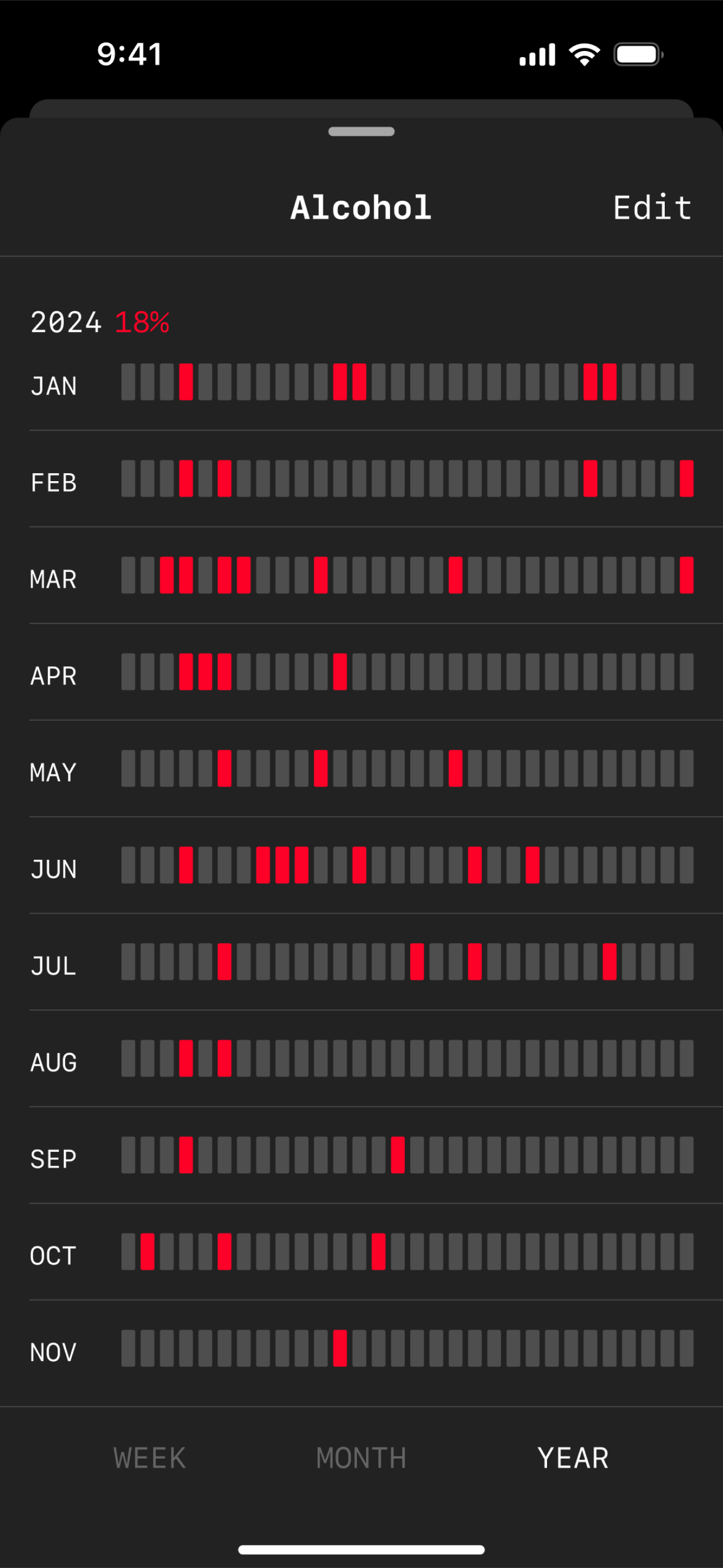
I’ve used pretty much every habit tracker out there (most recently Streaks). They’re all bloated with features I don’t need and incentivize streaks, which are useful short-term but shouldn’t be the sole focus. Logger’s beauty is in giving you a simple visualization of your day - week - month - year. Skipped a day? Doesn’t matter - your week / month / year is still all green. It helps you build momentum and visualize consistency over chasing streaks. The simplicity of it is beautiful. Small wish list - I’d love more widget options, both the smallest type and the largest one. - I’d love a way to hide habits (without deleting them) Especially for negative habits, I may not want to have them front and center if I open the app or share with other ppl.
I stumbled upon this app on Twitter right around the start of the new year and thought I’d give it a try to keep up with my habits. I’ve tried many habit tracking apps before. This one is different. It doesn’t try to do too much, and it stays out of your way. The focus is on exactly what it should be - your habits - without any distractions. In fact, it’s the only habit tracking app that has actually turned into a daily habit itself. I spend most of my time in the week view mode and once in a while look at the month and year views for perspective. I also reframed bad habits (red) into good habits (green) and strive to have a screen full of green each week. It reminds me of the Github contribution graph. I use it to follow the two-day rule, which is to never skip two days in a row. As far as the few people here who are salty about paying $2.99 per month, that’s a personal decision. For me, so far at least, it’s the best $3 I spend each month and has had an outsized impact on my life. I also think that people who spend time and effort to create products and services for the benefit of others should not be expected to work for free. I’m happy to buy this developer (whoever they are) half a cup of coffee each month as thanks for making this app.
I’ve been looking for this!! Great UI, clean and easy.
**Note:** Logger isn’t free, but you can log up to 50 events without paying (which should last quite a while). After that, you’ll have the option to c...
| Name | Price | Type |
|---|---|---|
| Monthly Unlimited Logging | $1.99 | Monthly |
| Yearly Unlimited Logging | $19.99 | Yearly |
| Lifetime Unlimited Logging | $39.99 | One-time |