
Check the acquisition promise
Read the store headline, screenshots and description. What problem is the app promising to solve?
Study the storefront ↗
Ankit Kumar · iOS
Explore the ad evidence, study the storefront, and build your next acquisition hypothesis.
01 / Creative research
Read the store headline, screenshots and description. What problem is the app promising to solve?
Study the storefront ↗Explore apps with direct store-link matches. Compare their hooks and formats without assuming the same approach works here.
Browse observed advertisers ↗Store rankings and revenue estimates describe market context. They do not establish ad spend, conversions or ROAS.
Review the market context ↗02 / Storefront & product
Study the product story and store experience behind the acquisition funnel.



03 / Market context
Keep revenue, downloads and store rankings separate from advertising performance.
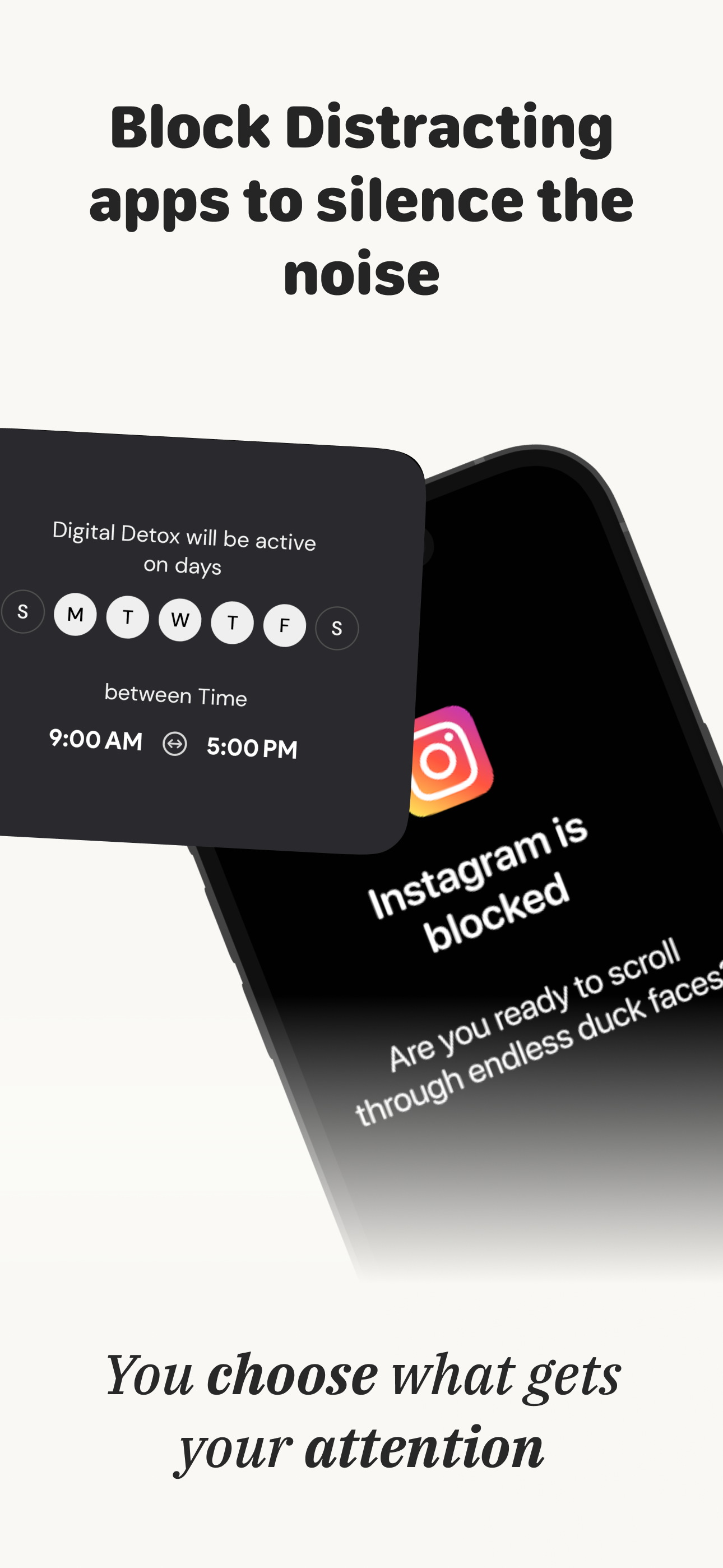
I love how customizable this makes my home screen, I feel like I can breath now lol. I am also utilizing the option to limit certain apps. The customization of the launcher is limited but quite nice in that despite it showing you a few limited backgrounds and how to make the widget appear “transparent” or “invisible” when it really isn’t, I found a way to customize it even further with my own backgrounds to suit my liking using the tutorial. That said, the app could do with a few minor tweaks to really take it over the top. One thing would be to have an alphabetizing option for the app list on the widgets so you’re not painstakingly doing it for all 18 apps like I did. Another thing would be the ability to change the size of the text and have font options for the widgets. The launcher app launches every time you open an app, so that can be annoying sometimes if you prefer to have few apps open. You can always close the app, but it is an extra step in the process of decluttering. Lastly, I was unaware of the free version being a trial, so I wasn’t a big fan of the bait and switch, I would’ve liked more up front notice. Despite that, I still purchased a year’s worth of usage because I truly do find myself using my phone less for screen time. I will be recommending this to anyone who wants to stop being over stimulated by the colorful and chaotic apps on the standard iPhone launcher.
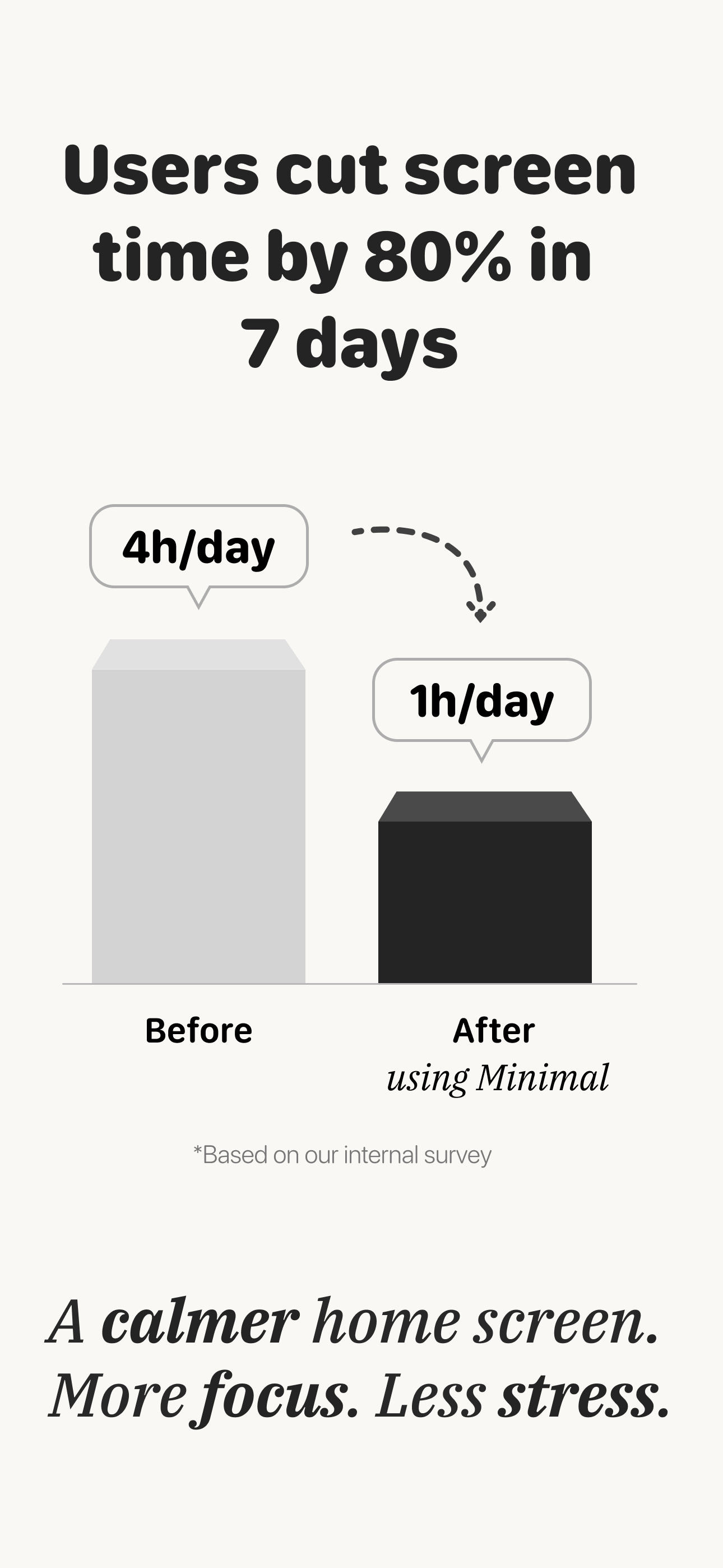
A great app to make your iPhone into a dumb phone! I didn’t think you could do this, but you can and it only takes a little bit of time. It’s helped me be on my phone less in the past week and since it only costs $10 for lifetime membership, I decided to just get it since it’s helped me simplify my phone and my time spent staring at a screen. I will say that I couldn’t get the colored backgrounds to work for some reason - I don’t know if it’s just me or a glitch, but I couldn’t get them working where the widgets blend into the background. I actually love the black background, so I’m kind of glad I was forced to use it haha. My phone is in grayscale. The other thing I’ll say is that it can be challenging at first to figure out how to set everything up. I’m glad there was a video to reference. I think it just takes time to learn all the settings, but once you do you’re good to go. That said, this is an amazing app and I’m so glad I downloaded it instead of Dumbify because I think that’s more expensive lol. I thought this app was free though and must not have gotten the memo on the seven day trial situation, but it doesn’t matter. For $10, I’ll be able to use it for the rest of my life which I think is a pretty good deal with the way it’s reduced my screen time. Thank you, Ankit!! You made an amazing app!
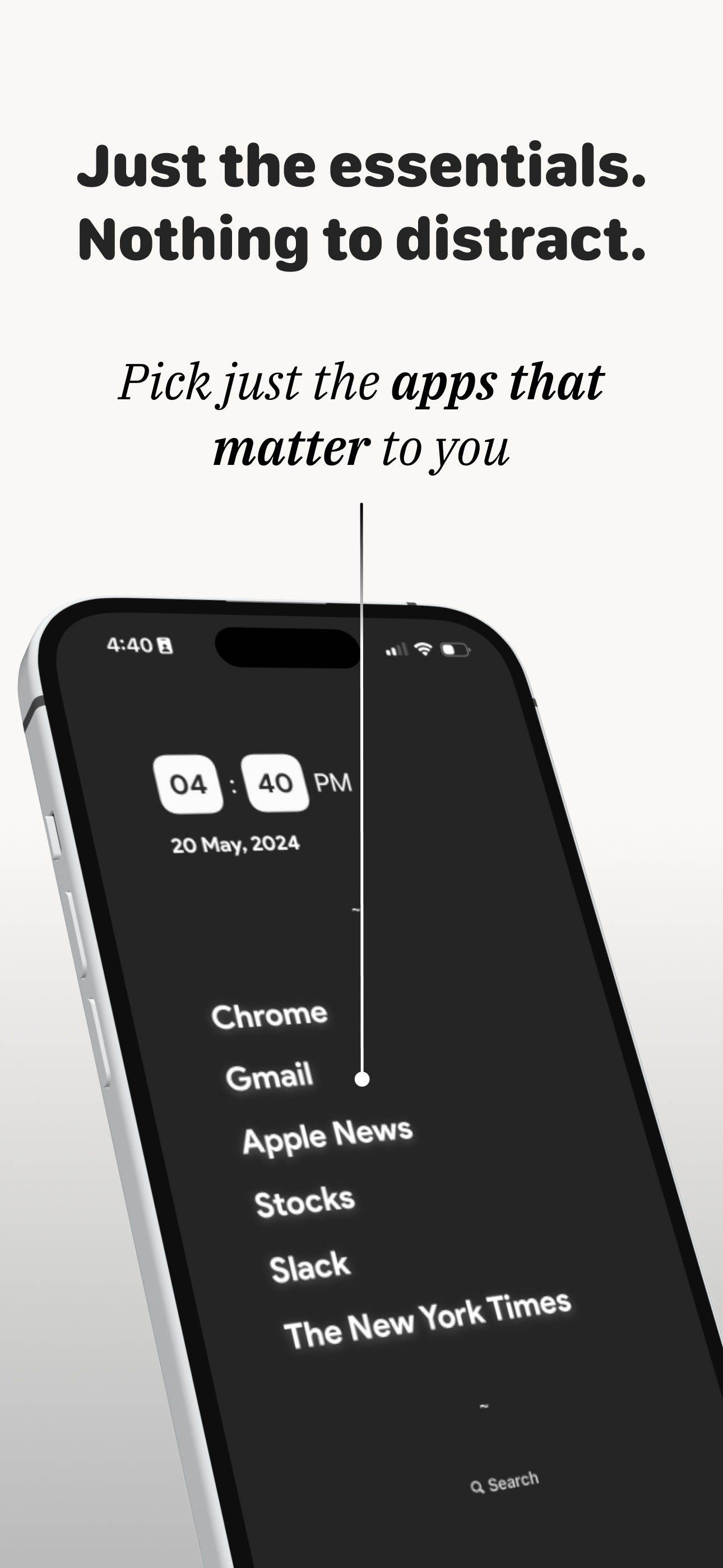
This app is great. I am able to declutter my Home Screen and use the minimalist screen to only have my 6 essential apps. I also added some useful widgets on the widget screen to the left (iPhone), and a handful of other very useful apps I need that went over 6. All the other apps I use I went through and deleted the unnecessary ones and kept the rest but hid the screens so that only essential apps are seen. I also set iPhone settings to grayscale. I paired the visual strengths of this app with the app control customizability of “burnout buddy” to set timers and restrictions on apps I need but tend to waste time on. This app is great. The free features do everything I need. When I needed support to add a new app I use into the favorites available for this app, I reached out to support and “Airman” on telegram was able to update the app and add my desired app “FitNotes 2” onto the minimalist launcher! Outstanding support! These guys deserve a round of applause! Do not waste your time looking for other minimalist phone screens. This will cover all your needs.
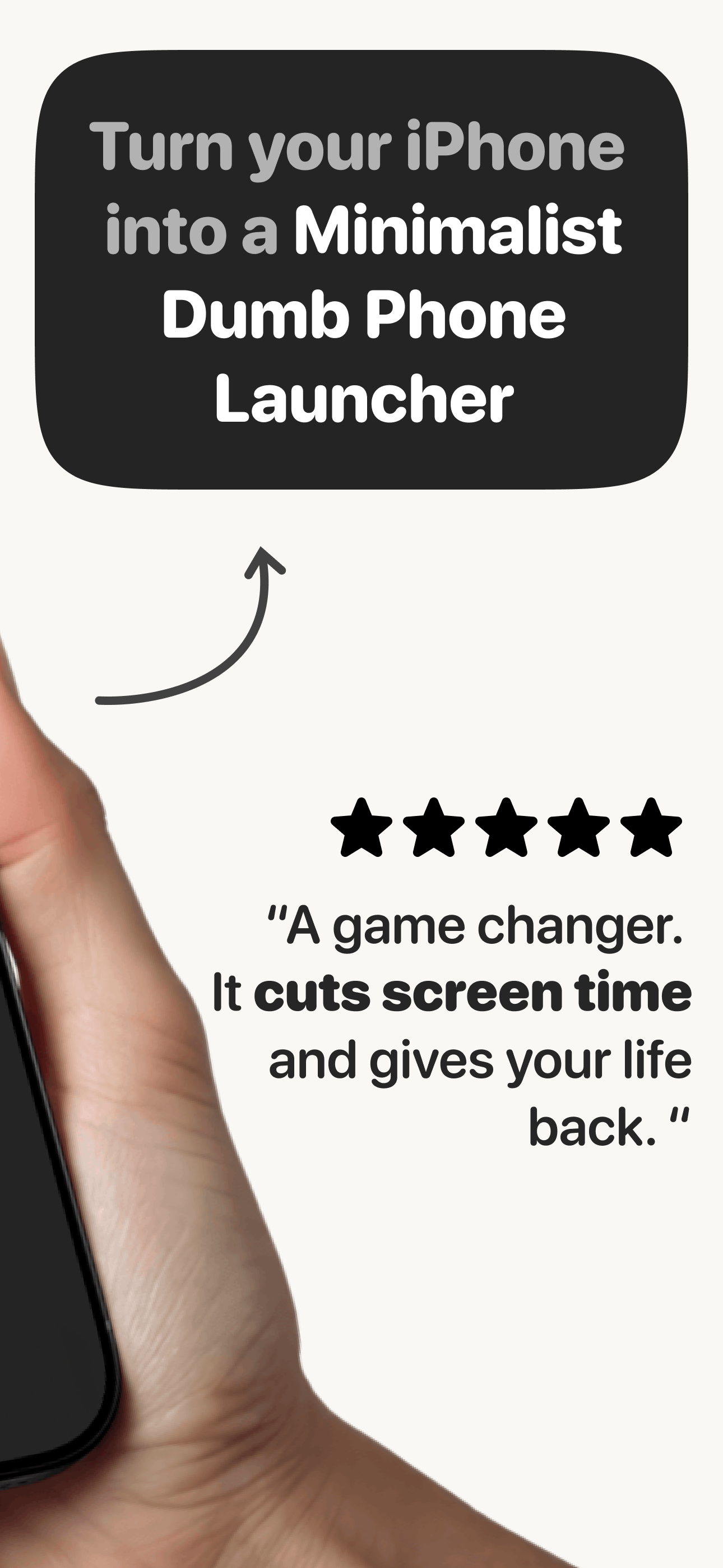
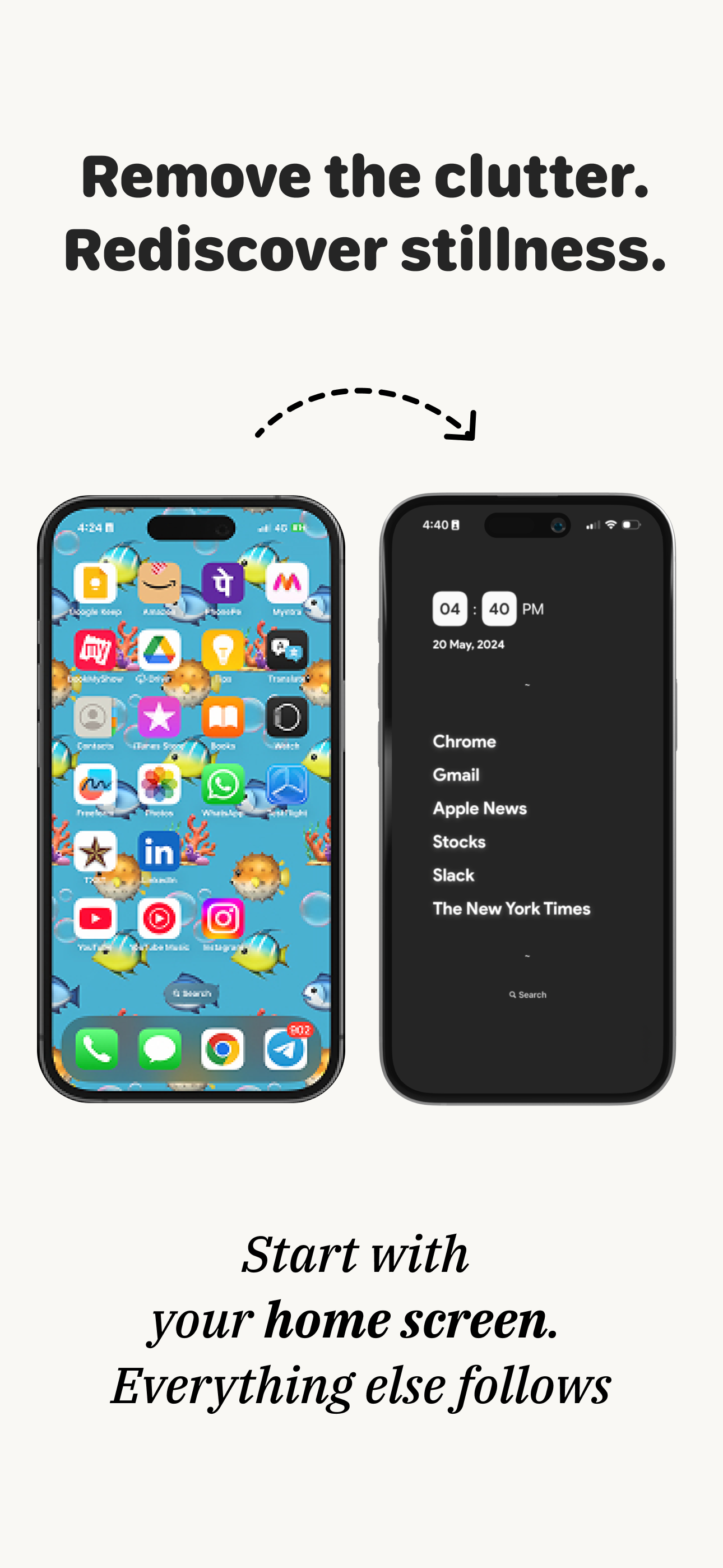
Minimalist Launcher is a Minimal Home Launcher to simplify your iOS home screen. The current home screen with lots of apps creates a cognitive load a...
| Name | Price | Type |
|---|---|---|
| Minimalist Launcher Premium (Monthly) | $5.99 | Monthly |
| Minimalist App Launcher - Monthly | $7.99 | Monthly |
| Minimalist Premium - Lifetime | $9.99 | One-time |
| Minimalist App Launcher - 50% Off | $12.49 | One-time |
| Minimalist Launcher Premium (Annual) | $14.99 | Yearly |
| Minimalist App Launcher - Annual | $19.99 | Yearly |
| Minimalist Phone Lifetime | $24.99 | One-time |
| Minimalist App Launcher - Lifetime | $44.99 | One-time |


