
Check the acquisition promise
Read the store headline, screenshots and description. What problem is the app promising to solve?
Study the storefront ↗
coneno GmbH · iOS
Explore the ad evidence, study the storefront, and build your next acquisition hypothesis.
01 / Creative research
Read the store headline, screenshots and description. What problem is the app promising to solve?
Study the storefront ↗Explore apps with direct store-link matches. Compare their hooks and formats without assuming the same approach works here.
Browse observed advertisers ↗Store rankings and revenue estimates describe market context. They do not establish ad spend, conversions or ROAS.
Review the market context ↗02 / Storefront & product
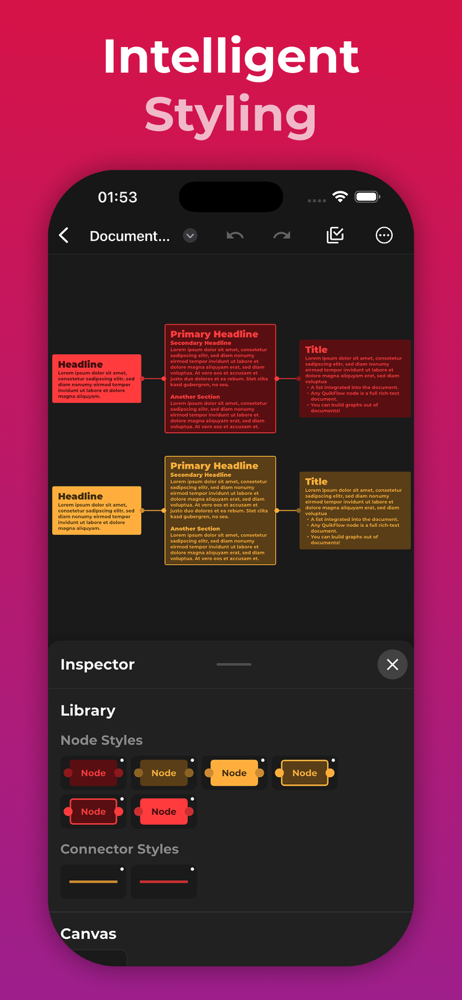
Study the product story and store experience behind the acquisition funnel.




03 / Market context
Keep revenue, downloads and store rankings separate from advertising performance.
Very fast, very efficient. Use it for workflows, and with the multiple node input/output feature, analysis diagrams (tips: labeling input/output connectors serve to define relationships, emojis can be used to designate task status, e.g., pending, due, etc., annotations can be added by removing the outline and input/output connectors on a free-standing node, and copying groups of nodes as tab-delimited text can be used to incorporate mind maps into other apps that recognize this format). Lots of flexibility. For finished presentation, I’ll admit I sometimes have to work with more high-end analyst tools for their advanced features, however, for quick analysis and prototyping, I can have something done in this app in minutes, and a lot of the times it’s simply all I need for a presentation. Huge timesaver. Reasonable price point. Lots of potential. Glad I discovered this. One glitch… app opens to a new workflow dialog. If you cancel it, it will close the app. If you want to continue on a previous workflow, open it before you cancel the dialog.
QuikFlow, but with the Pro In-App-Purchase already unlocked! Create flowcharts (and mind maps) without worrying about layout in QuikFlow. With our in...


