
Check the acquisition promise
Read the store headline, screenshots and description. What problem is the app promising to solve?
Study the storefront ↗
Phone Tracker & Family Link Apps · iOS
Explore the ad evidence, study the storefront, and build your next acquisition hypothesis.
01 / Creative research
Read the store headline, screenshots and description. What problem is the app promising to solve?
Study the storefront ↗Explore apps with direct store-link matches. Compare their hooks and formats without assuming the same approach works here.
Browse observed advertisers ↗Store rankings and revenue estimates describe market context. They do not establish ad spend, conversions or ROAS.
Review the market context ↗02 / Storefront & product
Study the product story and store experience behind the acquisition funnel.




03 / Market context
Keep revenue, downloads and store rankings separate from advertising performance.
The Kindle sync feature is fantastic. I can switch between reading and listening without losing my place, which makes it so much easier to get through longer books.
Why 5 stars? Because I am hoping more people will see this review and find it helpful. I've included a full app review plus a solution. I had high hopes because I am a huge reader and I listen to audiobooks at work all day, but wish I could listen to the books I am reading on my Kindle at night. I did some research and found that this app synced with Kindle and I was very excited. But... Problem #1: it continues to reread the same page over and over. If I'm listening to a book, I obviously don't have the time or capability (in my situation - since I'm either working, driving, cooking or doing housework) to turn pages every few seconds. Problem # 2: There is absolutely zero inflection in the voice. So while the voice does sound more "natural" than some, when I'm listening to a book, there has to be inflection, especially when it's a question or exclamation etc. Here's the kicker! I also bring to you a completely F R E E solution that solves these problems and can read absolutely anything. There is customization in how fast, so many voices and then you can even alter the voices from there, control the speed at which they talk etc. Also, it is always available with just a swipe on your screen. What is it you ask? Spoken Content - Screen Voiceover on iOS which comes built in already. All you have to do is enable it and customize. You're welcome. Sorry Devs. You can do better and I was absolutely willing to pay the $9 plus tax until it didn't work then I found a better solution and didn't want other people to be scammed too.
I write very few reviews but I was so excited to have something that linked with my kindle that would read me books that don’t have an audible option. This just didn’t work well for me. I’m not sure why but it was consistently needing time to buffer and wouldn’t read more than a paragraph or two without needing a 15-20 second break. If I read it at 1.5-2 rate, it would also just start over at the beginning of the page. Very hard to follow along to a book when it’s very glitchy. I also have a iPhone 16 PM so I don’t think it was a phone or internet issue.
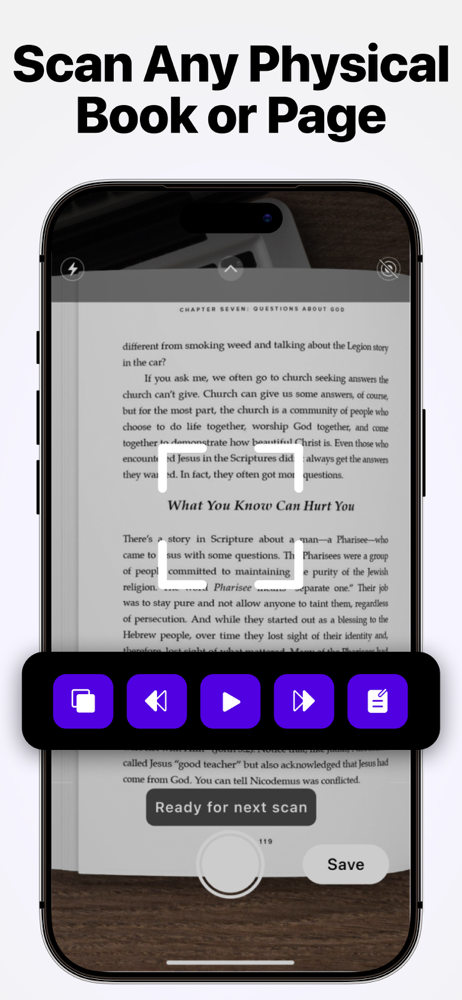
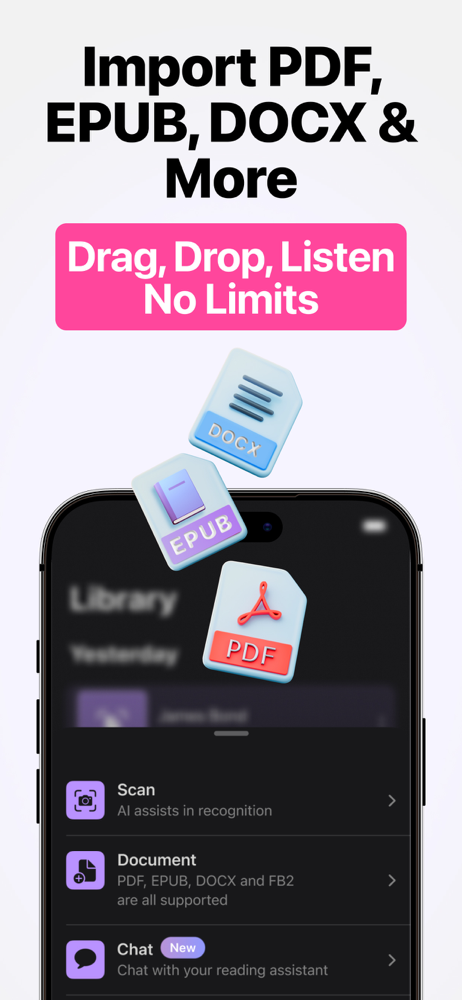
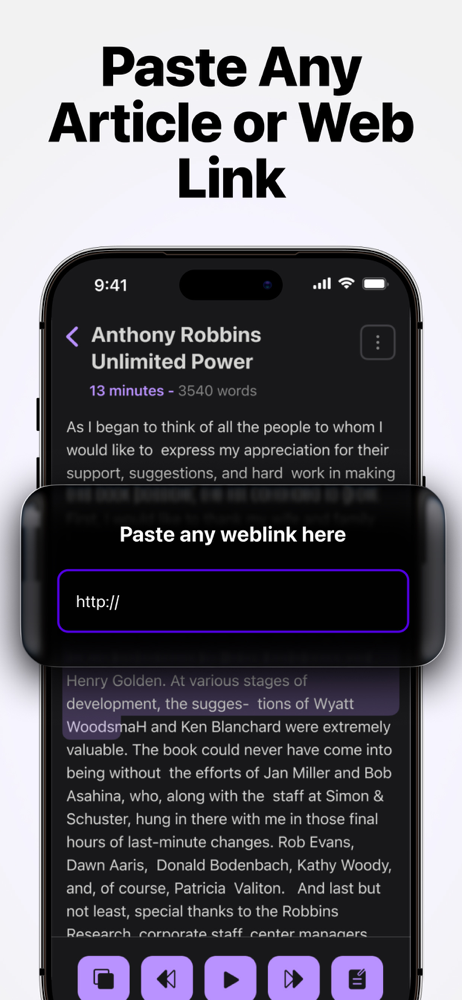
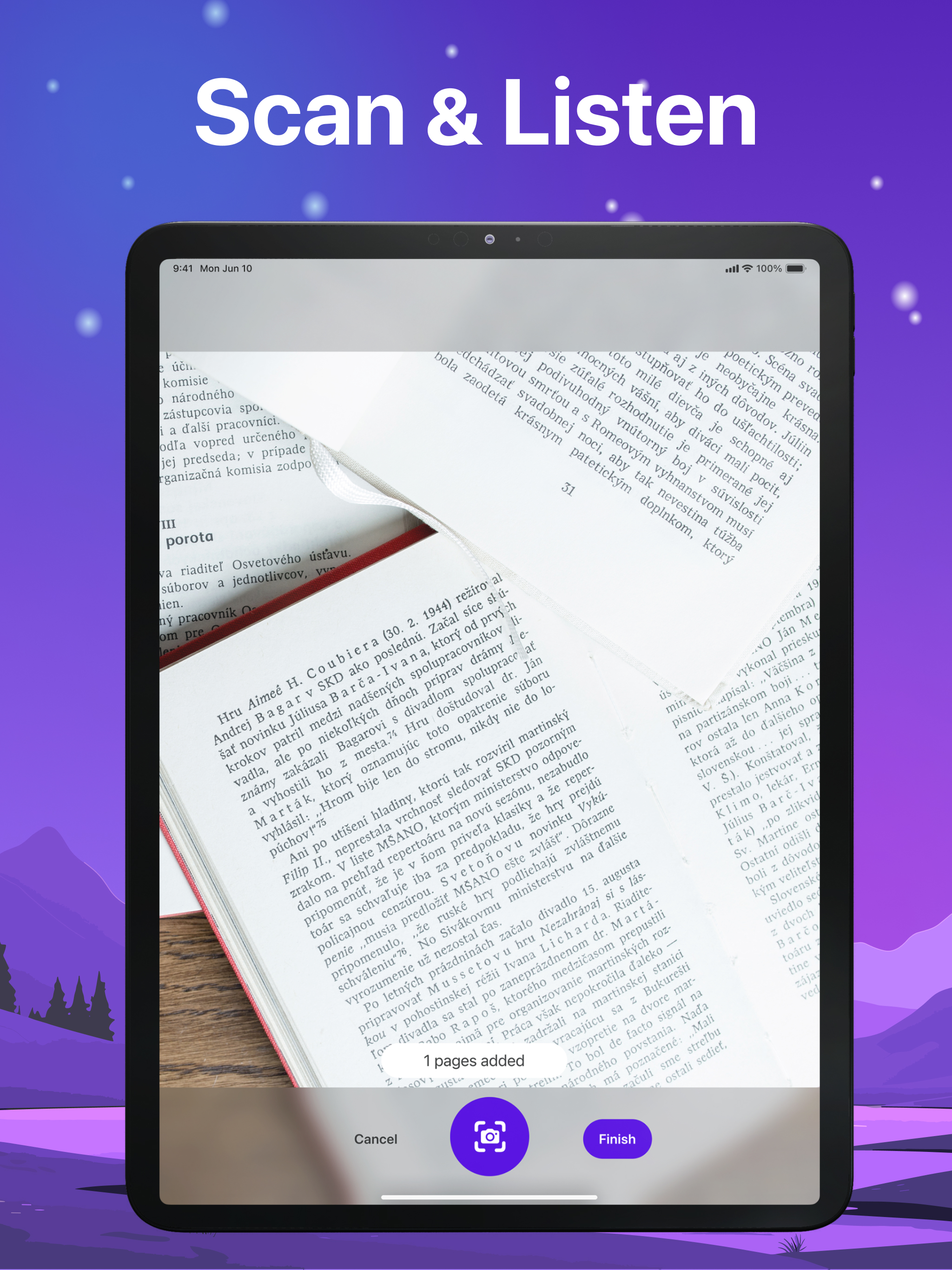
Your Ultimate Book Reading & PDF Reader App is Here! Transform your reading experience with our powerful book reading app that combines PDF reader, E...
| Name | Price | Type |
|---|---|---|
| Unlimited listening weekly | $5.99 | Weekly |
| iRead Full Access (Monthly) | $8.99 | Monthly |
| Full Access Aloud AI Reader (Monthly) | $8.99 | Monthly |
| Unlimited Listening (Monthly) | $9.99 | Monthly |
| Full Access Aloud AI Reader (Annual) | $44.99 | Yearly |
| iRead Full Access Yearly | $59.99 | Yearly |


