Check the acquisition promise
Read the store headline, screenshots and description. What problem is the app promising to solve?
Study the storefront ↗
Weiss Solutions LLC · iOS
Explore the ad evidence, study the storefront, and build your next acquisition hypothesis.
01 / Creative research
Read the store headline, screenshots and description. What problem is the app promising to solve?
Study the storefront ↗Explore apps with direct store-link matches. Compare their hooks and formats without assuming the same approach works here.
Browse observed advertisers ↗Store rankings and revenue estimates describe market context. They do not establish ad spend, conversions or ROAS.
Review the market context ↗02 / Storefront & product
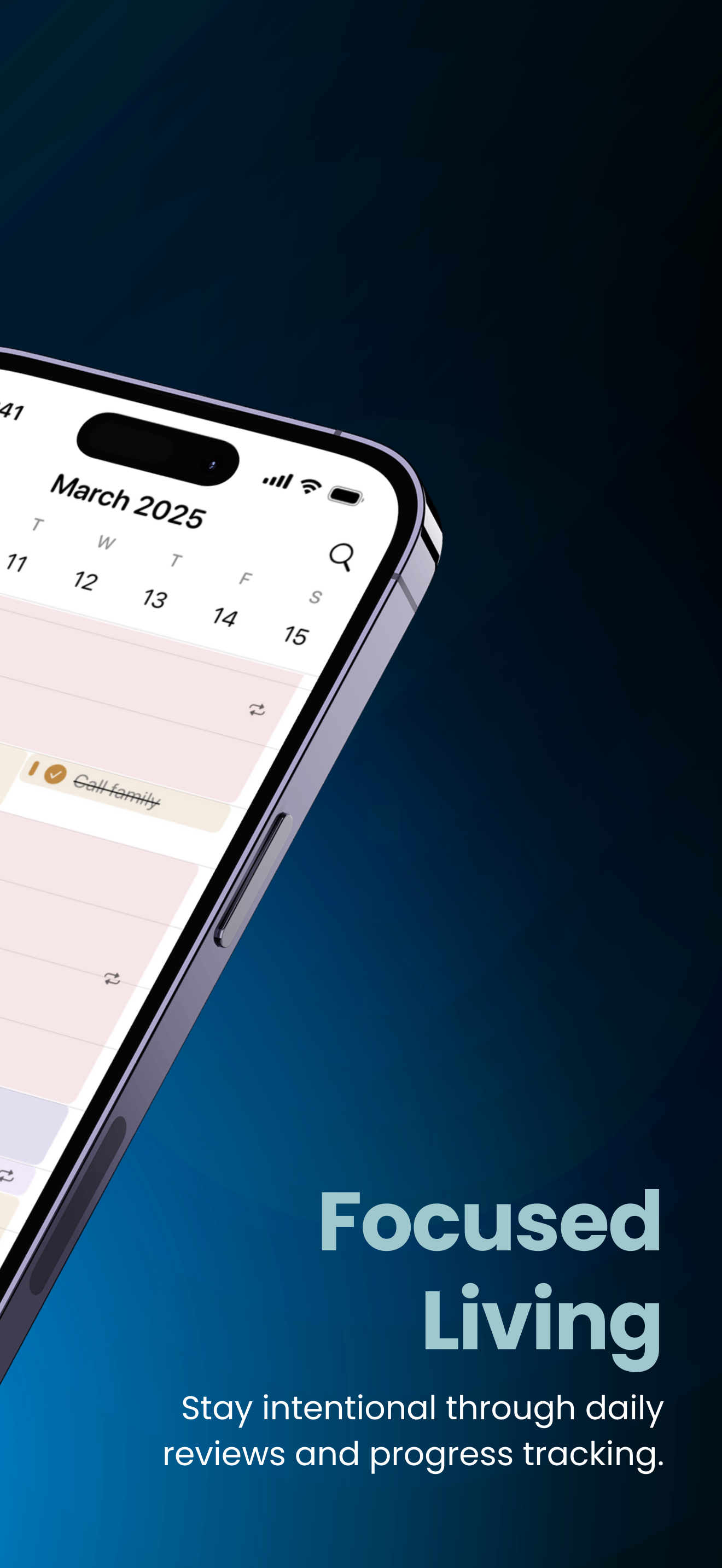
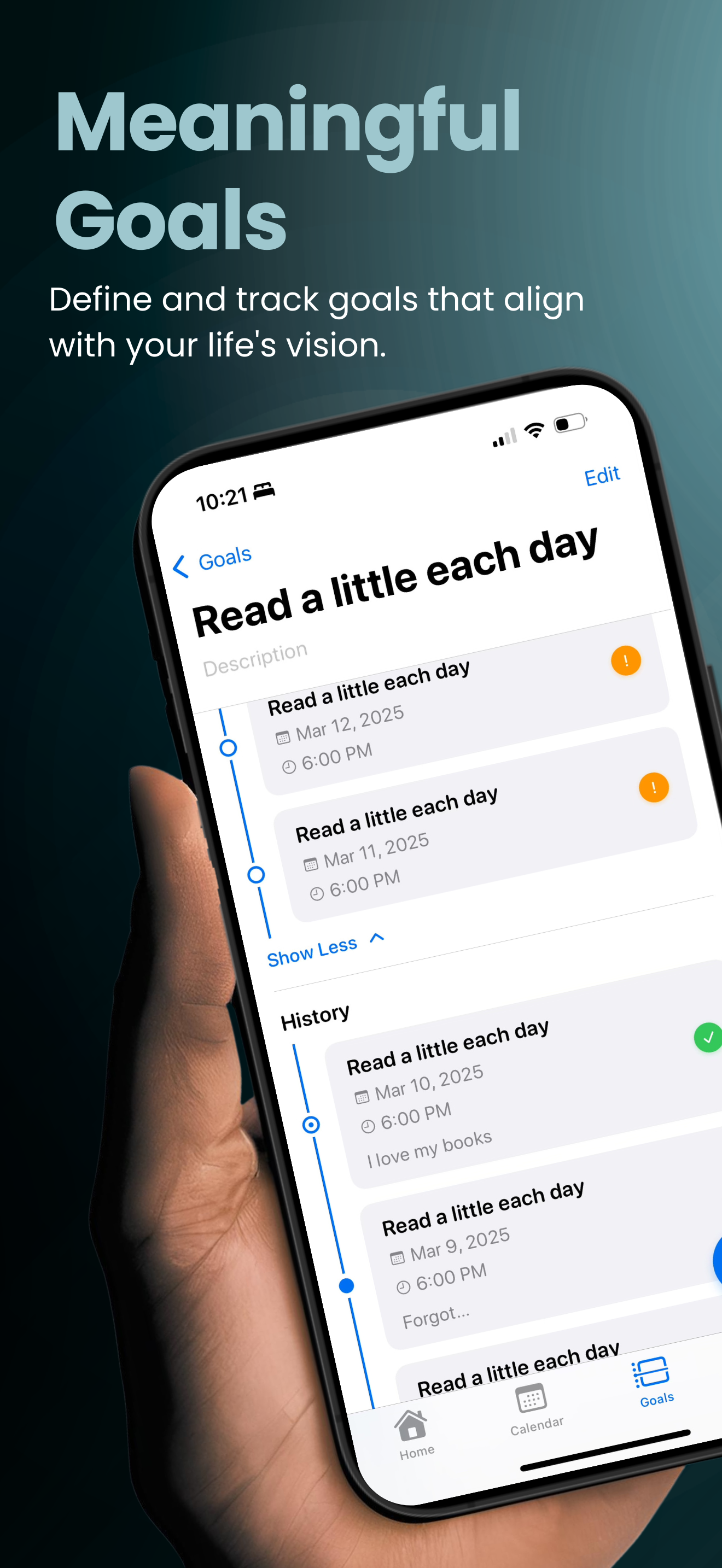
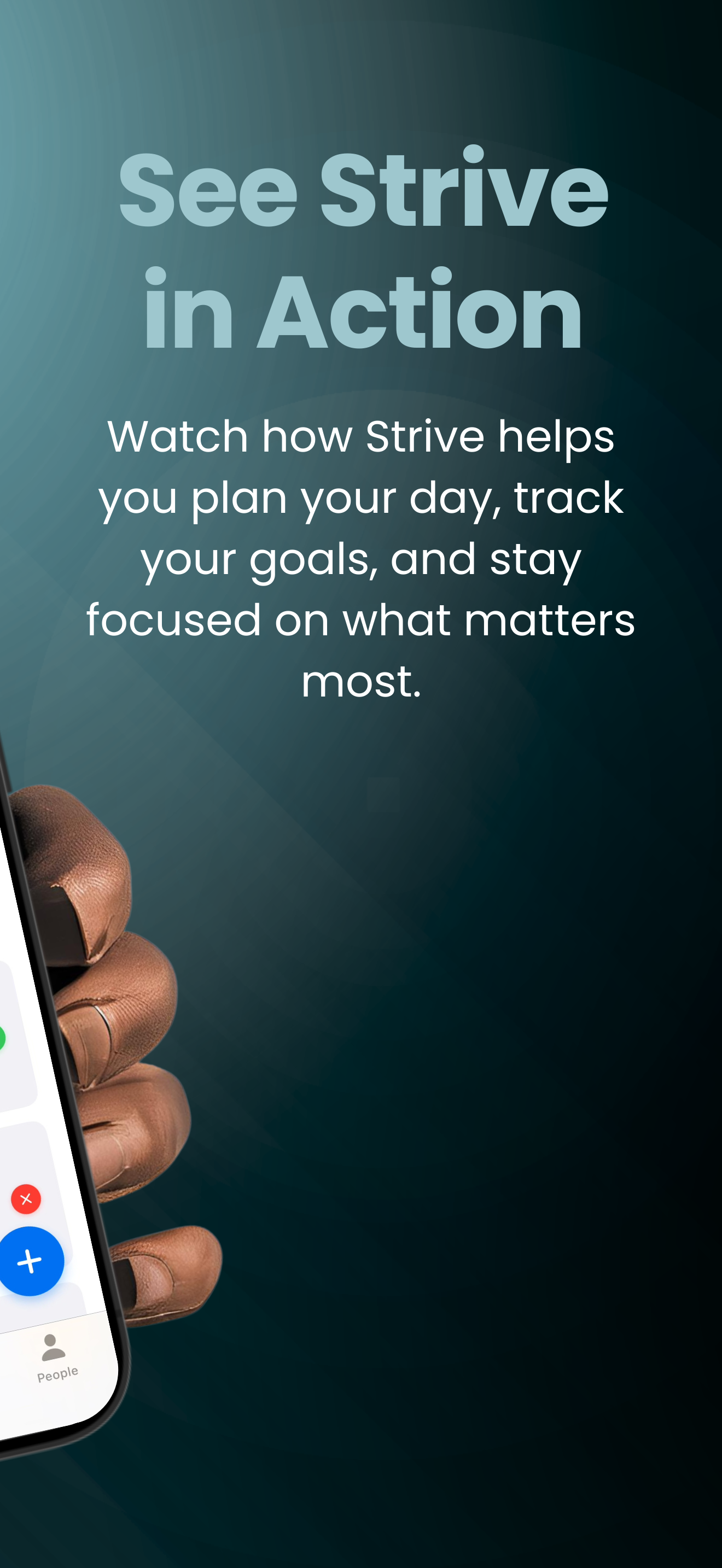
Study the product story and store experience behind the acquisition funnel.




03 / Market context
Keep revenue, downloads and store rankings separate from advertising performance.
I never enjoyed planner apps before using this one. The features this one offers are unlike any app I’ve ever tried. They not only allow me to plan for different types of events/meetings but even add contacts, information, location, and that helps keep me accountable for my daily goals! I recommend this app to literally everyone.
Love this app! Got it a few weeks ago but because of bugs didn’t use it much. Latest update: LOVE. Helps me stay WAY more organized. I’m glad there’s an app out here like this, it’s so easy to use and keep track of goals, to-dos, etc. One thing I REALLY wish they had was a big calendar on the home page of the whole month so I can see dates more clearly instead of swiping through each week. (Bonus if you could tap on the day through the month and edit your schedule that way.) Second thing is I wish you could share it with someone, like my spouse. I’ve tried adding contact into events but won’t show up on his calendar... Also kinda want a log in and password to I could log on to other devices like an iPad but still have all my events. Overall pretty happy with this app!:)))
I am excited to use this app as my calendar, but before I do there are definitely a few things that I have seen as I have been using the app. 1. Changing the end time on events. Any time I change the end time it always moves the date to the next day. Ex. April 16, 2025 @ 10:00 a.m as start time. I would put 12:00p.m. as the end time and it would change it to April 17, 2025. 2. Change future events button just doesn’t work when changing times for events. If I wanted the event to go to 1:00 p.m. instead of 12:00 p.m. then press change all future events, the future events won’t change, sometimes. 3. Personal opinion: If under the goals you add an event, in the calendar I think there should be a ghost type event to represent it being from a goal. Then if you want to add it you can add it, but if you didn’t want it that day you could delete it, but it still show on the goal that it was planned for that day. Again, I am super excited to make this app as part of my daily planner!
What exactly do most calendar, task list, and productivity apps get wrong? They either focus on the *when* or the *how*, but they never focus on the *...
| Name | Price | Type |
|---|---|---|
| Monthly | $6.99 | Monthly |
| Annual | $19.99 | Yearly |
| Lifetime | $64.99 | One-time |