Check the acquisition promise
Read the store headline, screenshots and description. What problem is the app promising to solve?
Study the storefront ↗
Pawan Dixit · iOS
Explore the ad evidence, study the storefront, and build your next acquisition hypothesis.
01 / Creative research
Read the store headline, screenshots and description. What problem is the app promising to solve?
Study the storefront ↗Explore apps with direct store-link matches. Compare their hooks and formats without assuming the same approach works here.
Browse observed advertisers ↗Store rankings and revenue estimates describe market context. They do not establish ad spend, conversions or ROAS.
Review the market context ↗02 / Storefront & product
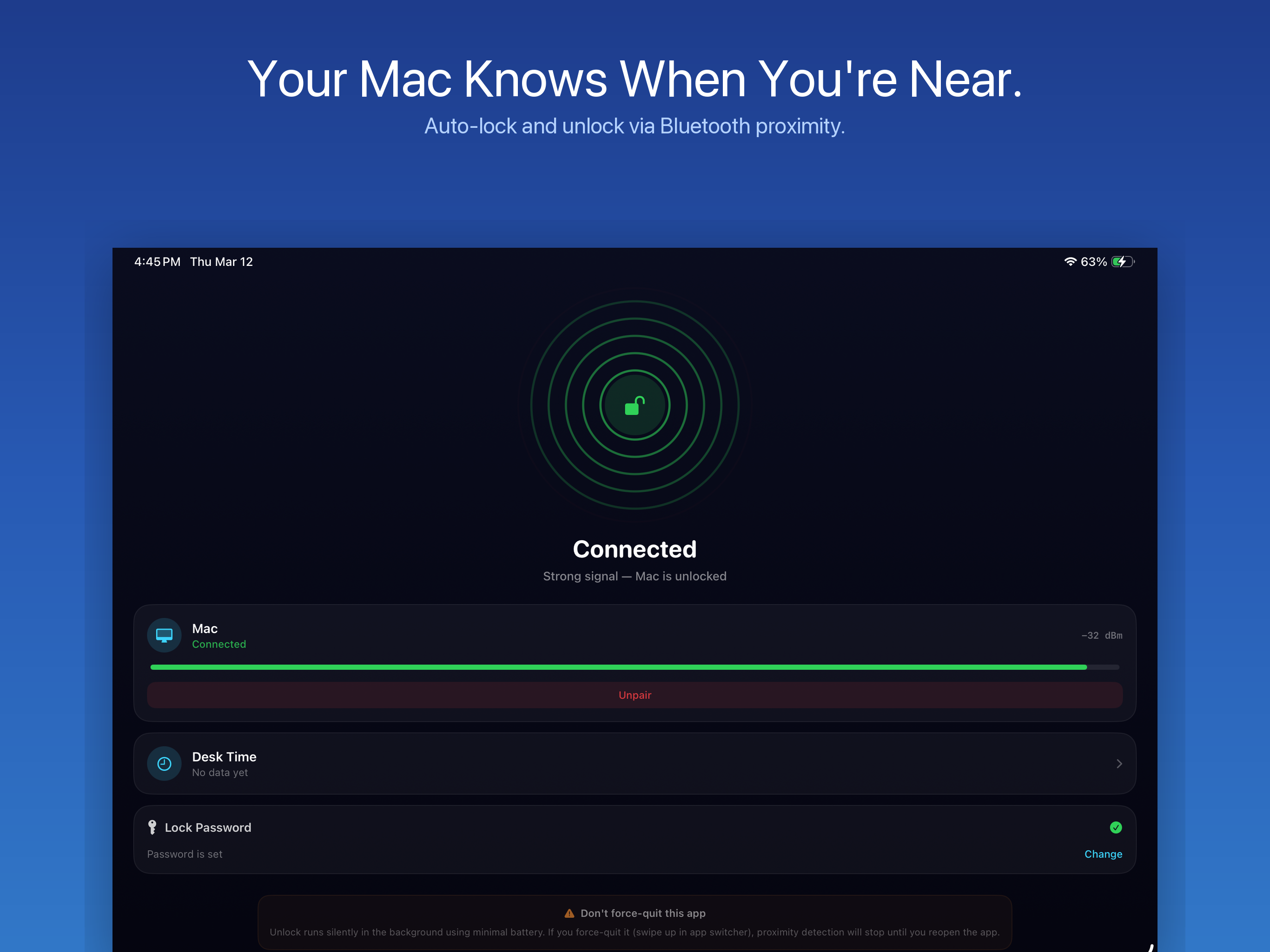
Study the product story and store experience behind the acquisition funnel.


03 / Market context
Keep revenue, downloads and store rankings separate from advertising performance.
It should have been noted in the App Store description that the unlock feature is for the app’s own locking implementation, not from macOS’ login screen. You’ll only find this out after paying and launching the program’s settings. While this may serve some, I do not know how effective and secure it is compared to the System Lock, especially if the app crashes and leaves the system open. There are some other ‘proximity lock’ apps available that have a Helper that will unlock from the native lock screen, but this app is not one of them. Also, I could not get the advertised Notifications feature to work, so I would never know if my Mac locked or not.
I like it already and haven’t had it installed for more than a half hour. It just works! I mainly use Windows for my corporate machine and Windows 11 has dynamic lock built in, tied to my iPhone. I step away and it locks my computer. I was searching for something like that built into Tahoe, but couldn’t find it, then I found this and had to give it a try. I work in cybersecurity and having a secure computer is a must. I’ve seen people do silly things to other’s computers when they walk away from them leaving them unlocked. This app solves the problem for MacOS, and I’m glad I found it.
No complaints, works as intended so far. Super easy to configure too :) Great job!
You stepped away for coffee. Your Mac was wide open. That moment of "wait, did I lock it?" — we've all been there. At the office, at a café, even at...