Check the acquisition promise
Read the store headline, screenshots and description. What problem is the app promising to solve?
Study the storefront ↗
Shenzhen Jiandanzhijie Technology Co., Ltd. · iOS
Explore the ad evidence, study the storefront, and build your next acquisition hypothesis.
01 / Creative research
Read the store headline, screenshots and description. What problem is the app promising to solve?
Study the storefront ↗Explore apps with direct store-link matches. Compare their hooks and formats without assuming the same approach works here.
Browse observed advertisers ↗Store rankings and revenue estimates describe market context. They do not establish ad spend, conversions or ROAS.
Review the market context ↗02 / Storefront & product
Study the product story and store experience behind the acquisition funnel.
03 / Market context
Keep revenue, downloads and store rankings separate from advertising performance.
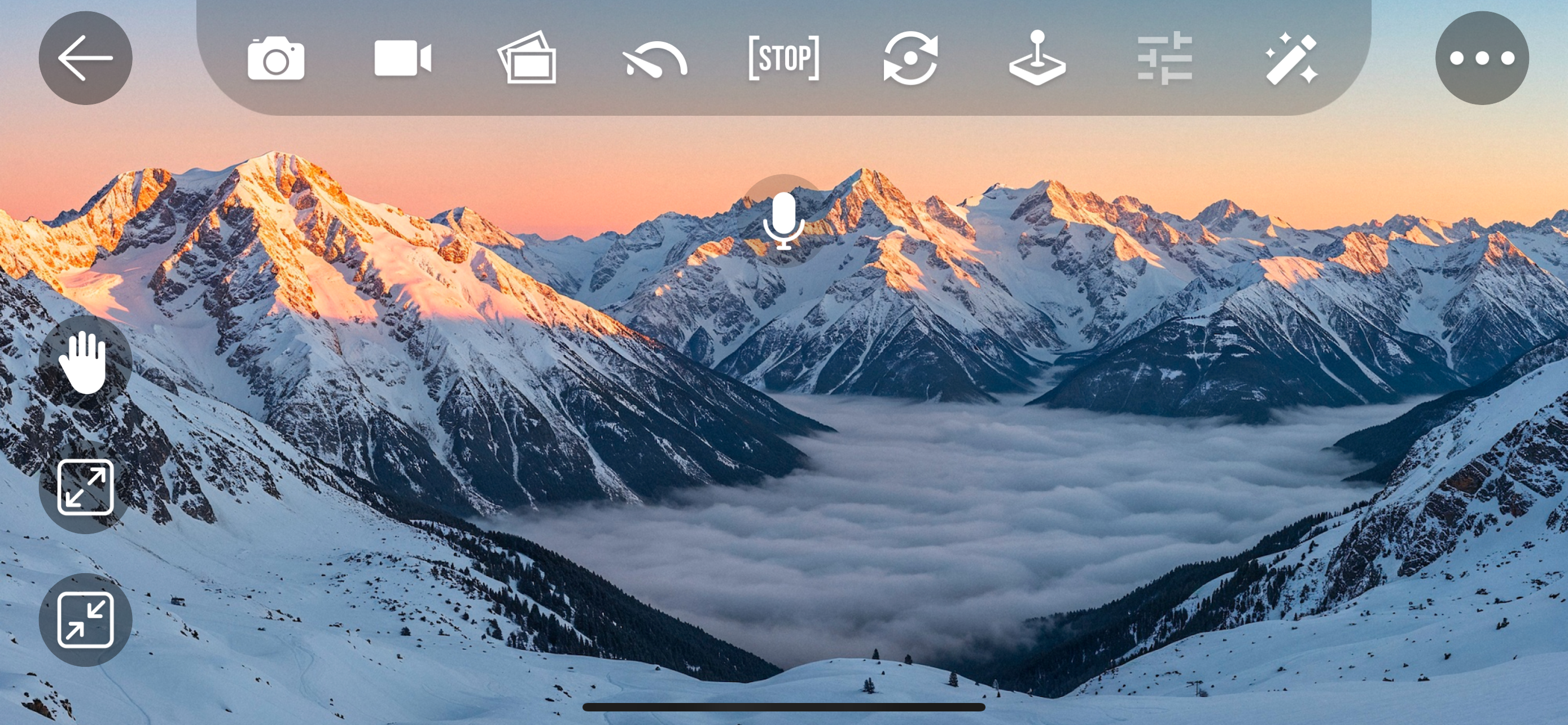
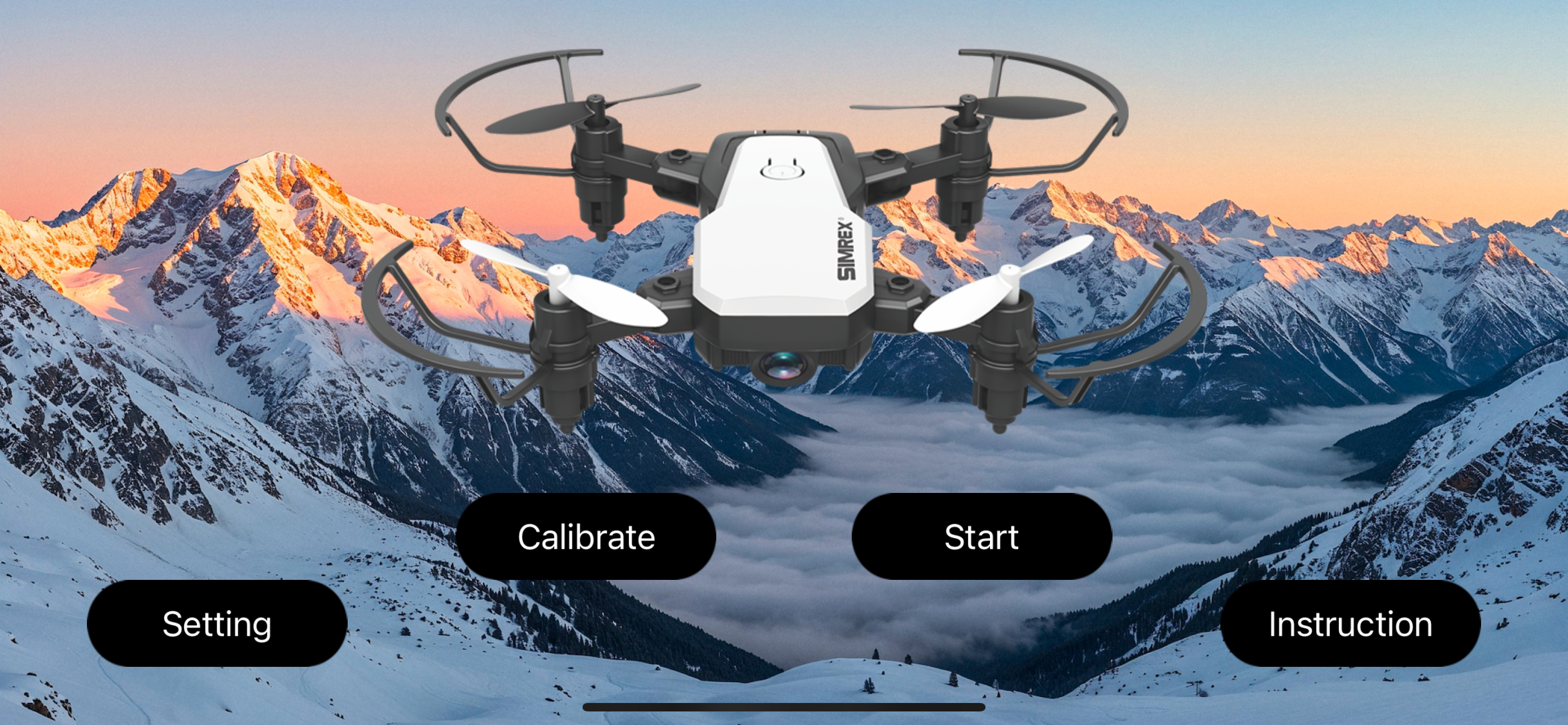
Step-by-Step Connection Guide: Charge & Power Up: Ensure your drone's battery is fully charged and inserted, then press the drone's power button to turn it on. Download the App: Search your phone's app store for "Simrex Zoomy" or "HT-UFO" (the app name can vary slightly) and install it. Disable Mobile Data: Turn off your phone's cellular data to prevent connection issues. Connect to Drone's Wi-Fi: Go to your phone's Wi-Fi settings. Look for a network name starting with something like "HT-ufo" or "SIMREX" (e.g., HT-ufo_1e0a) and connect to it. You might see a message about "no internet," which is normal; just stay connected. Launch the App: Open the Simrex Zoomy app. Start the Feed: Inside the app, press the power button or "Start" to see the live video feed from the drone's camera. Pair (If Needed): Power on the remote controller and follow its pairing instructions (often involving moving sticks) for basic flight, but keep the phone connected to the drone's Wi-Fi for FPV. Troubleshooting Tips: If the video doesn't load, try reinstalling the app or restarting the drone and phone. Always stop video recording in the app before powering off the drone to save your footage.
I got a X800 drone for Christmas and it’s easy to use! As I get more comfortable I can start to do more daring things. This app is as good as it could be and I use my drone almost every day I can! It works well, however I wish it would stop asking for more access to my photos. Also, the drone had a manufacturing flaw in it so it broke in 1 and a half months. It was fun while it worked.
The camera worked for about 20 minutes and the just shut off and stopped working.
This is a quadcopter that connects to the smartphone app via WiFi for free flight control. The quadcopter can also transmit the captured scenery in re...