Check the acquisition promise
Read the store headline, screenshots and description. What problem is the app promising to solve?
Study the storefront ↗
MPR MEDIA INC · iOS
Explore the ad evidence, study the storefront, and build your next acquisition hypothesis.
01 / Creative research
Read the store headline, screenshots and description. What problem is the app promising to solve?
Study the storefront ↗Explore apps with direct store-link matches. Compare their hooks and formats without assuming the same approach works here.
Browse observed advertisers ↗Store rankings and revenue estimates describe market context. They do not establish ad spend, conversions or ROAS.
Review the market context ↗02 / Storefront & product
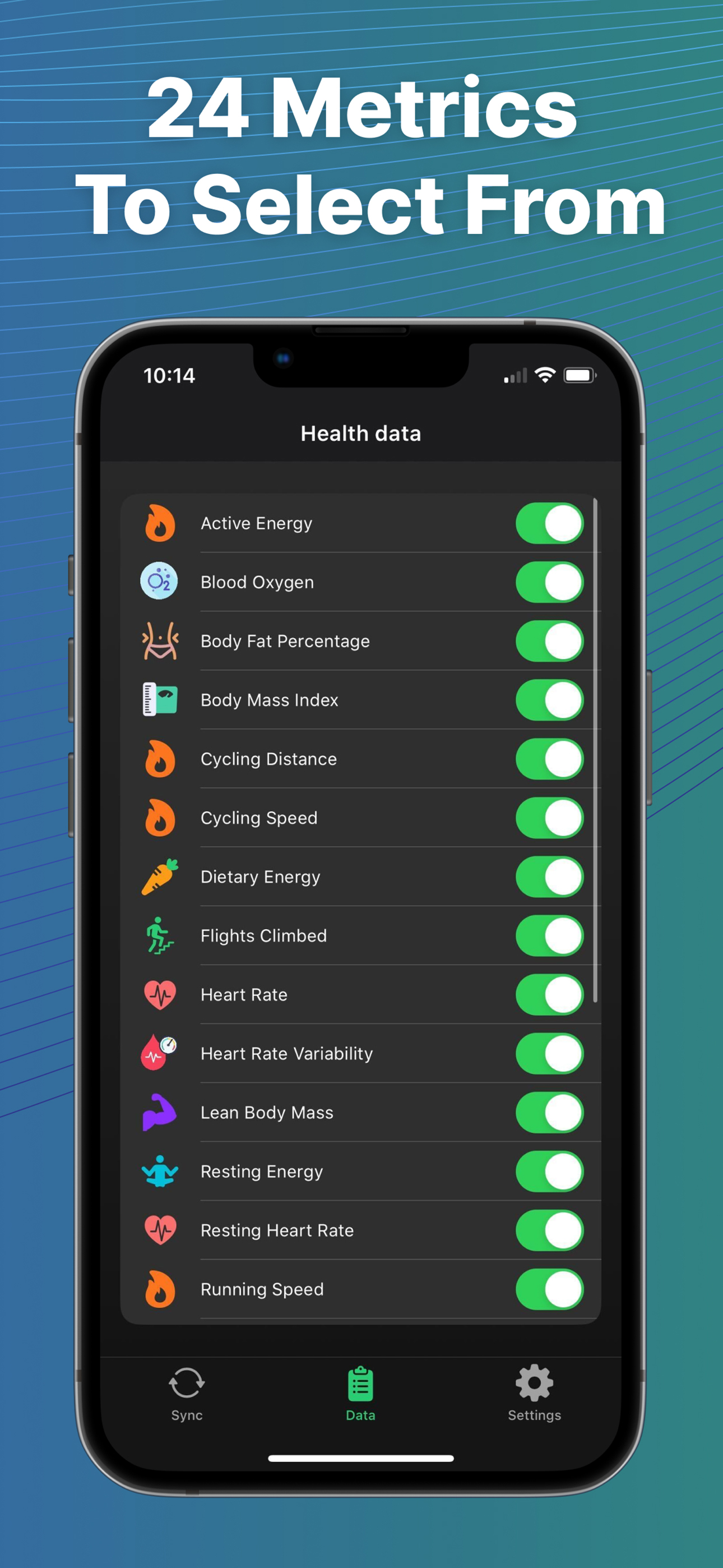
Study the product story and store experience behind the acquisition funnel.

03 / Market context
Keep revenue, downloads and store rankings separate from advertising performance.
I successfully transferred more than ten years of Fitbit data (a bite at a time, of course) to Apple Health so it can be read by my new Withings BodyComp scale. I will note that I had to exclude heart rate and workout route to get the sync completed, although that’s no issue for me. There’s apparently a HUGE amount of heart rate data. What I’ve discovered, however is that auto-update isn’t going to be a great feature for me, since the Withings only updates Apple Health data daily and because of the necessity of keeping the Fitbit and Apple Health apps open to enable auto sync. Refreshing manually is going to be quite adequate for me, I think… Withings and Apple Health are not going to be where I’m looking for real time updates during the day… Fitbit is, same as always. That said, this app worked flawlessly within the constraints Fitbit imposes and I’m delighted to have so much of the data available (there will always be some areas where Apple and Google simply refuse to cooperate). Well done.
I’m switching to an Apple Watch after 6 years of using a Fitbit, so I mainly want to transfer my data over, not use it for everyday syncing. A previous (very helpful) review recommended signing up for a paid subscription to get all the data points and that’s what I also did. I also first deleted all old (bad) data in the Health app (it had been tracking my step count using my phone) so I don’t need to deal with duplicate data. (I only needed to sync my activities and weight. Didn’t use Fitbit to track like water, sleep, etc. so this review doesn’t cover those. ) Like the previous helpful review, it took a few runs for all the data to transfer, but it worked (and I think the limitation is on Fitbit’s end; when I tried to export my data from Fitbit’s website it took 2 hours). Some of the weight averages between Fitbit and Health didn’t match, and after some digging I realized that the days I didn’t log data, the ‘trend calculation’ data got sent to Health. Again, this is Fitbit’s problem and not this app’s. Will have to go do some manual clean up in Health. Look/feel of the app is low key, but helpful. I appreciated the no-nonsense video guides. Some of the text got cut off, probably because I’m on an older phone, but that didn’t affect my ability to use the app. Overall - there is no shinny magic app that’ll sync Fitbit and Health with 0 glitches and snazzy interface. At least I didn’t find one and I spent 2 days searching and reading reviews. This app works, which is better than the others I’ve tried. If you’ve read to the end of this review you have enough patience & capability to use it too. Would recommend to any of my friends/family that’s switching.
TL;DR: This app is extremely easy to use and works perfectly for my needs. Read instructions and help page carefully upon setup. Highly recommended! I like to use an app called Fantasy Hike (think virtual LotR walking adventure), and recently got a Fitbit Inspire 3 to better track my walking distance. Turns out, fantasy hike doesn’t play nice with Fitbit (womp womp), but their FAQs suggested finding a third-party app to transfer Fitbit data to Apple Health. So I’m off to find the perfect app! I came across this one and gave it a shot. Yes, I have to pay to get the walking distance data transferred (free version just does steps), small bummer for me BUT there are no ads to deal with, and someone’s gotta get paid so 🤷♀️ Results: it’s SO SIMPLE TO USE and honestly, the paid version is worth it because there is a TON of data to move. My advice: Follow the instructions carefully and read the help page - the devs for this app lay it all out clear as day. If you’re still having trouble, just email them! I haven’t needed to, but based on past reviews, they seem super responsive. I’ve had 0 troubles getting my data to sync, and when I noticed my distances not calculating as expected, I read the help page and found that I had a tiny setup change needed to fix it. The order of how data is added to Apple Health matters, so make sure SyncFit is first/at the top. Anyways, this app is great. It’s a silly thing to have to make an app for - Fitbit and Apple Health should just integrate better - but until then, this is the solution 👍🏻 Thanks for reading!
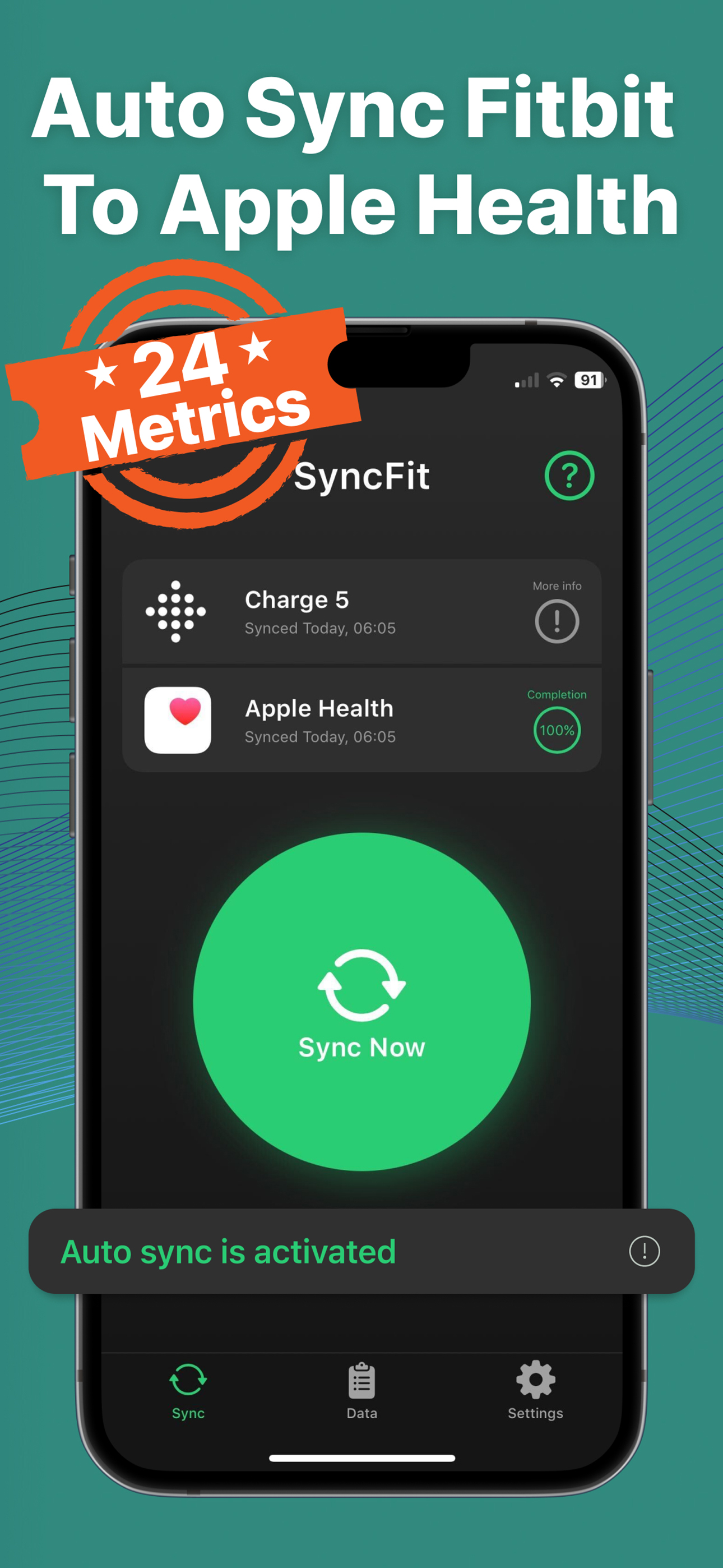
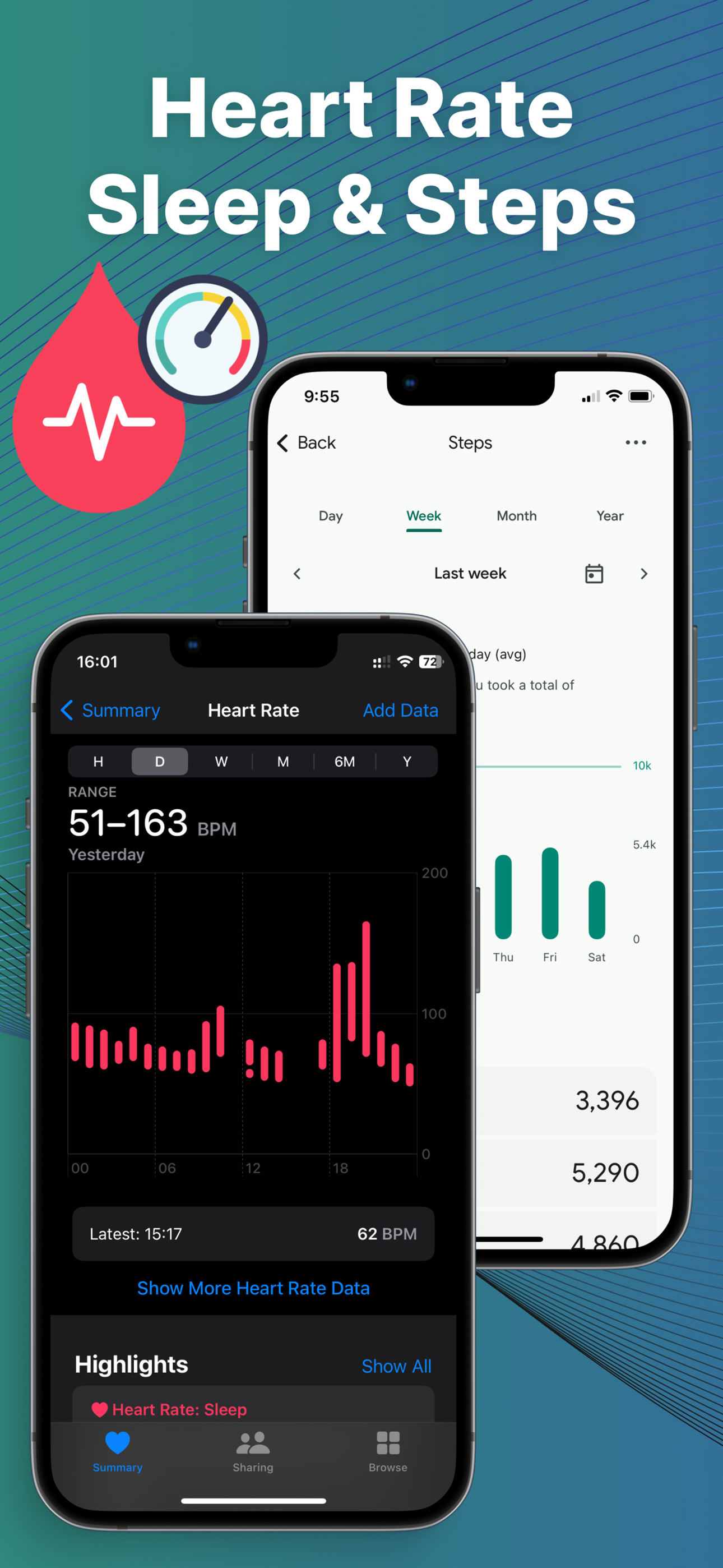
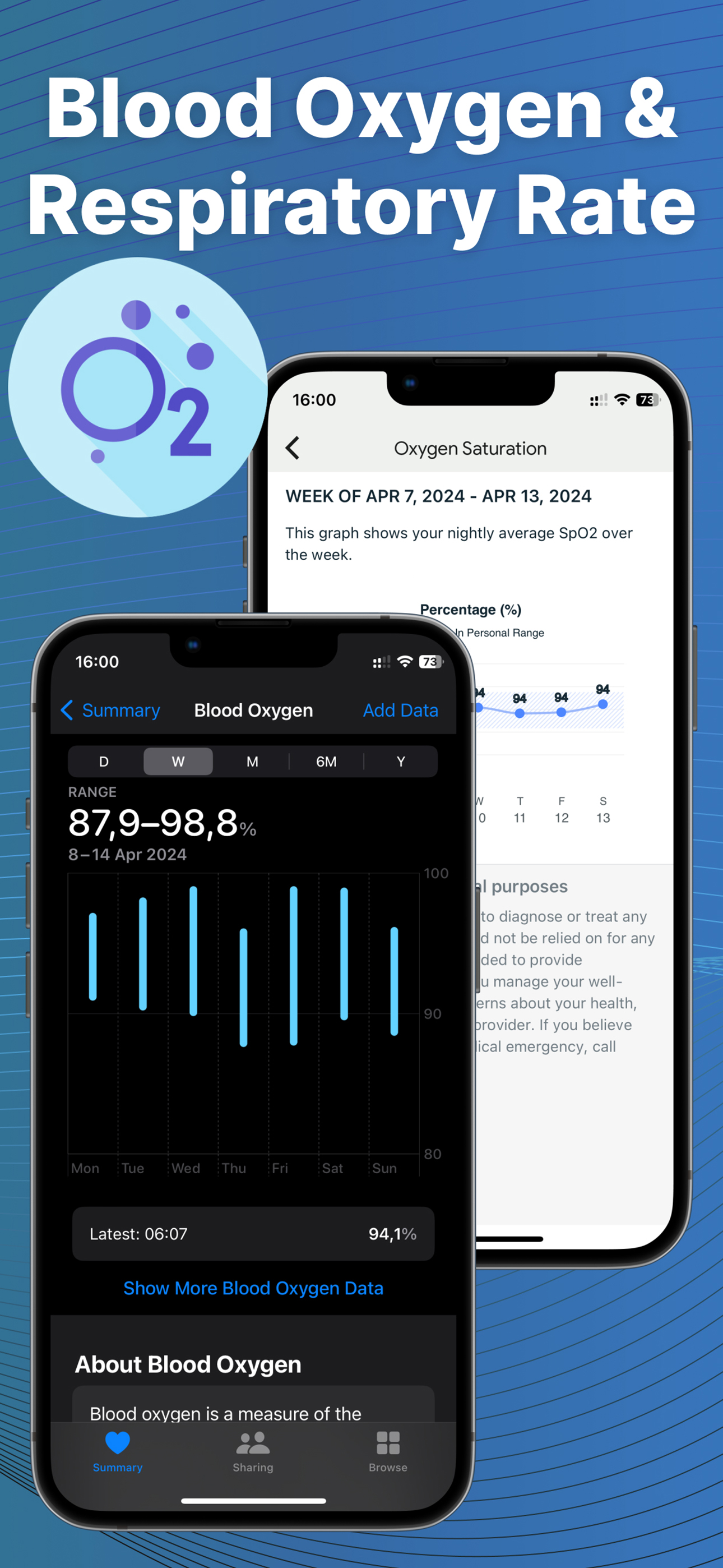
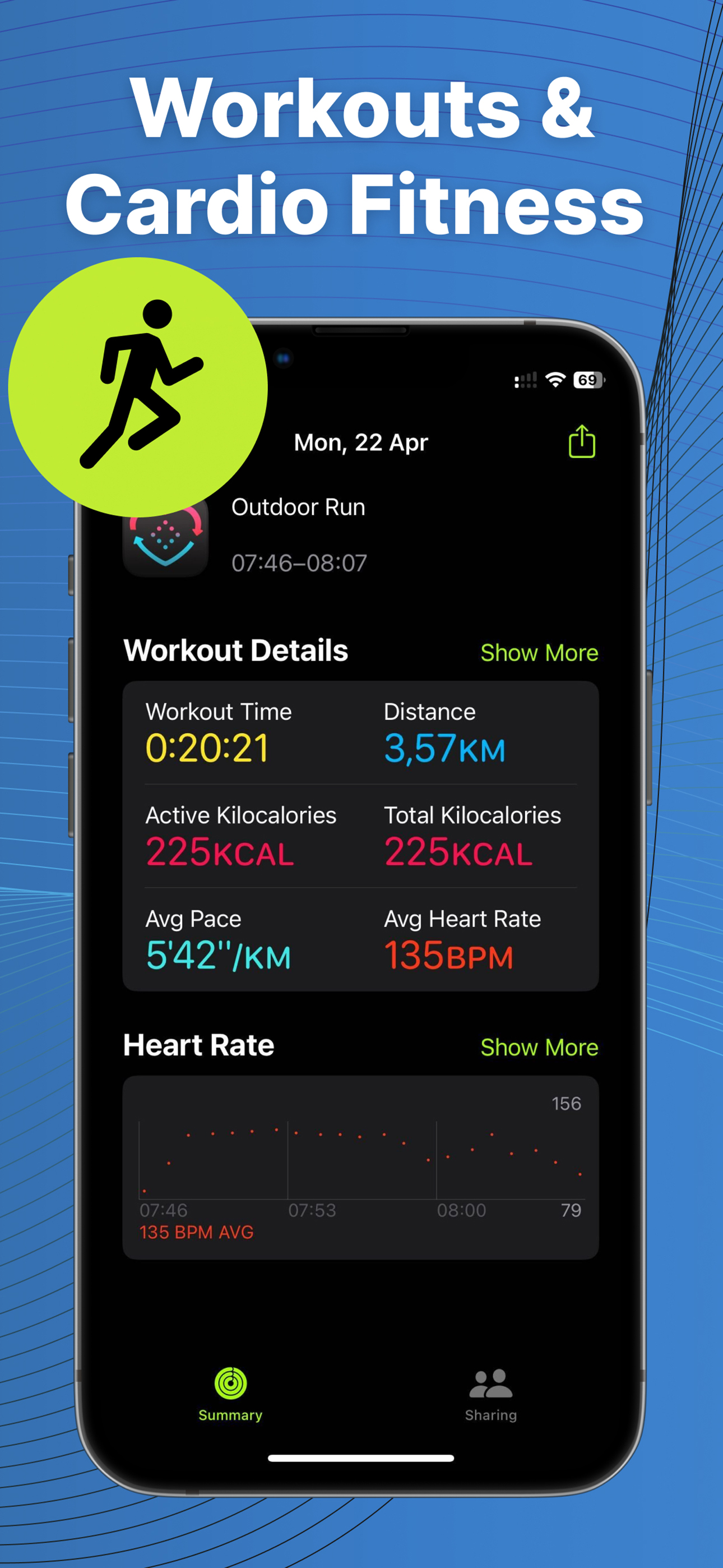
Auto Sync Fitbit to Health App or Syncfit is designed to seamlessly transfer your health and fitness data from your Fitbit account to the Apple Health...
| Name | Price | Type |
|---|---|---|
| Monthly Lite | $4.99 | Monthly |
| Monthly | $9.99 | Monthly |
| Annual Lite | $19.99 | Yearly |
| Half-Price Surprise (Annual) | $19.99 | Yearly |
| Annual | $39.99 | Yearly |
| Lifetime | $59.99 | One-time |