
Check the acquisition promise
Read the store headline, screenshots and description. What problem is the app promising to solve?
Study the storefront ↗
TriPerta LLC · iOS
Explore the ad evidence, study the storefront, and build your next acquisition hypothesis.
01 / Creative research
Read the store headline, screenshots and description. What problem is the app promising to solve?
Study the storefront ↗Explore apps with direct store-link matches. Compare their hooks and formats without assuming the same approach works here.
Browse observed advertisers ↗Store rankings and revenue estimates describe market context. They do not establish ad spend, conversions or ROAS.
Review the market context ↗02 / Storefront & product
Study the product story and store experience behind the acquisition funnel.


03 / Market context
Keep revenue, downloads and store rankings separate from advertising performance.
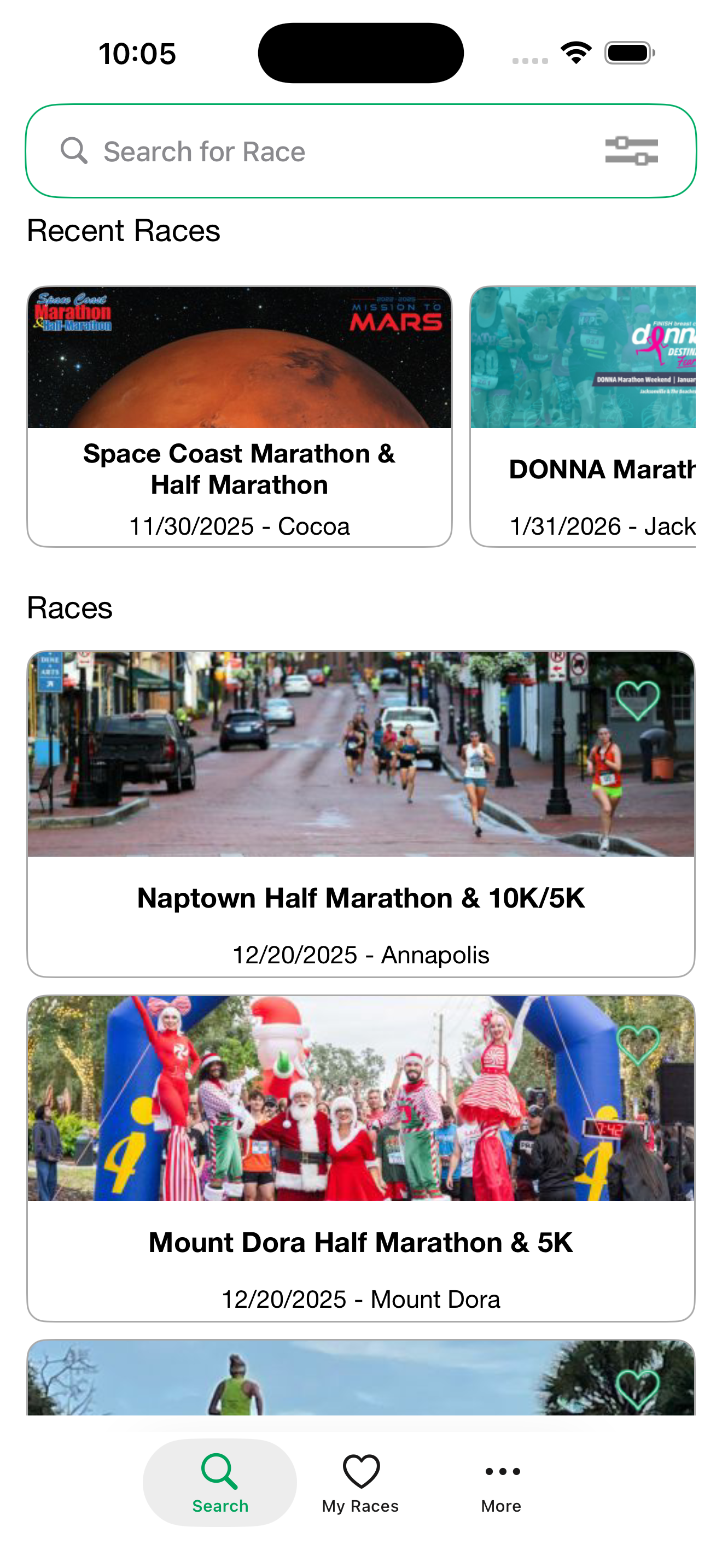
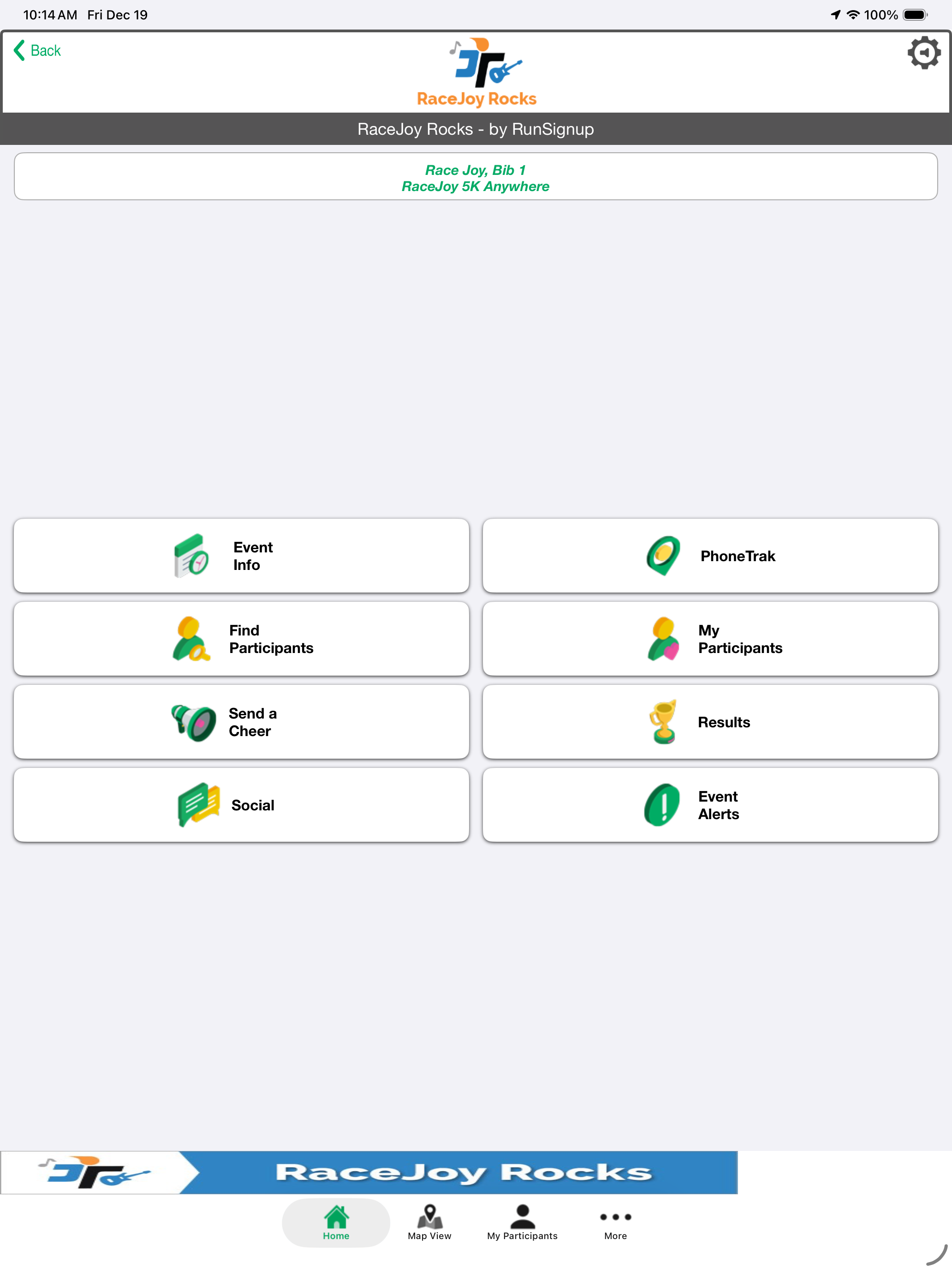
When clicking on the “My races”, then my particular race, a page comes up with many icons to click, but many are covered up by a top and bottom banner. So the icons cannot be read. When someone sends a cheer, unless you have your phone in your hand, the cheer does not automatically play. I had all the notifications for the app turned on. When someone sent me a cheer I would have had to take my phone out (I keep my phone tucked away when running, don’t want to have to fiddle w it), to listen to the cheer. I thought they would have recorded to listen after the race, but they did not, so I missed them all. Very disappointing! They should have played automatically. The results thru text was good, it hard to find participants. Not sure I will use this app again since the mileage and time information I am also able to get thru Map My Run and tracking for spectators of me could have used Life360.
Pros: detailed map with mile markers, course, and start and finish. I liked the audio prompts during my race as I was trying to finish under a certain time, so I could adjust my pace as needed (included current lap pace, average lap pace, total time, and estimated finish time) which occurred every mile. Spectators could send “cheers” to you which includes pre recorded messages and a “text to cheer” where they can create an individualized cheer to the participant of their choosing. Cons: a little tricky to set up. You have to go into the app and find your race, select yourself, and claim “I want to track myself” in order to have it connect with your phone. Then on race day you have to click the start race feature hidden under your race as you cross the start line, but it does automatically stop at the end which is nice. Friends and family have to go into the app, look up your race, and add you as a “participant I want to track” for them to see your progress, which was a little confusing for them. Suggested improvements: on the home screen of the app, there should simply be a “runner” or “spectator” option. The “runner” button would lead to a separate screen with options of “races”, “results”, “race info”, and “share your racejoy”. This way runners could easily navigate to their races, results, see specialized race info (packet pickup, parking, hotel deals, gear check info, post race goodies, merch, photos, etc), and share their racejoy tracking to friends and family easily (when spectators click this special link they automatically add the participant to their racejoy instead of trying to find them themselves). The “spectator” button would have “participants” “cheers”, “phone trak”, and “results”. Where they can add participants to their spectating list, send cheers to their participants, track their participants in real time, and see the final results. This way it would minimize confusing and increase efficiency:)
Just ran my first 26.2, Milwaukee Lakefront Marathon. Had just loaded the app on iPhone 7, which I carried in a waist mounted zippered pouch. Also had my Apple Watch series 2. My perspective: once I pushed the “start race” button, I stowed my phone. Muted all the audible updates. Notifications of each mile status was impossible to read. A lot of data for the small watch display, I had my prescription sunglasses with no bi-focals and I was running so I couldn’t keep the watch still enough to read. It also did not do split times, just overall average pace, I think, because I couldn’t read the display. I did notice some cheers come thru also. Again, couldn’t read much more than who they were from. Not sure if they were generic or custom, because I don’t know how or if I can go back and read cheers. Happy at the end that it tracked my overall finish time. Overall, app was not difficult to figure out and very importantly, did not crash. My fans’ perspective: they loved being able to see where I was, so they could get ahead to the next cheering location on the route. That made it worth loading a new app the day before a big run, and my first marathon! Overall, I would recommend app as is for sending your live location to spectators. Work on the notifications display for watch. Since I didn’t use it as my in-run tool, I can’t speak to its features for pace tracking.
RaceJoy is created specifically for running, cycling and triathlon events with a focus on the participant and spectator experience. Features vary by e...
| Name | Price | Type |
|---|---|---|
| RaceJoy Phone Fun-Pittsburgh Marathon | $0.99 | One-time |
| RaceJoy Phone Fun-Cherry Blossom | $0.99 | One-time |
| PhoneTrak-Glass City Marathon | $0.99 | One-time |
| RaceJoy Phone Fun-26.2 with DONNA | $0.99 | One-time |
| RaceJoy Phone Fun-Tracking | $0.99 | One-time |
| PhoneTrak-Zions Bank Ogden Marathon | $0.99 | One-time |
| RaceJoy PhoneTrak-Vermont City Marathon | $0.99 | One-time |
| PhoneTrak-Kentucky Derby Marathon Festival | $0.99 | One-time |
| PhoneTrak-Burning River | $0.99 | One-time |
| RaceJoy Phone Fun-Glass City Marathon | $0.99 | One-time |


