Check the acquisition promise
Read the store headline, screenshots and description. What problem is the app promising to solve?
Study the storefront ↗
Sohel Mazumder · iOS
Explore the ad evidence, study the storefront, and build your next acquisition hypothesis.
01 / Creative research
Read the store headline, screenshots and description. What problem is the app promising to solve?
Study the storefront ↗Explore apps with direct store-link matches. Compare their hooks and formats without assuming the same approach works here.
Browse observed advertisers ↗Store rankings and revenue estimates describe market context. They do not establish ad spend, conversions or ROAS.
Review the market context ↗02 / Storefront & product
Study the product story and store experience behind the acquisition funnel.

03 / Market context
Keep revenue, downloads and store rankings separate from advertising performance.
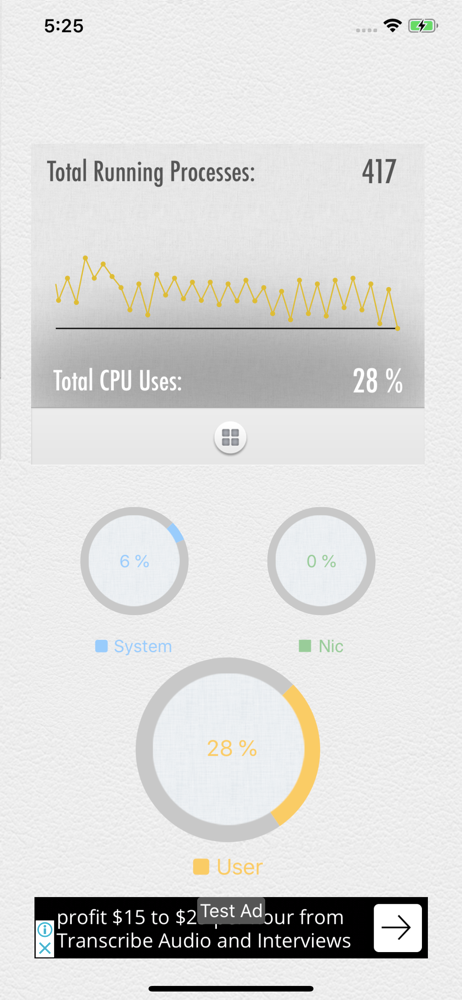
Pretty good app, but one of the screenshots shows a list of running processes (phone, etc). Where do I find that? I don’t see that in the CPU display. I’d be willing to pay for the app to enable that functionality, but I don’t see that option.
It’s really a great app. It’s really does what it’s supposed to do. After installing this app I saw a significant change in my iPhone 6 battery life and speeds.
I have used this app for a while now and it seems to be pretty accurate. I love the information it tells me, also a great app to keep your battery in good health.
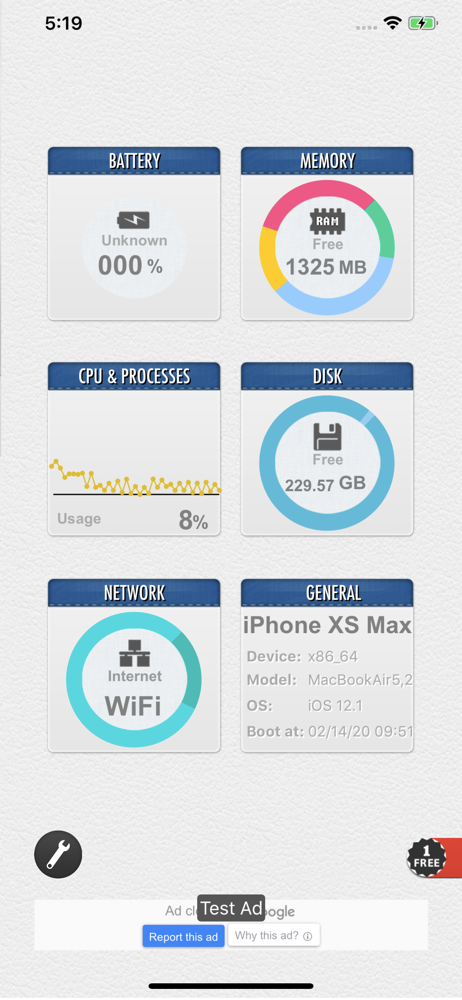
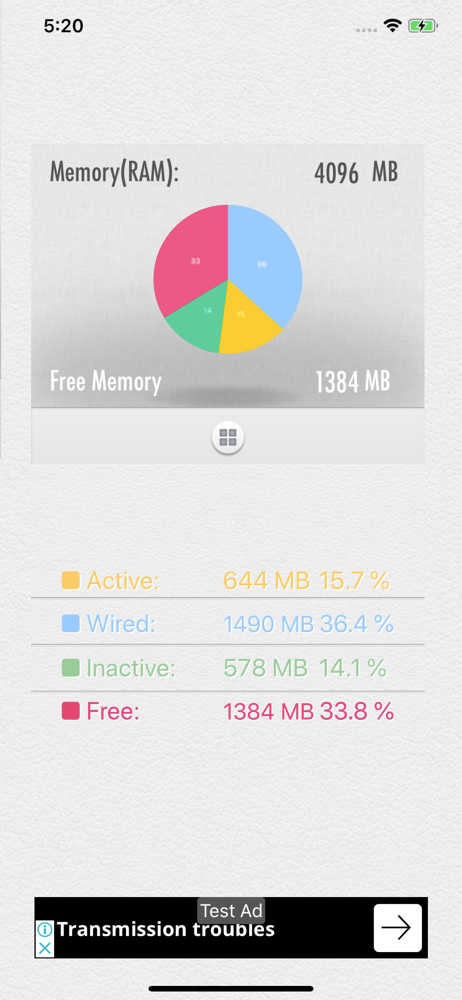
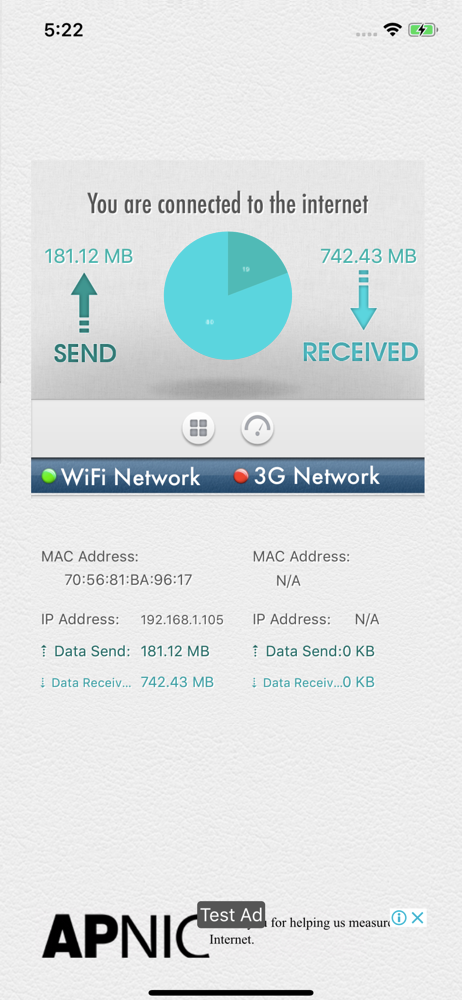
SYSTEM UTIL Dashboard monitors memory use,network connection status,data use,cpu use,available disk space.With its simple graphs all information is s...
| Name | Price | Type |
|---|---|---|
| System Utility Free Widget | $0.00 | One-time |
| Battery Charge Log Graph | $0.99 | One-time |