
Check the acquisition promise
Read the store headline, screenshots and description. What problem is the app promising to solve?
Study the storefront ↗
Sohel Mazumder · iOS
Explore the ad evidence, study the storefront, and build your next acquisition hypothesis.
01 / Creative research
Read the store headline, screenshots and description. What problem is the app promising to solve?
Study the storefront ↗Explore apps with direct store-link matches. Compare their hooks and formats without assuming the same approach works here.
Browse observed advertisers ↗Store rankings and revenue estimates describe market context. They do not establish ad spend, conversions or ROAS.
Review the market context ↗02 / Storefront & product
Study the product story and store experience behind the acquisition funnel.


03 / Market context
Keep revenue, downloads and store rankings separate from advertising performance.
I own this app on an older iPad and the best feature is a button that deletes unnecessary cache files to free up badly needed memory. That is the best feature of this app. Rumor has it that Apple forced the developer to delete it. Why? Without the free up memory button this app is only a shadow of what it once was. Come on Apple, let the developer put it back.
Sys-Analysis App on Apple Store. Last version over a year ago. After opening it seems to read my system then locks up. Deleted it then could not write a review. Re-installed so I could give other users heads up. Tried to restore purchase made for Pro in US Store. Prompt said not available in US Store but was available in the Canadian store. I switched to Canada Store only to be told not available. The negative ratings have gone off the chart. The developer website also malfunctions -- does not know how to add security question prompt. Web Home button goes no where. Seems Apple could put in place some features to police developers for Apple system products. Forward compatibility a problem but also backward compatibility is a problem. A prompt during installation on compatibility should be required by the developer. The current method is buyer beware.
I rarely use my iPad in portrait view, and this app only displays in portrait. It's too bad, because I REALLY liked the icon and the app. Will you please provide a way to stop the Maintenance window from blocking my view EVERY TIME I open the app. Okay, I've read it, and they are very good hints, but enough already! You really should permit users to opt out, providing those tips elsewhere in the app to view on demand, not as a demand to view before I can look at what I opened the app to check. Although this app does everything I want or need it to do, the very best thing about it is the beautiful blue gear icon design. It is very pretty and very appropriate artwork since the battery is the "gear" that makes it all function. Other battery utilities use a battery for their icon which is quite obvious, but none have accomplished anything as pleasing to the eye as this cool blue and silver gear. Congrats! This posh icon has kept me from switching to one of the many other battery utilities available.
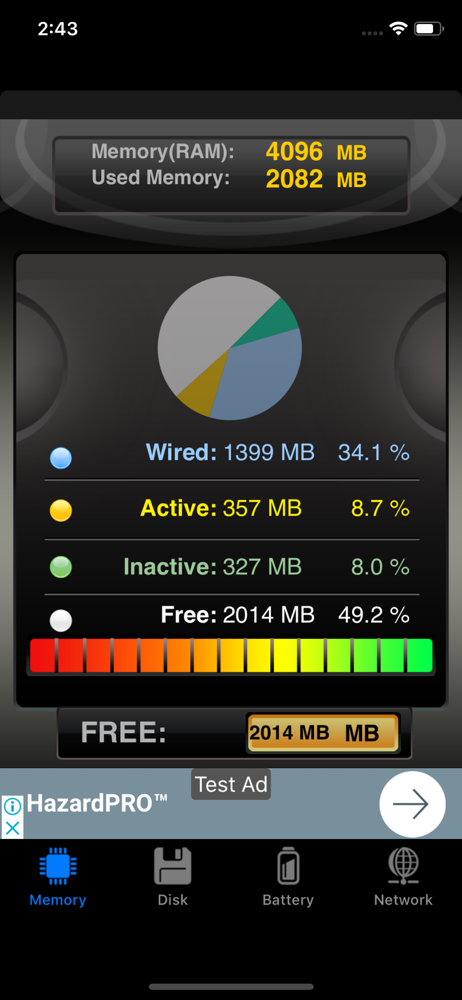
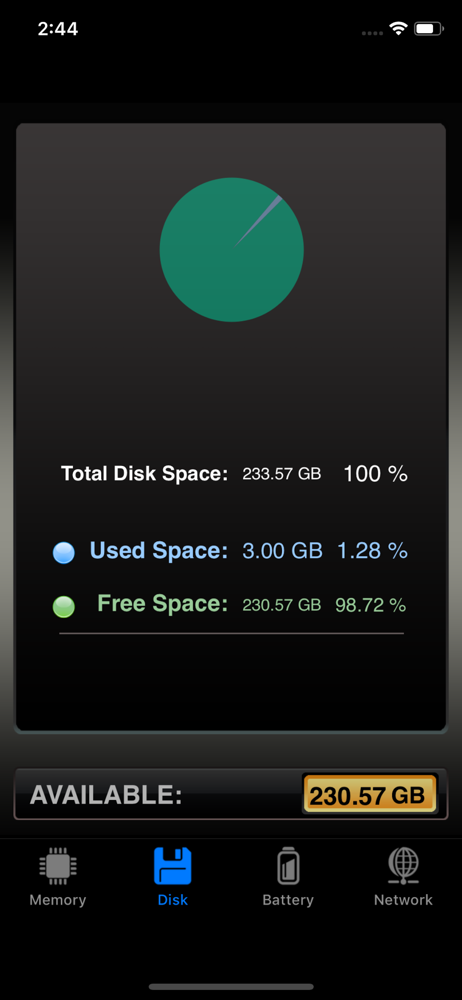
• Learn about which Background Processes and Apps are running • Monitor iPad, iPod, iPhone Battery Life • Monitor LTE, 3G and WiFi network and speed...
