
Check the acquisition promise
Read the store headline, screenshots and description. What problem is the app promising to solve?
Study the storefront ↗
Solvay Bank · iOS
Explore the ad evidence, study the storefront, and build your next acquisition hypothesis.
01 / Creative research
Read the store headline, screenshots and description. What problem is the app promising to solve?
Study the storefront ↗Explore apps with direct store-link matches. Compare their hooks and formats without assuming the same approach works here.
Browse observed advertisers ↗Store rankings and revenue estimates describe market context. They do not establish ad spend, conversions or ROAS.
Review the market context ↗02 / Storefront & product
Study the product story and store experience behind the acquisition funnel.





03 / Market context
Keep revenue, downloads and store rankings separate from advertising performance.
I liked the app better before the update, but it’s still good. (Should have a deposit option button at the bottom menu rather than the drop down)
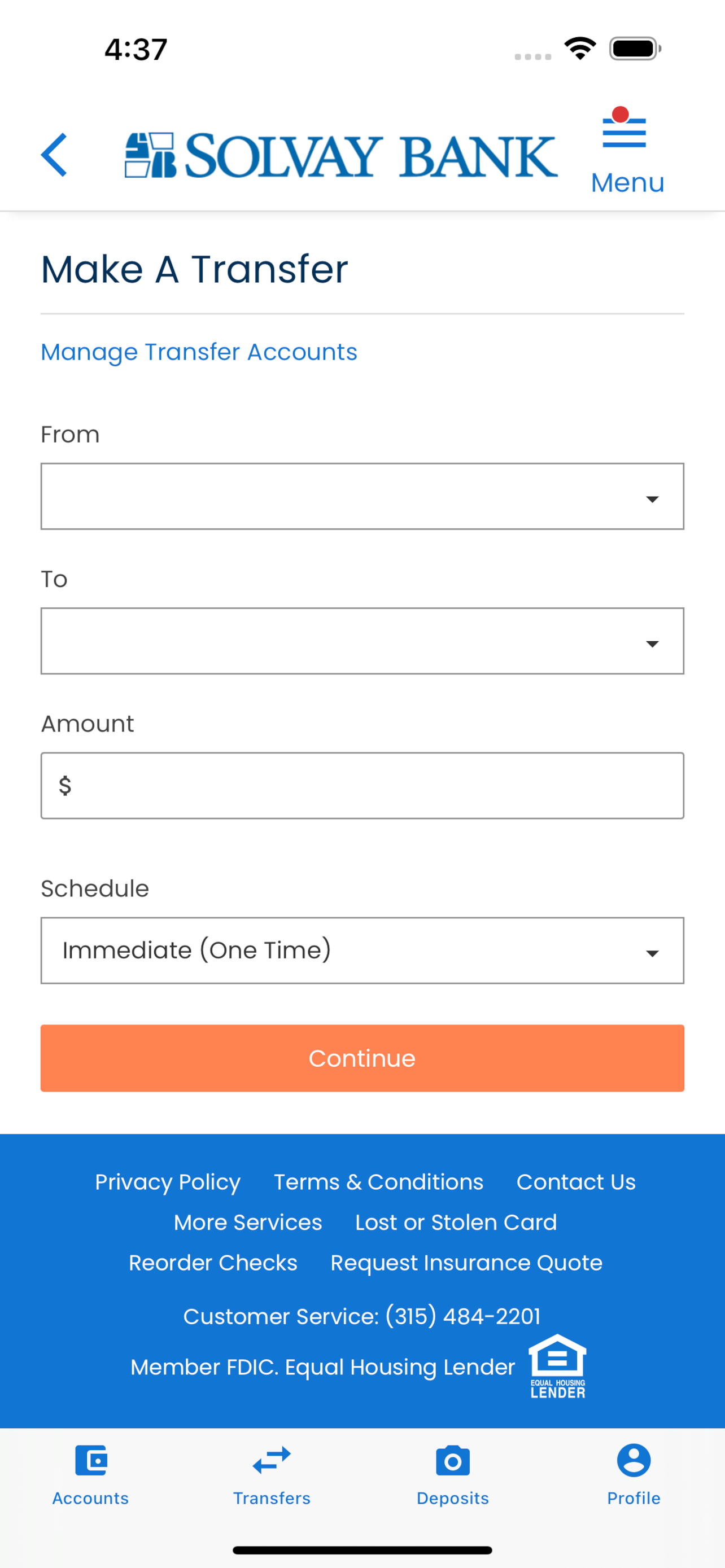
The latest update that took us all offline for 2days is a complete disappointment. It’s sluggish. Sometimes it works sometimes it just spins. For bill pay why do you have to scroll up to enter your payment amount? Why wouldn’t it just take u to that entry?
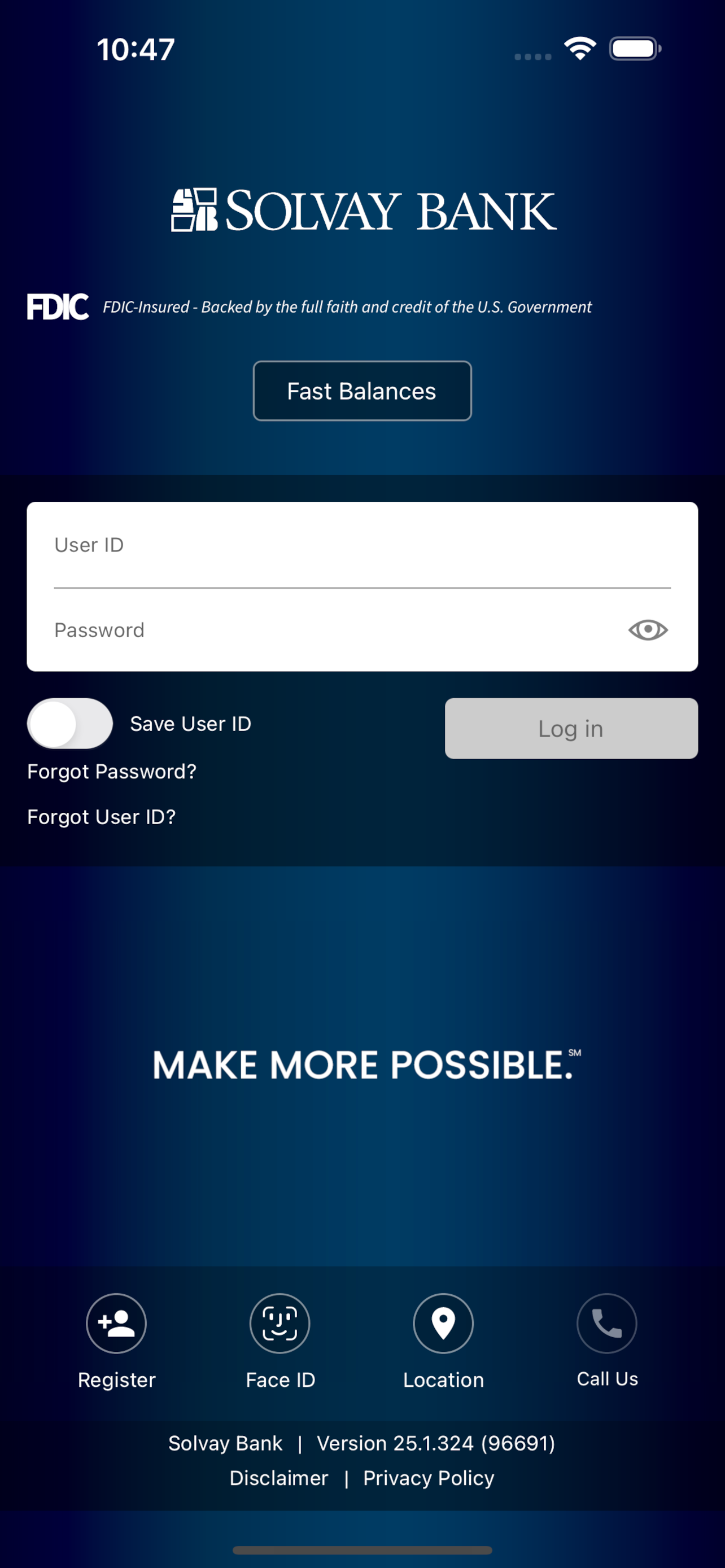
SAVE ID SHOULD DEFAULT TO OFF instead of ON. Make it simple to TURN OFF SAVE ID. THE ONLY WAY TO TURN IT OFF IS TO DELETE THE APP. You have to remember to turn it OFF every time you use the App. The most annoying and frustrating is that once you sign in with Save ID ON, it automatically saves it to ON. Even if you slide it to OFF before entering your password it’s still saved to ON the next time you access the app. The only way you can successfully turn it OFF is to delete the App! Please take a look and consider a fix.
Do your banking 24/7 from your iPhone. With Solvay Bank Mobile you can monitor your accounts, make transfers from and to Solvay Bank Accounts, Pay Bil...


