Check the acquisition promise
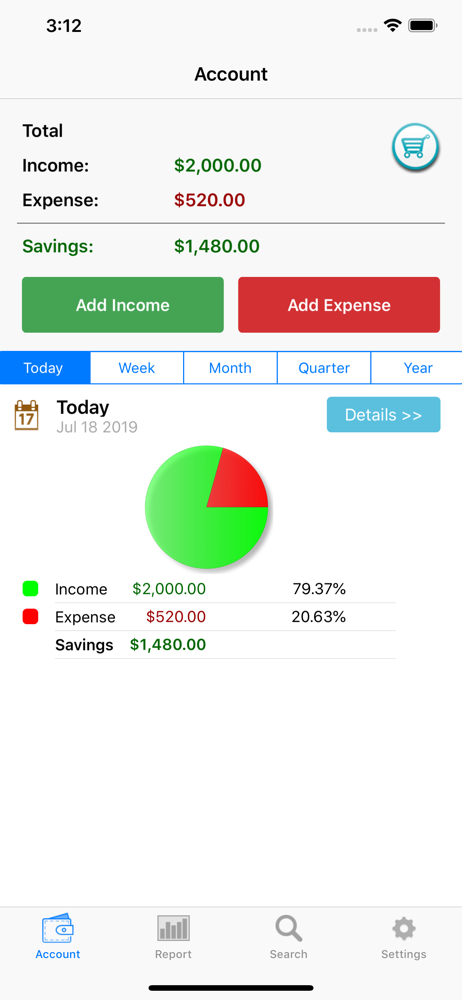
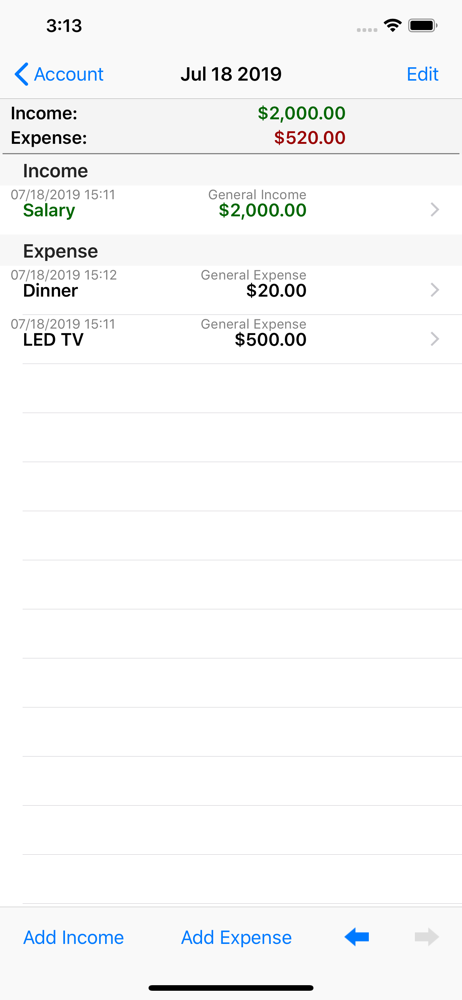
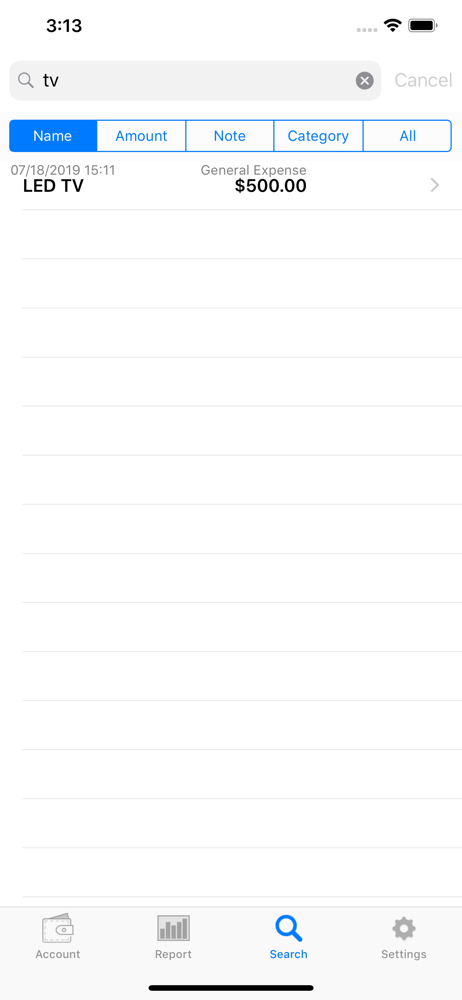
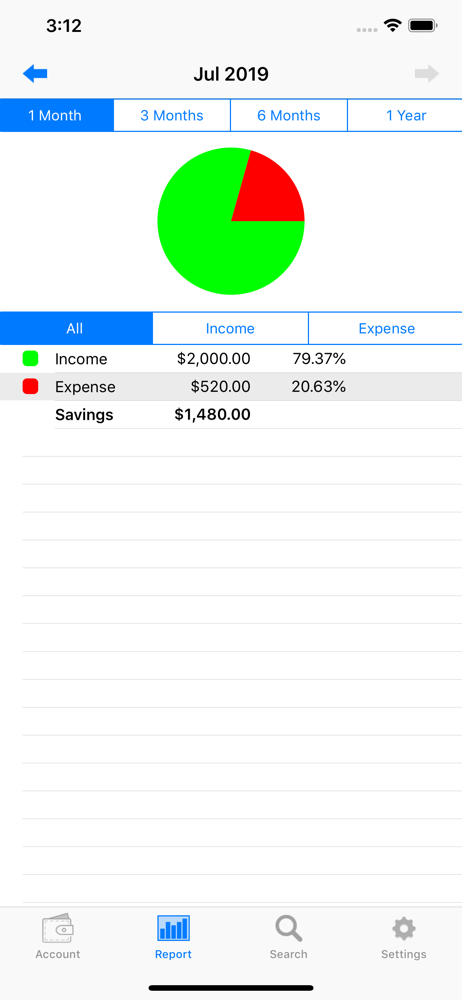
Read the store headline, screenshots and description. What problem is the app promising to solve?
Study the storefront ↗
Hana Mobile · iOS
Explore the ad evidence, study the storefront, and build your next acquisition hypothesis.
01 / Creative research
Read the store headline, screenshots and description. What problem is the app promising to solve?
Study the storefront ↗Explore apps with direct store-link matches. Compare their hooks and formats without assuming the same approach works here.
Browse observed advertisers ↗Store rankings and revenue estimates describe market context. They do not establish ad spend, conversions or ROAS.
Review the market context ↗02 / Storefront & product
Study the product story and store experience behind the acquisition funnel.
03 / Market context
Keep revenue, downloads and store rankings separate from advertising performance.
I’ve tried pretty much all the budgeting apps (mint, ynab, every dollar, etc.) and the reason this one is the best is because you don’t need an account, it doesn’t link to any bank, there are no ads, it’s a one time purchase (and not a subscription, get outta here), and it’s super simple and straightforward. If you’re looking for a totally customizable budget that is just you putting in pluses and minuses, grouped into categories you want, this is absolutely the one you want. My ONE caveat that I wish they would fix is allowing you to re-order your expense categories after you create them. Very small critique, though.
I love this app is very simple to use you don’t have to attach your banking and personal information to it. I would have given it five stars if the description would’ve said upfront that after 13 entries you have to pay and I wish that my spouse would be able to login so we can use the same expense tracker since we’re in the same house. I hope the developers come up with a way that two people can use it or if there’s a login that we can login and use the app but other than that is exactly what I was looking for what I needed and even $29 a yearIs not a bad price!
I love this app because it is completely manual and I have total control over everything that goes i it, versus apps that are connected to bank accounts. The only reason I give it 4 stars instead of 5 is because I wish it had auto fill for the categories. I find myself typing in the same names again and again, which is a waste of time. The other thing I wish it had is subcategories. For example, I would like to have one category be “home” expenses, and then be able to break that down into subcategories like rent, utilities and repairs. And just a heads up for new users, it doesn’t save your info past the calendar year. It still stores it and you can get all the data by exporting an excel file, but it won’t show up on the app. So that’s pretty annoying.
If you are looking for the best personal finance application, this is the app for you and it's free! Millions of downloads cannot be wrong! iSpending...
| Name | Price | Type |
|---|---|---|
| iSpending Premium (Monthly) | $2.99 | Monthly |
| iSpending Premium (Annual) | $29.99 | Yearly |