Check the acquisition promise
Read the store headline, screenshots and description. What problem is the app promising to solve?
Study the storefront ↗
Hana Mobile · iOS
Explore the ad evidence, study the storefront, and build your next acquisition hypothesis.
01 / Creative research
Read the store headline, screenshots and description. What problem is the app promising to solve?
Study the storefront ↗Explore apps with direct store-link matches. Compare their hooks and formats without assuming the same approach works here.
Browse observed advertisers ↗Store rankings and revenue estimates describe market context. They do not establish ad spend, conversions or ROAS.
Review the market context ↗02 / Storefront & product
Study the product story and store experience behind the acquisition funnel.


03 / Market context
Keep revenue, downloads and store rankings separate from advertising performance.
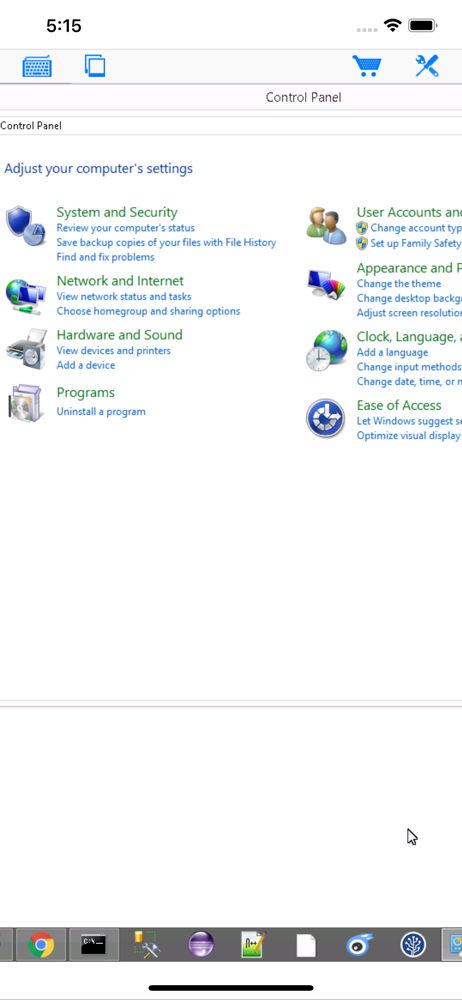
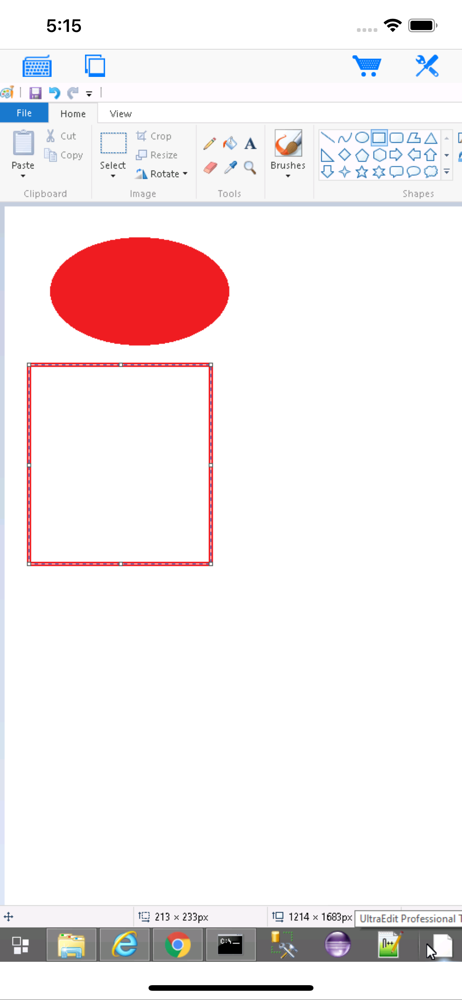
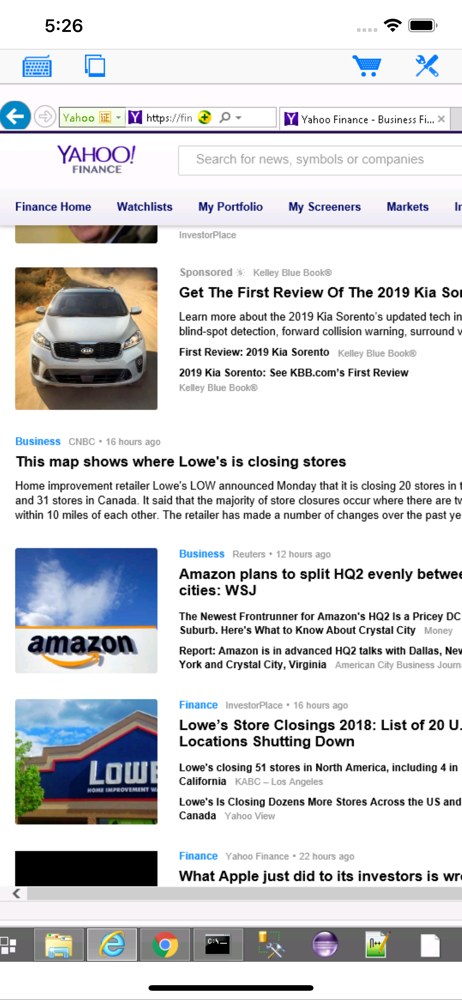
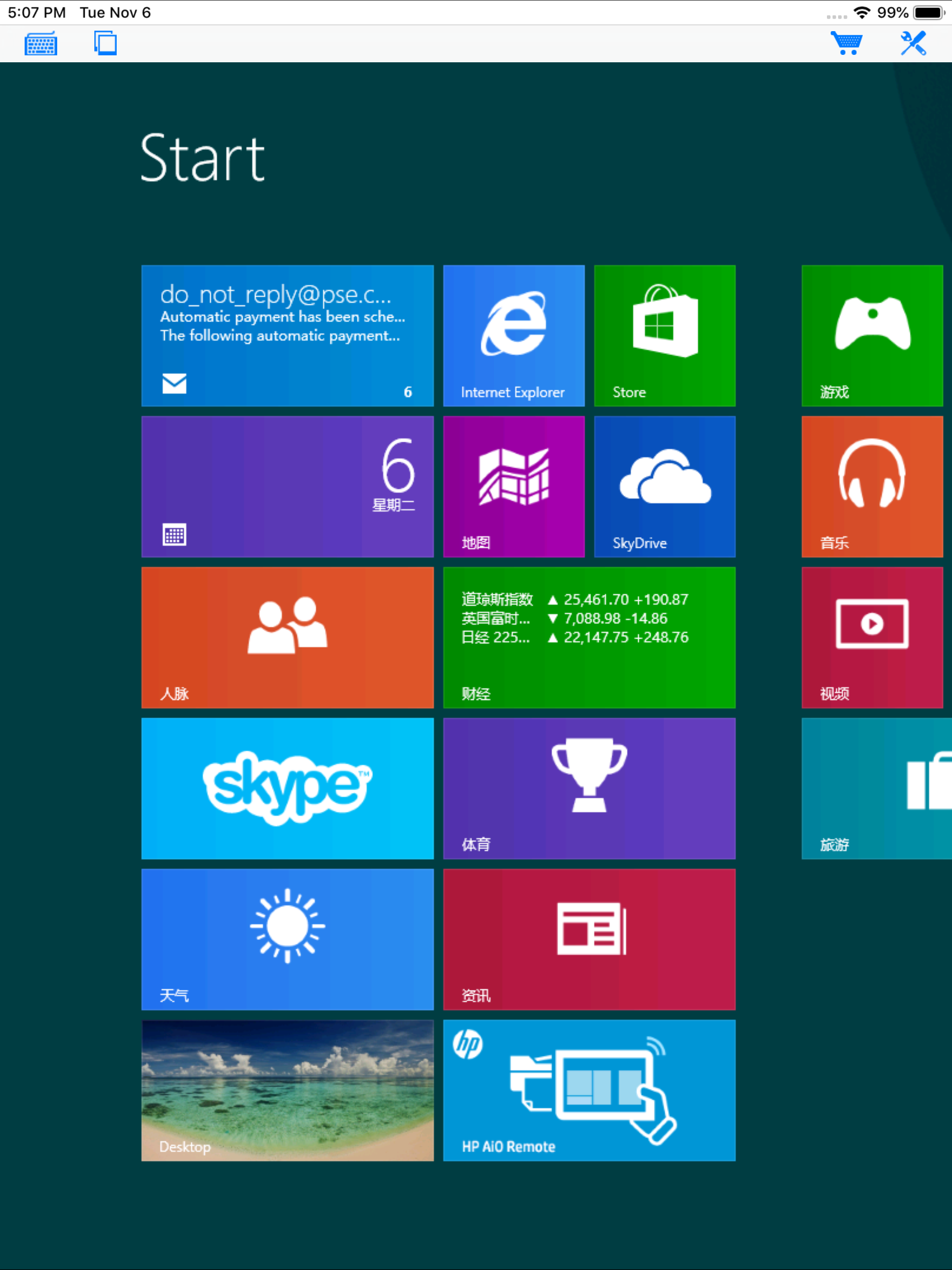
Things time out on complicated tasks because of the user interface, shortcuts need to be added on commonly used tasks. The mouse option right click and left click gets in the way of the arrow. But it was easy to set up and works great for the price.
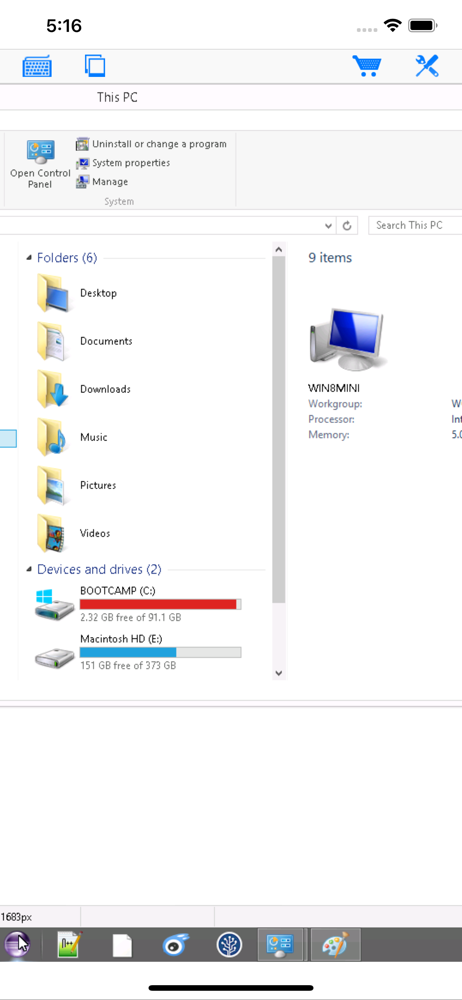
I have tried other remote desktop protocol (RDP) apps with little success. Either the mouse mapping was horrible or they required complicated firewall modifications. That's why I love this app! Setup was a breeze. I have used Windows Remote Desktop Protocol with my net book and my primary desktop machine for years. Perfect for using Photoshop remotely or crunching something that tequilas a lot of power. This app works just like windows RDP. I use it on my iPad and iPod Touch to access my desktop pc from across the room, use Skype, Photoshop, Filezilla, Dreamweaver, etc. One note: Only Windows 7 (or Vista) Business or Ultimate is RDP capable. If you use Windoz Starter or Home versions you need to upgrade becoz Microsoft left out RDP capability on basic/starter versions of Windows. This is no fault of the app developer. Second note: before you buy or install the app, go to the developer's site and download the helper program to your Windows computer then run it. It will tell you if your version of Windows is RDP capable.... Plus it will give you all of the settings you need to configure the iPhone/iPad app without any guess work! JUNE UPDATE I love this app! Every year I visit my brother in LA and take a lot of hardware with me. This year I left my pc at home and did everything from my ipad remotely... Pc... Browser sessions... Streaming flash video... Dreamweaver... From a 5 pound iPad. nice!!!!
I bought this app and I was very skeptical that it would work. It connects, it is not as fast as a direct connection, of course, but it works great. Without any 3rd party subscription based services. I am not an apple user. This is my first apple. I was able to manage set up without complication in under 20 minutes for both wifi and 3G config. Yes it two different set ups. I would buy this app over again. I did try a different remote app, 1st & was very disappointed! I would give 5 stars if connection speed were improved, moment is jerky and slow, especially with mouse. Huge delay w/ mouse. I could never use this method to design in a pinch. Unfortunately that is what I thought I could do w/ this iPad vs carrying my really heavy alien ware laptop around! iPad still fun! Love it!
Specifically designed for both iPad and iPhone!! Optimized to use iPhone X Series screen! Connect to PC let you access Windows PC from your iPad/iPho...