Check the acquisition promise
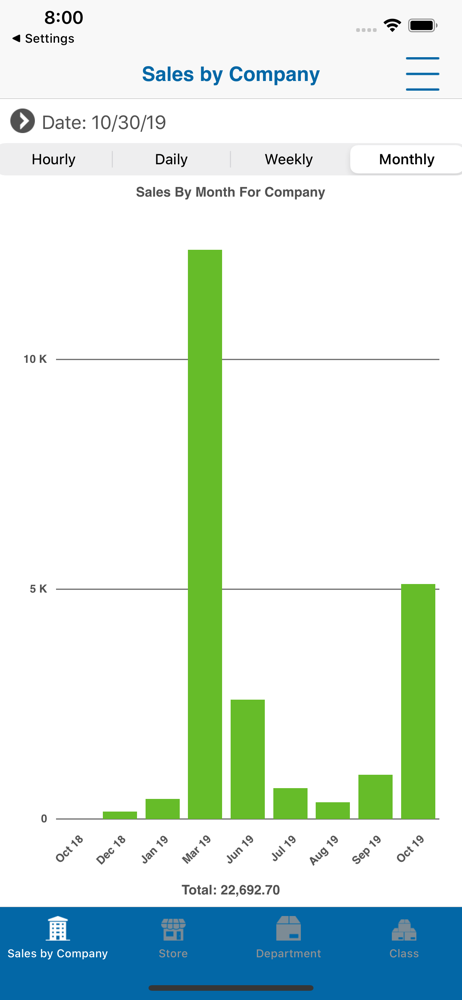
Read the store headline, screenshots and description. What problem is the app promising to solve?
Study the storefront ↗
Epicor · iOS
Explore the ad evidence, study the storefront, and build your next acquisition hypothesis.
01 / Creative research
Read the store headline, screenshots and description. What problem is the app promising to solve?
Study the storefront ↗Explore apps with direct store-link matches. Compare their hooks and formats without assuming the same approach works here.
Browse observed advertisers ↗Store rankings and revenue estimates describe market context. They do not establish ad spend, conversions or ROAS.
Review the market context ↗02 / Storefront & product
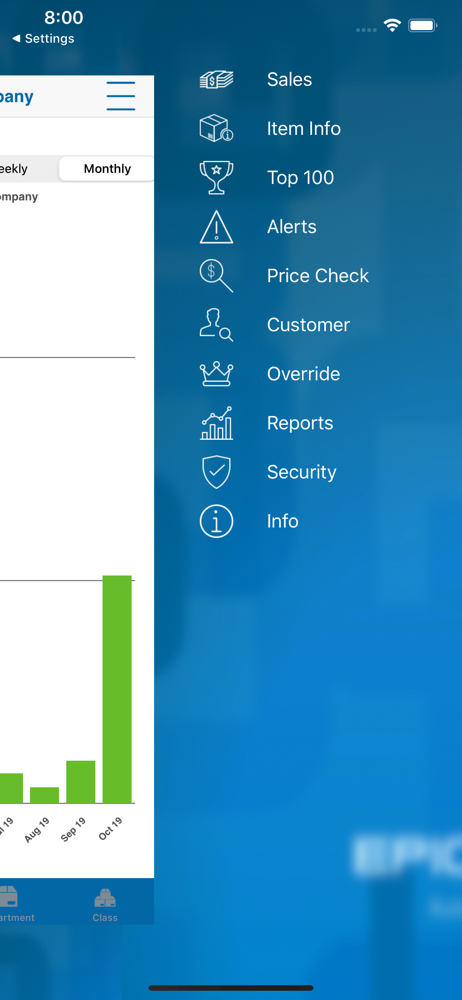
Study the product story and store experience behind the acquisition funnel.
03 / Market context
Keep revenue, downloads and store rankings separate from advertising performance.
99% of the time, you cannot sort by store once you get into individual departments. It’s a ridiculous round of opening and closing various departments and classes until (IF) you luck out and find one that will load the store number selection screen. Disheartening to see that this complaint has been left in a review before…. THREE years ago.
The app is great in principle but does not function well. Multiple errors prevent much use. Please fix.
Some bugs were fixed but now you can’t sort by store in the sales by department windows.
The Epicor Mobile Manager application works in conjunction with Epicor’s Eagle Retail Management Solution. It enables users to view the status of thei...