Check the acquisition promise
Read the store headline, screenshots and description. What problem is the app promising to solve?
Study the storefront ↗
Track & Share Apps, LLC · iOS
Explore the ad evidence, study the storefront, and build your next acquisition hypothesis.
01 / Creative research
Read the store headline, screenshots and description. What problem is the app promising to solve?
Study the storefront ↗Explore apps with direct store-link matches. Compare their hooks and formats without assuming the same approach works here.
Browse observed advertisers ↗Store rankings and revenue estimates describe market context. They do not establish ad spend, conversions or ROAS.
Review the market context ↗02 / Storefront & product
Study the product story and store experience behind the acquisition funnel.




03 / Market context
Keep revenue, downloads and store rankings separate from advertising performance.
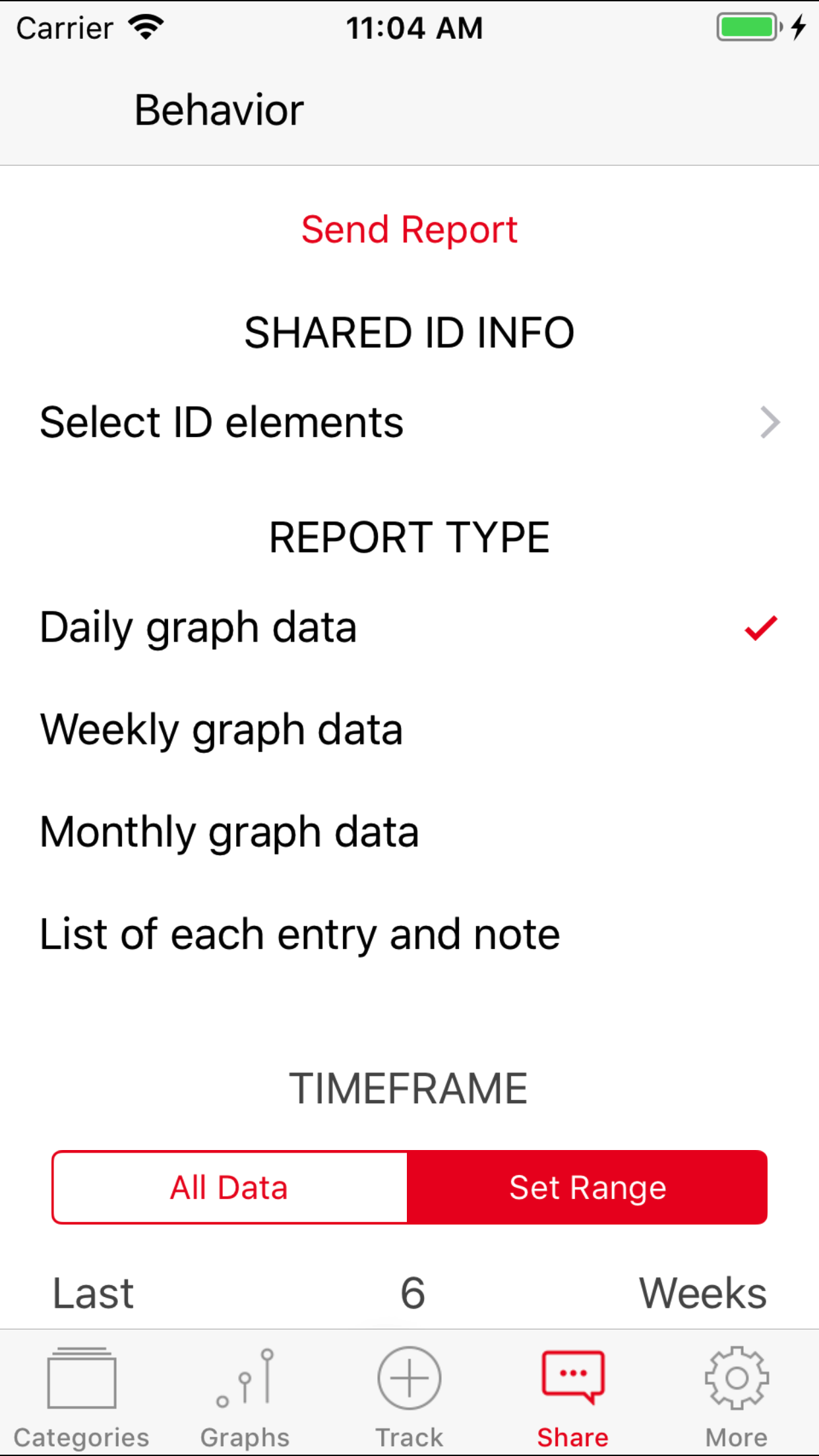
I have been using this app for 10 years. It is an excellent app for tracking data for IEP meetings and daily messages home. However, I purchased an iPad Pro last year and I can track data but not email or download it. It keeps saying to update my email on my iPhone. My email is updated on all of my devices. My iPhone 11 has no problems but I prefer using my iPad. If anyone can help me fix this problem, I would be grateful.
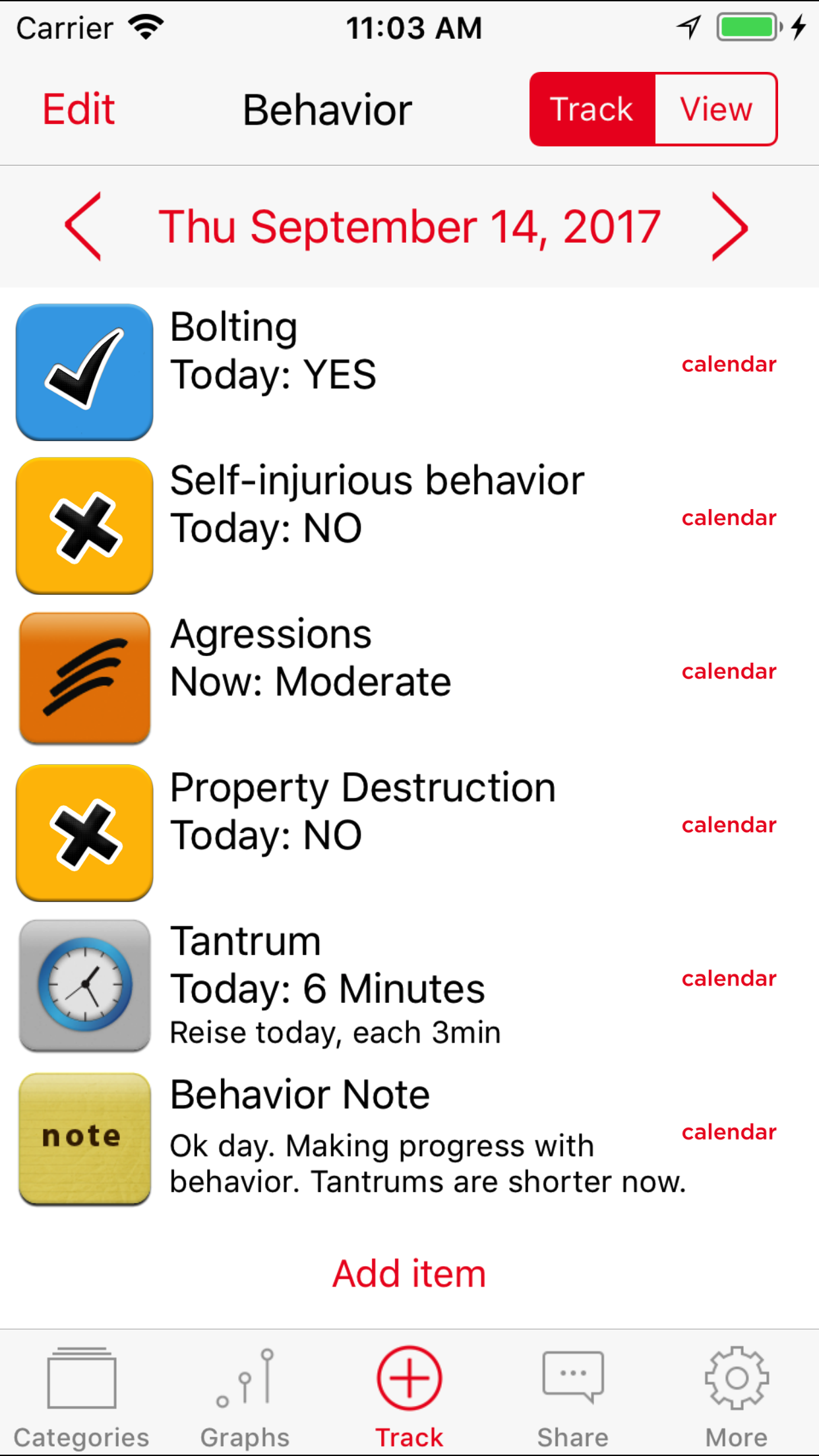
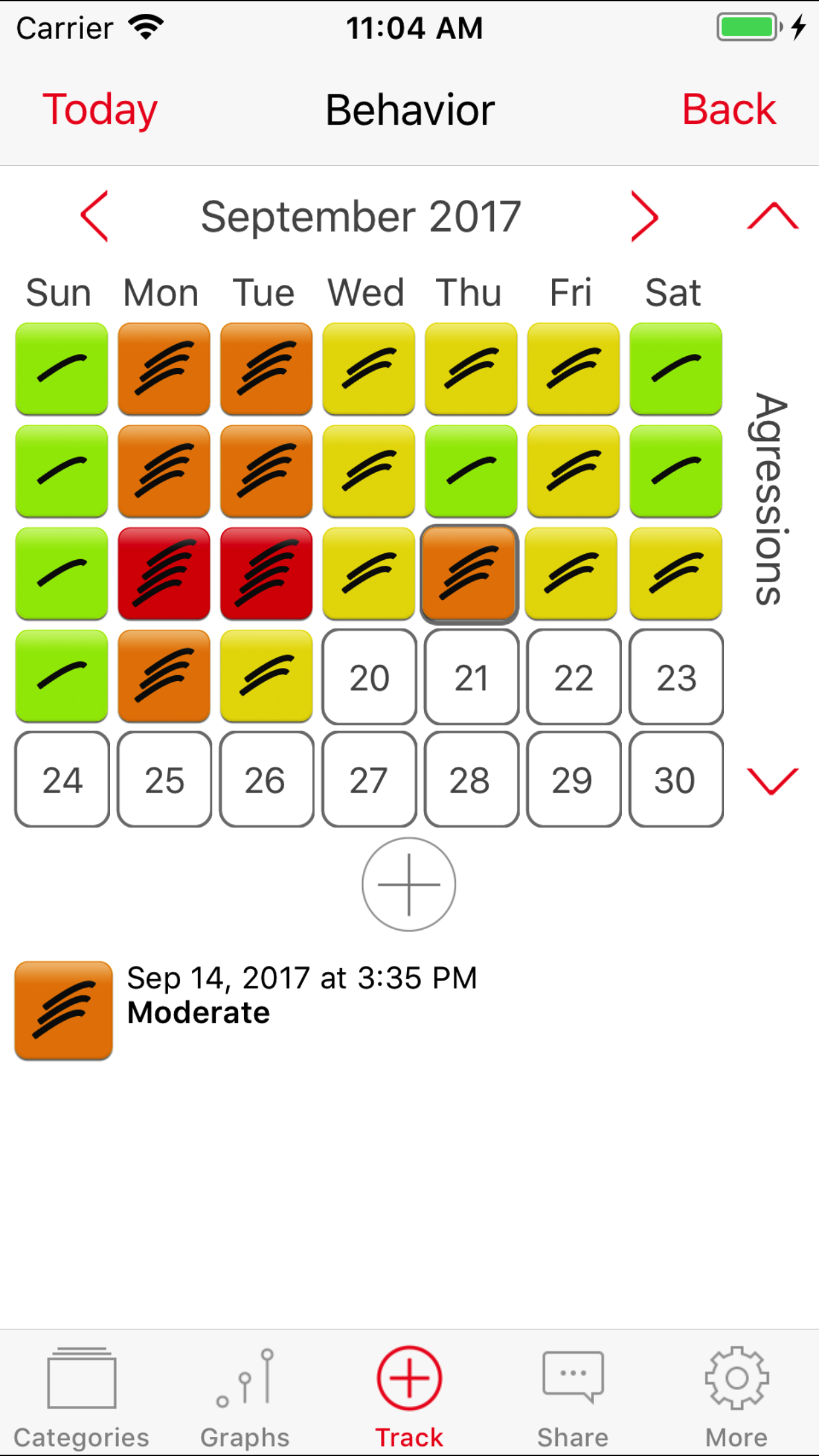
This has been an awesome app to keep track of my son’s behaviors. I needed a way to keep track of aggression and tantrums to see if we can find triggers and see what consequences work. This app provides the ability to do this. However, I wish the note space for items that use an icon (Aggressions, Tantrums, Sleep, etc.) was more than just a one line entry. I know I can put the notes in Behavior Note or Mood Note, but these notes do not show up in reports and don’t align with the aggression or tantrum. Additionally, these one line notes cannot be edited. In order to edit these notes, I have to copy them, paste them in another app (Notes), make the changes, then paste them back into the Autism pro app. Talk about inconvenience. Finally, there is currently no online help for this app. In the app, trying to access the Online User Guide, there is a warning/error, the same is when clicking on App Support in the App Store. I had to do an internet search for the app to get to your “website”, but when I clicked on “user guide” it said No Results Found.
For some reason many symbols have been replaced with fancy ones and the old symbols have been removed. Many people who use this app may not be able to handle the change well however and the new classy symbols are at times hard to understand and get used to. This app is specifically aimed at those who have autism, and many autistics have issues with changes, especially large scale changes like the visual ones present without warning in his update. It should have been obvious that such drastic sudden alterations should at least merit a mention in the description of the update
Autism Tracker can be life changing for families with a child on the spectrum. Explore Autism. Track what matters to your child and your family. Use t...