
Check the acquisition promise
Read the store headline, screenshots and description. What problem is the app promising to solve?
Study the storefront ↗
PFU LIMITED · iOS
Explore the ad evidence, study the storefront, and build your next acquisition hypothesis.
01 / Creative research
Read the store headline, screenshots and description. What problem is the app promising to solve?
Study the storefront ↗Explore apps with direct store-link matches. Compare their hooks and formats without assuming the same approach works here.
Browse observed advertisers ↗Store rankings and revenue estimates describe market context. They do not establish ad spend, conversions or ROAS.
Review the market context ↗02 / Storefront & product
Study the product story and store experience behind the acquisition funnel.




03 / Market context
Keep revenue, downloads and store rankings separate from advertising performance.
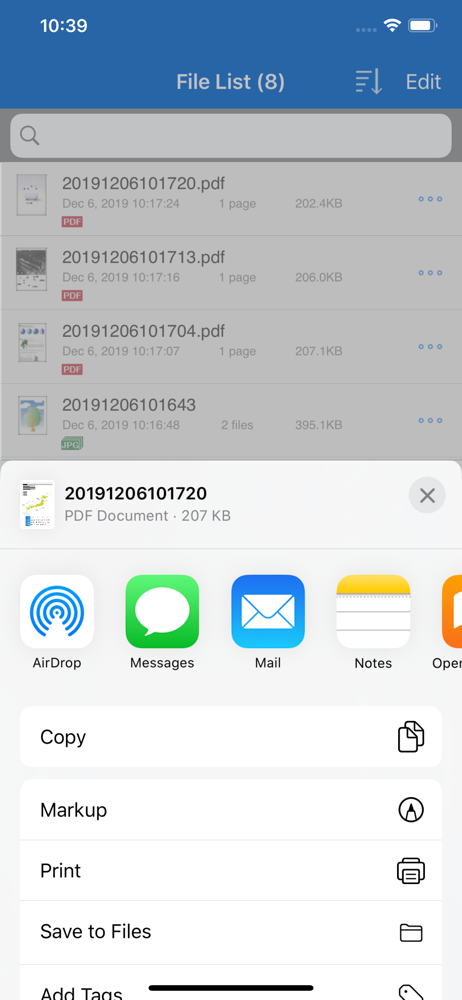
After scanning in 10 or more documents, I have to select each file one at a time and then send all 10 files to Apple files app so that I can send all 10 files at one time to my Mac via “air drop”. 1. Can you add a “select all” files feature so I don’t have to select one at a time? 2. Can you add a “select all” files and send all selected files via “air drop” at once so I don’t have to send to Apple files app first? My model is ix500 so I cannot use ScanSnap Home, please add select all feature to this ScanSnap mobile app that I’m writing this review for.
I approached the Scansnap iOS app with considerable skepticism. Experience has taught me that software designed for peripherals like scanners and printers is often subpar, a trend that seems to have persisted since the 90s. Moreover, mobile apps designed to control hardware are typically as pleasant as a dumpster fire, often leading to sheer frustration. With these expectations, I braced myself for an hour of tedious troubleshooting. However, to my surprise and delight, the app proved to be a rare exception. Drawing on my IT expertise, I started by power cycling my ix1600 and installed the app. In just a few minutes, I was connected to my wife’s scanner without a hitch. I managed to scan multiple 15-page documents, attaching them to an email directly from the app, and sent them using the native Mail app. The entire process was astonishingly efficient, taking no more than five minutes. Kudos to the team for making an application for a peripheral that works! I very rarely leave reviews on anything but, I was impressed enough to do so. Please keep up the quality control. Notes: Scanner: IX1600 - previously setup via macOS Did not try to edit any settings while scanning the documents. Therefore, cannot attest to any of the other features.
Does not connect to iPad Pro via direct USB, only slow & insecure WiFi (especially bad in a public or shared environment). Even on the very recent & expensive iX1600, with the latest firmware & appropriate cable, when both devices can see each other according to their device info, not even the most basic scanning operation is supported. (Thus one more reason we won’t get away from Macbooks any time soon even with similar performance…) Due to privacy and security concerns especially when handling sensitive documents, I can not comment on this application’s functionality beyond this. Not the least because ANY WiFi connectivity on the iX1600 would open the door to the internet & uncontrolled “cloud” & “diagnostic” leaks (even when opting out), with little to no recourse to ensure security short of a corporate-level firewall.
[New App] New mobile scanning app ScanSnap Home is now available. Try out the improved operability and usability of ScanSnap Home! *ScanSnap Home can...


