
Check the acquisition promise
Read the store headline, screenshots and description. What problem is the app promising to solve?
Study the storefront ↗
Deliverance Software Ltd · iOS
Explore the ad evidence, study the storefront, and build your next acquisition hypothesis.
01 / Creative research
Read the store headline, screenshots and description. What problem is the app promising to solve?
Study the storefront ↗Explore apps with direct store-link matches. Compare their hooks and formats without assuming the same approach works here.
Browse observed advertisers ↗Store rankings and revenue estimates describe market context. They do not establish ad spend, conversions or ROAS.
Review the market context ↗02 / Storefront & product
Study the product story and store experience behind the acquisition funnel.




03 / Market context
Keep revenue, downloads and store rankings separate from advertising performance.
I thought I’d take time to update a previously written review given there have been so many updates to both ZoomNotes & iOS. I still rely on ZN 99.9% of the time. The *only* 2 ways I still use GN is 1) for exclusive GN file purchases & 2) for college digital textbooks (it’s easier for me to have both screens open during note-taking & highlighting things on the other app while taking my handwritten notes in ZN. I like many of the features that ZN has, from advanced image editing (opacity, precise sizing, etc) to the layers feature & page turning capabilities. I can create my own digital notebooks & planners without the standard practice of using Keynote to add links & such. Copying links, repeating text, & more can be done in literally just a few taps, without copy-pasting over & over…you just create a new layer for whatever you want to have the same on all pages (like page tab labels) & then select the option to copy current layer to all pages! Boom. Easy peasy. The customer service is fantastic. Join the Facebook group. Get tips, tricks, inspiration, & direct responses from the creator quickly. Have a suggestion? Tell Ed. Something acting wonky? Ed is so helpful. And here’s a great tidbit: IT’S NOT SUBSCRIPTION-BASED! You get all the features, all the customer support, & a great community all for one price! I wasted so much money on other apps that never quite worked the way I needed.
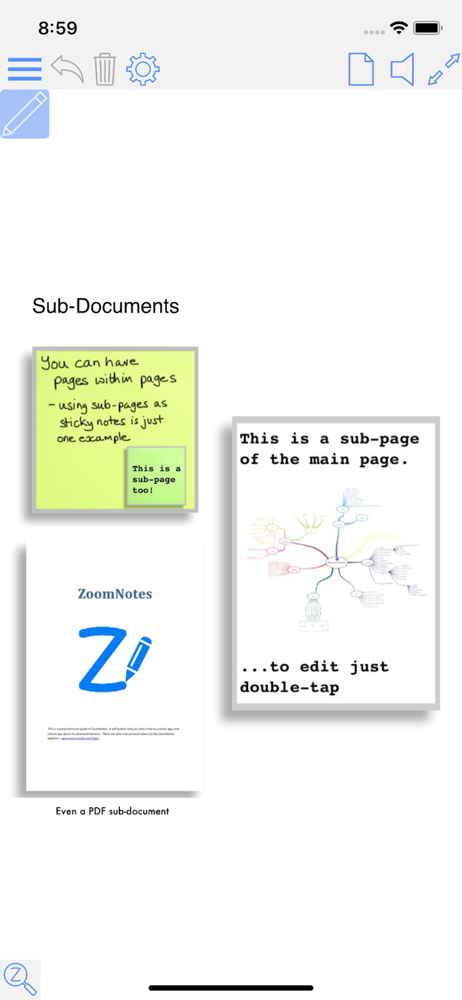
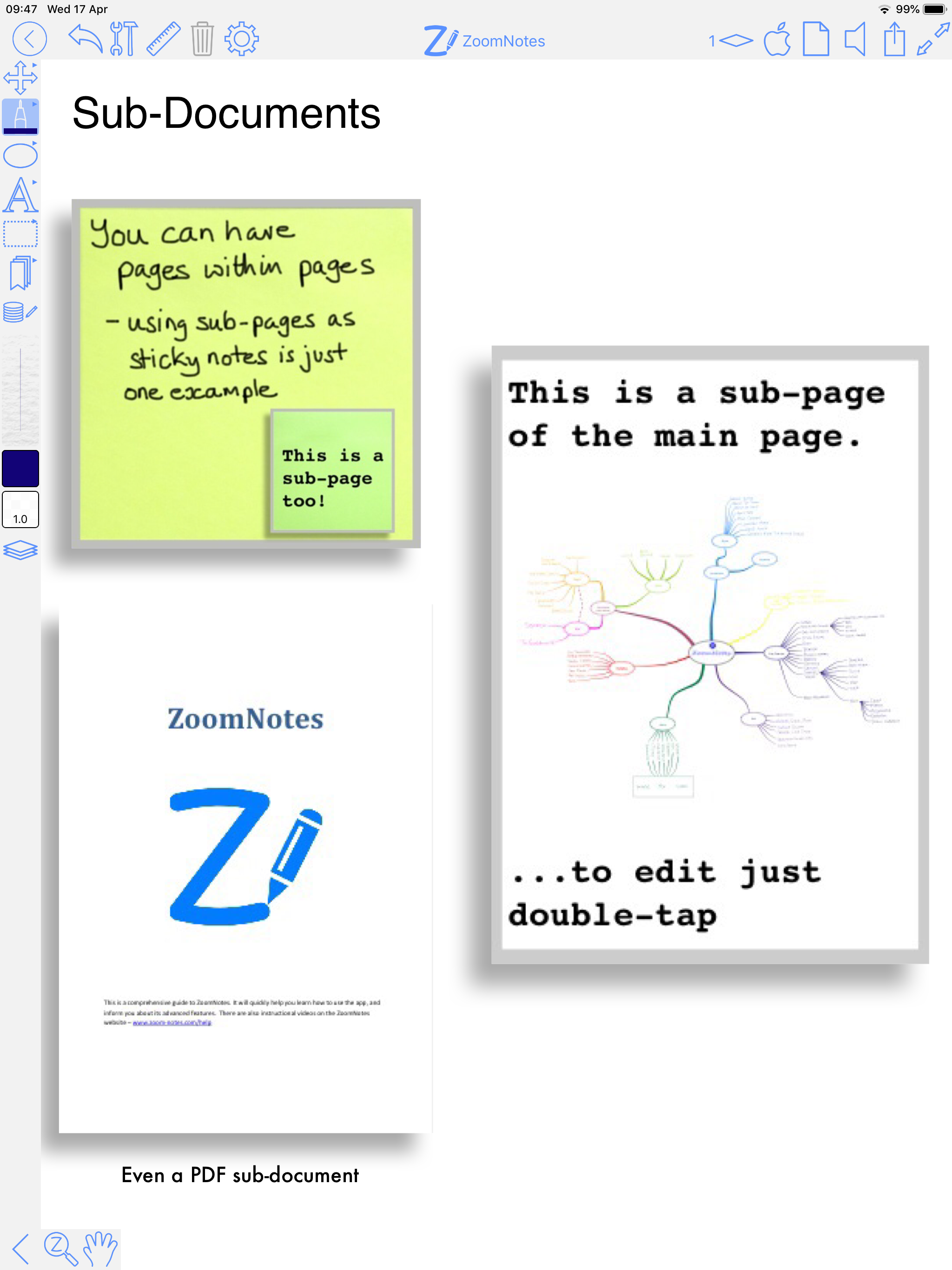
I've used a lot of iOS notetaking apps. Most of them do well with emulating a traditional paper notebook (Goodnotes, Notability, OneNote, NoteShelf). ZoomNotes is completely unique. There is really nothing else like it. Pros: - feature-rich hypertext, outline and cross-reference workflow for handwritten documents - You can link pages together with custom buttons, pictures, or text. These links export to PDF so you can make interactive documents. - Pages can have sub-pages, to any level of hierarchy. So you can use one document as a dashboard for a bunch of notes, or store a book and its notes together as one file. - You can open multiple views of the same file. - Make custom animated slideshows from your handwritten documents(!) - Export to many formats. Cons: - The learning curve is STEEP but the payoff is enormous. - Syncing across multiple devices can occasionally produce conflicts that have to be reconciled by the user. - The UI is less "Apple-like" and more like a full desktop app. The features in the UI can be cluttered and overwhelming. However, you can make your own custom workspace with fewer tools and options if you prefer. Verdict: - Make a pot of coffee, settle in with the ZoomNotes manual, and put in the time to learn all the features. If you want power and flexibility with your handwritten documents in iOS, nothing else comes close.
This is the most versatile note taking app I have found. I use it for all my note taking. I really like the ability to insert handwritten notes with pdf files, including adding pages etc. It takes a bit to get used to all the features but it is well worth the effort. The ease of zooming in and out and writing in the margins of PDF files is also very handy. Still very happy with it. I love the infinite whiteboard option. It really feels like having a large whiteboard where you can write anywhere. It’s also great for annotating a pdf file when you need to write more than just minor comments. This continuous to be my favorite note taking app. One of the features of traditional writing and note taking is that you can spread out multiple sheets of paper in front of you. This allows you to keep a good overview of what you are working on. I really missed this aspect of physical notes when I switched to my iPad. However, the whiteboard mode with infinite zoom of ZoomNotes allows me to effectively have a virtual desk with many sheets of handwritten notes. (Tip: lay out a grid of letter size boundaries on your whiteboard before starting to take notes. You can easily fit 25 pages that way. Well, of course you could do millions but you want to mimic a physical desk.)
ZoomNotes is the most comprehensive visual note-taking app with huge zoom range. Make handwritten notes and sketches on virtual paper, huge WhiteBoard...


