Check the acquisition promise
Read the store headline, screenshots and description. What problem is the app promising to solve?
Study the storefront ↗
Alfons Schmid · iOS
Explore the ad evidence, study the storefront, and build your next acquisition hypothesis.
01 / Creative research
Read the store headline, screenshots and description. What problem is the app promising to solve?
Study the storefront ↗Explore apps with direct store-link matches. Compare their hooks and formats without assuming the same approach works here.
Browse observed advertisers ↗Store rankings and revenue estimates describe market context. They do not establish ad spend, conversions or ROAS.
Review the market context ↗02 / Storefront & product
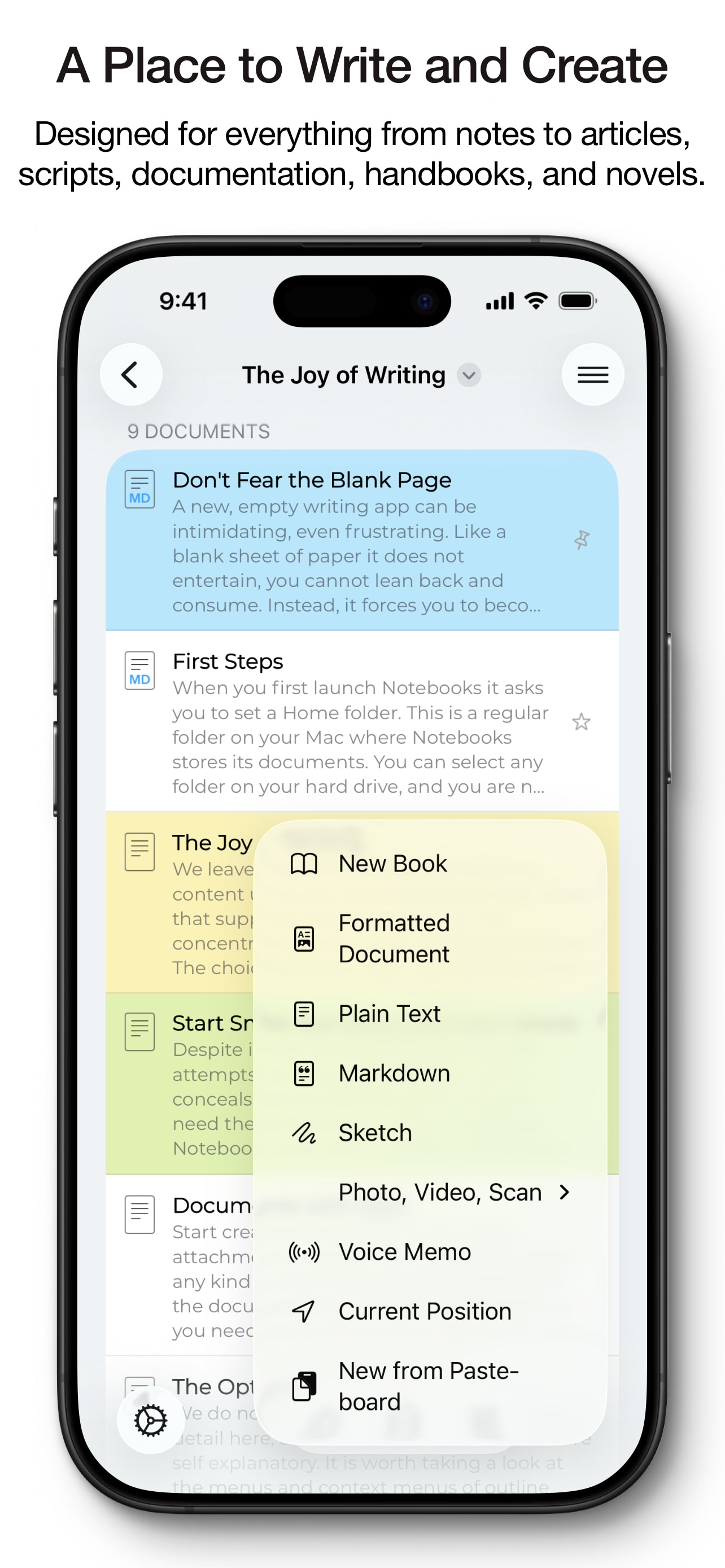
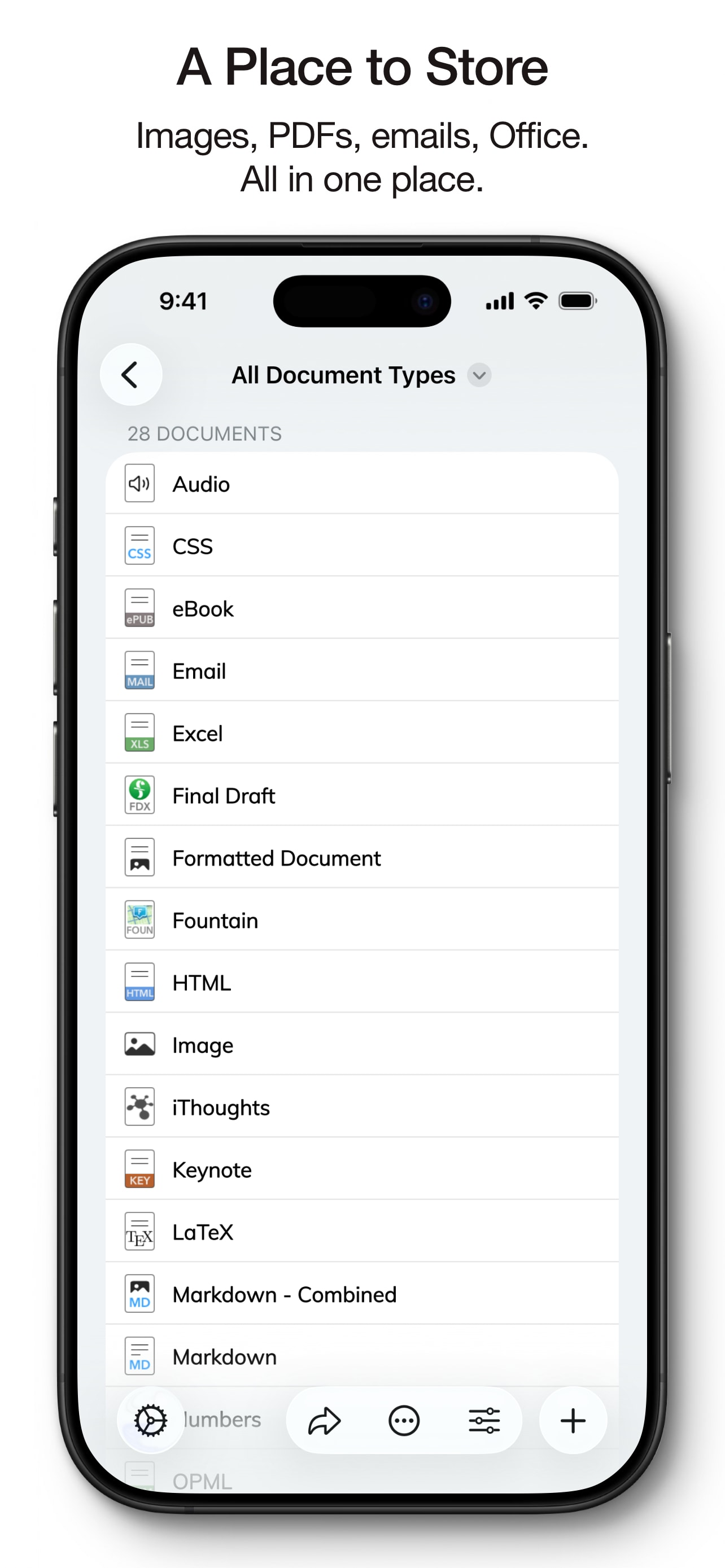
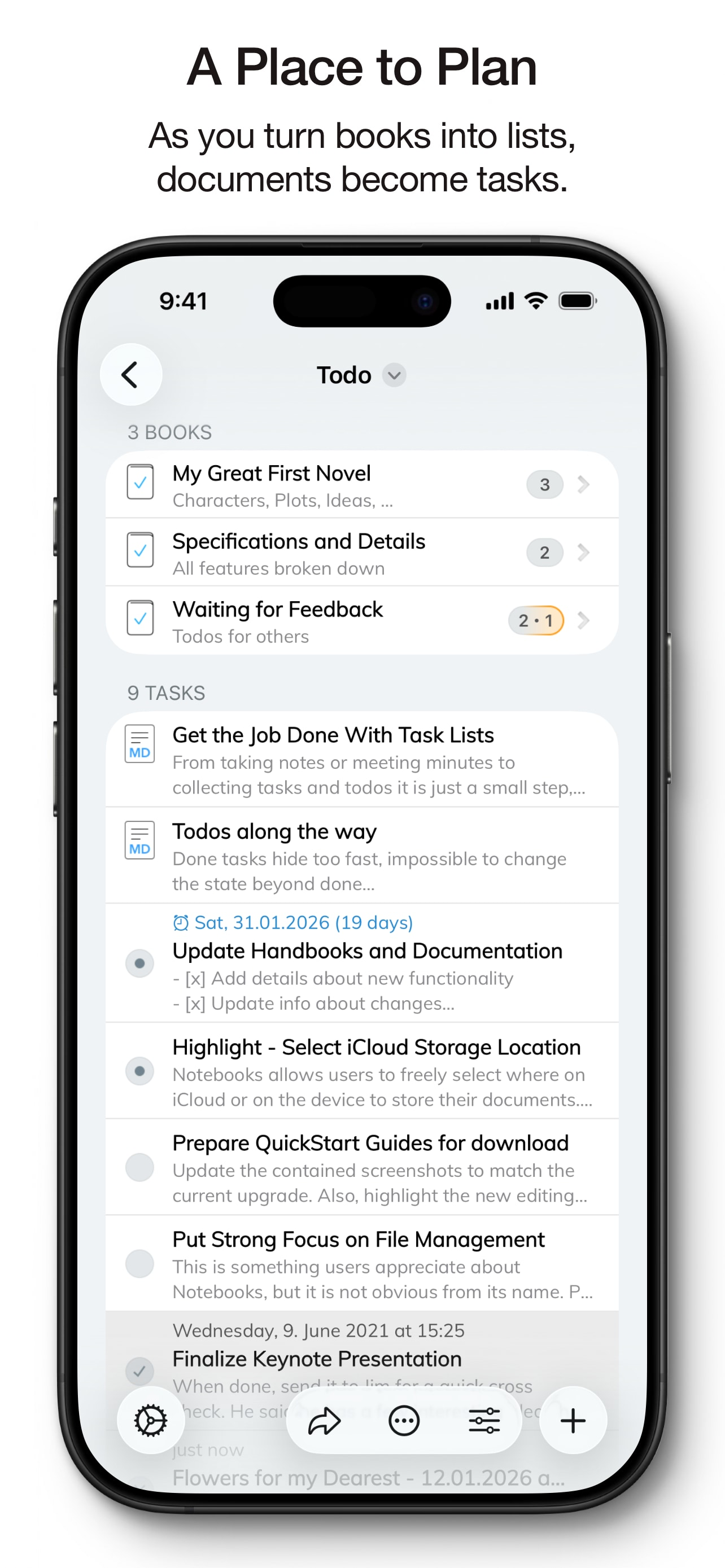
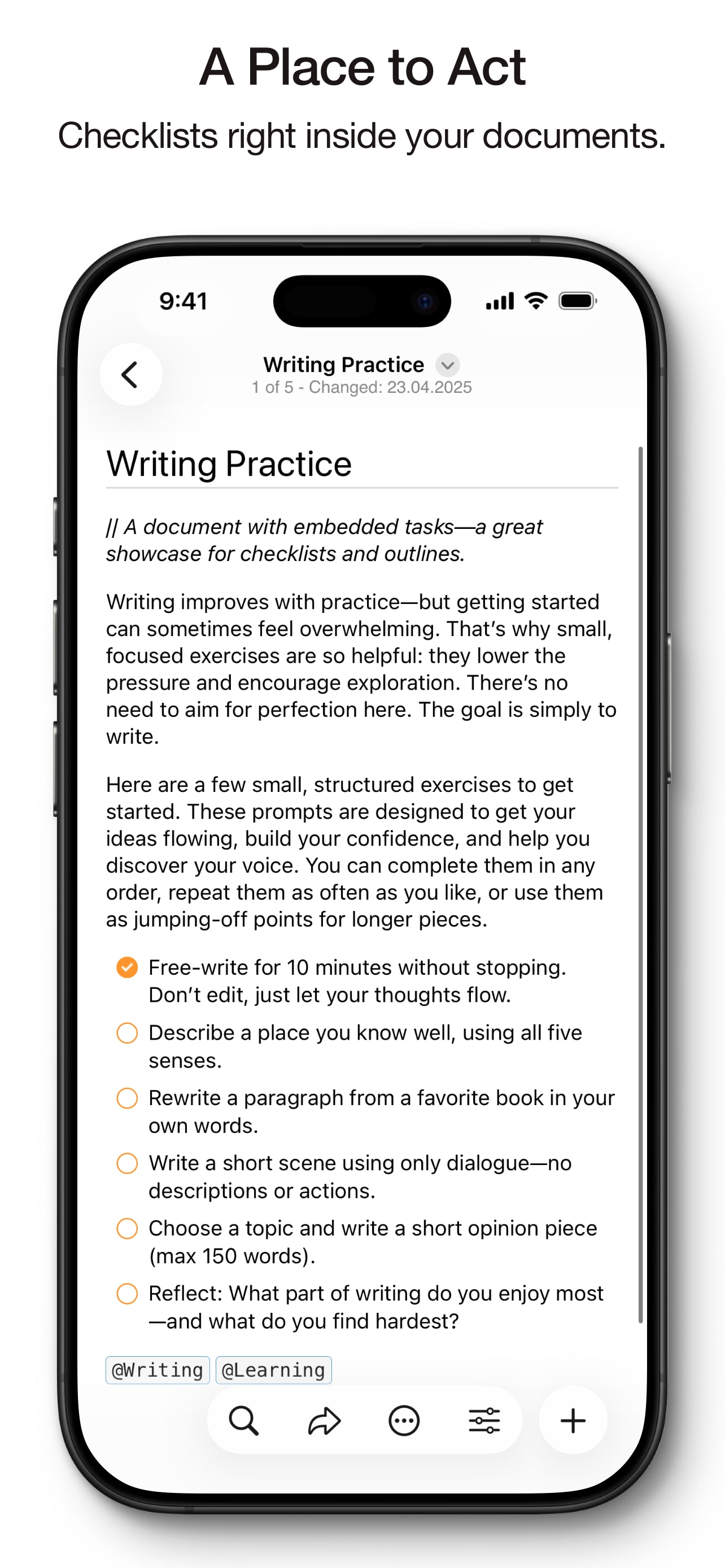
Study the product story and store experience behind the acquisition funnel.



03 / Market context
Keep revenue, downloads and store rankings separate from advertising performance.
I’ve been using Notebooks for years. It is the perfect app for taking a variety of different kinds of notes and maintaining documents. It is a solid, bug-free app with Dropbox support (important for me for backups), most importantly with no required subscription! I keep a camping todo list, lists of movies and tv shows I want to see, gift ideas, and many categories of ideas that pop into my head… I get a good idea, I pop out notebooks and write the idea in a short note in one of the nested folders for whatever the category is that I want to remember something. I don’t do a ton of app reviews but my phone just asked for one, and this is one of the few apps I use where I feel a good review is actually “owed” to the developer for such a quality product that I use daily for years ;) I opened this review request in the middle of writing a note, so I better get back to it before I forget what I wanted to record and remember.
Absolutely LOVE this awesome app! Does EVERYTHING I can imagine doing for organization of many varied interests. Deserves 5 stars except for one vulnerability that cost me a lot of lost time. I went back to a file that I’ve been building for 2 years that had a ton of important information that I access daily … and it was GONE! I have noticed it’s REAL EASY to ACCIDENTALLY run my finger across a BOOK title and it gives option to delete without second stop of “Are you sure?” In normal folder I can set it to “Read Only” and it’s protected. But if that same protected folder is within a BOOK and I accidentally swipe on the BOOK it is GONE! Fortunately, my valuable data is backed up to Drop Box and I could find it there, but to get it back into Notebooks I have to go book by book, document by document to reconstruct it. Fix that one important vulnerability and I will go back to a 5 star rating. I recommend this app to everyone and use it more than any other app on my iPad and iPhone.
[Edit]Still working very well to maintain research notes & book catalogs with live links to GoodReader. Wanted to mention that I’m using DropBox to back up my Notebooks notes & catalogs and synch them between my iPhone and iPads. After setting it up, Notebooks does it all automatically, flawlessly. Fantastic![/Edit] [Edit] After some email dialog with the developer, changes were made to the app to fix every problem I was having with the app. Resulting app works extremely well with GoodReader for research notes and indices. I highly recommend this app(and its developer). Six stars if I could give them.[/Edit] Notebooks 8 was a gem, used in combination with GoodReader, I could build lists, indices and papers containing live links into my extensive PDF library contained in GoodReader. It was simple: copy the link of a PDF doc in GoodReader and paste as markdown in Notebooks. Then use all of the expressive capabilities of Notebooks to describe and annotate the link. A match made in heaven. When Notebooks 8 stopped working for me I had no problem purchasing Notebooks 10. Such a great program is worth the money, right? Well Notebooks 10 breaks the links to GoodReader by inserting extra escape characters in the document URL on its own. Now none of my links to GoodReader work. There is no option to turn this “feature” off. The problem is definitely on the Notebooks 10 side; I checked by pasting a doc URL into a text editor. GoodReader is not adding the new escape characters. Why in the world isn’t there a setting to turn this new “feature” off if it potentially breaks compatibility with other apps? So disappointed.
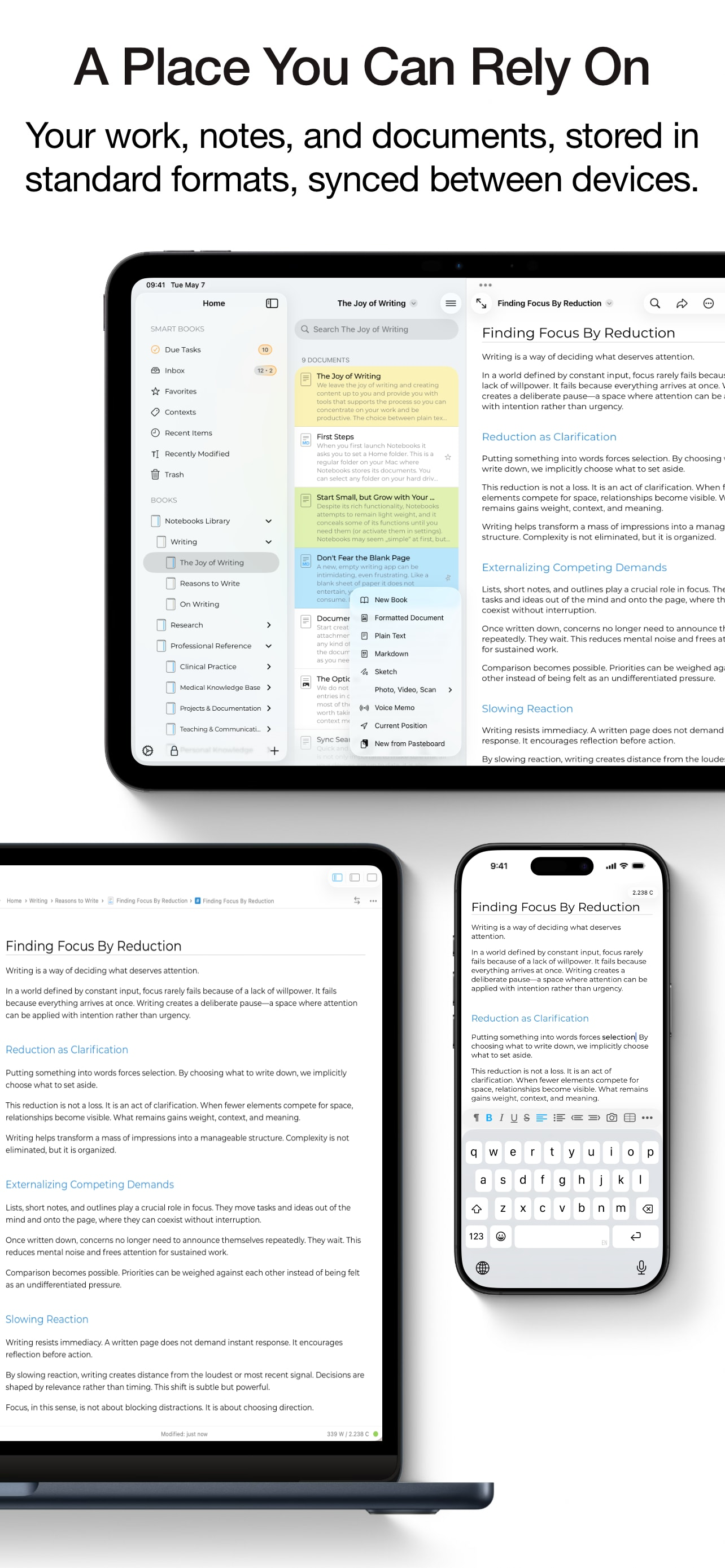
Own your notes — forever. Notebooks is a writing and organization app with no subscription, no lock-in, and no worries. Your documents are stored as s...
| Name | Price | Type |
|---|---|---|
| Small Tip | $0.99 | One-time |
| Medium Tip | $2.99 | One-time |
| Custom Storage Locations | $2.99 | One-time |
| Generous Tip | $4.99 | One-time |