
Check the acquisition promise
Read the store headline, screenshots and description. What problem is the app promising to solve?
Study the storefront ↗
Miocool Inc. · iOS
Explore the ad evidence, study the storefront, and build your next acquisition hypothesis.
01 / Creative research
Read the store headline, screenshots and description. What problem is the app promising to solve?
Study the storefront ↗Explore apps with direct store-link matches. Compare their hooks and formats without assuming the same approach works here.
Browse observed advertisers ↗Store rankings and revenue estimates describe market context. They do not establish ad spend, conversions or ROAS.
Review the market context ↗02 / Storefront & product
Study the product story and store experience behind the acquisition funnel.

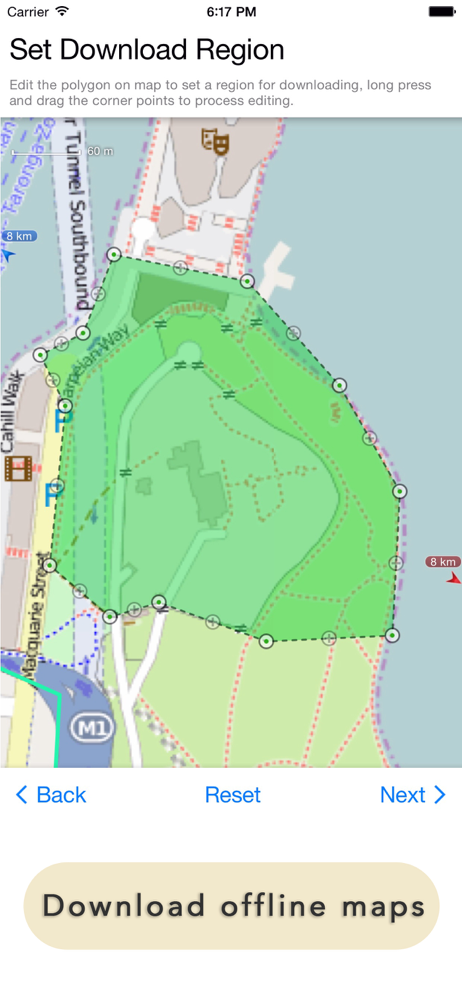

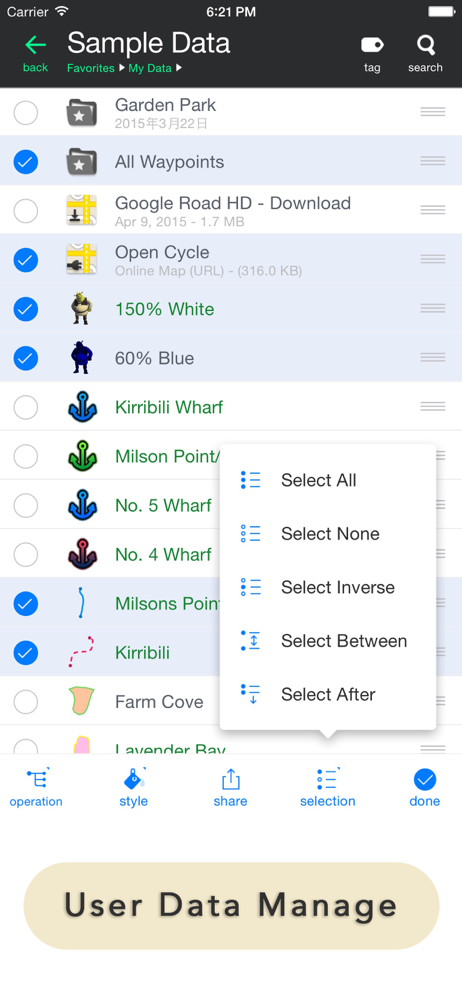
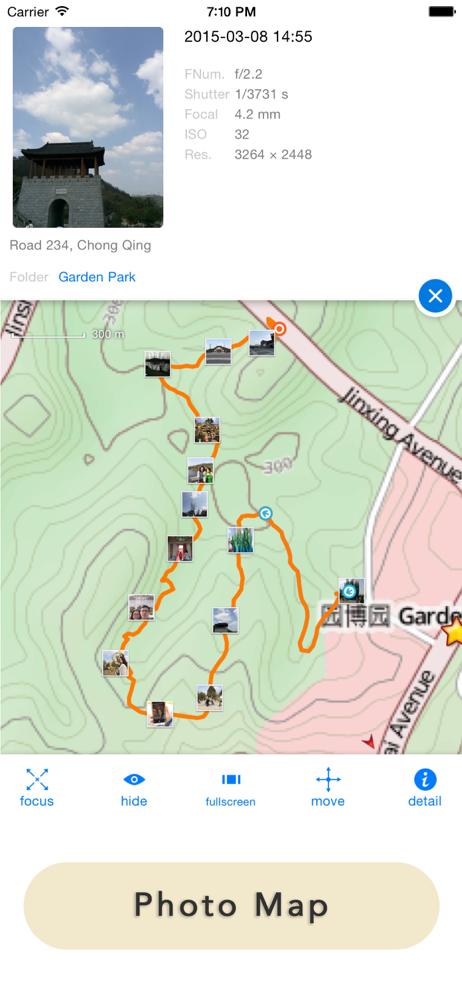
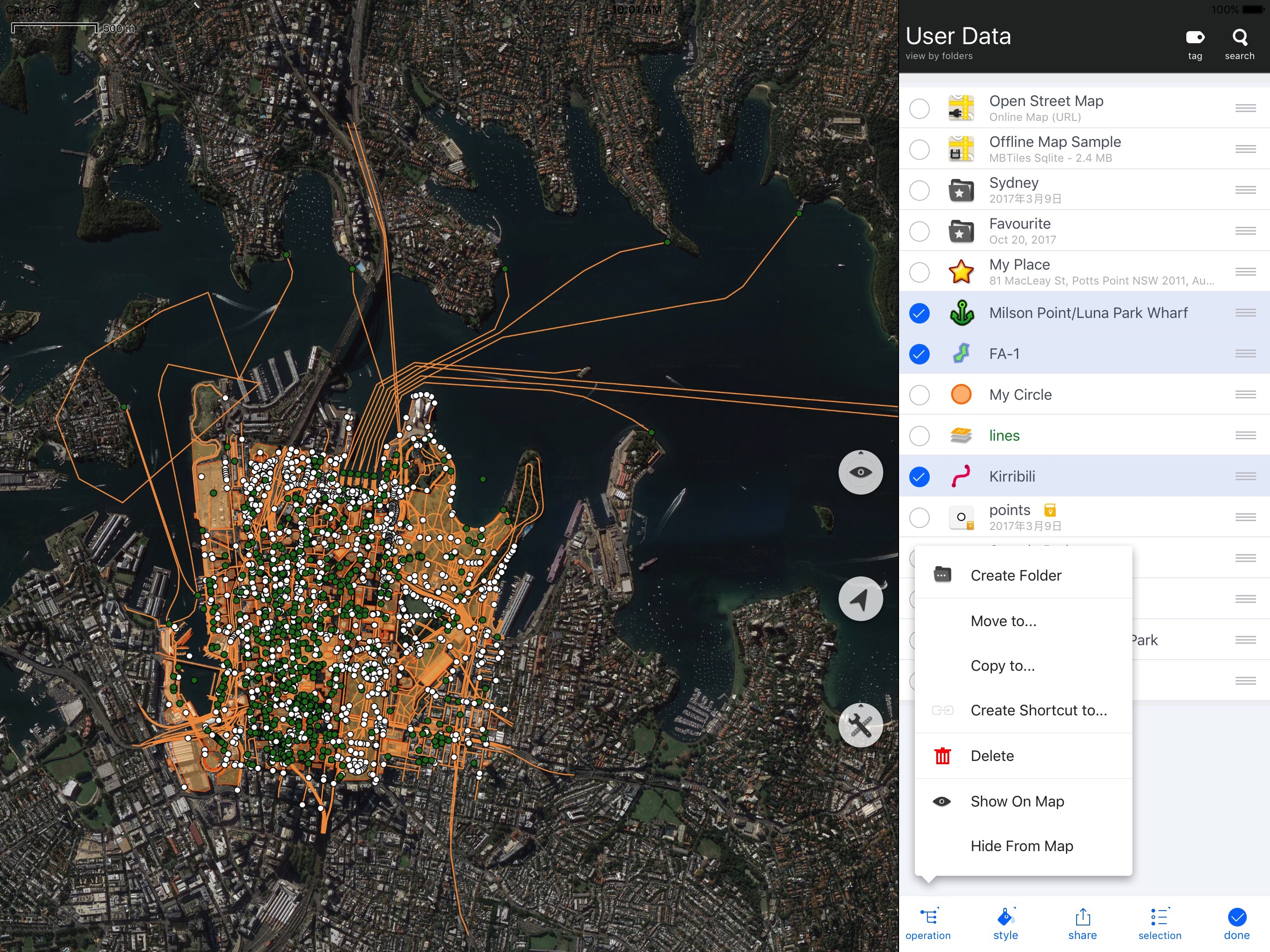

03 / Market context
Keep revenue, downloads and store rankings separate from advertising performance.
I am just starting to navigate my way around all the tools within the app. As a Google Maps user is was difficult to figure out the layering and editing tools in Maps Plus. The OIS based map is so much cleaner than the Google Maps which has all the commercial clutter visible. Maps Plus (full feature) just has so many custom editing tools that allow me to add much information in a visually pleasing way. The record option is my favorite for creating a directional map that is not the standard Point A address to Point B address. I can now just record my travel thru commercial areas, parking lots, shortcuts etc. I haven’t found a way to keep the app in Edit Mode. I have to toggle back on after each “saved” edit. A little annoying. The biggest draw back is the lack of a tutorial on how to create simple layers that have different features visible on demand. Everything seems to be in a folder system that is a little cumbersome. It would be great to have an option to have all folders open and be able to drag edits to desired folder and be able to one click on visibility of everything in that folder. I’ve been looking for a mapping tool like this for years. GREAT APP!!
Before running out to a store to buy an “old” paper map to draw on and mark-up, I figured I’d check in the AppStore to see what kinds of maps were available to be marked up with unlimited “pins” and locations. After downloading a few apps and quickly becoming disappointed with them, and thus deleting them from my phone, I was leaning towards going with the “old” paper map purchase. I came across this app and wasn’t expecting much for what I wanted to use it for, which was the placing of unlimited travel destination “pins” all over the world, I downloaded it because it was free. I quickly came to the realization of how powerful this app is and decided to purchase the full-featured app, justifying the cost as being similar for the paper map idea I had. I have no clue of what most of the tools do, but for my purposes, this is absolutely perfect. Thank you for this open-ended map!!
I use this app principally to view georeferenced maps while out mapping in the field and can easily overlay Topo and geo maps, and while using my built in GPS unit on my IPad can precisely locate myself. Overall a great map for dropping pin locations and attach photos such that they are GPS referenced. However, my only complaint is the line drawing functionality. If developers could add a line drawing function that is more organic, such as using your finger to draw the line, that’d be a great add. If better line drawing functionality would be incorporated, it would make it such a great mapping app. As it stands, it is a great tool if you have referenced maps to use in the field or trying to plan transects without lugging around numerous paper maps.
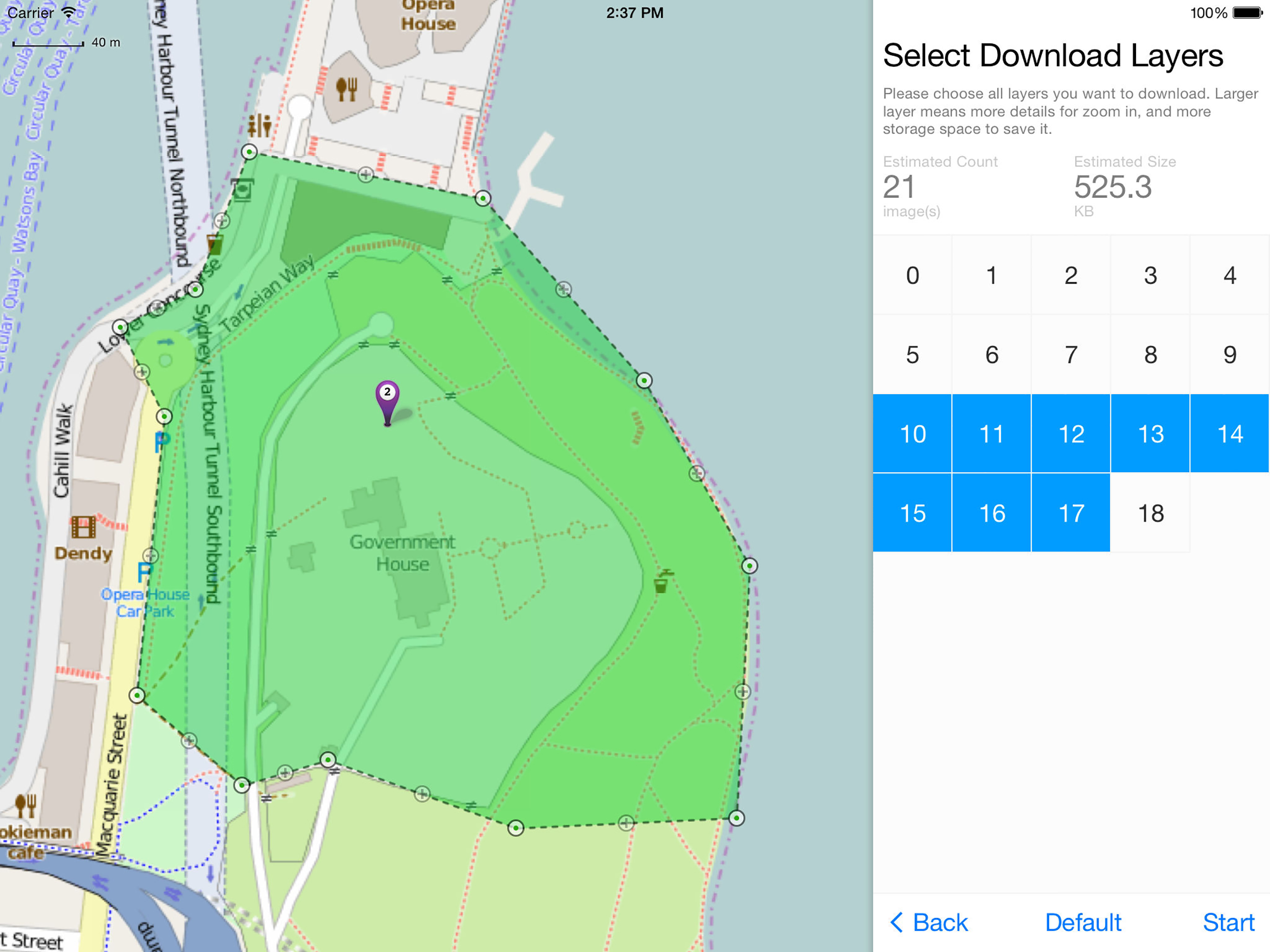
The most powerful and versatile tool for viewing and editing custom maps, surveying, editing or managing mass of your geography data. ● You can use M...
| Name | Price | Type |
|---|---|---|
| Enhanced Map | $0.99 | One-time |
| Large File Support | $0.99 | One-time |
| Donate | $1.99 | One-time |
| Enhanced Format | $2.99 | One-time |
| Export GPX Support | $2.99 | One-time |
| Remove Advertisements | $3.99 | One-time |
| Enhanced GIS | $4.99 | One-time |
| Enhanced Editing | $5.99 | One-time |
| Enhanced Photo | $8.99 | One-time |
| Full-Function Package | $19.99 | One-time |


