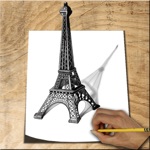
Check the acquisition promise
Read the store headline, screenshots and description. What problem is the app promising to solve?
Study the storefront ↗
Ramil Valiullin · iOS
Explore the ad evidence, study the storefront, and build your next acquisition hypothesis.
01 / Creative research
Read the store headline, screenshots and description. What problem is the app promising to solve?
Study the storefront ↗Explore apps with direct store-link matches. Compare their hooks and formats without assuming the same approach works here.
Browse observed advertisers ↗Store rankings and revenue estimates describe market context. They do not establish ad spend, conversions or ROAS.
Review the market context ↗02 / Storefront & product
Study the product story and store experience behind the acquisition funnel.



03 / Market context
Keep revenue, downloads and store rankings separate from advertising performance.
I’m enjoying the step-by-step guidance. That’s a very intuitive, safe way for me to learn. Unfortunately, I lose all progress when my iPad sleeps or I switch apps. This is very frustrating and makes me not want to use it anymore. I think they have a lot of potential here so I’ll watch for updates but won’t use it until progress saving is implemented.
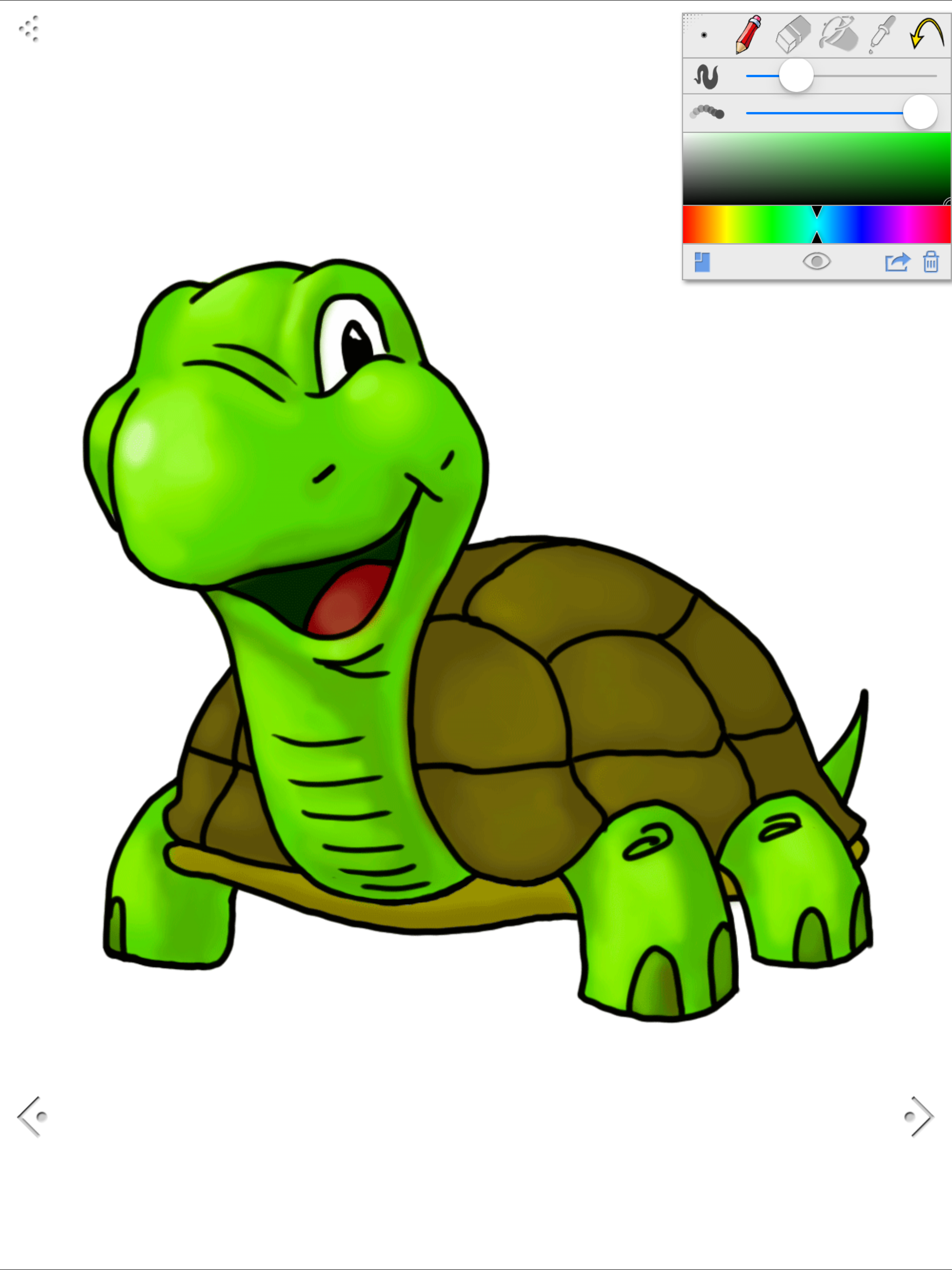
The app starts off on the right foot. I am one of those who can't draw and the app gives you the chance to start out tracing and move on to free hand. You can change the opacity of the tutorial sketches, move them to a floating panel while you're drawing is the main screen or you can turn them off altogether. The app also allows you to work on drawing in one module and work on coloring in another. This is very useful as the two things are very different. One of the best features is the ability to pinch-zoom and move the picture around. This allowed me to use the store and rear to move around the picture making fine adjustments until I had a fairly reasonable picture. Now for the bad. Apparently the app doesn't allow saving even though there's a menu for it. Try as I might it would not save. Secondly and related, there's no way to save a partial work then return at a later time and finish it. There's not even a menu indicating sometime in the future their may be a load function. So, if you don't mind doing all your work in one sitting and not being able to save the finished product (I did a screenshot and saved it). Then this is a great little program to help you learn to draw. Of course no matter how good the program, you have to practice, practice, practice to get where you can do it out of your head without help.
This app is fun for kids. It allows horrible drawers to make decent drawings. One of the problems about this app is the completed drawing example covers the canvas so you can't see your entire picture. This does not really teach you to draw, but allows you to trace to make some cute pictures. There are more than two pictures unlocked for this app now.
Just try it and you will learn to draw with How to Draw! Like a personal art teacher, it will teach you how to draw cartoons, animals, nature, anime...
| Name | Price | Type |
|---|---|---|
| set of Cartoons images | $0.99 | One-time |
| set of Hero images | $0.99 | One-time |
| set of Cats images | $0.99 | One-time |
| set of Dogs images | $0.99 | One-time |
| set of Cars images | $0.99 | One-time |
| set of Flower images | $0.99 | One-time |
| set of Africa images | $0.99 | One-time |
| set of Birds images | $0.99 | One-time |
| Unlock all images with 30% OFF | $3.99 | One-time |
| Unlock all images | $4.99 | One-time |