Check the acquisition promise
Read the store headline, screenshots and description. What problem is the app promising to solve?
Study the storefront ↗
CCC Intelligent Solutions Inc. · iOS
Explore the ad evidence, study the storefront, and build your next acquisition hypothesis.
01 / Creative research
Read the store headline, screenshots and description. What problem is the app promising to solve?
Study the storefront ↗Explore apps with direct store-link matches. Compare their hooks and formats without assuming the same approach works here.
Browse observed advertisers ↗Store rankings and revenue estimates describe market context. They do not establish ad spend, conversions or ROAS.
Review the market context ↗02 / Storefront & product
Study the product story and store experience behind the acquisition funnel.




03 / Market context
Keep revenue, downloads and store rankings separate from advertising performance.
I love this app and have been writing since it was called pathways waaay back in the beginning. Anyone who’s been along for the ride knows cccone refuses to be anything but number one. Just wanted to thank all of you there for continuing to make everyone’s jobs a little bit easier. The recent update with the bold last 8 of the vin(desktop version) is amazing please input this into the app as I’m constantly ordering additional parts from the vehicle. Also I know that this would be really really hard to accomplish but if you could make the process of switching from after market to oem easy’er that would be life changing for me and everyone else who either work for huge conglomerates who have oem deals with manufacturers or simply switching due to a poor fit. Being able to right click on a aftermarket part, (in the estimate) and switching to oem could be an option while also copying and pasting your line notes to the new line (California and Barr) if you could make it also an option to print return information at the same time(management system) omg the world would thank you. P.s. you could integrate it into the app with a swipe
+’all workfiles’ is the only option I use. No point in the rest for me personally. But once I go to it my files are all jumbled & I have no way to sort by alphabetical or date. I can start a file yesterday and it takes time reading carefully each name down the list 5 times before I find it. And no the search is not helpful when I can’t remember a name. Who was that guy yesterday? Oh he’s # 26, it only took 2 minutes to find the file, OR where is Mr. “Brown”? Oh he is last on the list. Please make sort by alphabetical OR date(preference is a-z)and for some but not me as I do not use it but file/claim number 1-9. +Need to add an address at the same time as name & ph#. +Need to be able to make notes. The notes function has where ’task’ or some choice that makes no sense at all. I just need to type a basic note so I don’t have to carry paper also. “repair fender, Rplc hood, bumper (w/fog), LT help” etc... the incoming/ outgoing, whatever it is weird choices are pointless(same on desktop version). (((Only pathways had simple note function that would add to bottom of estimate, ccc is missing it))), now there are all sorts of Complicated note choices and makes no sense at all. Maybe a simple note function on the app so I don't have to switch out to my iphone notes app to write or carry a clipboard for things I will forget like what the car needs by the time I write the estimate.
As a shop manager, I love this app. It makes my job and my estimators’ jobs so much easier and streamlined on the front-end, for in-process, or a quick update. I have 7+ and much prefer phone app to tablet due to photo quality and speed. It’s faster to take photos with phone app and write estimate using desktop CCC vs tablet. 2 critiques- 1. When adding a photo/hitting the “+” arrow always pops up the “from camera” or “from folder” question. Personally I would never use my phone’s memory to store damage photos, so this is an added step that’s a pain. Maybe add a second “+ from folder” button if someone needs that, but go direct to camera if hitting the “+” while in the app. 2. After taking photos from app and trying to lock an estimate with the “images required to lock” setting enabled in CCC, it does not recognize phone app photos as an image in attachments- not sure why, but need a fix.
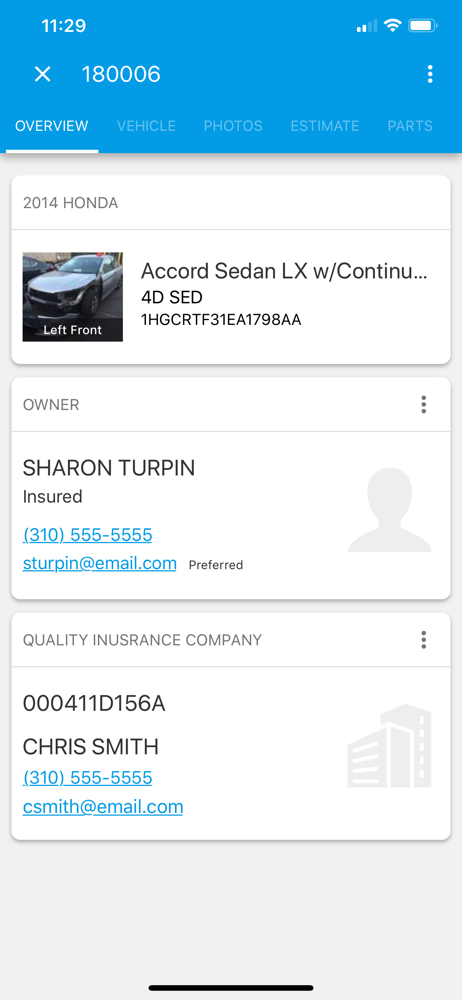
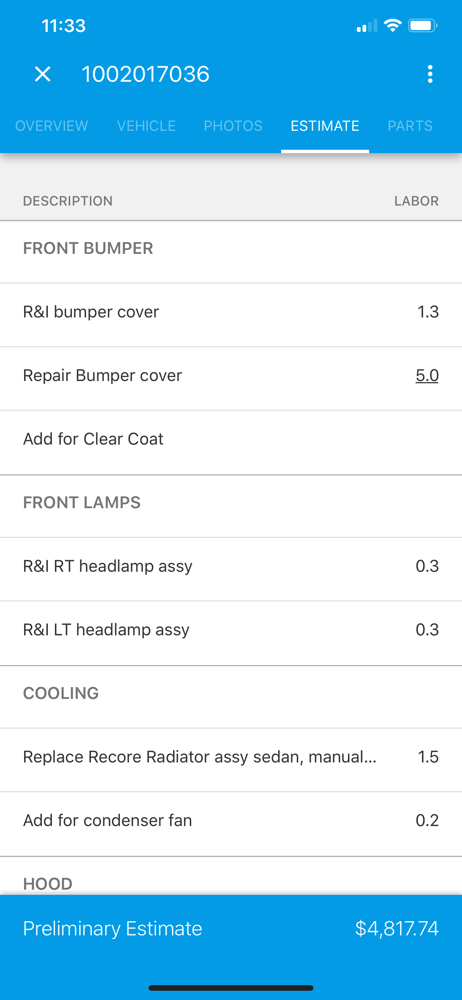
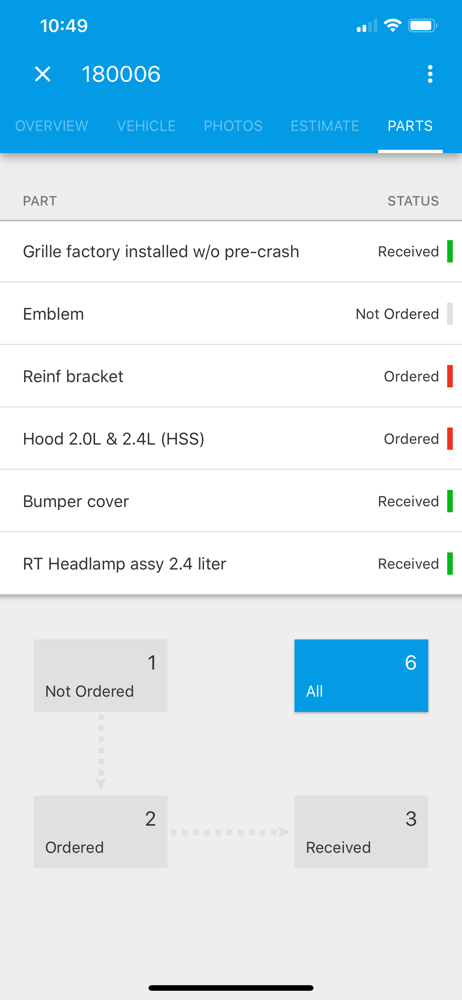
CCC ONE Mobile enables collision repair facilities that use CCC ONE® Estimating software to remotely manage the vehicle repair process from an iPhone,...