Check the acquisition promise
Read the store headline, screenshots and description. What problem is the app promising to solve?
Study the storefront ↗
Ghostdust · iOS
Explore the ad evidence, study the storefront, and build your next acquisition hypothesis.
01 / Creative research
Read the store headline, screenshots and description. What problem is the app promising to solve?
Study the storefront ↗Explore apps with direct store-link matches. Compare their hooks and formats without assuming the same approach works here.
Browse observed advertisers ↗Store rankings and revenue estimates describe market context. They do not establish ad spend, conversions or ROAS.
Review the market context ↗02 / Storefront & product
Study the product story and store experience behind the acquisition funnel.



03 / Market context
Keep revenue, downloads and store rankings separate from advertising performance.
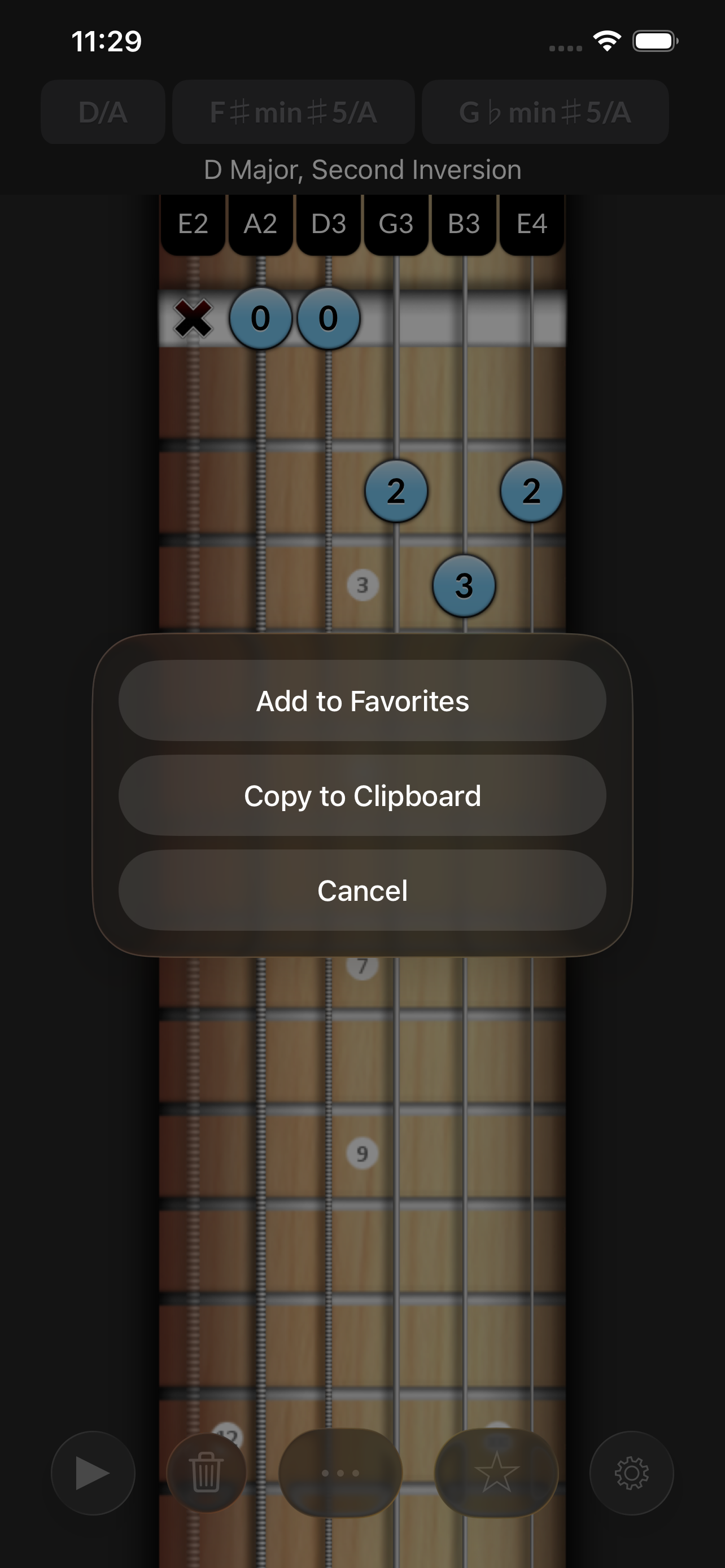
I bought this many years ago, maybe 9 or 10, and I still use it to this day. It helped me more than almost any other app, video, book, or real life lesson. It still helps me, even though I’ve advanced in my learning. It just helped me make so much sense of the steps and intervals in chords. It still took my slow brain a while to understand how chords are built and what to call them, but I honestly feel Reverse Chord Finder accelerated my learning ten fold. I’ve never even seen another app that does what Reverse Chord Finder does. The only thing that would make it better would be if it also did regular chord finder, just enter the name of a chord and it would show you the notes. But there are a ton of other apps that do that. Not a ton that do it in reverse, like Reverse Chord Finder. I want to sincerely thank the developers of this app. If I could give it 10 stars, I would.
I believe this is the first time I've ever been drawn to write a second review, but I have to do it: I love this app like a new puppy, or an unexpected vacation, or a run on a sunny day. If you are an aspiring musician, how can you not have this app? This afternoon I'm tackling a tough piece of piano music, and I'm seeing its chord structure (in the left hand) easily and with clarity, thanks to this nifty little app. I used to have to leaf through a heavy book. But now I can learn much faster and with much less hassle. If I could save only two of my apps from a burning computer, this is one of the two I'd lasso and pull to safety. And no, I don't work for the company. I merely love the company's delightful product. It's making me stronger every time I learn from it.
November 14 update: the developer has kept his word and updated the app to address my gripe. Thanks! 👍👍👍👍👍👍👍👍👍 The older version was better. In the older version, when you pressed on the keys in keyboard piano, it would produce the note. When you press the second time it wouldn't as if to turn the note off. The new version makes it sound both times. This is very distracting. Hopefully the new developer will fix this. Otherwise, the app is perfect.
If you’ve ever asked “What chord am I playing?” Reverse Chord Finder Pro is for you! Just select two or more notes — using piano, stringed instruments...
| Name | Price | Type |
|---|---|---|
| Weekly (Personal) | $0.99 | Weekly |
| Monthly (Personal) | $1.99 | Monthly |
| Monthly (Family) | $2.99 | Monthly |
| Annual (Personal) | $17.99 | Yearly |
| Annual (Family) | $24.99 | Yearly |
| Lifetime (Family) | $34.99 | One-time |