
Check the acquisition promise
Read the store headline, screenshots and description. What problem is the app promising to solve?
Study the storefront ↗
Songtive · iOS
Explore the ad evidence, study the storefront, and build your next acquisition hypothesis.
01 / Creative research
Read the store headline, screenshots and description. What problem is the app promising to solve?
Study the storefront ↗Explore apps with direct store-link matches. Compare their hooks and formats without assuming the same approach works here.
Browse observed advertisers ↗Store rankings and revenue estimates describe market context. They do not establish ad spend, conversions or ROAS.
Review the market context ↗02 / Storefront & product
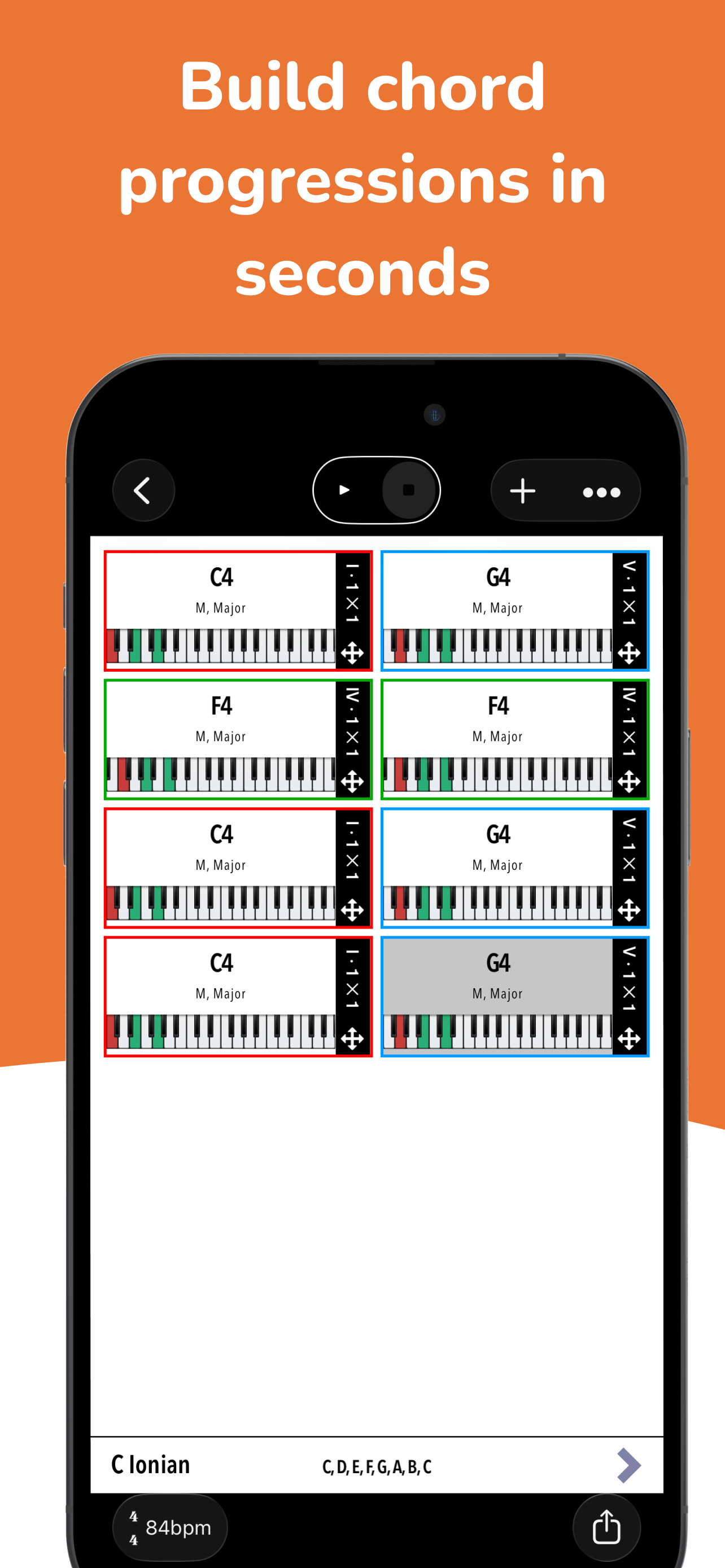
Study the product story and store experience behind the acquisition funnel.





03 / Market context
Keep revenue, downloads and store rankings separate from advertising performance.
The content of this app is great, it’s basically a chord and scale encyclopedia. Excellent reference tool. But it is so buggy that it’s virtually unusable. In the scales / chord dictionary sections, about 65% of the time there is no sound when you click the scale. You can open the scale and click individual notes which produces sound, but not from the main scale or chord dictionary pages. I have to keep hard closing the app over and over again until it decided to boot up with volume. I’ve run into similar issues in the chord progression section, where instead of playing back the chord, it’s just a single note.. (and I’m familiar with the chord / arpeggio settings in chord progression, not a settings issue)… This also can only be resolved (IF it decides to resolve) by hard exiting the app and reopening. Sometimes one reboot will get it to work and sometimes I reset the app 10 times and still can’t get any sound out of it, then all of a sudden it works. It’s a great idea for an app, but there are also a million apps that do the same thing as this one. Piano Chords and Scales is the exact same app (the original) but much better functionality
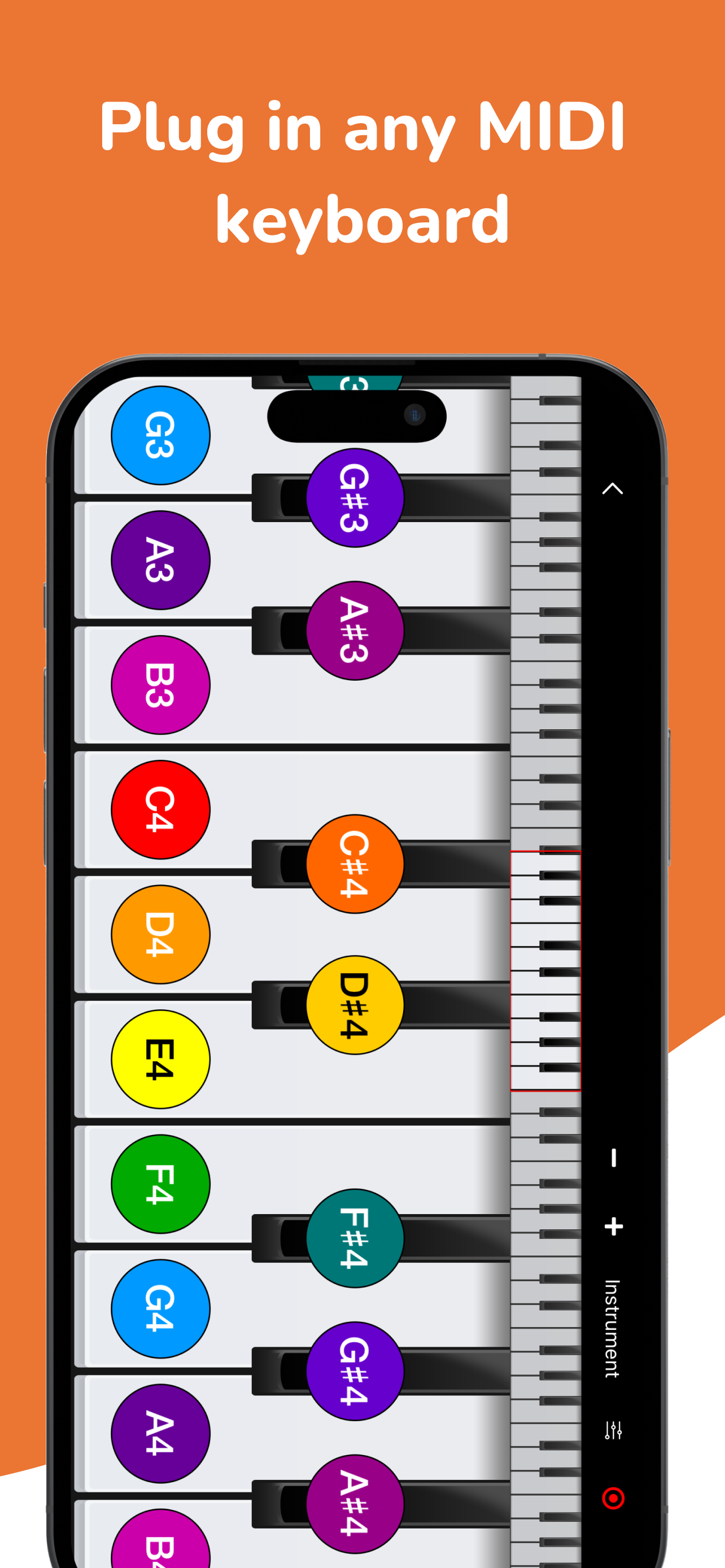
I’ve used this app on and off for several years. It’s always been a great tool to have on hand, but it suffered from a few shortcomings. Not anymore. The latest update added the one feature I needed to make this app something I use daily, and that’s the ability to keep my iPad awake during use. My iPad is part of my studio setup; it’s connected to everything via MIDI. Now I can put Piano Companion on my iPad as a reference while I’m composing and I don’t have to worry about constantly reaching up to tap it to make sure it stays on. It seems like a small thing but it’s a game changer for me. I often come up with strange voicings while composing. Being able to look up and see what chord I’m playing at any moment is a big deal. The most recent build seems very stable and everything works just the way it should. I’m so happy Piano Companion has finally come of age as a professional tool I can use every day. Thanks!
Within the time that I have discovered this application to now i can already tell how valuable of a resource this is going to be, especially taking university level music classes. Any struggling student just take the time to look for other resources to develop the necessary skills and with so much information to learn it can be an extremely daunting task. However Piano Companion has all that information and more within the basic version alone, including a virtual piano, Chord Progression generator, and even a Chord Dictionary! The only suggestion I have is redesigning the presentation of the info, particularly in the Chord Dictionary section where it has lots of helpful things like piano diagram of the chords along with quality and an audio snippet of said chord when tapped on, however there is an overwhelming amount of information all at once when taking into account the diatonic chords, 9th, 13th chord, etc. When i opened the app initially i was immediately intimidated by it but after really looking through it i was able to decipher what i needed vs what was there because it simply exists. Cutting out the fluff with help streamline the use of the app and the user will have a much more straightforward experience, no explanation or intimidation (ideally). Still overall I believe this application will give me the boost i need in my classes and really improve/expand my knowledge as a musician. 10/10 would recommend.
Piano Companion is a music theory app which helps songwriters, producers, teachers and their students. It’s a flexible piano chords and scales diction...
| Name | Price | Type |
|---|---|---|
| Scales PRO | $1.99 | One-time |
| Chords PRO | $1.99 | One-time |
| Progressions PRO | $2.99 | One-time |
| Chords & Scales Pro | $8.99 | One-time |
| Pro for 1 month | $9.99 | Monthly |
| Pro for 1 week | $9.99 | Weekly |
| PRO for One Year Subscription | $39.99 | Yearly |
| Lifetime ∞ | $99.99 | One-time |


