Check the acquisition promise
Read the store headline, screenshots and description. What problem is the app promising to solve?
Study the storefront ↗
Doodle Buddy Labs · iOS
Explore the ad evidence, study the storefront, and build your next acquisition hypothesis.
01 / Creative research
Read the store headline, screenshots and description. What problem is the app promising to solve?
Study the storefront ↗Explore apps with direct store-link matches. Compare their hooks and formats without assuming the same approach works here.
Browse observed advertisers ↗Store rankings and revenue estimates describe market context. They do not establish ad spend, conversions or ROAS.
Review the market context ↗02 / Storefront & product
Study the product story and store experience behind the acquisition funnel.



03 / Market context
Keep revenue, downloads and store rankings separate from advertising performance.
Doodle Buddy is a fun app which kids can go on any time because it is not a game app , it is a drawing app. This app allows kids to be creative and draw whatever they want. Not many people have art supplies right in front of then all the time. So, if you have some free time, just take out your device and start drawing! It is so fun to draw on this app because it has stencils and emojis that you can put on to make your drawing look even better! You can also change the color and you can change what type of pencil you want. You can pick normal, chalk board, glittery, and much more! Doodle Buddy is not just a normal drawing app, it is great and unique ! I bet many kids around the world are drawing happily on your app! The best part is that the app is not only for kids, it is also for adults. On this app, everybody can have fun!
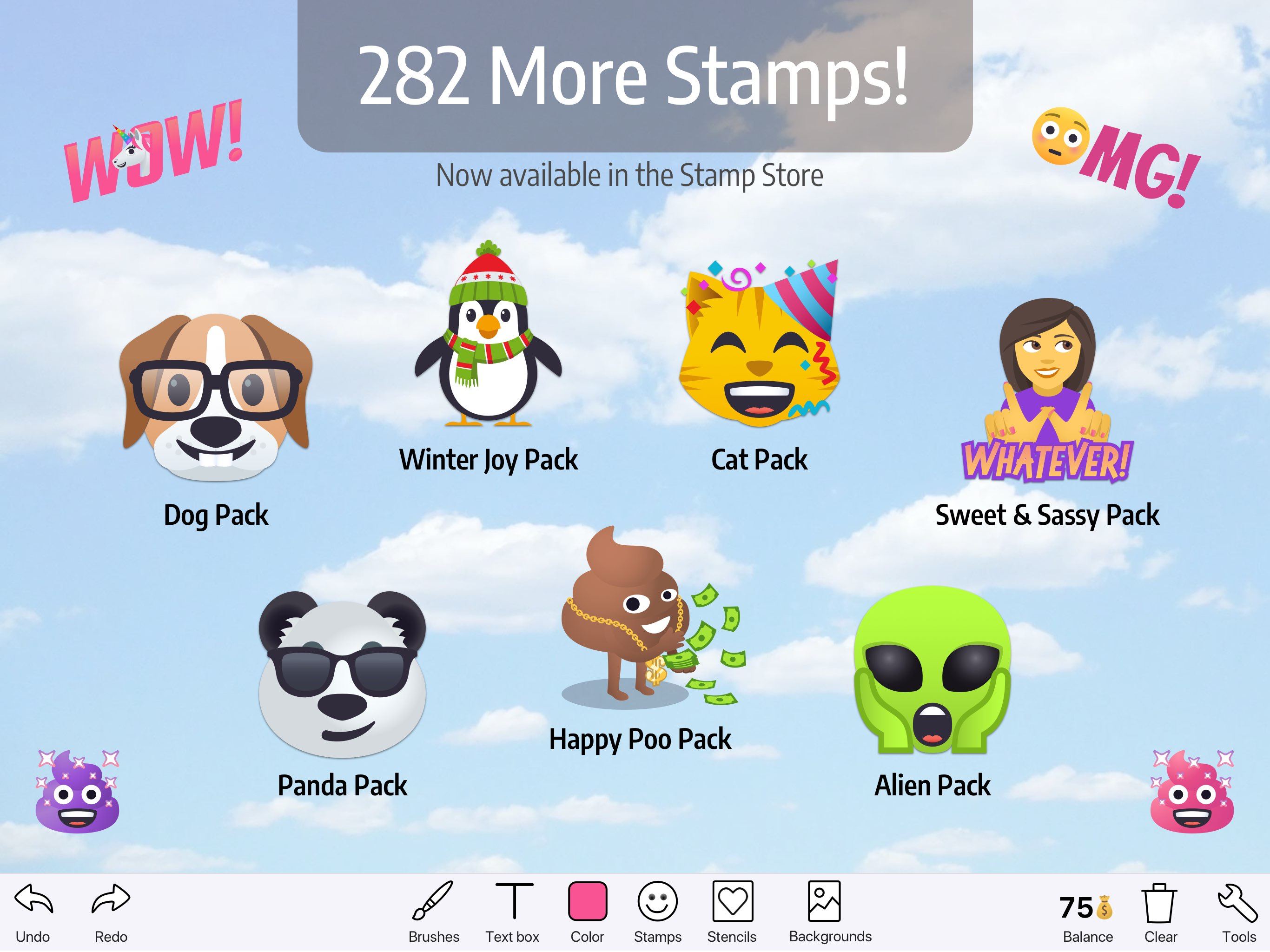
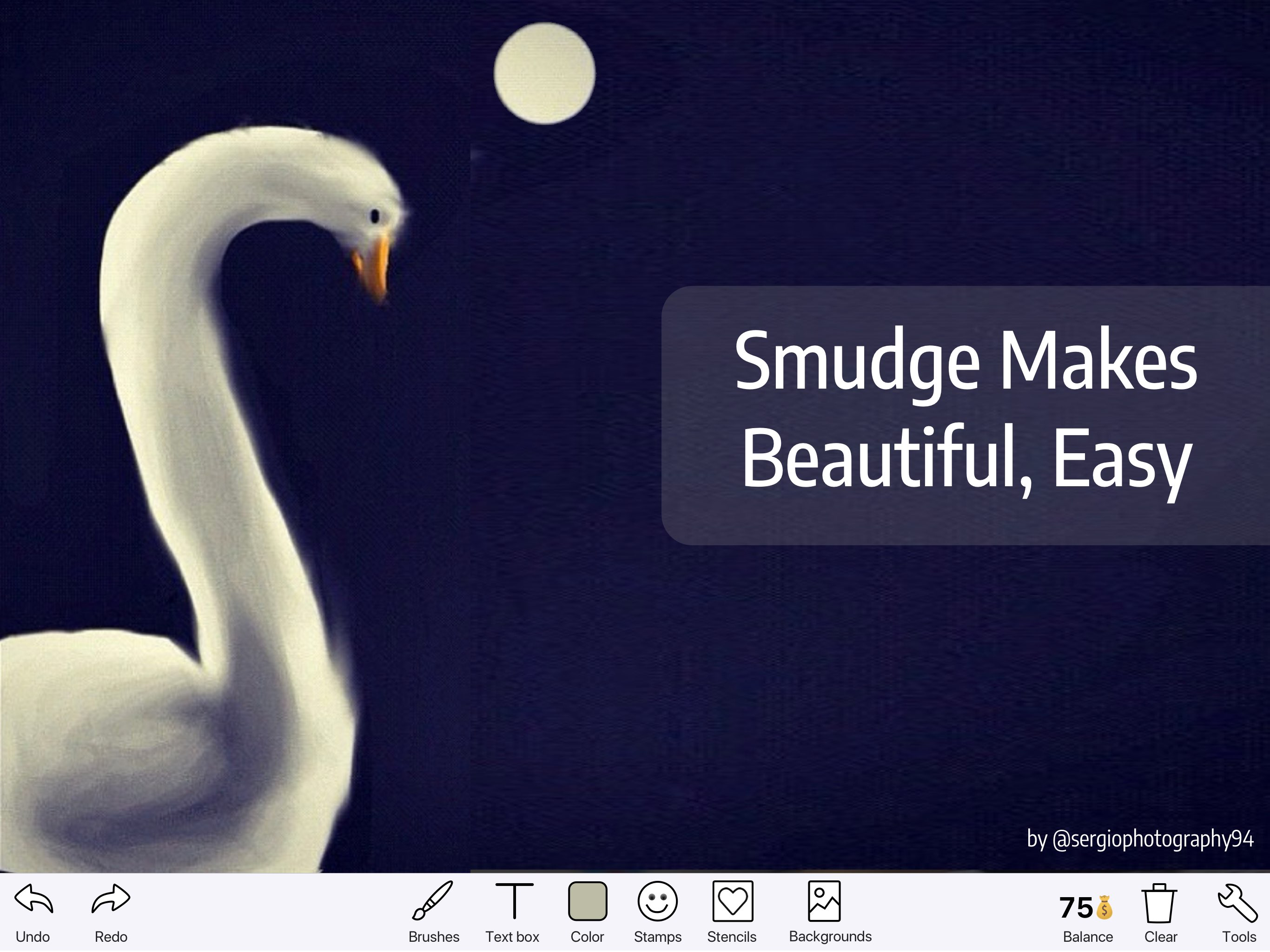
I extremely love doodle buddy and use it almost every day. You should totally get it. You can draw almost anything you want and it doesn’t cost a thing. I mean, sometimes you have to watch an ad randomly, but you can press skip almost immediately… you even get doodle bucks when you watch an ad! You can even import a photo for a background for your drawings, with additional premade backgrounds. You can choose what size you want to draw with, and there’s options for what kind of texture you want to draw with: paint (default), chalk, glitter, and one more I forgot. If you want your drawing to look fuzzy or furry or smudgy or whatever, you can use the ‘smudge’ tool. There are more than 100 emoji stamps to choose from, and you can get even more with doodle bucks, which is basically in-game money, but it doesn’t cost ANYTHING. Yes, this app can be totally free. In addition to all this, you have a ‘text’ option where you type something in, and you can choose from many different fonts and colors. In the settings section, you can share your drawing, go to the emoji stamp store (again, this is all totally free), delete your drawing, and more. There is also undo and redo buttons, which a lot of drawing apps don’t have, sadly. This is honestly deserves a five star review. And IMO it’s the best. TY for reading, — Doodle_L♡VER
Thank God you got a rid of the shake to erase feature, I know it’s still on there but it will ask you if you want to erase when you shake it. That’s not my real issue, there’s so many features that I need on there, there’s no eraser! if you want to remove a mistake, you have to clear off the whole drawing!? Why not have an eraser so you can remove something and not the whole drawing. And do you know the textbox you can type stuff in which is cool but there’s one problem with it, if you’re trying to drag it somewhere and you accidentally tap, it permanently stays on and you can’t move it to where you want it to be anymore. Can you just tap it then you can move it? One other say I need, is how do Undo and redo all the way! Every time I try to undo or redo everything, it doesn’t work! If you undo a mistake, it will randomly come back if you keep drawing! The last project I was trying to do was the history of North America. It was all messed up thanks to this app! Apple Keynote or Adobe would be better to do presentations, and Google slides. So I was so very upset and I deleted this app for what it just did. Thank you for understanding. Goodbye.
Doodle Buddy is for everyone — from the serious artist to someone just starting out. • Draw on your pics or dozens of included backgrounds. • Over 1...
| Name | Price | Type |
|---|---|---|
| Small Stack of Doodle Bucks | $1.99 | One-time |
| Medium Stack of Doodle Bucks | $3.99 | One-time |
| Hide ads | $7.99 | One-time |
| Big Stack of Doodle Bucks | $11.99 | One-time |