Check the acquisition promise
Read the store headline, screenshots and description. What problem is the app promising to solve?
Study the storefront ↗
Thomas Insam · iOS
Explore the ad evidence, study the storefront, and build your next acquisition hypothesis.
01 / Creative research
Read the store headline, screenshots and description. What problem is the app promising to solve?
Study the storefront ↗Explore apps with direct store-link matches. Compare their hooks and formats without assuming the same approach works here.
Browse observed advertisers ↗Store rankings and revenue estimates describe market context. They do not establish ad spend, conversions or ROAS.
Review the market context ↗02 / Storefront & product
Study the product story and store experience behind the acquisition funnel.




03 / Market context
Keep revenue, downloads and store rankings separate from advertising performance.
Truly, I’m impressed. This is simple, immediate, and accurate. This fits the classic Unix definition for a “utility”: It does one thing, and does it really well. Thanks for your work!
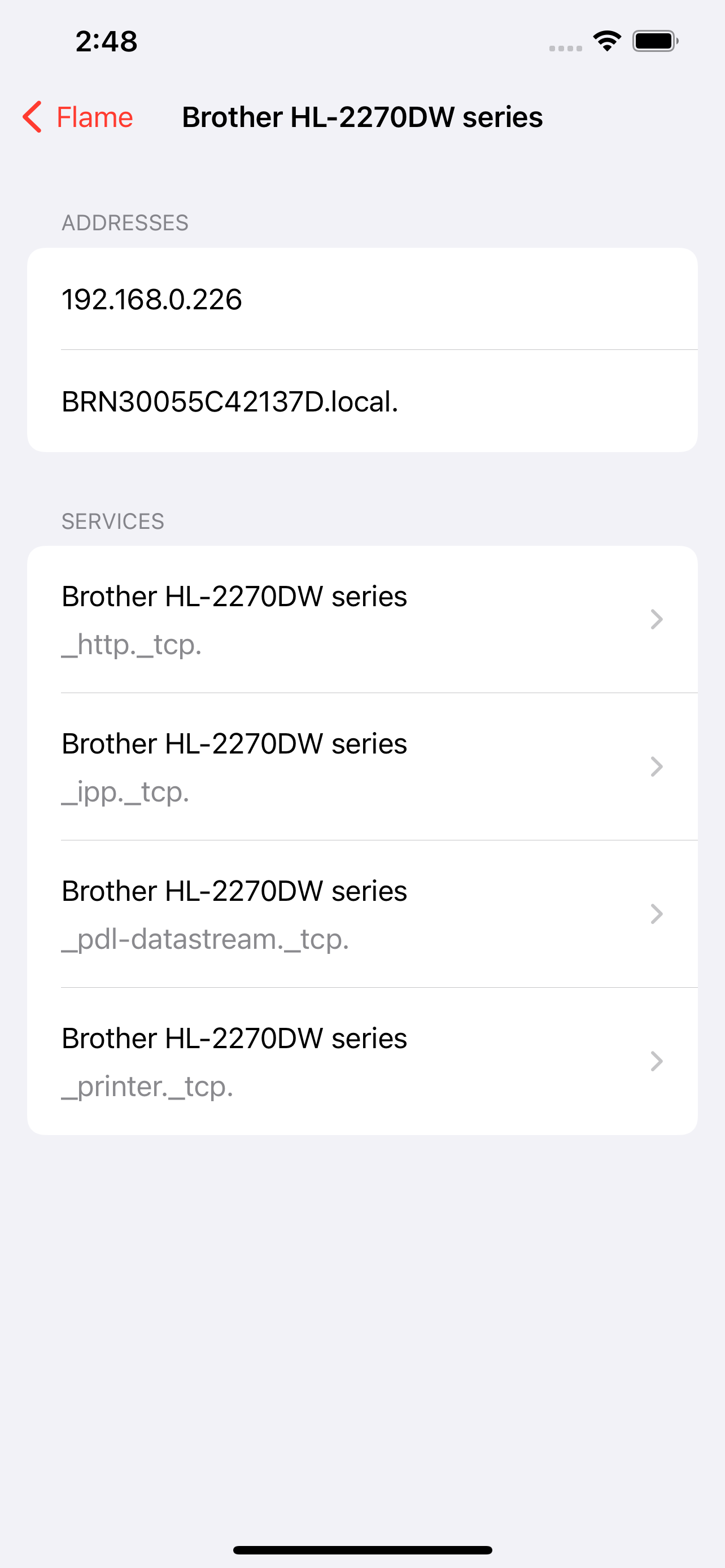
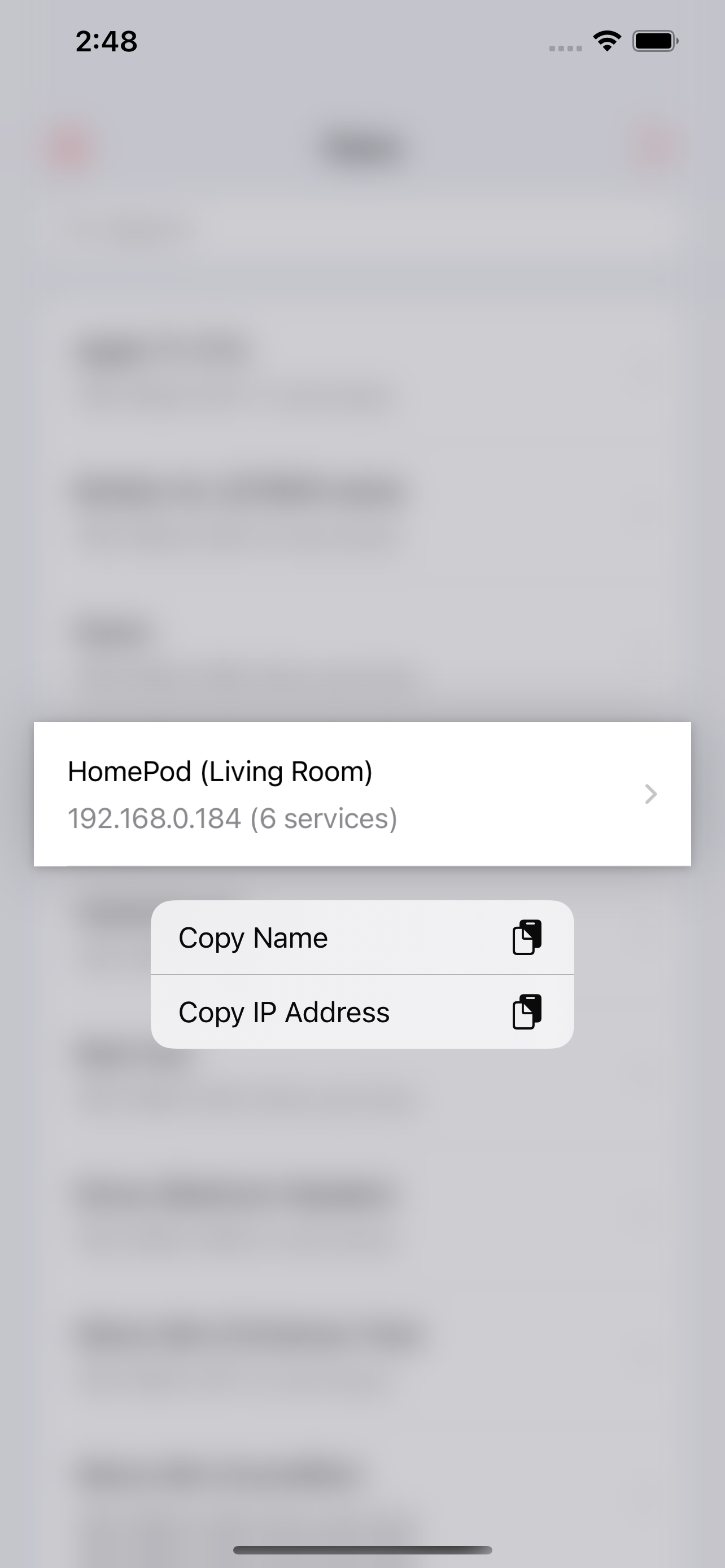
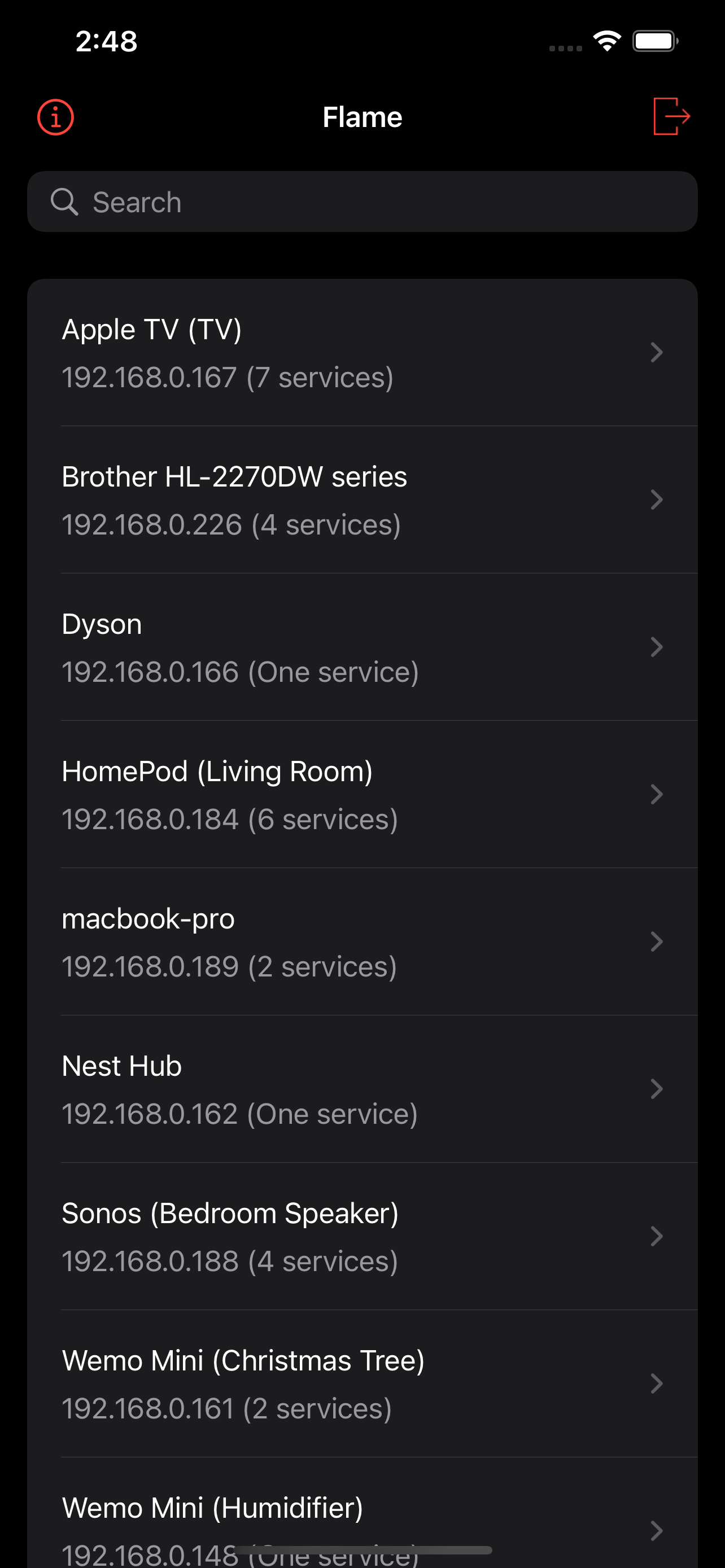
Works really well, small download, and no ads. Compared to Discovery which is the other popular Bonjour browser, Flame is more device focused. Meaning you have a list of hosts and then click on a host to see what services it has. Discovery is service oriented so if you want to know all the hosts that are advertising printers. Both methods are useful. The big plus Flame has is you can click on urls to immediately open it in browser.
Fantastic way to see hosts & services offered on a network, clean layout makes it easy to find what you’re looking for. Easy to export/share if you need more power. Would be nice to more easily browse on services, either a view by service or filter to hosts offering specific services would be great.
Flame is a browser for Bonjour (also known as ZeroConf) network services. It lists the services advertised on your wireless network and you can browse...