
Check the acquisition promise
Read the store headline, screenshots and description. What problem is the app promising to solve?
Study the storefront ↗
Beehive Innovations Services · iOS
Explore the ad evidence, study the storefront, and build your next acquisition hypothesis.
01 / Creative research
Read the store headline, screenshots and description. What problem is the app promising to solve?
Study the storefront ↗Explore apps with direct store-link matches. Compare their hooks and formats without assuming the same approach works here.
Browse observed advertisers ↗Store rankings and revenue estimates describe market context. They do not establish ad spend, conversions or ROAS.
Review the market context ↗02 / Storefront & product
Study the product story and store experience behind the acquisition funnel.


03 / Market context
Keep revenue, downloads and store rankings separate from advertising performance.
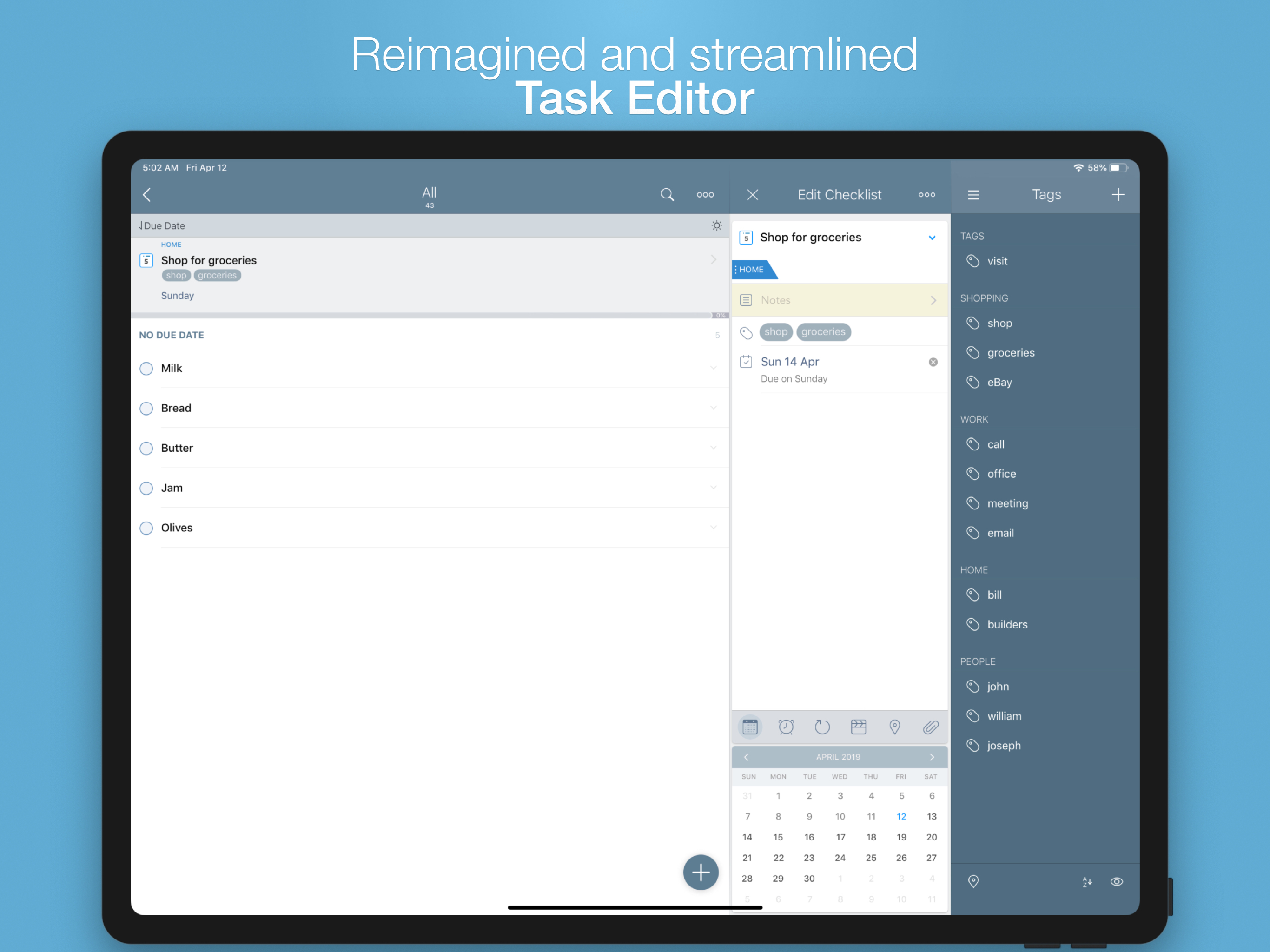
I’ve searched for a task and project management solution for many years. I’ve tried nearly everything, including Apple’s editor winners. I’ve spent a fair amount of money over that time to find something that actually works, that doesn’t try too hard to do everything and focuses on a pragmatic approach to task management. Only this one has met and (even exceeded) my needs. I’ve used 2Do nearly two years now and I don’t know how I could manage it without it. Yes—it really works. 2Do gives me easy task and project creation via my computer, phone, and even voice entry on my watch. I can add a task via my watch while I’m on a run. I can add or manage tasks from my phone while I’m out running errands. The UI on all devices is outstanding. It provides easily customizable organization of tasks into projects and categories. It perfectly syncs between devices without the myriad problems I encountered in other tools that claim to sync. It sends notifications on all my devices to keep me on track when all other options, including Apple calendar and Reminders failed me. I have even been able to incorporate the GTD approach into the tool. Well worth the price. Choose this one. You won’t be disappointed.
2do is a great task manager that does what it claims—and does so well. The app appears to accommodate a myriad of workflows and workstyles. The layout and numerous features may be daunting to those unfamiliar with productivity apps. But to one who is willing to commit the time and energy to learn the app and customize it to accommodate his/her own preferences, the app is a useful tool. Success with such apps is founded upon having a keen understanding of one’s own individual ways and methods of working and knowing what you need to know at just the right time when you need to know it in order to accomplish your daily goals. The interface is somewhat cluttered and in need of a refresh. Also, the slate blue is rather lackluster and unappealing—would love to be able to change the color. And would definitely enjoy a cleaner, brighter interface. Additionally, I would welcome the ability to nest an unlimited number of projects and sub-projects, tasks and sub-tasks. Overall, the app is very well done and performs as advertised. I literally use the app on my Mac Pro, MacBook Pro, iPad Pro and iPhone 8 Plus every day. I’ve had 2do going back to my iPhone 4s, so I’m very familiar with it. No app is perfect, and that includes 2do. I’ve abandoned 2do and experimented with essentially every task manager on the market throughout the years. And I always return to 2do. The app became more useful to me when I refined it to complement my work flow and style.
Currently the best and most flexible iOS to do list. I’ve tried many apps and different systems and I’ve even written one or two myself. This app is a nice balance of features and clean interface. Unlike apps that Require you to drag and drop to establish priority and order, this gets me back to what I really want which is being able to set priority on tasks as well as other meta-data like the star, and then I can use smart lists to show me only the things that I should do first, and then I have another smart list for the things that are the next chunk of work to do. Important: Be sure to use the start date feature so you can defer/hide tasks until the appropriate magic day, So you can keep your most important smart list or list clean and not distract yourself with things that you know you won’t even start to work on until next Wednesday or whatever. Plus, I can still use it as a general list manager for a grocery list. This app is very friendly for nerds If the experiment with the syntax for smart list, but you do not have to be a nerd for this to be a good choice for you.
IMPORTANT - 2Do v4 is here. You are looking at the old, legacy version of 2Do. Please visit: https://apps.apple.com/app/2do-todos-tasks-notes/id147021...
| Name | Price | Type |
|---|---|---|
| Email to 2Do | $1.99 | One-time |
| Email to 2Do Plus | $1.99 | One-time |
| Email to 2Do | $3.99 | One-time |


