Check the acquisition promise
Read the store headline, screenshots and description. What problem is the app promising to solve?
Study the storefront ↗
Generally Helpful Software · iOS
Explore the ad evidence, study the storefront, and build your next acquisition hypothesis.
01 / Creative research
Read the store headline, screenshots and description. What problem is the app promising to solve?
Study the storefront ↗Explore apps with direct store-link matches. Compare their hooks and formats without assuming the same approach works here.
Browse observed advertisers ↗Store rankings and revenue estimates describe market context. They do not establish ad spend, conversions or ROAS.
Review the market context ↗02 / Storefront & product
Study the product story and store experience behind the acquisition funnel.




03 / Market context
Keep revenue, downloads and store rankings separate from advertising performance.
I joke about over-the-air TV being a hobby. Years back I had mixed luck and was constantly tinkering to improve marginal reception. At his point tinkering is minimal and I’m lucky to have very good reception. This utility has been essential to getting my antenna optimized and signal stable. One nit. My one ATSC 3 station seemingly takes a bit of time for my hdhr box to lock the signal. The experiments feature maybe samples a bit too short a time showing randomly 0% or 100% for a signal that in reality is a solid 100%. I bet increasing the experiments sample time a bit would eliminate this false alarm.
I've been pulling my hair out trying to fix a couple if signal quality issues with my OTA antenna. I thought I had tried everything. Moved antenna incrementally only to resolve one problem and create another. I decided to try this App out before ordering a new Channel Master Pro plus the preamp. To my surprise, I set up the app to monitor my problem channels and went outside at the antenna. Watching the channel signal quality and signal strength on my iPhone, I slowly moved my antenna. Wow! Just turning it 1.5"-2" on the mast fixed everything. Hard to believe such a small change affected the reception so much. Thanks to this app I could easily see what was happening. Amazing helpful app. Thanks so much.
I used this app, an HDHonerun quad tuner I already had and another great piece of software from this developer (TV Towers U.S.A.) to install an antenna at my dad’s house, and it turned what used to be a long game of “point and guess” into a quick, simple and painless task. (More than that, it actually made it kind of fun!) The Towers app made it easy to know where to point the antenna, while the SignalGH app let me see the strength of the signals I was receiving in real time on my phone without having to run up and down the ladder. Because my HDHomerun device had four tuners, I could dial into four different stations at the same time and see how moving towards one station affected the signal I received from the others. Once we completed things and did a Channel scan, we picked up everything we were expecting and a few more. I didn’t have to re-climb the ladder and adjust the antenna once. If you have an HDHomerun, using these two apps together will greatly simplify your antenna installation process, especially if you’re doing it by yourself. I highly recommend them both. Thanks for making these great apps. Job well done!
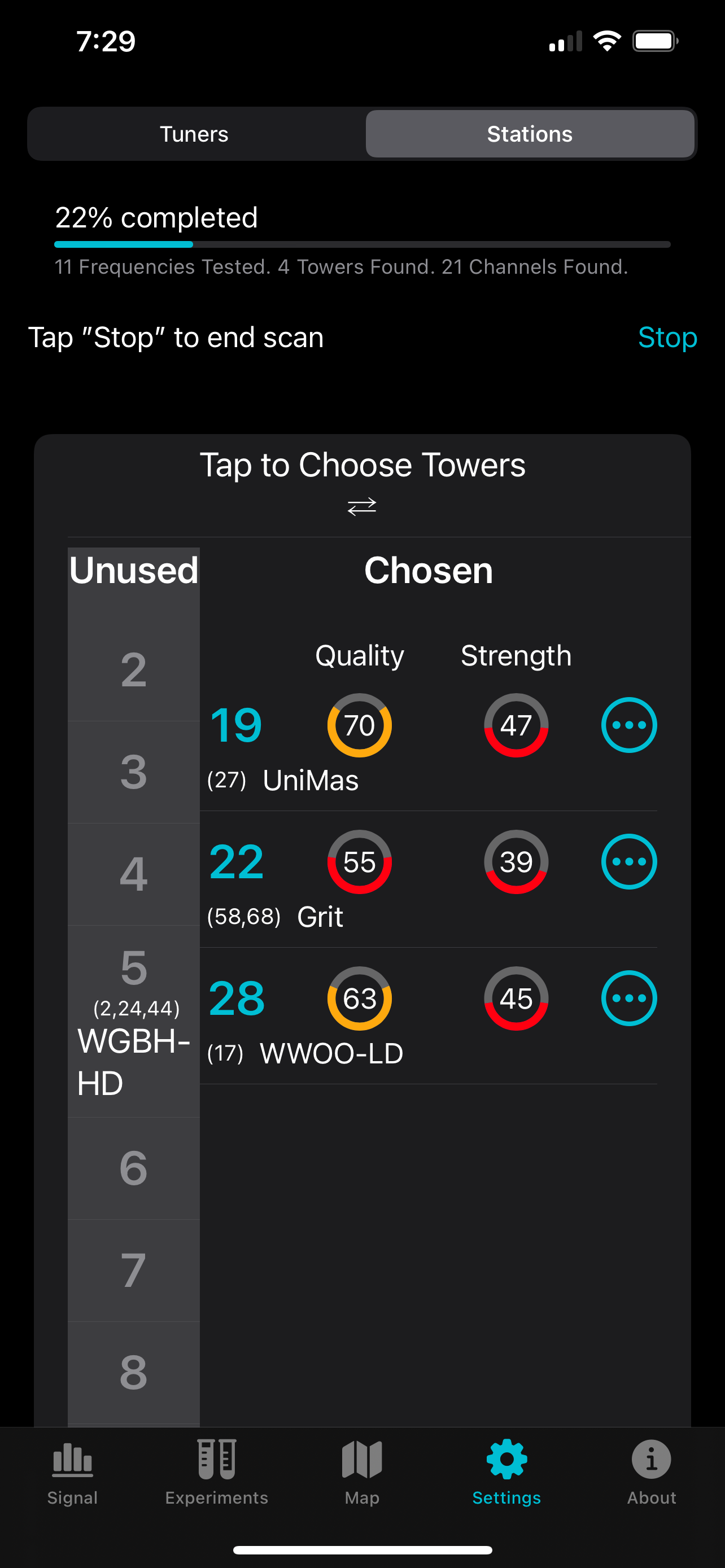
Signal GH is a tool for users of the HDHomerun networked digital TV tuner who want to monitor and improve their Over The Air (OTA) reception quality....