Check the acquisition promise
Read the store headline, screenshots and description. What problem is the app promising to solve?
Study the storefront ↗
Yoshiko Sato · iOS
Explore the ad evidence, study the storefront, and build your next acquisition hypothesis.
01 / Creative research
Read the store headline, screenshots and description. What problem is the app promising to solve?
Study the storefront ↗Explore apps with direct store-link matches. Compare their hooks and formats without assuming the same approach works here.
Browse observed advertisers ↗Store rankings and revenue estimates describe market context. They do not establish ad spend, conversions or ROAS.
Review the market context ↗02 / Storefront & product
Study the product story and store experience behind the acquisition funnel.




03 / Market context
Keep revenue, downloads and store rankings separate from advertising performance.
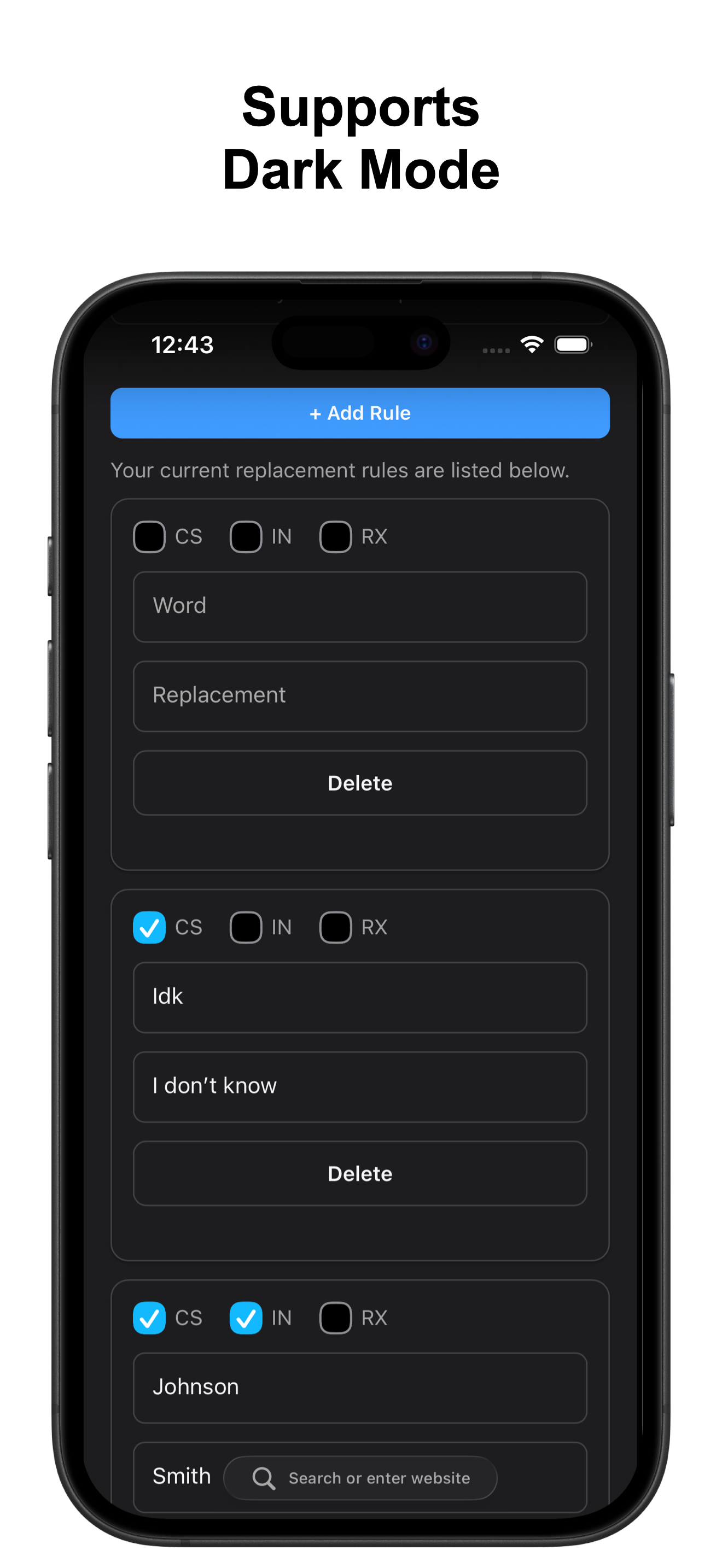
What an incredible extension! And I love that I can now fix the words that are incorrect on websites, but that “plus” button I went looking for it until I realised it’s the button that says “plus” on the extension menu. I wish it said “Add Word” instead! Nobody knows what plus means as a button!
There were some issues, but they’ve been resolved and this extension works perfectly again :)
This is by far the best word replace I’ve used! *imagine more 'this app is great!' praises here bc I’m struggling to express all of my appreciation and approval* I love the export feature since I also use this to make machine translations more readable. I have a few different documents for those MTL errors that have multiple corrections based on the topic/genre. Speaking of machine translation, I found reading MTL to be impossible before having this app. I occasionally used one website that had it’s own word replace function, but it had major flaws and a word replace limit. More importantly, I was completely restricted to reading whatever they happened to release! Thank you for opening up so much content to me by making this app. A translation app + this has vastly expanded my ability to access knowledge and entertainment in the languages I am illiterate. One issue I have is that there are some symbols which cause issues with this extension. Brackets, for one example, stops word replace from functioning until you delete that word replacement. It would be nice to have a list of symbols we can’t use in the 'word' section because (I assume) they’re also used for coding. Some insignificant flaws: As the amount of text replacements increase the word replace page becomes more unwieldy, making editing a hassle. This is especially annoying when you accidentally erase something while scrolling through. The solution I found is to just use the safari 'find on page' function to search for the words that need editing. On some rare websites the 'bottom up' and 'top down' function’s don’t work properly. Or it keeps running word replace on repeat making some rather interesting errors like one word being replaced to two+ constantly alternating words. Mostly this just causes text duplication errors (which you can fix by being painstakingly strict with word replacing). On even rarer websites this app doesn’t even work; this has only happened twice in the 7 months (and many websites) I’ve used this extension. Once was because that website used a hidden cypher to stop others from stealing their content. The other website would allow this extension to work when the page first loaded before quickly reverting back. *My initial review never showed up on here so this is attempt two. Which is probably better since I have a lot more experience using this extension now…
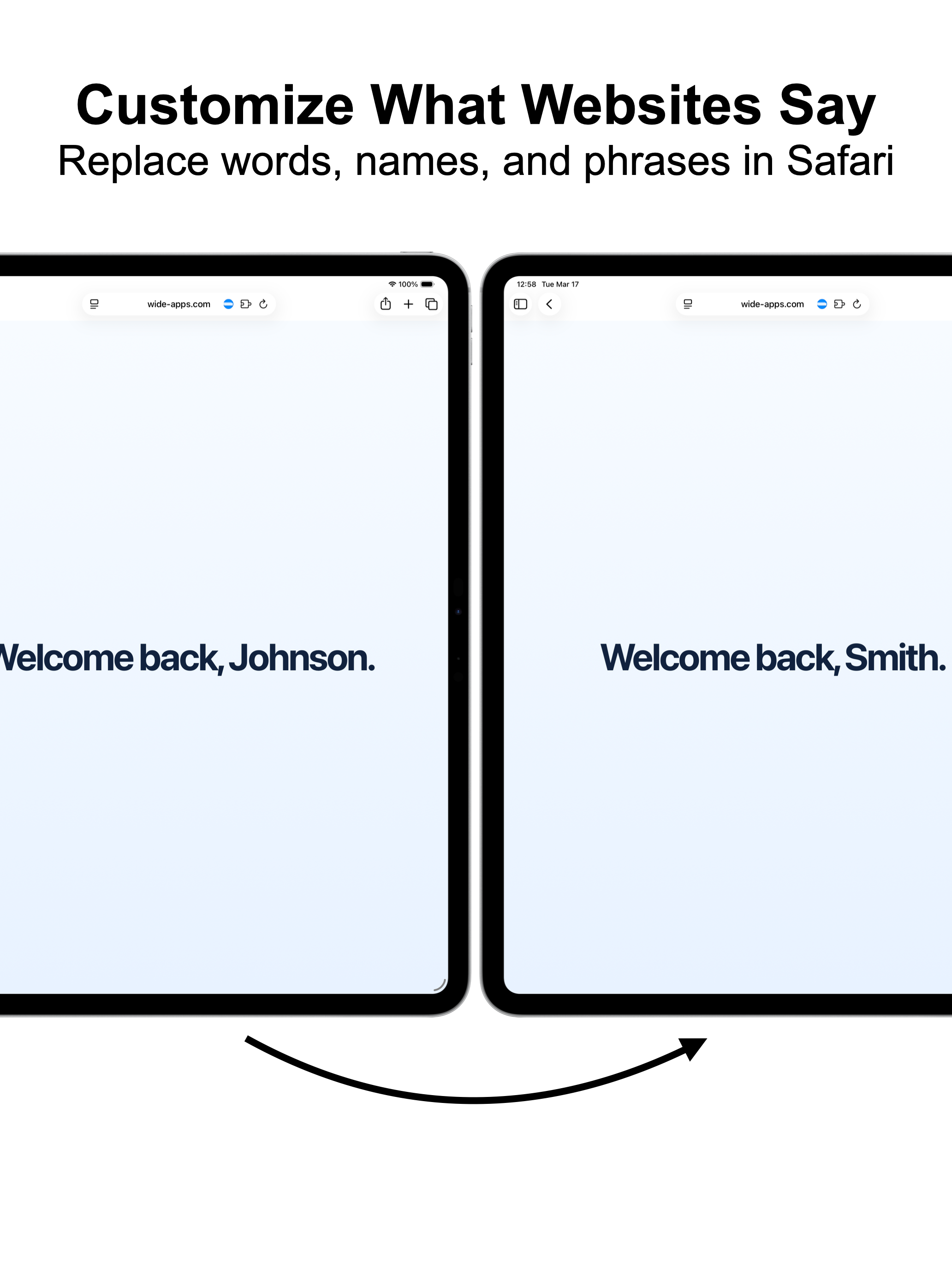
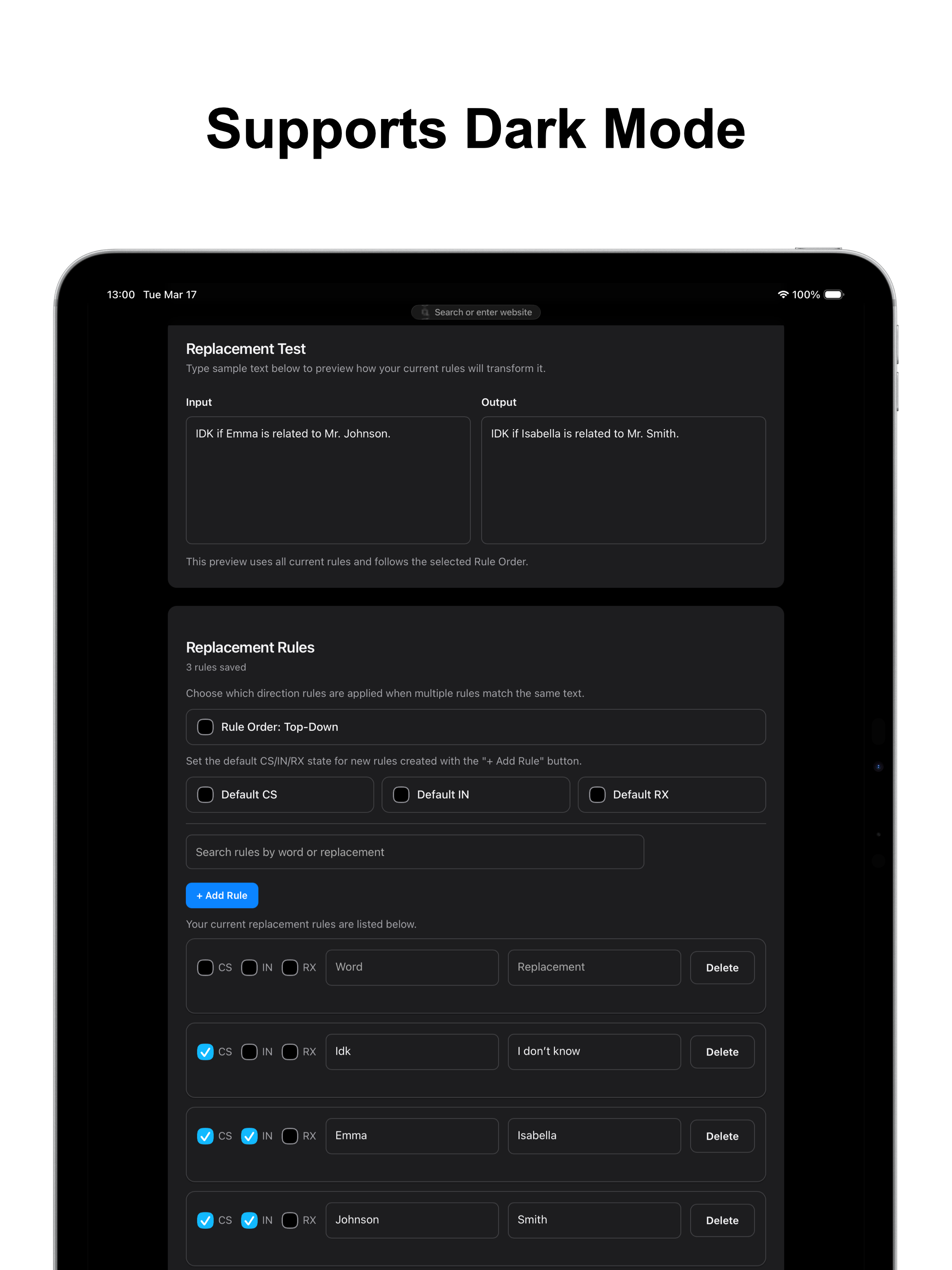
Replace words and phrases on websites with your own text rules in Safari. This Safari extension offers flexible matching options, rule ordering, and c...