
Check the acquisition promise
Read the store headline, screenshots and description. What problem is the app promising to solve?
Study the storefront ↗
Matician, Inc. · iOS
Explore the ad evidence, study the storefront, and build your next acquisition hypothesis.
01 / Creative research
Read the store headline, screenshots and description. What problem is the app promising to solve?
Study the storefront ↗Explore apps with direct store-link matches. Compare their hooks and formats without assuming the same approach works here.
Browse observed advertisers ↗Store rankings and revenue estimates describe market context. They do not establish ad spend, conversions or ROAS.
Review the market context ↗02 / Storefront & product
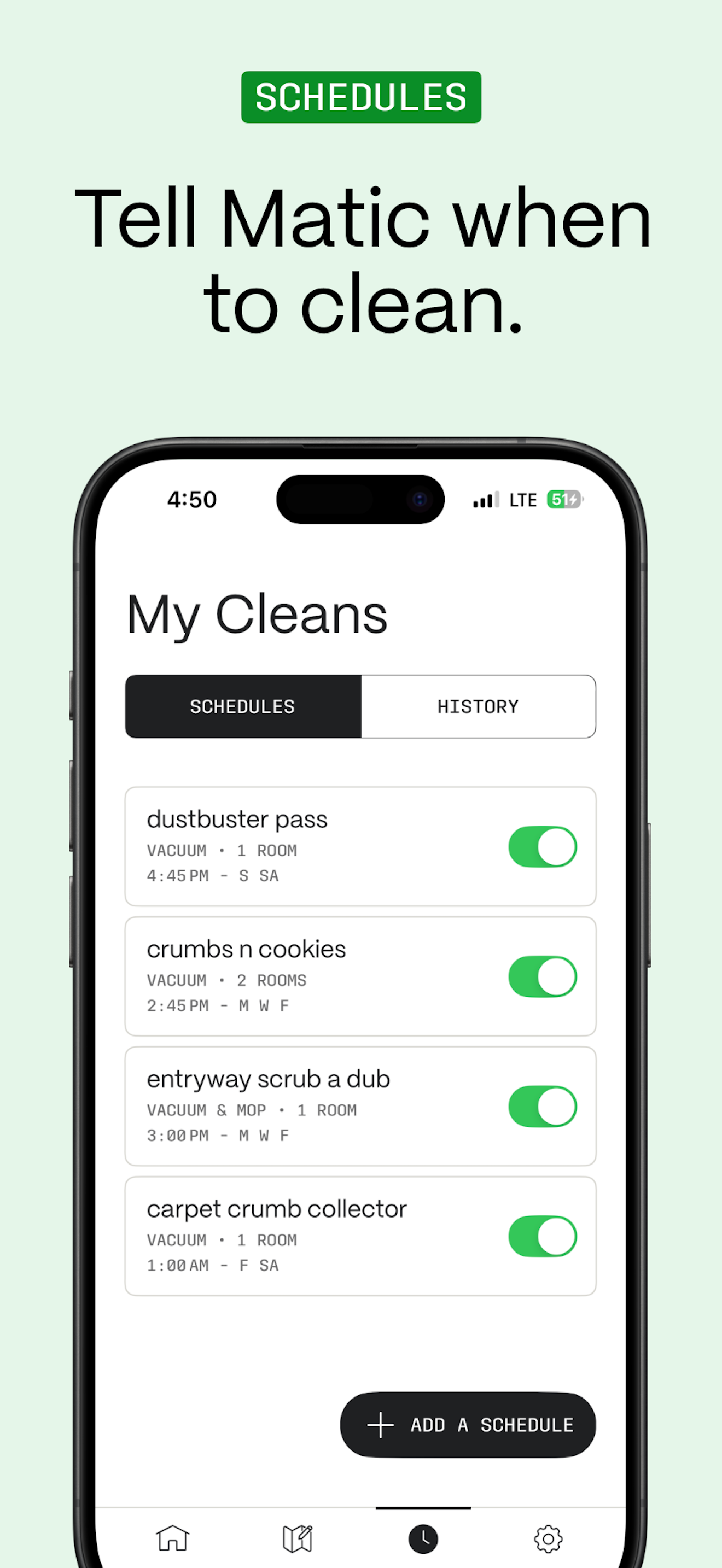
Study the product story and store experience behind the acquisition funnel.




03 / Market context
Keep revenue, downloads and store rankings separate from advertising performance.
This being my first vacuum cleaner, I was hopeful of what it claims it can do. After a little over a couple of months, I don’t regret buying this whatsoever. In fact, my friends and family have been thinking of getting one after hearing me talk about how good vacuum cleaner works and how easy it is to use the app. The company’s commitment to data privacy, the updates to fine tune the robot, its ability to navigate my place, and the overall maintenance were some of the main drivers toward buying this. Also, I love how the app team will throw some cool teasers and features into the app (ex. Have the robot draw stars during July 4th and have animated fireworks go off while it drew).
App has some performance issues, like sometimes when scrolling the settings page it’s just drops to ~15fps (on iOS26.5, 17ProMax). Other than that it’d be nice to have the ability to have routine presets u can run on-demand with 1 click for custom cleans without having to draw every time or schedule them. And for no-go zones it’d be useful to be able to select recognized areas such as carpets instead of having to carefully outline. It would also be nice if it came back to missed spots at least with the deep clean setting, since it shows them on the map as it’s cleaning, sometimes it misses the middle of its turn around radius but it’s an unobstructed spot and I just have to remember where it was and run a custom clean for it after it’s finished.
I love my Matic. Positives: + I can see where Matic is currently located in my house. + This app is fantastic and easy to navigate; I’ve even used the “go here” feature as a pseudo courier — carrying small items (empty dinner plate, drinks, snacks, etc.) to other rooms/people. + The app tells me what stage of cleaning Matic is currently at and shows a progress bar with an ETA. Negatives: - My phone gets very hot if the app is left open for more than 5 minutes. - Upon opening the app, UI elements rejigger for half a second. I’m not confident in this assumption, but it feels like everything is custom designed instead of relying on Swift UI/UX which, I think, would result in a smoother experience. Wish List: ★ Dark mode. ★ Let me double tap and slide up/down on the map in order to zoom in/out à la iOS’ Maps[.]app. ★ The app should show how long Matic has been cleaning in addition to its ETA. ★ The app should show the duration of previous jobs in addition to the start/stop time. ★ There should be battery management (show capacity %, show cycle count, set charge limit, optimize charging, set clean energy charge times). I’m curious how/if I’ll replace its battery in the (hopefully) long future.
Connect to your Matic robot vacuum for smarter, hands-free cleaning. The Matic app gives you full control over your robot vacuum. Set your preferences...


