Check the acquisition promise
Read the store headline, screenshots and description. What problem is the app promising to solve?
Study the storefront ↗
TBDX INC. · iOS
Explore the ad evidence, study the storefront, and build your next acquisition hypothesis.
01 / Creative research
Read the store headline, screenshots and description. What problem is the app promising to solve?
Study the storefront ↗Explore apps with direct store-link matches. Compare their hooks and formats without assuming the same approach works here.
Browse observed advertisers ↗Store rankings and revenue estimates describe market context. They do not establish ad spend, conversions or ROAS.
Review the market context ↗02 / Storefront & product
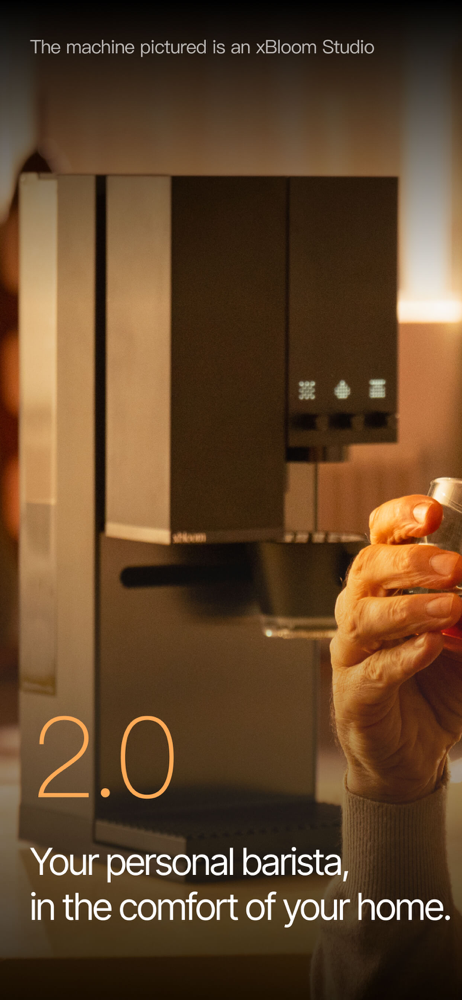
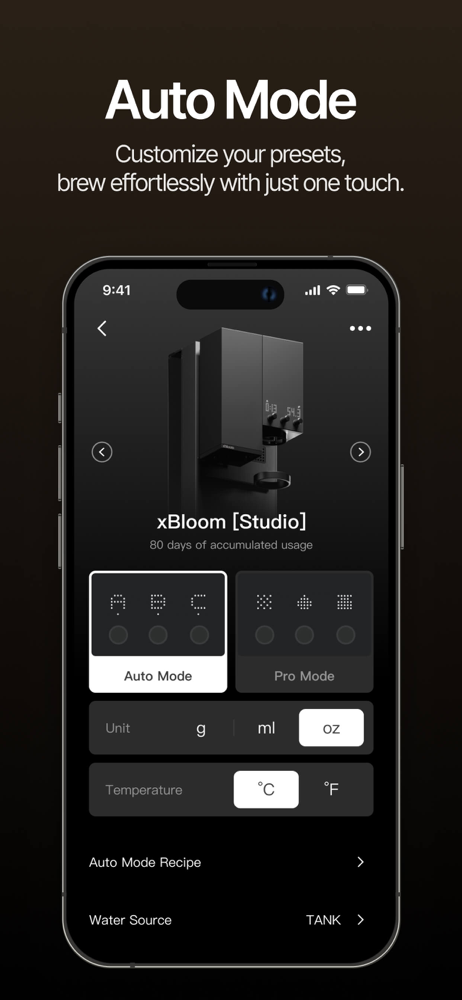
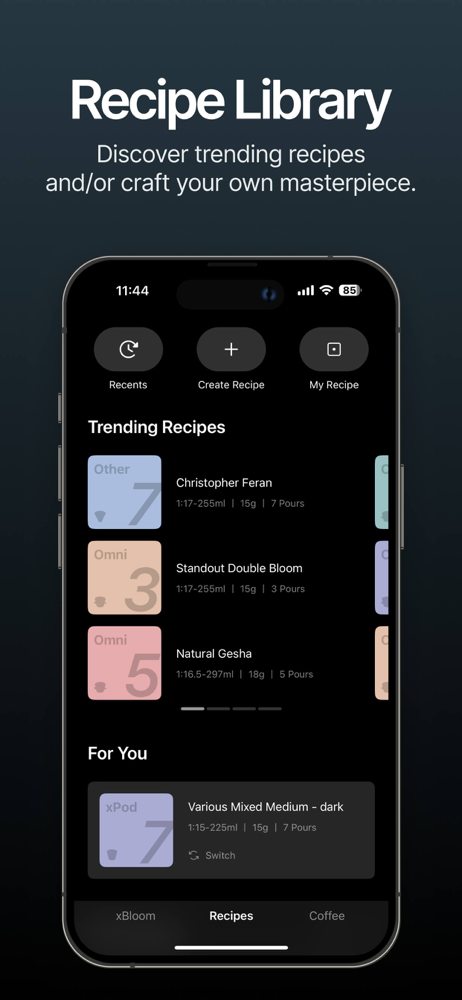
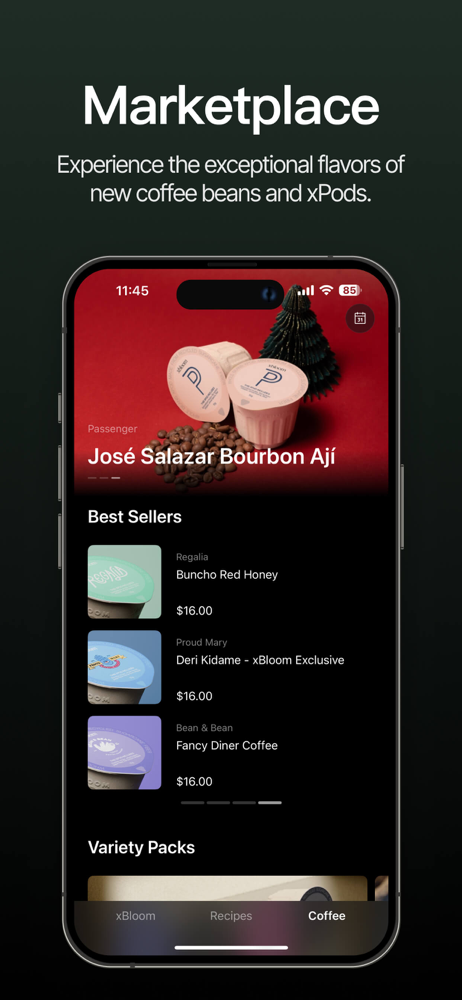
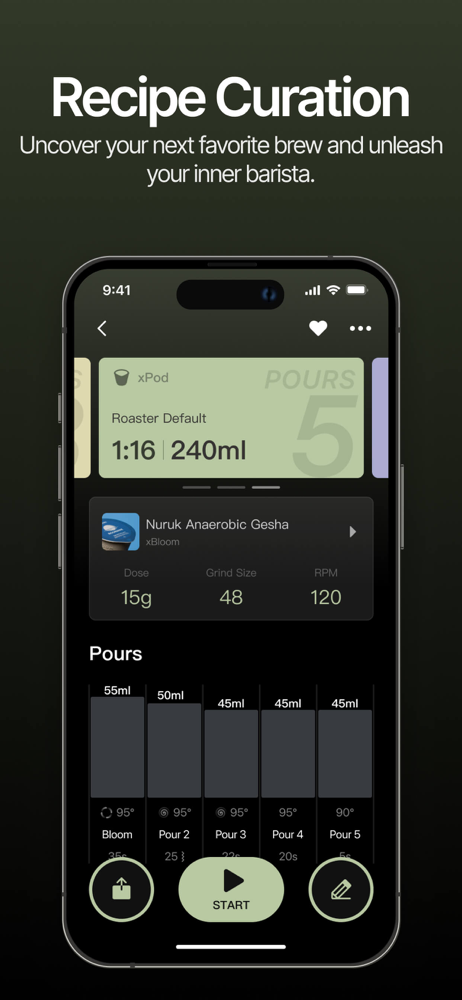
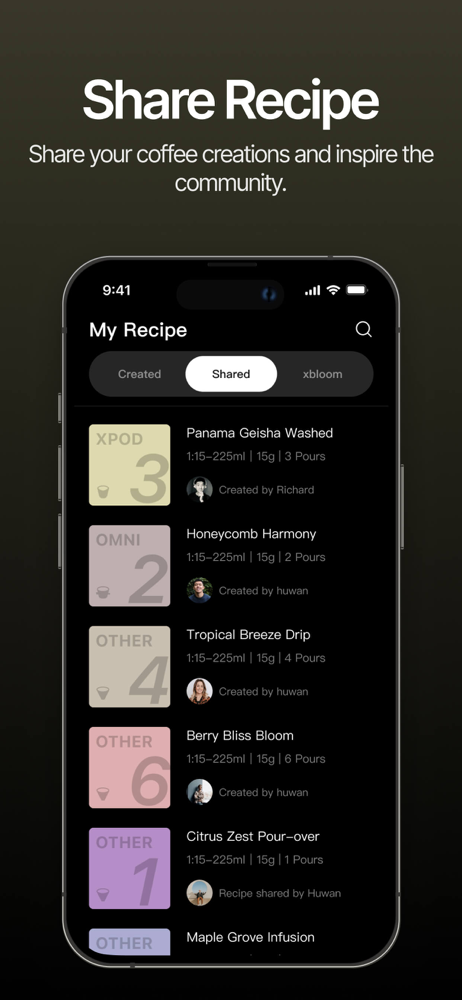
Study the product story and store experience behind the acquisition funnel.


03 / Market context
Keep revenue, downloads and store rankings separate from advertising performance.
Years ago I use to hand pour. Got a random urge to get a nice coffee maker and found this. Wasn’t too hard to figure the app out. Spent a week messing around with making my own “recipes”. Worst part so far was the baby cup size. This is not a normal American pour a cup out of your pot and go to work thing. They are teeny tiny cups. You can only use max 18g of beans and then you have to keep them rough grain and stretch the brew out to accommodate for a slightly bigger cup. But then the timing is too long and cup isn’t as good. Saturday morning comes around and my recipes are no where to be found. The app kept giving my wife and I different error messages. Even after uninstalling the app we couldn’t even sign back in because we had to pick our “region” but that wasn’t working either. So we were left to manually do it on the machine. That wasn’t too hard to figure out but hardly customizable and if you want to use a coffeee that is already ground you can’t use a preset. You have to sort there and press the water button like your hand pouring it.
I’m really enjoying the xBloom Coffee app—it’s easy to use, and the interface is sleek. My xBloom machine pairs perfectly, and the brewing recipes have turned out great every time. One feature I’d love to see is a built‐in scheduling or timer option so I could set my coffee to start automatically first thing in the morning especially when I have everything set. Or allow apple shortcuts so I can run my recipe right before I wake up! Thank you!
My xBloom studio is a revelation and has transformed my coffee enjoyment. The app, though, kinda stinks. The interface is decent enough, but there really should be a wizard for creating new recipes. Some middle ground between auto mode (or, in this context, reusing a generic recipe for different roasts) and dialing every. single. tiny. detail. Ease us into it. Meet us where we’re at re: granular controls. It should warn us when our recipe is liable to overflow the “Omni cup.” There should really be a recipe database/marketplace where folks can exchange recipes for particular roasts. And there should REALLY be live activity integration on iOS. Seriously I can’t think of an app that could make better practical use of that often-gimmicky feature on iOS. My 3 stars are perhaps harsh. If I’m reviewing both the machine and the app at once it’s 4.5 stars. Just the app, 3.5-4. But PLEASE consider these improvements and it’ll be an immediate 5 stars from me.
Optimize Every Brew with xBloom Coffee App Elevate your xBloom coffee experience with our App, engineered to integrate seamlessly with both the xBloo...