
Check the acquisition promise
Read the store headline, screenshots and description. What problem is the app promising to solve?
Study the storefront ↗
Cambridge Technology Innovation Centre Ltd · iOS
Explore the ad evidence, study the storefront, and build your next acquisition hypothesis.
01 / Creative research
Read the store headline, screenshots and description. What problem is the app promising to solve?
Study the storefront ↗Explore apps with direct store-link matches. Compare their hooks and formats without assuming the same approach works here.
Browse observed advertisers ↗Store rankings and revenue estimates describe market context. They do not establish ad spend, conversions or ROAS.
Review the market context ↗02 / Storefront & product
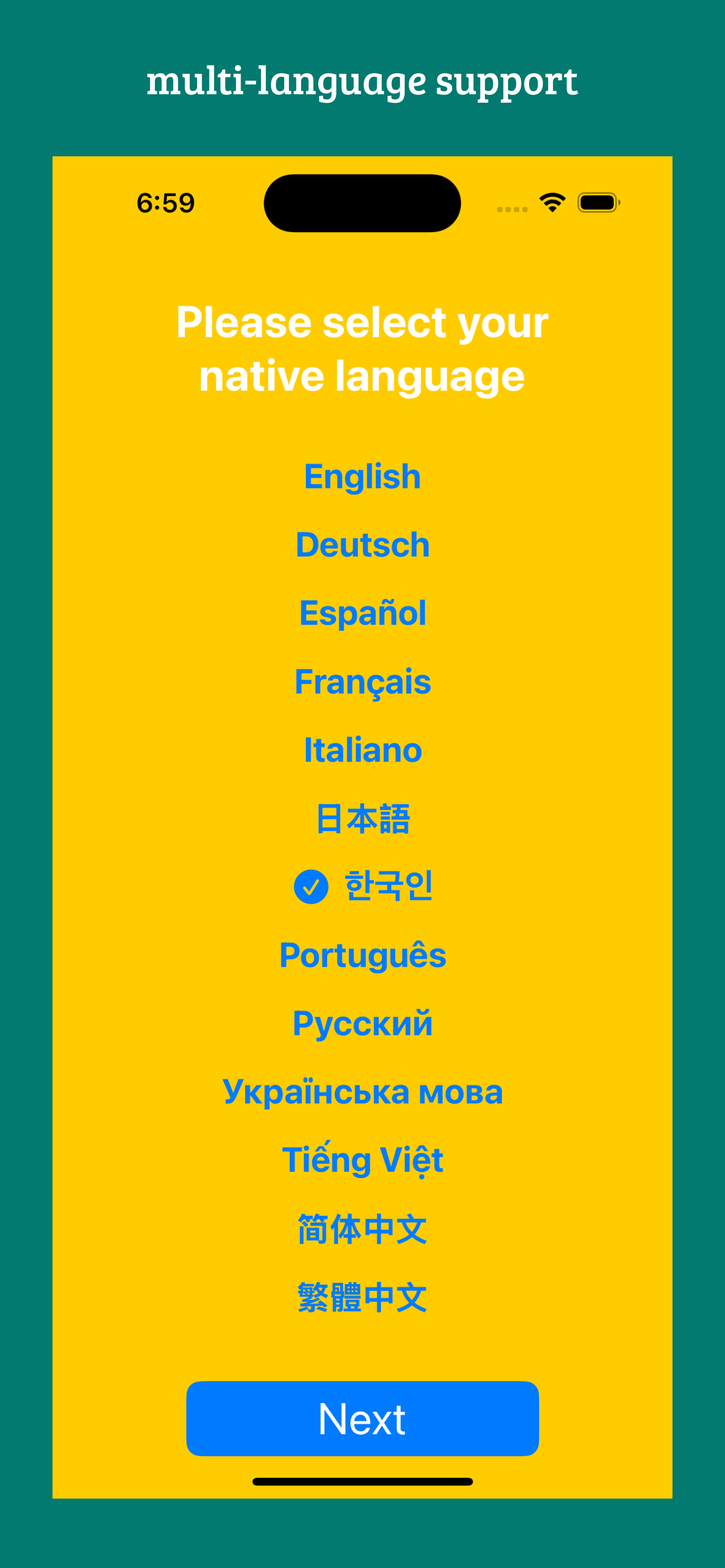
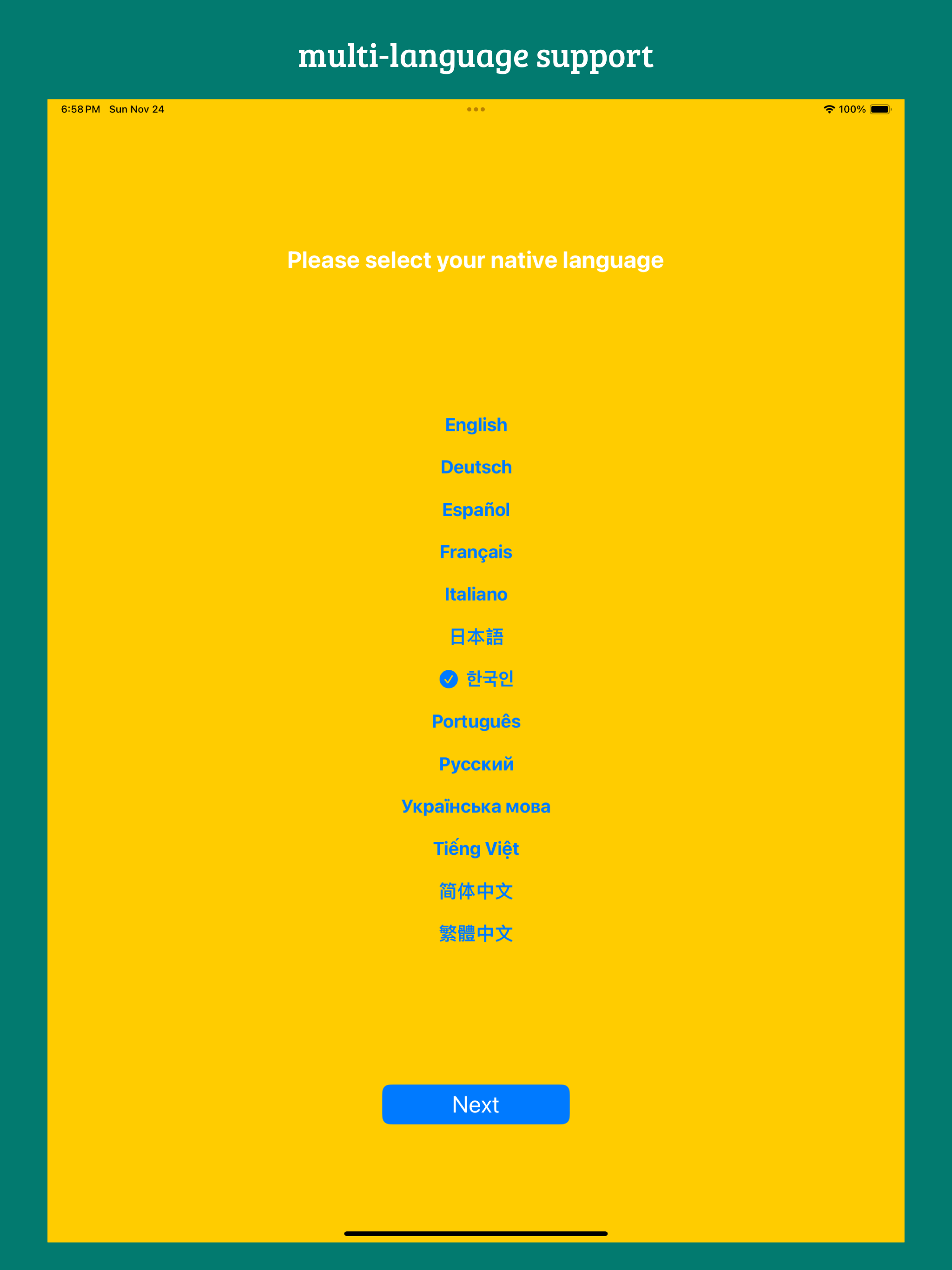
Study the product story and store experience behind the acquisition funnel.


03 / Market context
Keep revenue, downloads and store rankings separate from advertising performance.
Edit: After working with the developer, my issue is resolved and I’m able to see the translations in between the lines. I really like that the translations stay, like when you write them on a real book, versus using the translate feature on Kindle, where it shows you then disappears. I love the idea of this app, especially importing epubs. However, when I click on a word to translate it, the English word shows ‘behind’ the main text so you cannot read it, unlike in the app photos where the translation shows in between the lines clearly. The manual for this app is blank, so not sure how to fix this. Would love to be able use this app more, please fix, thank you.
Dive into the world of foreign language reading with KeepReading—your ultimate companion for learning without interruptions. Forget the hassle of sto...


