
Check the acquisition promise
Read the store headline, screenshots and description. What problem is the app promising to solve?
Study the storefront ↗
David Swanson · iOS
Explore the ad evidence, study the storefront, and build your next acquisition hypothesis.
01 / Creative research
Read the store headline, screenshots and description. What problem is the app promising to solve?
Study the storefront ↗Explore apps with direct store-link matches. Compare their hooks and formats without assuming the same approach works here.
Browse observed advertisers ↗Store rankings and revenue estimates describe market context. They do not establish ad spend, conversions or ROAS.
Review the market context ↗02 / Storefront & product
Study the product story and store experience behind the acquisition funnel.


03 / Market context
Keep revenue, downloads and store rankings separate from advertising performance.
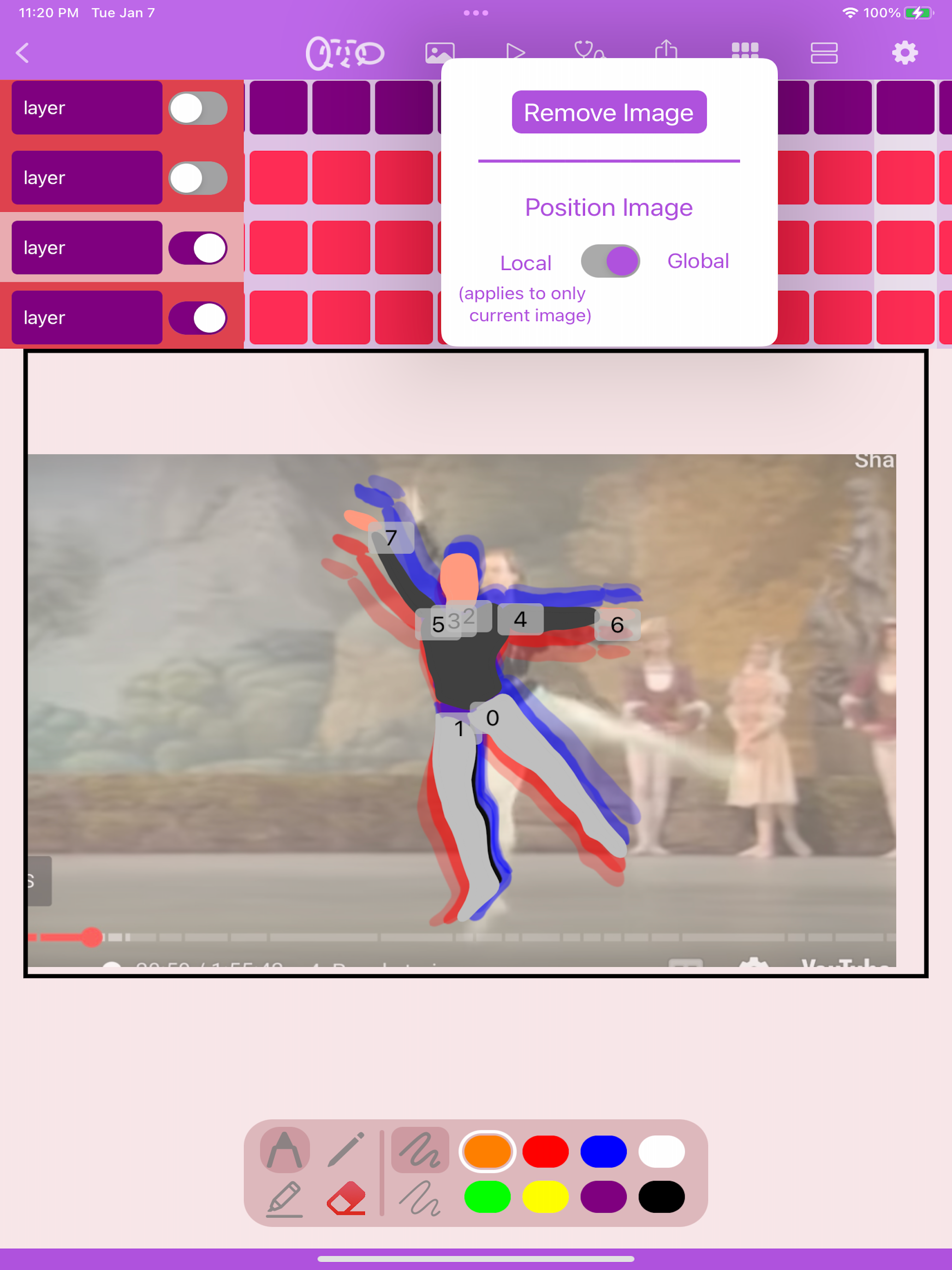
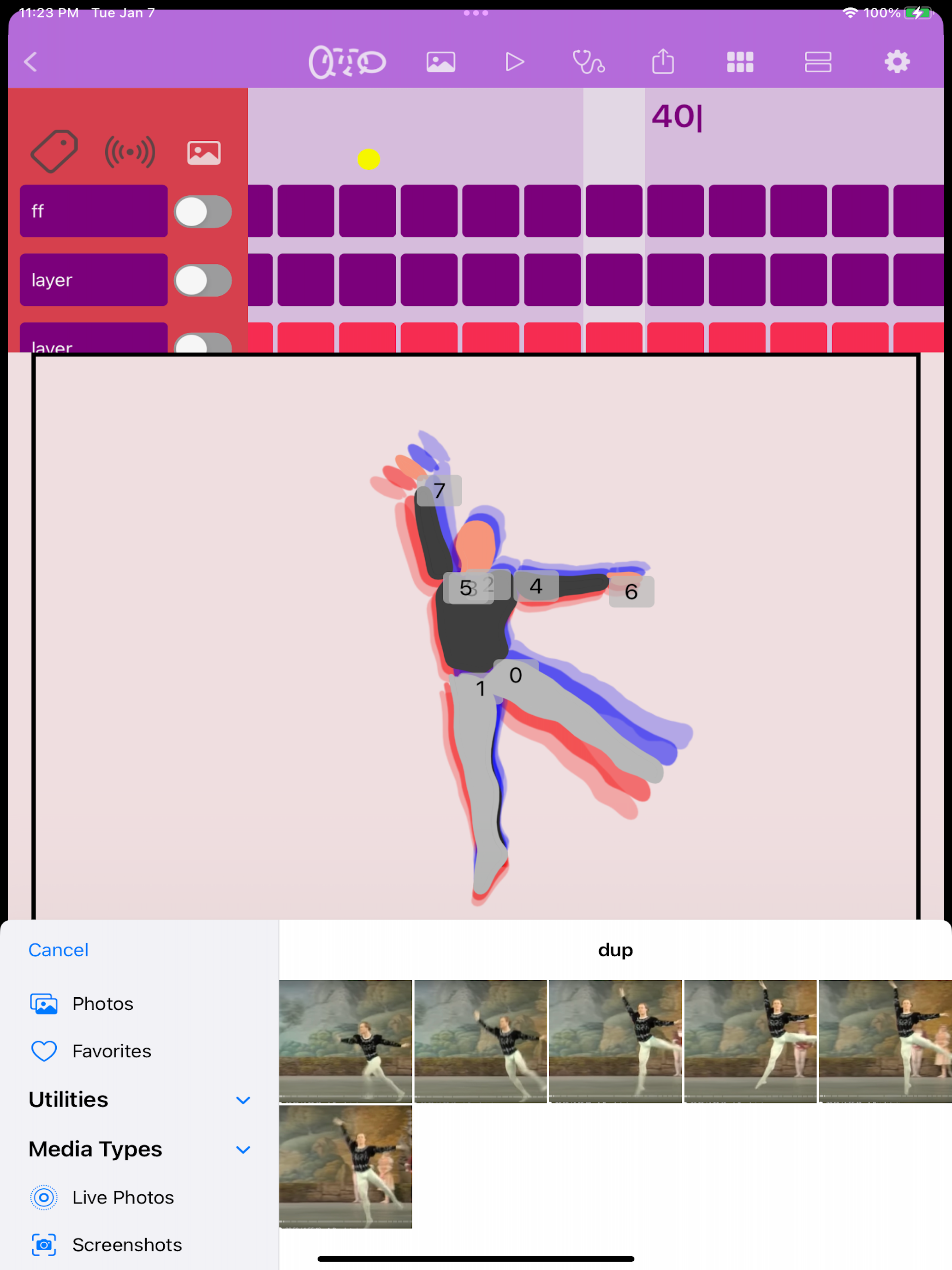
hits fundamentals for an animation app. ‘tweening’ feature works on lines and solid shapes. Reference image feature works well but unfortunately are not saved with projects.
I have an M1 iPad Pro running iPad OS 16.5.1. The in between button does nothing when clicked. The only thing that seemed to work is holding the in between button down and then click the play button. And then not all in between frames are drawn. Also, after exporting out frames as pngs, return to project and it is gone. I’m a seasoned animator and just wanted a quick app to help visualize movements but this app does not work as expected.
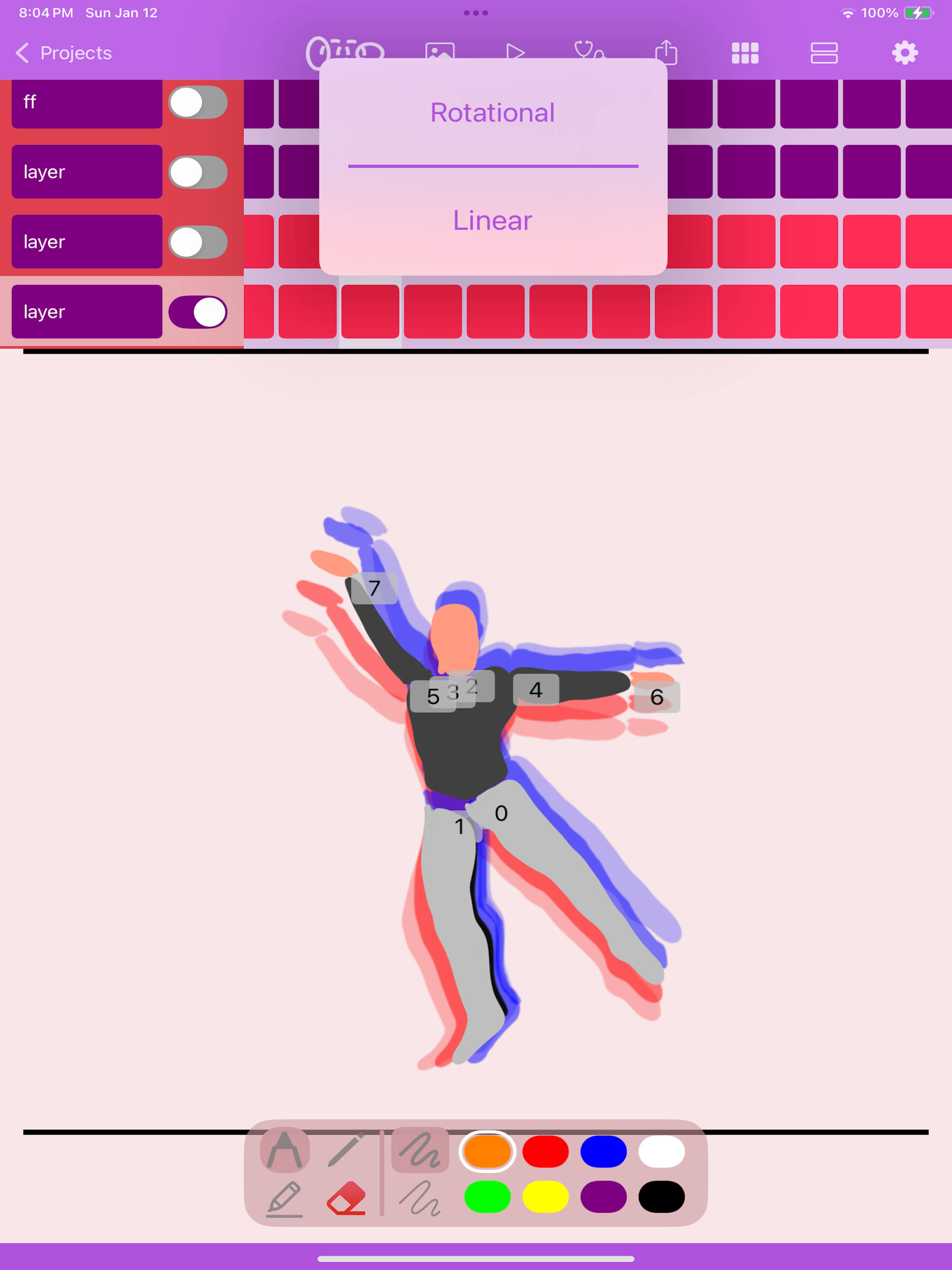
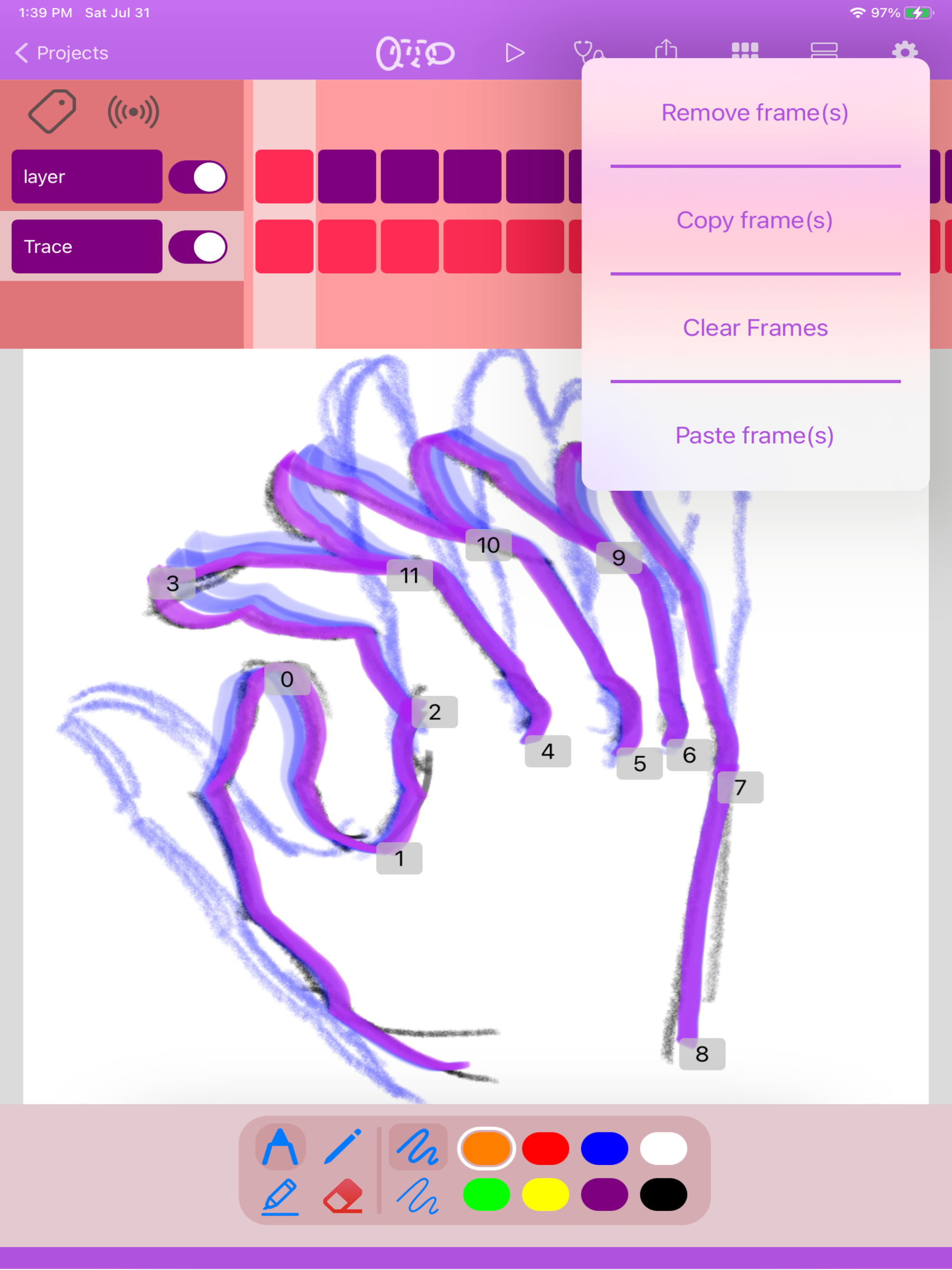
the autoTween feature is unique and useful
autoTween Animate is an animation app that makes the process of in-betweening key frames easier by automatically interpolating pencil strokes between...


