Check the acquisition promise
Read the store headline, screenshots and description. What problem is the app promising to solve?
Study the storefront ↗
In Ordinem LLC · iOS
Explore the ad evidence, study the storefront, and build your next acquisition hypothesis.
01 / Creative research
Read the store headline, screenshots and description. What problem is the app promising to solve?
Study the storefront ↗Explore apps with direct store-link matches. Compare their hooks and formats without assuming the same approach works here.
Browse observed advertisers ↗Store rankings and revenue estimates describe market context. They do not establish ad spend, conversions or ROAS.
Review the market context ↗02 / Storefront & product
Study the product story and store experience behind the acquisition funnel.




03 / Market context
Keep revenue, downloads and store rankings separate from advertising performance.
How do I un-update this app?? It was so much better a few months ago. It’s been “streamlined” - aka had helpful features removed and given a makeover that totally changes the vibe from fun to sterile. What helpful features? Well it used to suggest which pictures should be favorites, which should be kept, and which should be trashed. Then when looking at a set of similar photos, it would put the “best” (not always the best but I liked that it made a suggestion and was often right) one first. Now it makes no suggestions, and in essence feels exactly the same as just scrolling through my Photos app. What’s the point of having this app, then?? I used to be able to open this app for 15 minutes, pick a month’s worth of photos, and decide how much effort I wanted to put in. High effort: I could examine each photo individually and decide if the AI suggestion was right. Or low effort: I could just glance at the AI suggestions, accept the suggestions, and move on - this was especially good when looking at a month of photos I didn’t care as much about. Now there’s only high effort all the time. So frustrated!!///Edit: I see that the app still makes subtle “favorite” suggestions, but this is only visible when browsing images individually (you used to be able to see an “overhead view” that was super helpful). One more complaint: the app used to “chunk” the images into sets of ~30, now it just shows you an entire month at a time. I miss being able to take a “single bite” out of the job of sorting photos, so to speak
Thank you, Good Ones, for the idea/creation of this app that I have been needing for many years!!! I love the tracking of my progress to get through my 85K photo library. I do have a few suggestions: I would love to see the File Cabinet logo, Trash Logo and Heart Logo in filled-in colors after they’ve been selected on the photos. The white fill with purple or orange outline as the select button are fine but the white outline below on the selected photo is hard to differentiate between when looking at the file cabinet and the trash. I hope that makes sense. I would like a setting to have a “batch” be any number things. Sometimes I want a “batch” to be one day. I did a couple of weddings and the similar photos end up being in different batches so I really can’t eliminate the bad and keep the good when I can’t see them all at once. I would like to view photo batches in order and not mixed up. Also, sometimes I want to keep or delete a photo based on vertical/horizontal so maybe a symbol of an arrow going up and down or sideways would help me since the photos are kind of square and hard to tell. If you really get fancy, it would be sweet to have a button to push to zoom out on the photo all the way to check and see if it is cropped ok on the edges. When I want to see the whole think I click into edit and that works ok. Also, I love the idea of having the automatic decision made for me but I have disagreed with many of those auto decisions. Sometimes it is preference but sometimes the app chose the one with dark lighting and I’m not sure why. Thank you for making this app and I hope you’ll consider my suggestions to make it even better! 💜💟💜💟💜
Photographs can accumulate at an alarming rate. This app helped me peel through 25k photos in 9 short days. I ultimately trashed 15k (just swipe left or right & empty your trash bin at the end.) The app guides you year by year and month to month so the finish line was always in sight and serves as a motivator. Even if you don’t do it in 9 days, it’s an excellent way to begin creating a more manageable photo collection. You can do it while waiting in line, before bed - small steps take you to the end. I continue to do it week to week and appreciate how user friendly it is.
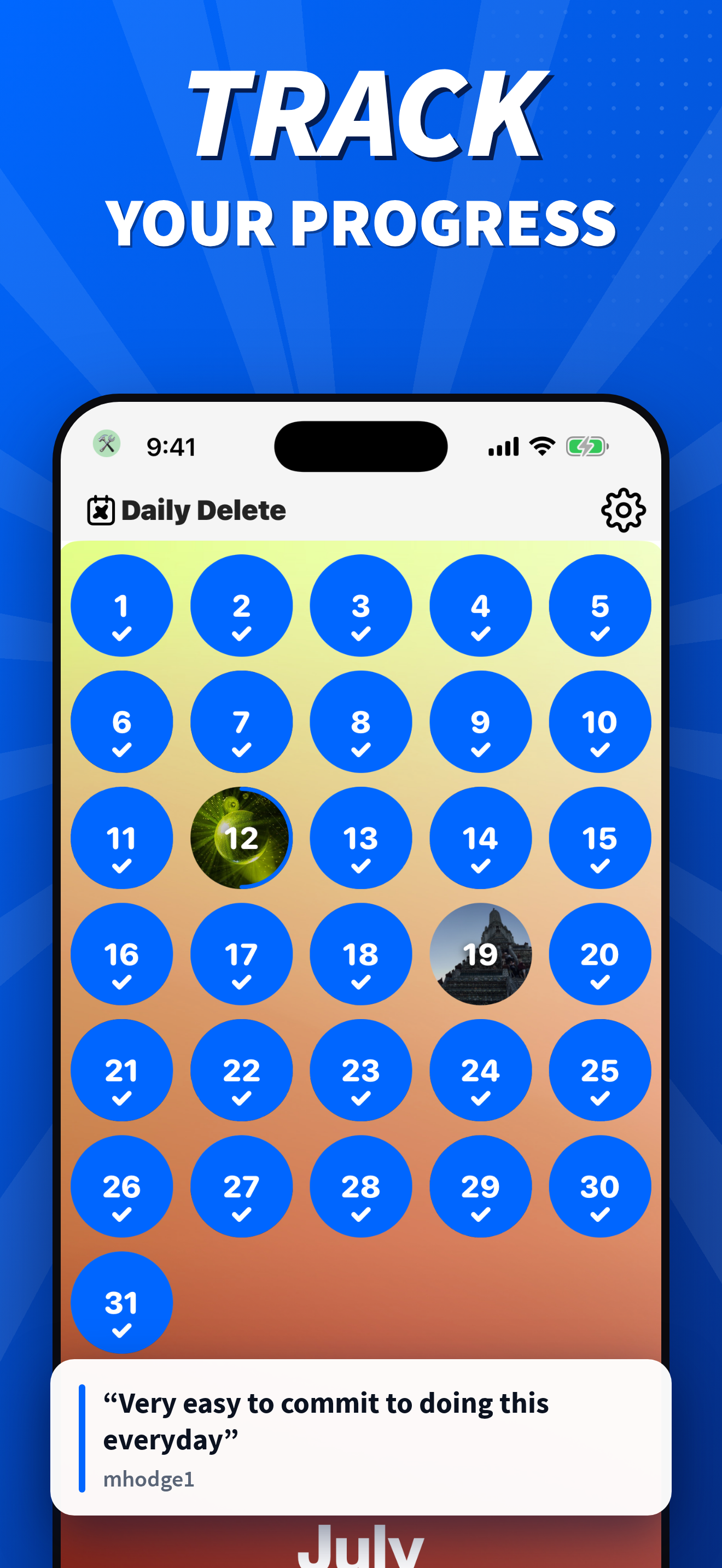
Open Daily Delete and you see every photo you took on today's date — this year, last year, the year before that. One short deck, already waiting. Swip...
| Name | Price | Type |
|---|---|---|
| Ollie Plus Weekly | $3.99 | Weekly |
| Ollie Pro - Weekly | $6.99 | Weekly |
| Daily Delete Pro - Weekly | $6.99 | Weekly |
| Daily Delete Pro Yearly | $33.99 | Yearly |
| Daily Delete Pro Yearly | $34.99 | Yearly |
| Daily Delete Pro Yearly | $34.99 | Yearly |
| Daily Delete Pro Yearly | $39.99 | Yearly |
| Ollie Plus Yearly | $39.99 | Yearly |
| Ollie Pro Yearly | $39.99 | Yearly |
| Daily Delete Pro Yearly | $39.99 | Yearly |